 |
 |
 |
We add 2 new features to our web target:
- New methods to read URL through which your page was accessed, and get query parameters of this URL. The use-case is creating webpages that react to URL parameters, e.g. expose a model viewer on URL like
https://viewer.castle-engine.io/?url=http://example.org/model.gltf(working version of this coming soon!). Use these methods:Application.PageUrl– get entire URL as a string,-
Application.PageUrlQuery– get query part of the URL (the part from?), as a string, -
Application.PageUrlParameter– get value of a specific query parameter, -
Application.PageUrlParameters– get all query parameters as a dictionary
This API exists on all platforms, just returns nothing on non-web platforms. So you don’t need to use any
$ifdef WASIwhen accessing this. -
TCastleDownloadclass works on the web now. It allows to make HTTP requests, e.g. download files or communicate with REST APIs. See URLs, loading resources and Multi-player (network communication) for general usage description.Underneath, it uses XMLHttpRequest which is the standard way to make HTTP requests on the web. It supports all HTTP methods, custom headers, progress monitoring and generally all features of our
TCastleDownload.Examples:
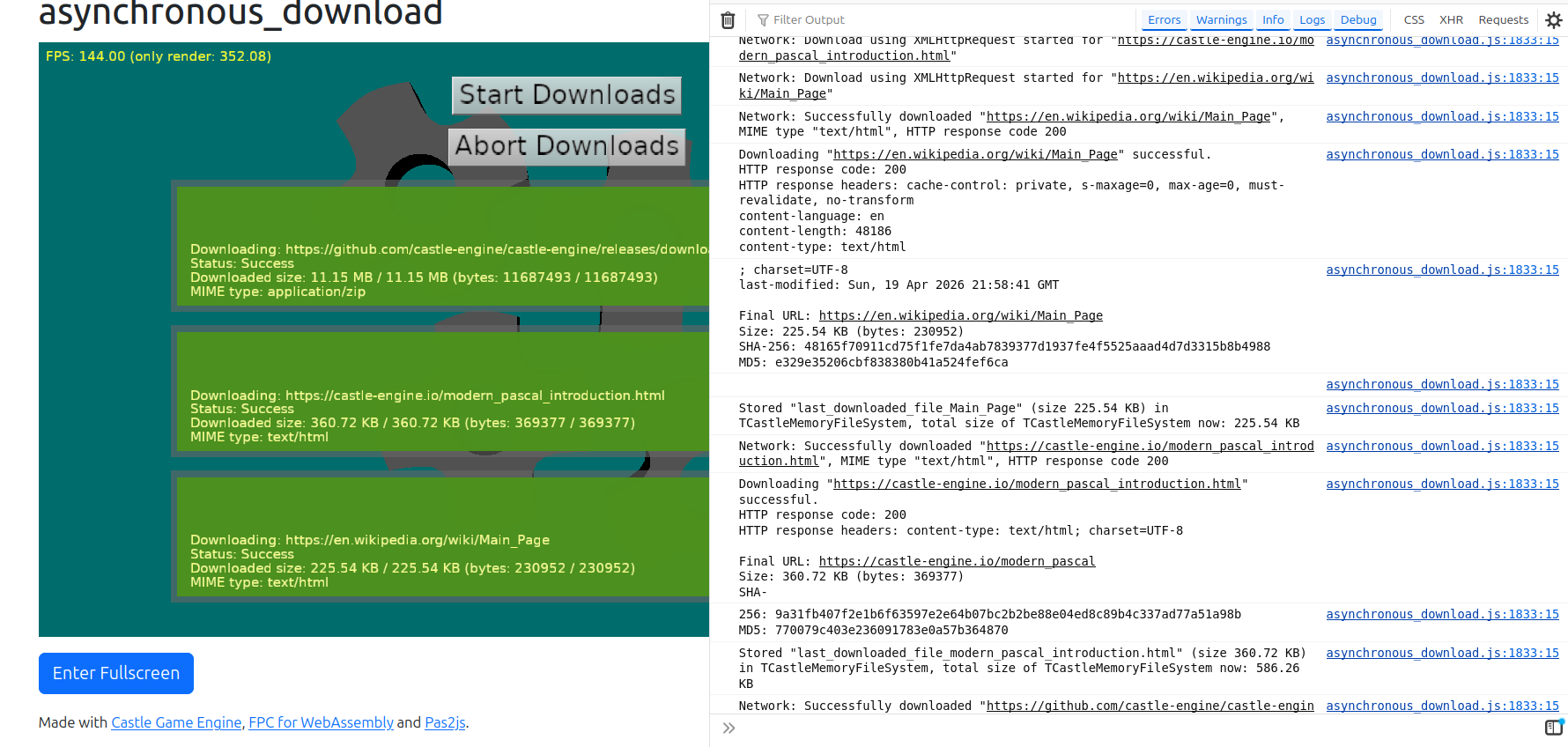
- examples/network/asynchronous_download/ – simply download real data from various real servers. Downloads asynchronously (without blocking the UI, animations etc.) I added to this example showing (in log) MD5 and SHA-256 checksums of the downloaded contents, so we can easily confirm that indeed it downloads 100% correct data.
-
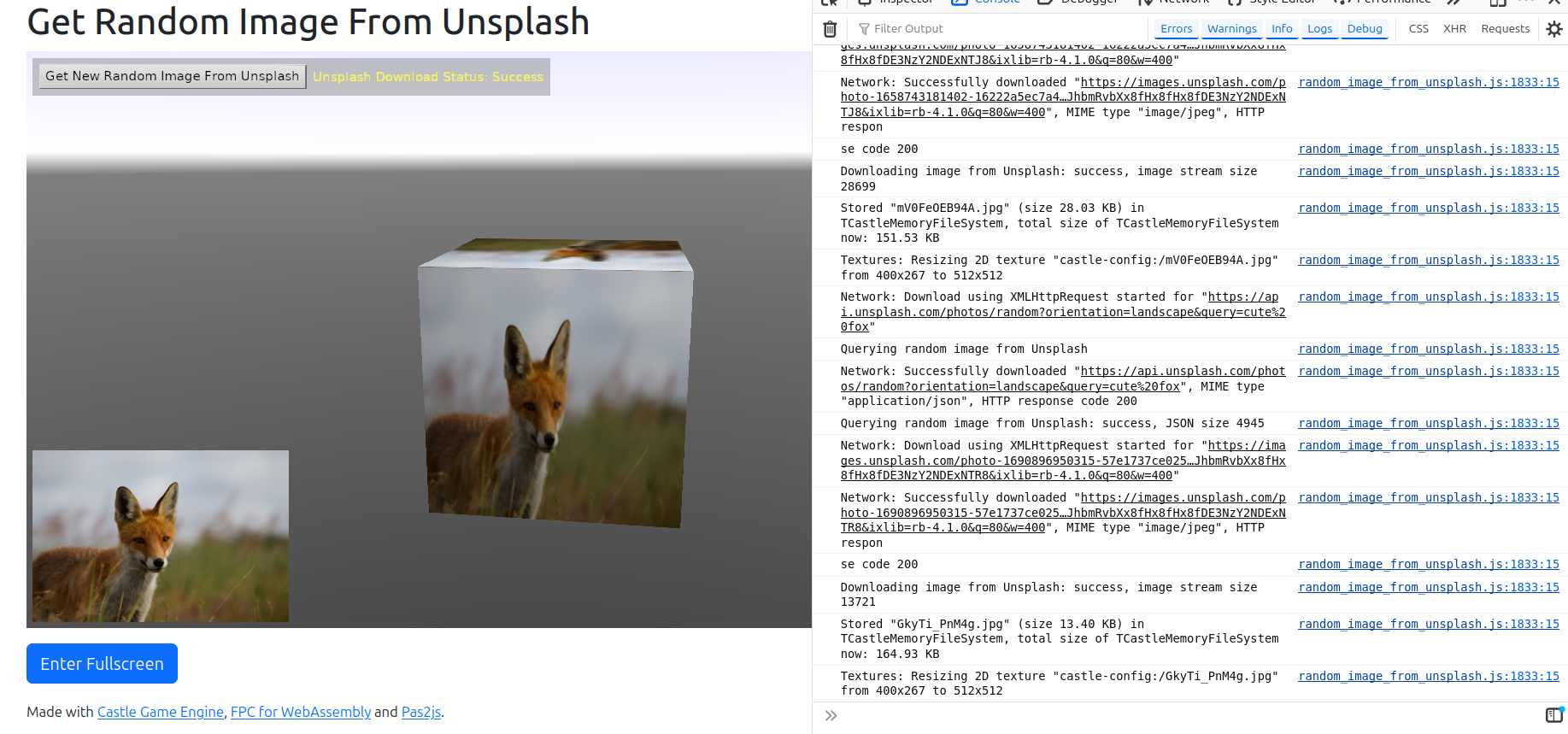
examples/network/random_image_from_unsplash/ – communicate using REST with Unsplash API. Shows that, beyond simple downloading, also
TCastleDownload.HttpHeaderworks. -
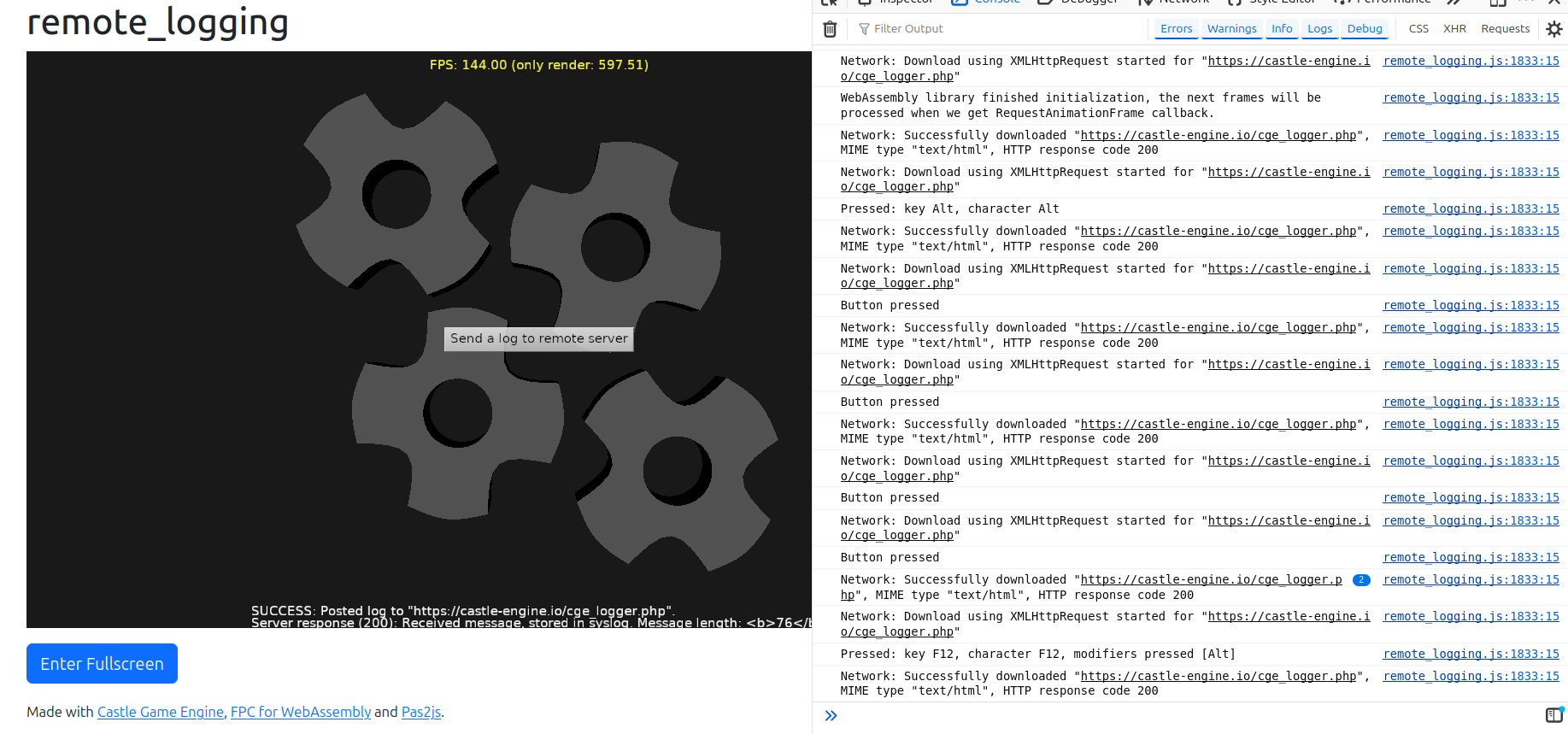
examples/network/remote_logging/ – send using POST (
Request.HttpMethod := hmPost,Request.HttpPostData.Values[ParameterKey] := ParameterValue). I verified on the server (that receives data using simplest PHP script that logs POST parameter) that it received correct data.
Note that CORS (Cross-Origin Resource Sharing) security will prevent our application on the web from downloading things from other domains.
This is a standard security feature of web browsers. It is unavoidable from our side (application living inside a web page). All web application (using JS or WebAssembly) have to deal with it.
-
For development, you can disable CORS in your browser. E.g. on Firefox with CORS Everywhere extension does the job. Chrome supports
--disable-web-securitycommand-line option. Search the web for details specific to your browser. -
For real usage, the server has to be configured to allow downloading from it. It generally involves configuring the server to return appropriate header, like
Access-Control-Allow-Origin: *. See CORS documentation at MDN and example configuration for Apache.

Start the discussion at Castle Game Engine Forum