 |
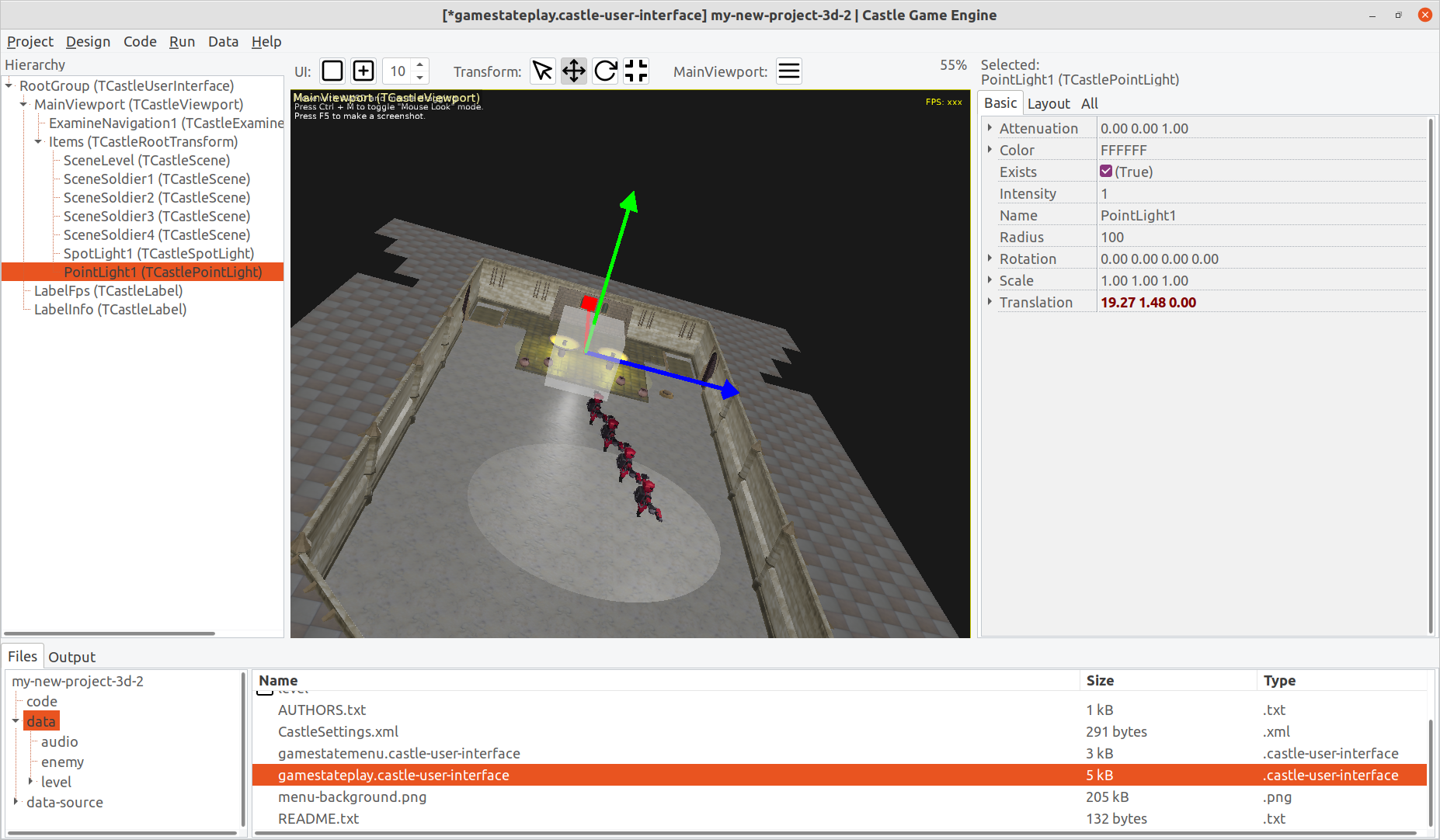 |
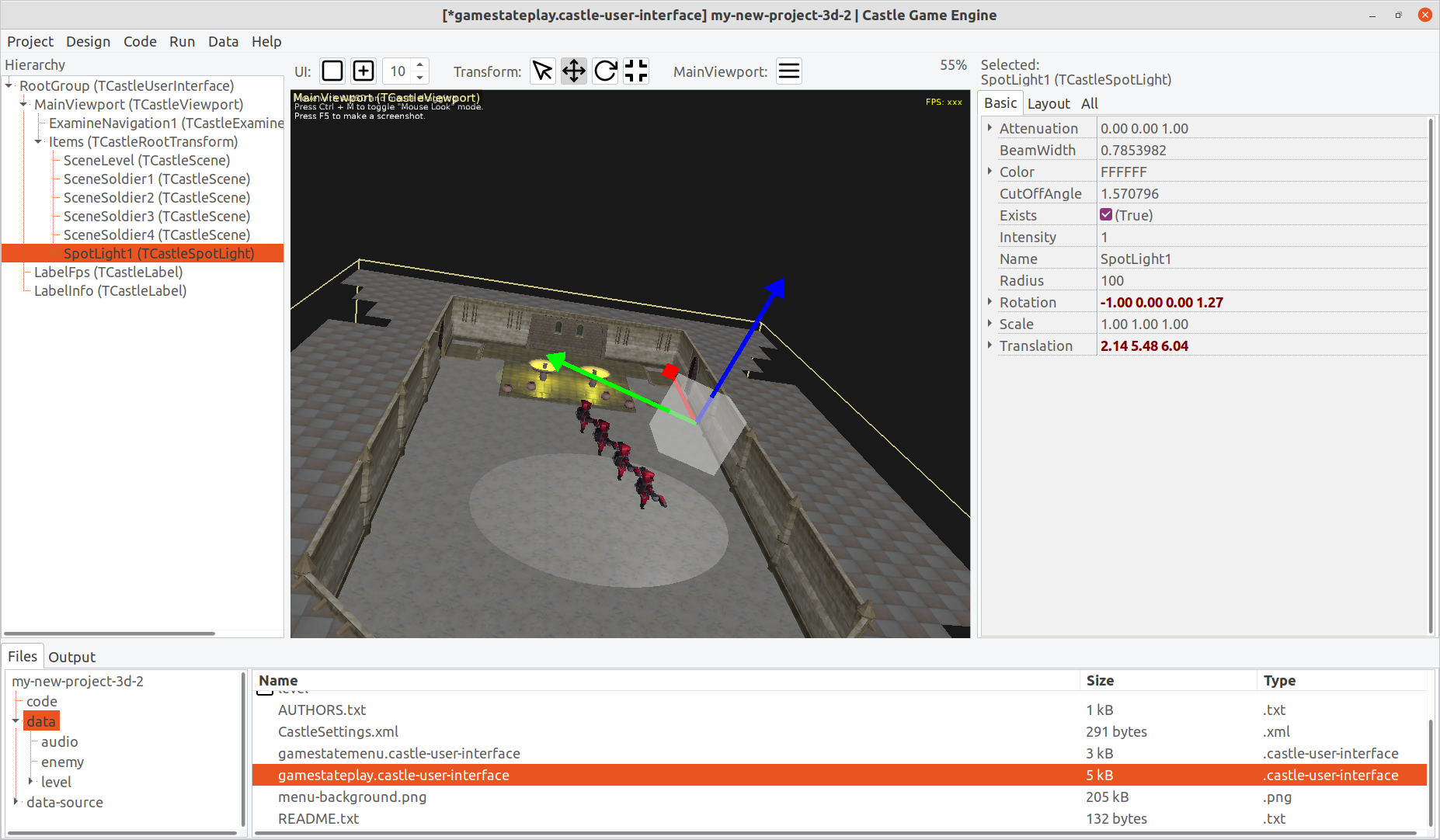
Just a sneak peek of what I’m working on now 🙂
|
|
|
|
Just a sneak peek of what I’m working on now 🙂
 |
To implement in-app purchases on Android, under the hood we use Google Play Billing Library. We have just upgraded the way we use it, to follow the latest API (no AIDL, and use built-in asynchronous methods).
This is important if you use in-app purchases on Android. Since November 2021 (in one month) Google will no longer allow uploading Android builds (APK, AAB) that use the old API.
There’s no change to the Castle Game Engine public API. Just use the Pascal unit CastleInAppPurchases, following the documentation how to implement in-app purchases on both Android and iOS. Both consumable and non-consumable in-app purchases are supported.
The Unholy Society is already using the new API for our only purchase in the game.
 |
 |
Various improvements to various asset formats:
We now implement Wavefront OBJ texture options. They are all parsed correctly, and the scale, offset, clamp are actually handled.
We can also generate PBR (physical) materials when reading Wavefront OBJ files. This feature is for now experimental, and you have to toggle global WavefrontPhongMaterial in X3DLoadInternalOBJ unit to false. In effect, we will create X3D PhysicalMaterial nodes from Wavefront materials, and we’ll use Pr for the PhysicalMaterial.MetallicRoughnessTexture. See the X3D specification of PhysicalMaterial for details what it implies.
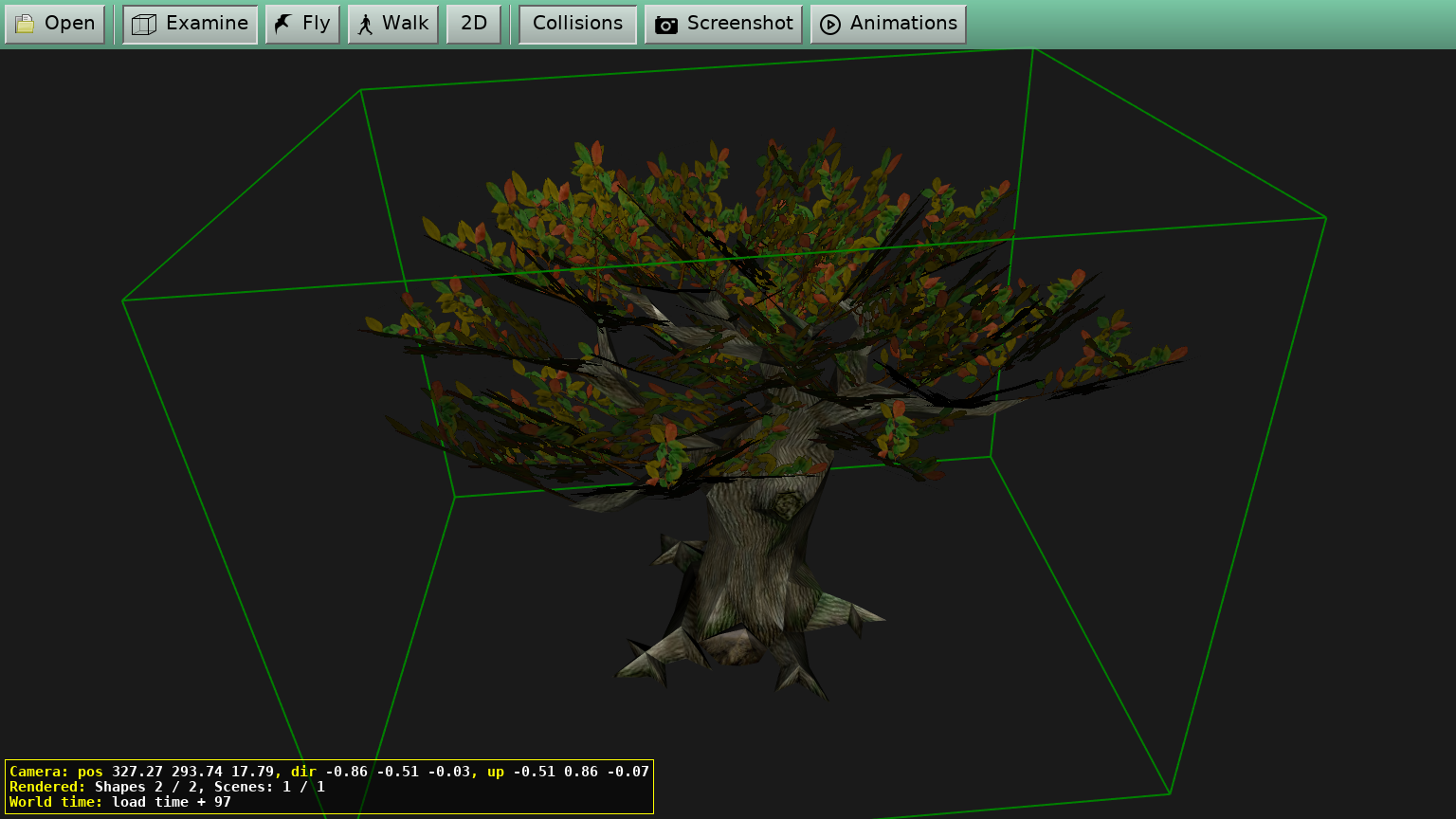
We now support curve animation for Spine free form deformation. Thanks go to Kagamma (Trung Le) for implementing this!
The testcase is in our demo-models, open spine/free_form_deformation/exported/skeleton.json and run head_curve animation.
Fixed important bug on all 3D models that could use automatic normals generation based on creaseAngle (like X3D and Wavefront OBJ by default).
Copyright Michalis Kamburelis and Castle Game Engine Contributors.
This webpage is also open-source and we welcome pull requests to improve it.
We use cookies for analytics. See our privacy policy.
