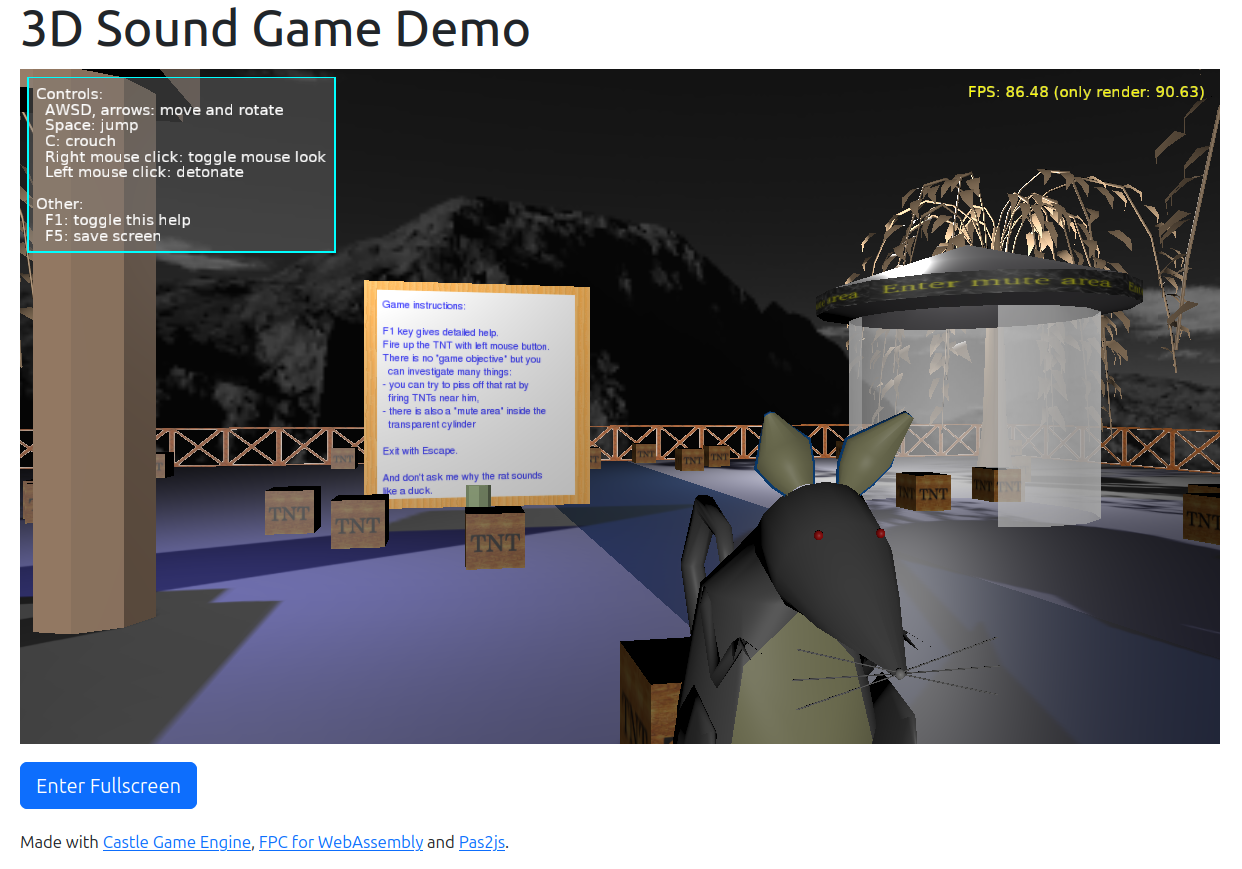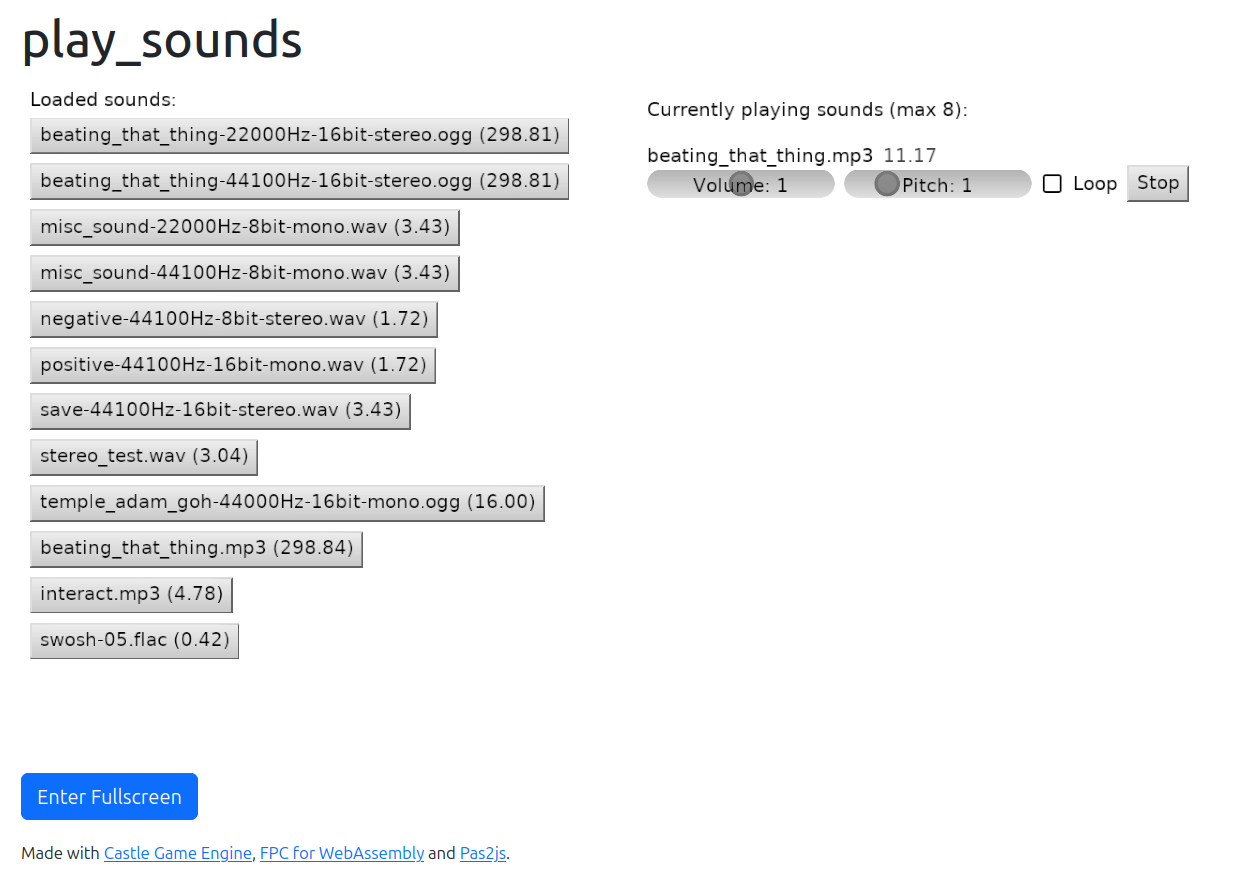
More April News: training timer demo, delayed view changes, URL processing on save, how to easier install web compiler, notes on copyright and AI, in progress: audio on web

Posted on

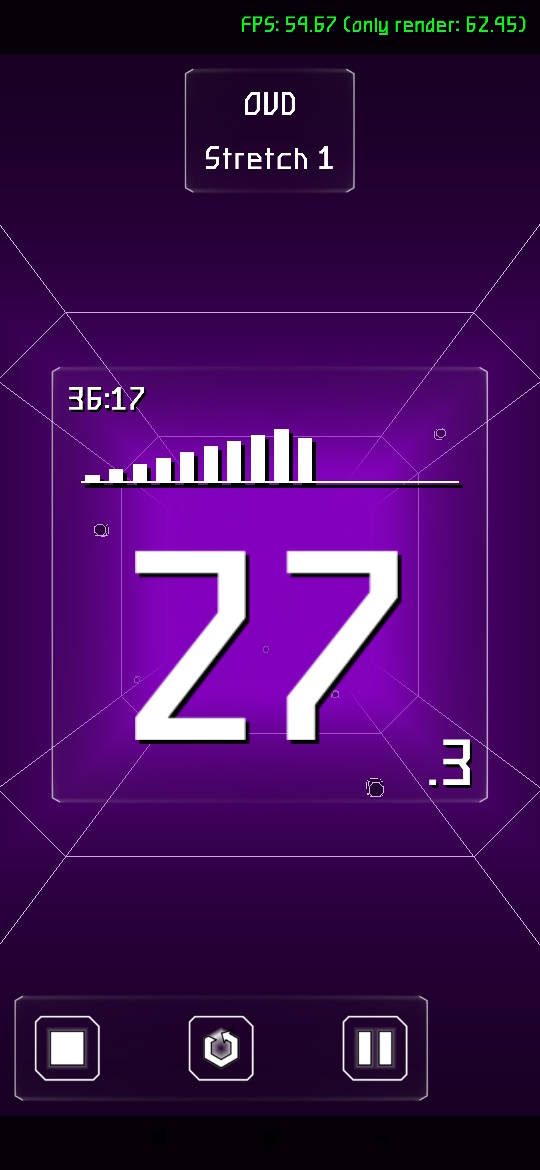
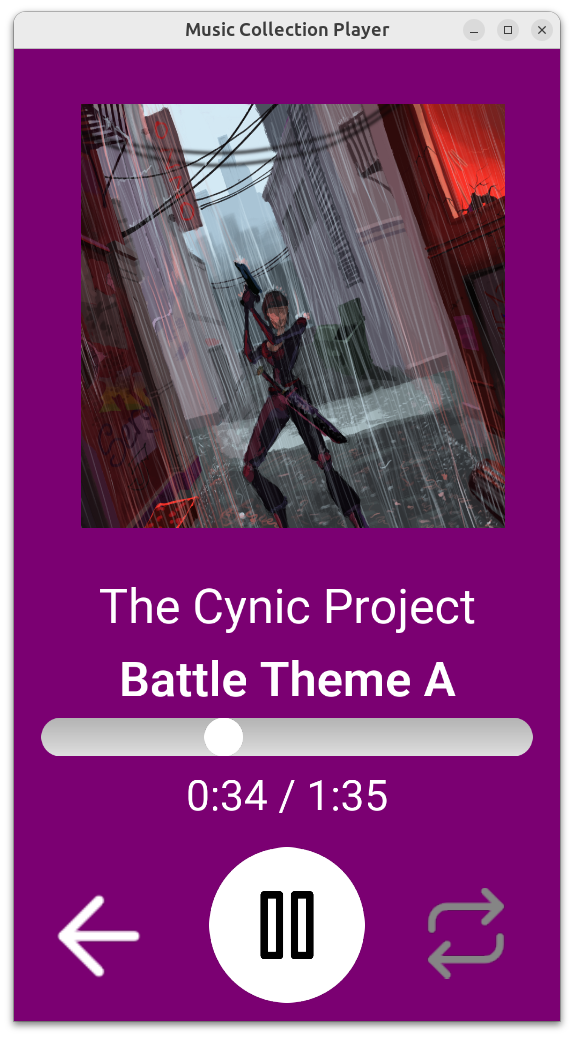
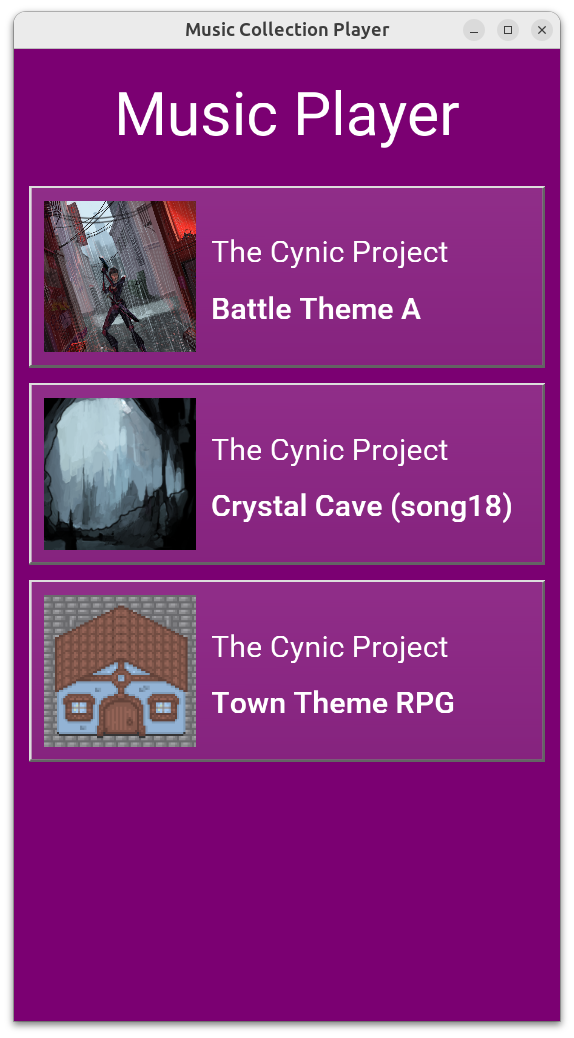
Training Timer 2 by Serufu Yua

We already announced some new features in April (PLY, InlineGeometry, web: URL parameters and TCastleDownload). Below we report more goodies 🙂 Enjoy!

  1. Check out Training Timer 2: Zero Time project by Serufu Yua, available for Windows and Android. Downloads on itch.io and source code on GitHub (thank you!).

    See also ready UI list box components also from Serufu Yua. Thank you!

  2. View changes (setting Container.View:=.., calling Container.PushView, Container.PopView) may be now performed with a delay. We have extensive documentation what it means, and why we do it, here. The forum thread, with even more information and reasons, is here. Thanks to Vlad (Phomm) for reporting this — this was a critical design problem we had, now “defused”.

    Please note that this change may require to adjust your code in some cases. We tried to make it backward-compatible, and in many cases it is, but it cannot be 100% — inherently, some things are now done later -> so some assumptions break.

    For example, you can no longer assume that new view is started right after PushView:

    Another example (of logic that will no longer work) is if you assumed that old view is stopped right away:

  3. We have a new utility to process URLs of the model (useful before saving it) to e.g. force URLs to be relative or embedded. See ProcessUrls and TUrlProcessing API for the possibilities. See also pull request for all details. Thank you to Jan Adamec for implementing this!

  4. We have added documentation how to install web prerequisites using “WA” button in FpcUpDeluxe. Thanks to Vlad (Phomm)!

  5. I (Michalis) attended FOSS Backstage 2026 conference recently and enjoyed a lot of talks with fellow open-source devs (and walking in Berlin!). The talk “AI generated violations of FOSS Licences” was in particular informative, and fun, and sad -> because AIs indeed ignore copyrights and licenses. To put it bluntly, all the open-source code in the wild has been abused — it is now reproduced, ignoring copyrights. Watch it and maybe you can spot the back of my bald(ing) head in the front :).

    There’s a lot of related discussion and opinions, see e.g. here at Gitea and this article.

    I have added a suitable section about it to our AI guidelines.

  6. Finally, something in progress: we work on audio playback on the web using WebAudio. Current progress is on branch webaudio. Details what works / what needs to be completed before merge in forum post here.

Enjoy using our engine? Please support us on Patreon. And have fun making games:)

Comments on the forum ➤

Web target: getting URL parameters, downloading resources using TCastleDownload

Posted on

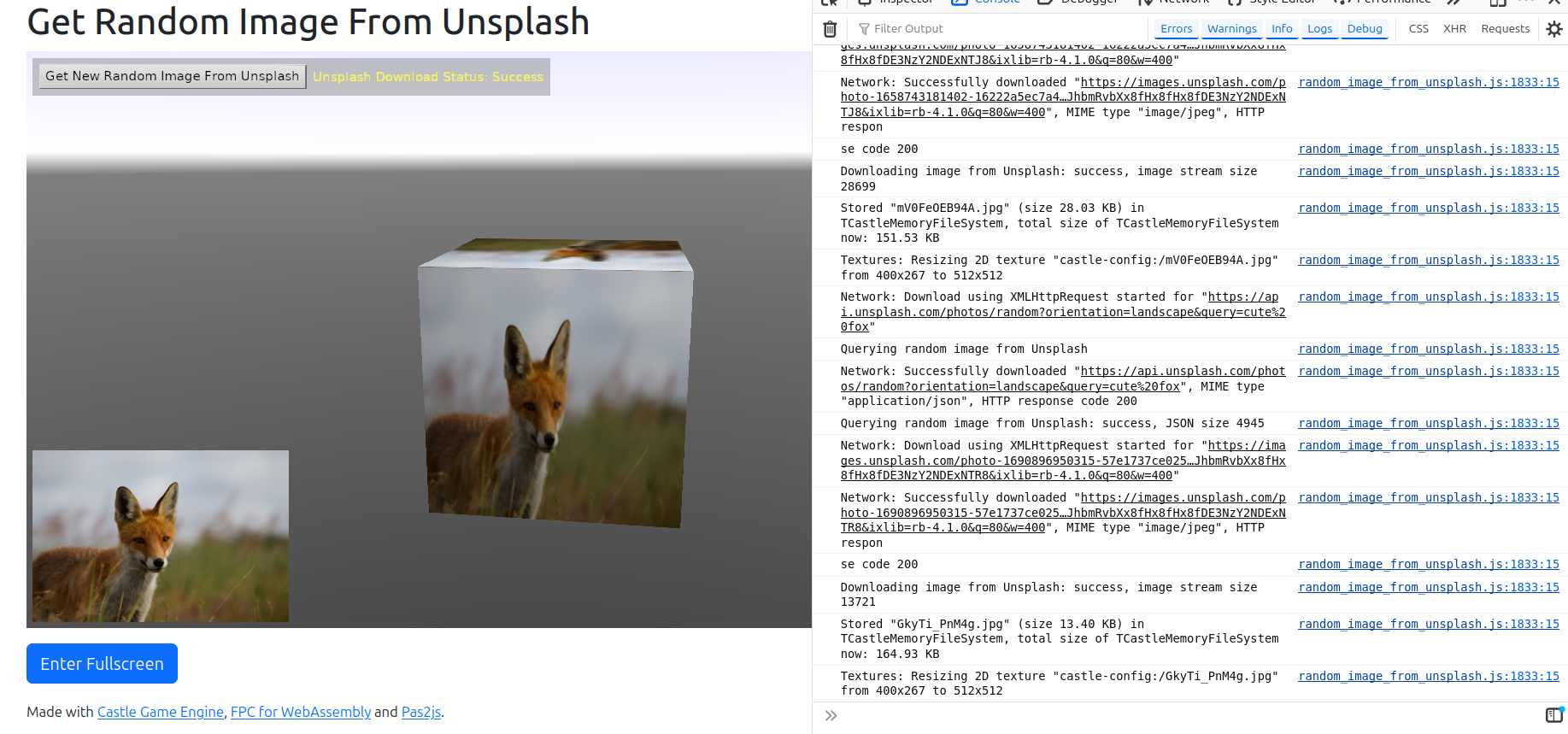
random_image_from_unsplash example on web
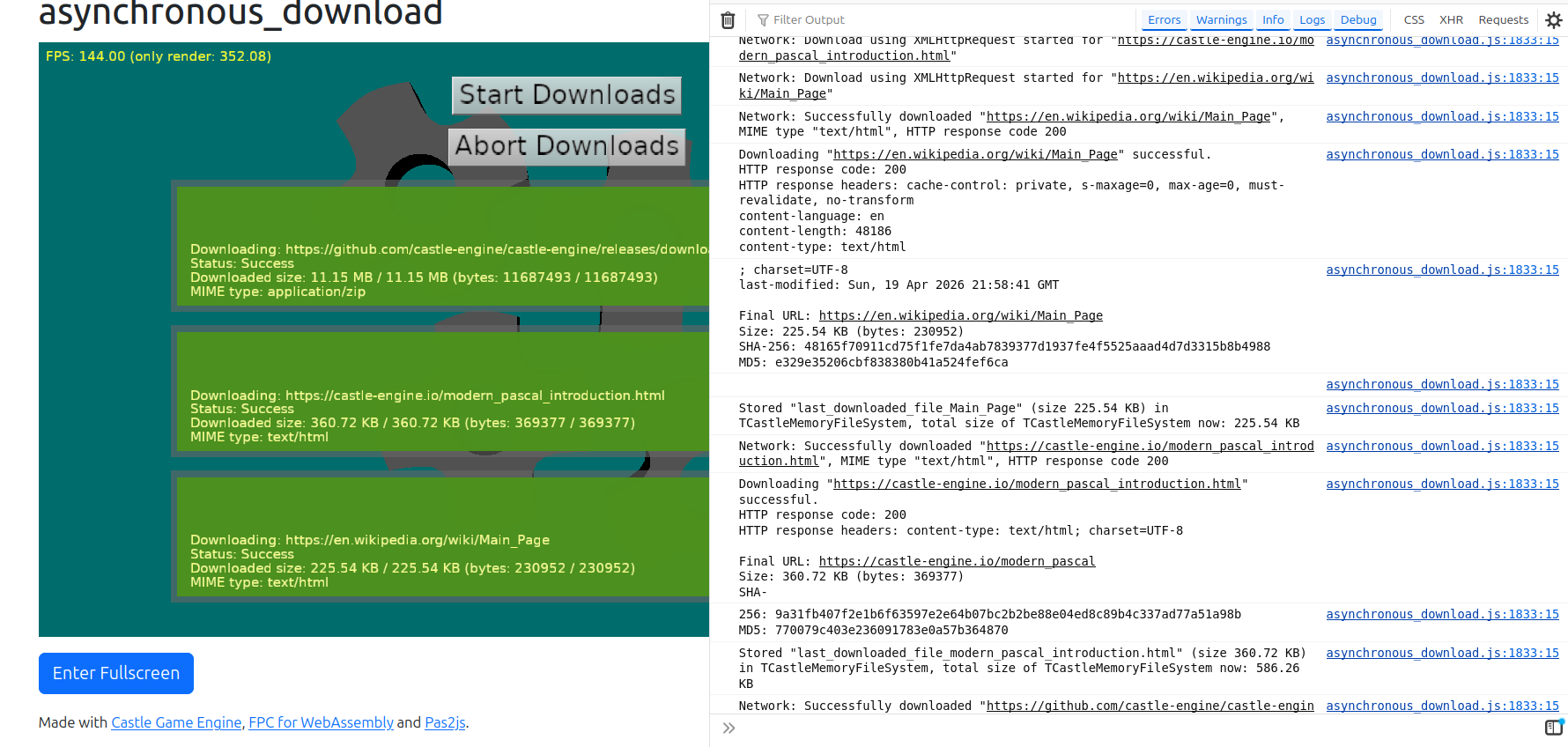
asynchronous_download example on web
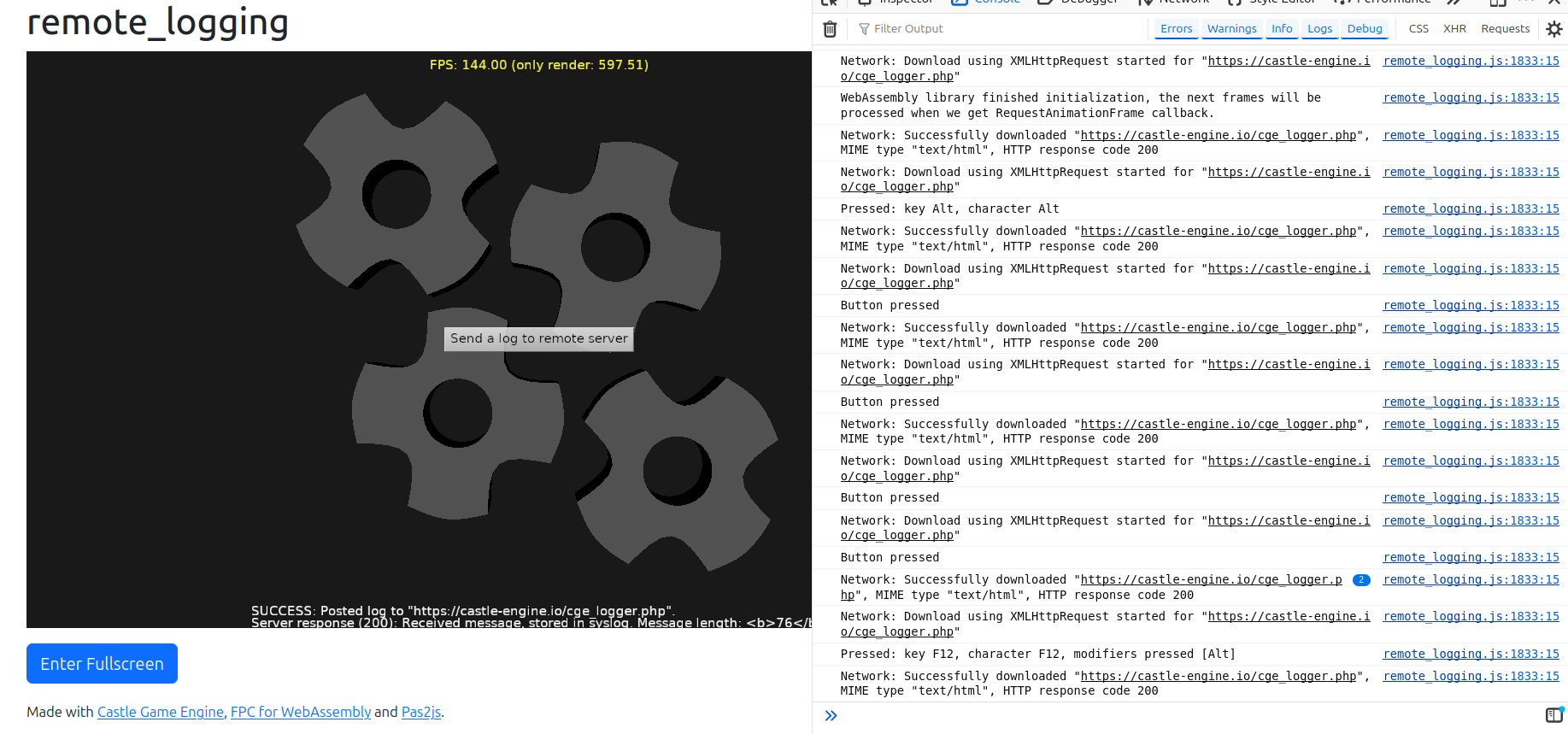
remote_logging example on web

We add 2 new features to our web target:

  1. New methods to read URL through which your page was accessed, and get query parameters of this URL. The use-case is creating webpages that react to URL parameters, e.g. expose a model viewer on URL like https://viewer.castle-engine.io/?url=http://example.org/model.gltf (working version of this coming soon!). Use these methods:

    This API exists on all platforms, just returns nothing on non-web platforms. So you don’t need to use any $ifdef WASI when accessing this.

  2. TCastleDownload class works on the web now. It allows to make HTTP requests, e.g. download files or communicate with REST APIs. See URLs, loading resources and Multi-player (network communication) for general usage description.

    Underneath, it uses XMLHttpRequest which is the standard way to make HTTP requests on the web. It supports all HTTP methods, custom headers, progress monitoring and generally all features of our TCastleDownload.

    Examples:

    Note that CORS (Cross-Origin Resource Sharing) security will prevent our application on the web from downloading things from other domains.

    This is a standard security feature of web browsers. It is unavoidable from our side (application living inside a web page). All web application (using JS or WebAssembly) have to deal with it.

    • For development, you can disable CORS in your browser. E.g. on Firefox with CORS Everywhere extension does the job. Chrome supports --disable-web-security command-line option. Search the web for details specific to your browser.

    • For real usage, the server has to be configured to allow downloading from it. It generally involves configuring the server to return appropriate header, like Access-Control-Allow-Origin: *. See CORS documentation at MDN and example configuration for Apache.

Comments on the forum ➤

Web target – big progress, first 3 demos to try!

Posted on

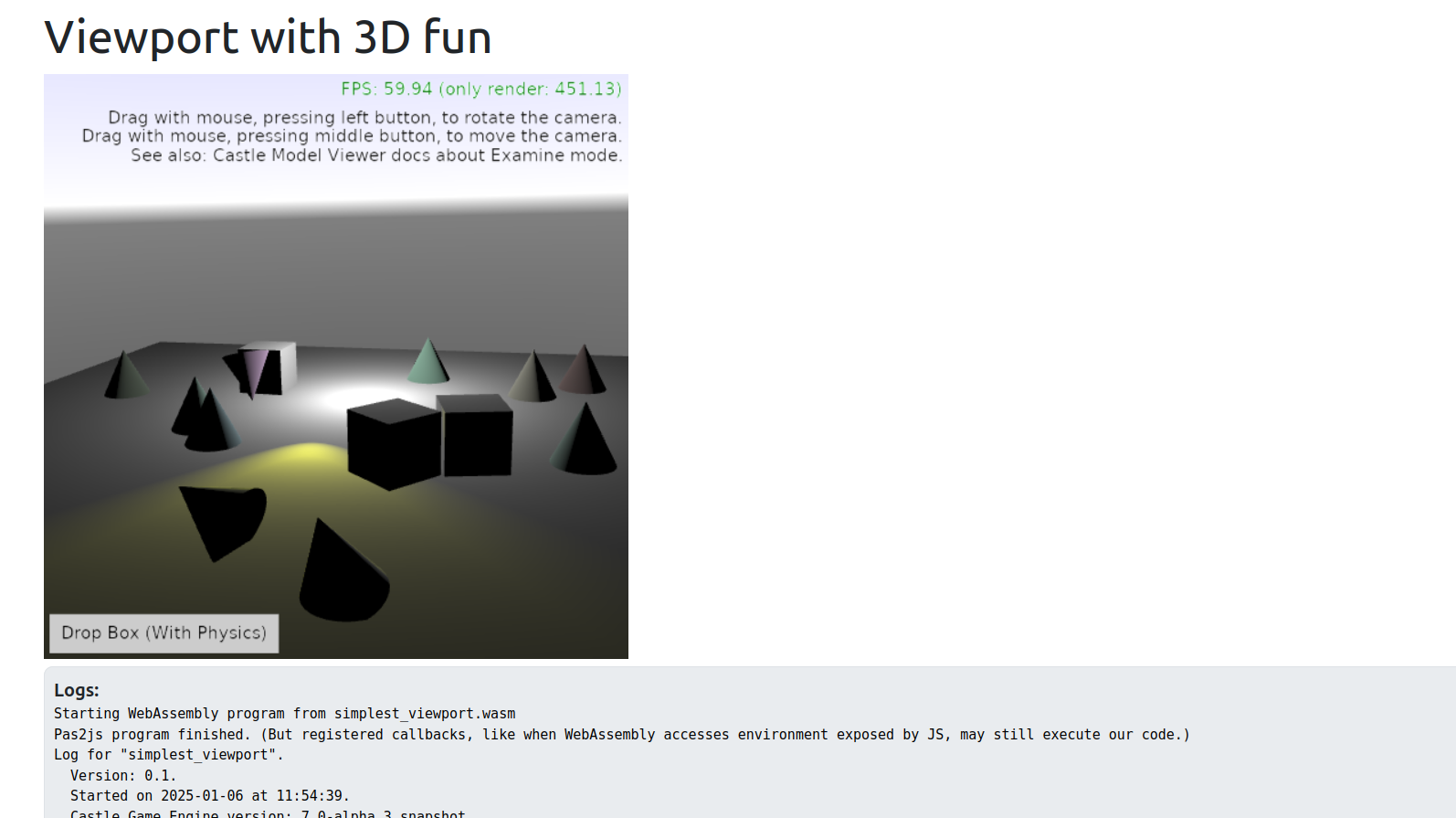
Web demo - 3D viewport, lights, Examine camera, physics
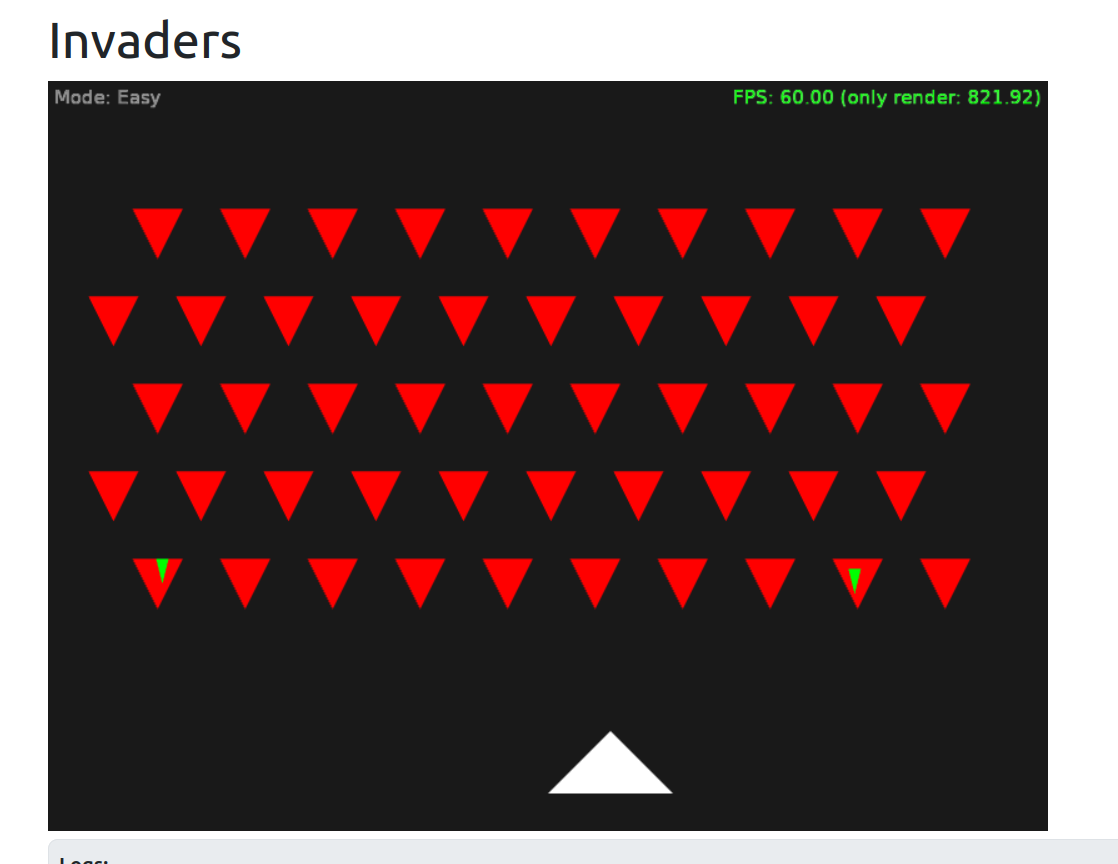
Web demo - invaders
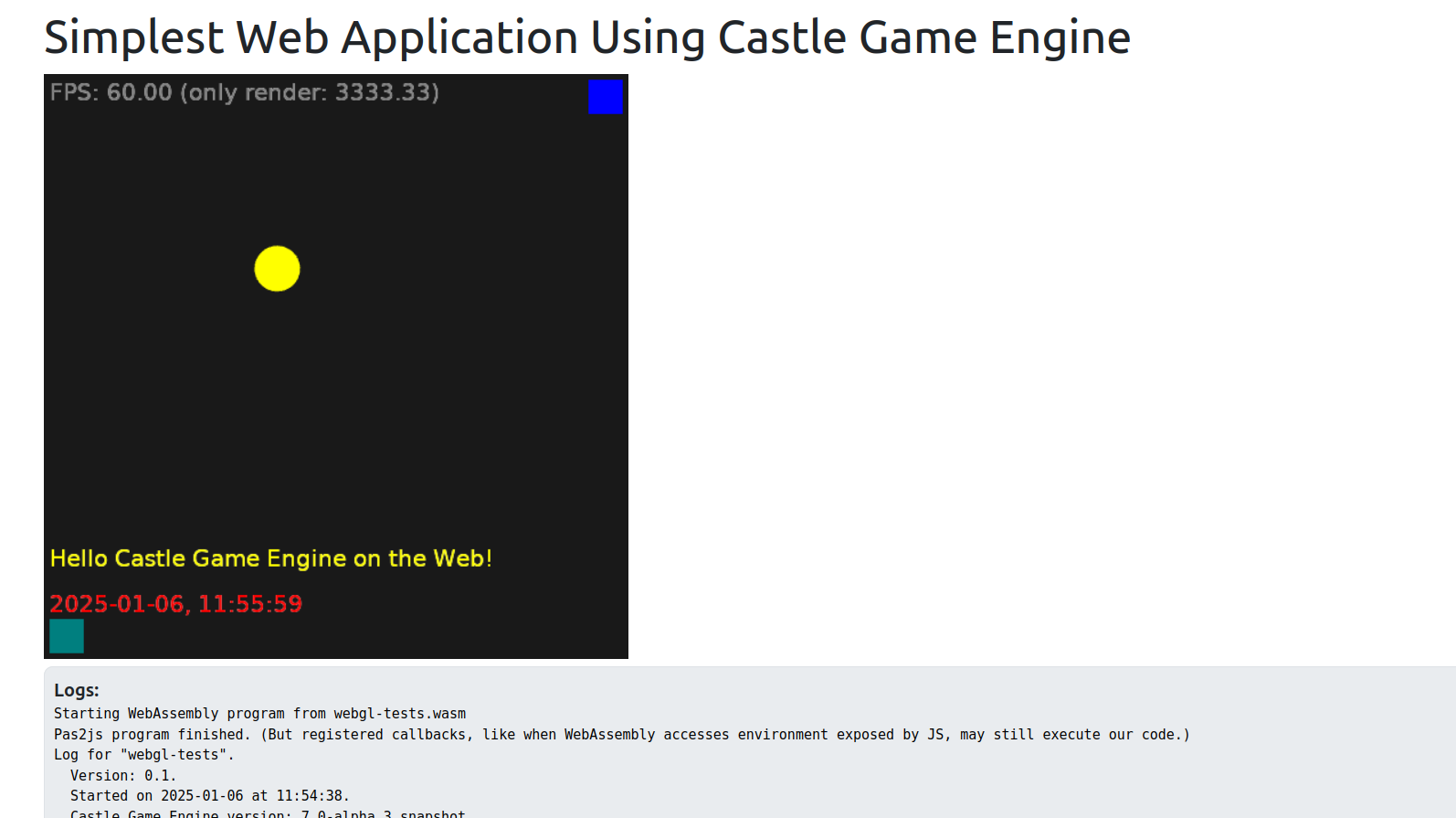
Web demo - first demo

We are proud to present the first 3 working applications developed with Castle Game Engine for the web! Check them out — just open the links below, in any web browser (Firefox, Chrome…), on desktop or mobile!

  1. 3D viewport, with random cones, animated spot light, dropping boxes with physics, Examine camera navigation.

  2. 2D “Invaders” game – simple game, using keys, multiple views, 2 difficulty modes. Note: This example is not really useful on mobile, just because it relies on the keyboard input.

  3. The first, simplest example that we got running on the web!

Note: These are early demos, don’t judge the quality yet — we have some known TODOs (fuzzy text; and the demos will look more impressive once we will have data loading, for now everything you see was set up by code). Stay tuned for more 🙂

How is this possible?

  • We use the WebAssembly target available in FPC and we have a “glue” code generated using Pas2js. We render using WebGL (1.0, with 2.0 features useful but optional), using the Castle Game Engine code. The game code is cross-platform (the 3 examples above can be recompiled to desktop, mobile, console without any change). The TCastleWindow abstracts all platform differences providing rendering and handling input (key, mouse, touch).

  • This is not yet available in the CGE master branch, not yet available in the downloads! The development is on a branch webassm_platformer_test. It should be merged to master soon.

  • We have a ton of documentation what works already, how it works, how to test it, what is missing, and what do we plan on the web platform page. This page was quite intensively updated in the last 2 weeks, so check it out!

Do you like what we do? Spread the word to your friends and support us on Patreon! And have fun developing games with our open-source game engine 🙂

Comments on the forum ➤

New CastleTransformManipulate unit to move/rotate/scale 3D objects in your applications, wireframe “shading” toggle for IndexedFaceSet, Steam achievements fixed with Delphi, slides from my presentation in Bielsko-BiaÅ‚a

Posted on

Transform editing using CastleTransformManipulate

You love the super-long news titles, right? 🙂 Again I have a backlog of announcements to do, to communicate everything happening around the engine development. There will be more news in 2024 (stay tuned for traditional “summary of this year, plans for next”), for today a bag of improvements to announce:

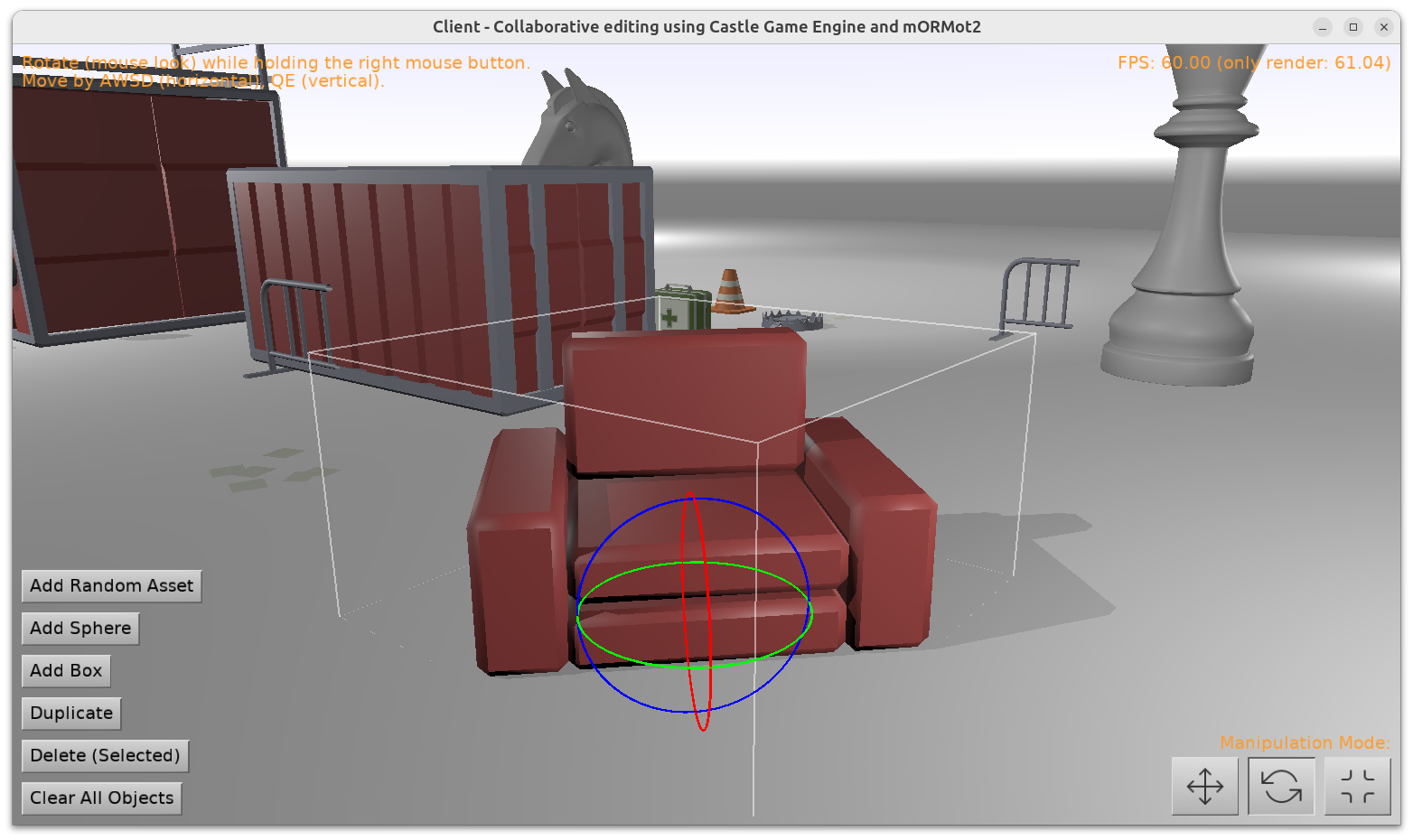
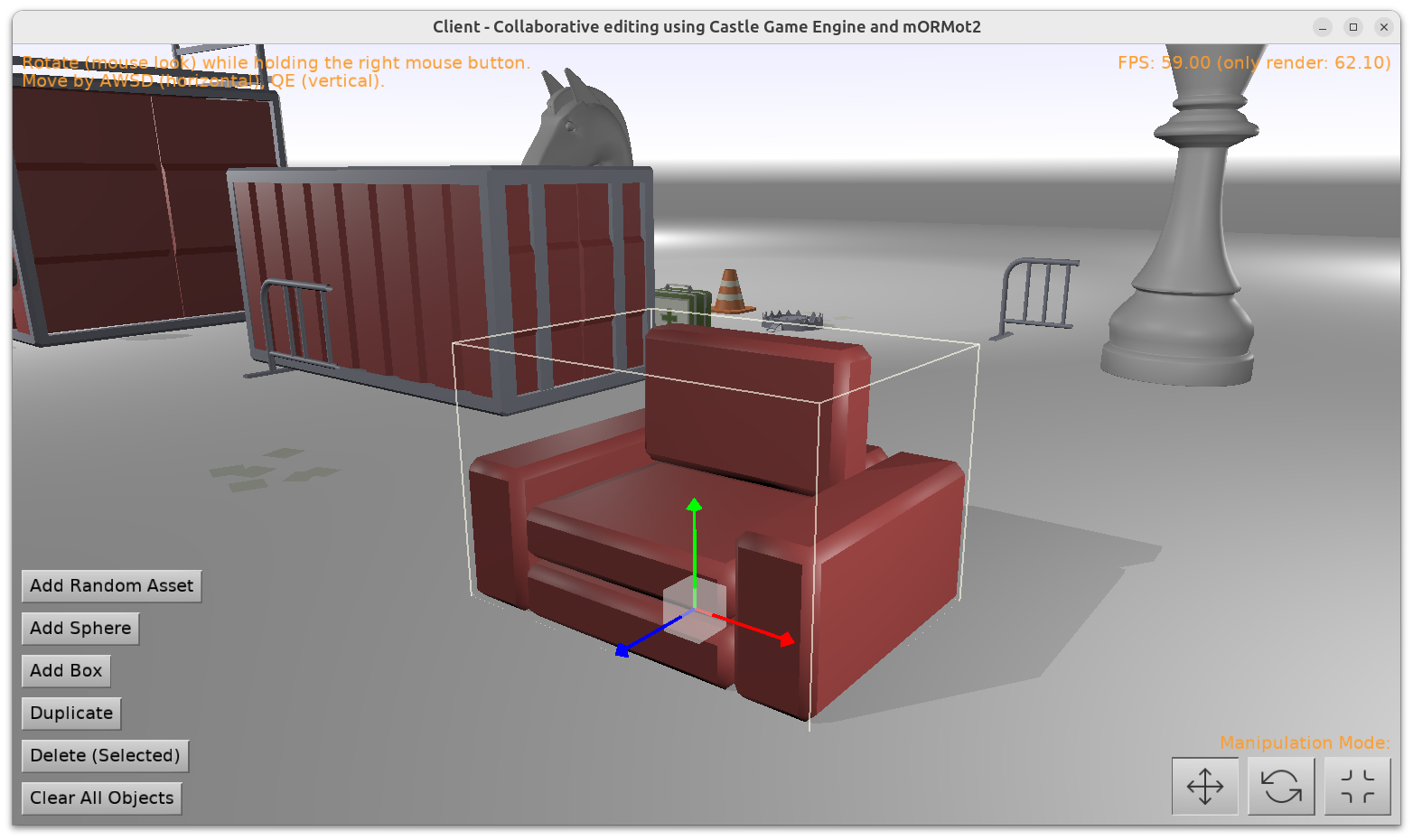
  1. We have a new unit CastleTransformManipulate with 2 new components: TCastleTransformHover (visualize the TCastleTransform we hover over) and TCastleTransformManipulate (visualize selection and move / rotate / scale TCastleTransform).

    Together, they allow you to implement selection / manipulation of 3D objects in your own applications just like the Castle Game Engine editor does.

    Their usage is rather simple:

    Practical examples of using them are in:

    Note: We still work on 2 examples above (we want to improve some things in IFC support, and we want to make mORMot example really support collaborative editing). But their usage of CastleTransformManipulate is now completely stable 🙂

  2. We support toggling any TIndexedFaceSetNode to display as wireframe.

    To do this, set TAbstractShapeNode.Shading to shWireframe using Pascal. If you’re unsure how to manipulate X3D nodes from Pascal, read Writing code to modify scenes and transformations manual, section 11. Building a mesh using code and X3D docs.

    Or, in X3D file, set shading="WIREFRAME" following our X3D Shape.shading docs. Test X3D file is shading_wireframe.x3dv.

    Wireframe display done this way is often useful for model debugging, inspection etc. While you can also construct lines explicitly (using TLineSetNode, TIndexedLineSetNode), it is sometimes more convenient to just define a regular mesh using TIndexedFaceSetNode and then toggle it (based on any condition) to wireframe.

    For some design decisions (e.g. why this is called “shading”) see Shape.shading docs.

  3. We have fixed Steam achievements usage (getting, setting) with Delphi.

  4. I made a presentation about our engine at the beginning of December at Meetup Delphi in Bielsko-Biała (Poland). This was a bigger presentation about engine features, physics, Blender, Sketchfab, Steam integration.

    Slides (in Polish) are here.

    ( If you don’t speak Polish, but you’re interested in the topics — slides from my previous presentation in Cologne are the closest equivalent in English. )

Comments on the forum (1) ➤

New Castle Tester – running all engine automatic tests on all platforms (desktop, mobile, Nintendo Switch…) with all compilers (FPC, Delphi)

Posted on

Castle Game Engine Automatic Tests

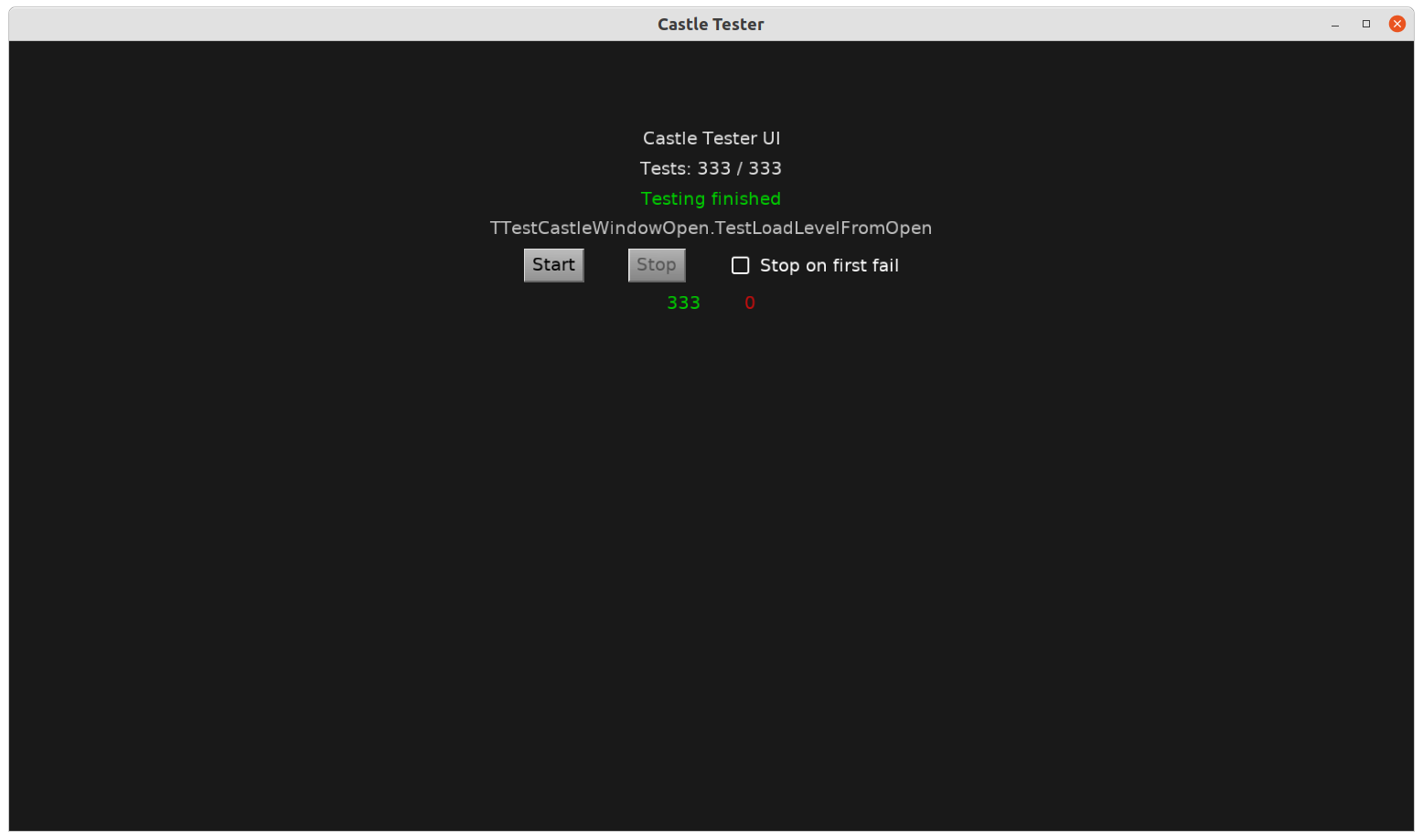
This screenshot will not win the #screenshotsaturday hashtag, but it took a lot of effort to achieve 🙂

Thanks to Andrzej Kilijański we have a big upgrade to our automatic tests application, available as always in tests/ subdirectory of CGE. Instead of using FpcUnit, the application can now use our own testing framework CastleTester that

  1. Is deliberately very compatible with FpcUnit (in fact, using some of its code).

  2. Tightly integrated with CGE, providing easy UI using CGE to run and display all tests results, and some extra utilities like CreateWindowForTest.

  3. Compiles and runs with both FPC and Delphi. All our tests now pass with both compilers. We made a number of fixes to Delphi support thanks to this (FPC support was being tested and flawless since a long time).

  4. Compiles and runs for all platforms we support. E.g. you can run the testsuite on Android, iOS, Nintendo Switch this way, by building the castle-tester for these platforms — just like any other CGE application.

As always, both Jenkins and GitHub Actions run all these tests automatically after every push. Jenkins even runs them with both FPC and Delphi 11.

Comments on the forum ➤

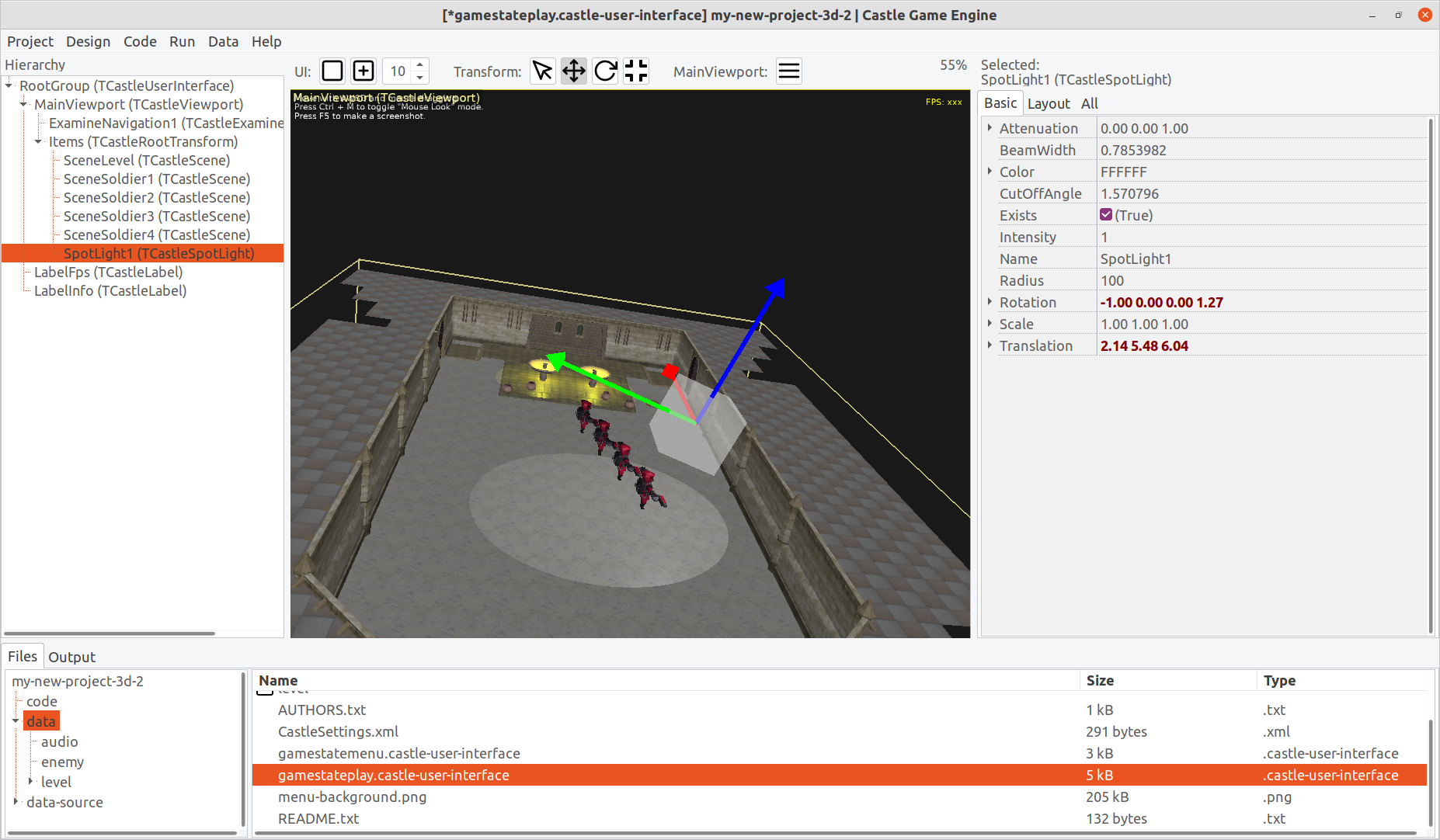
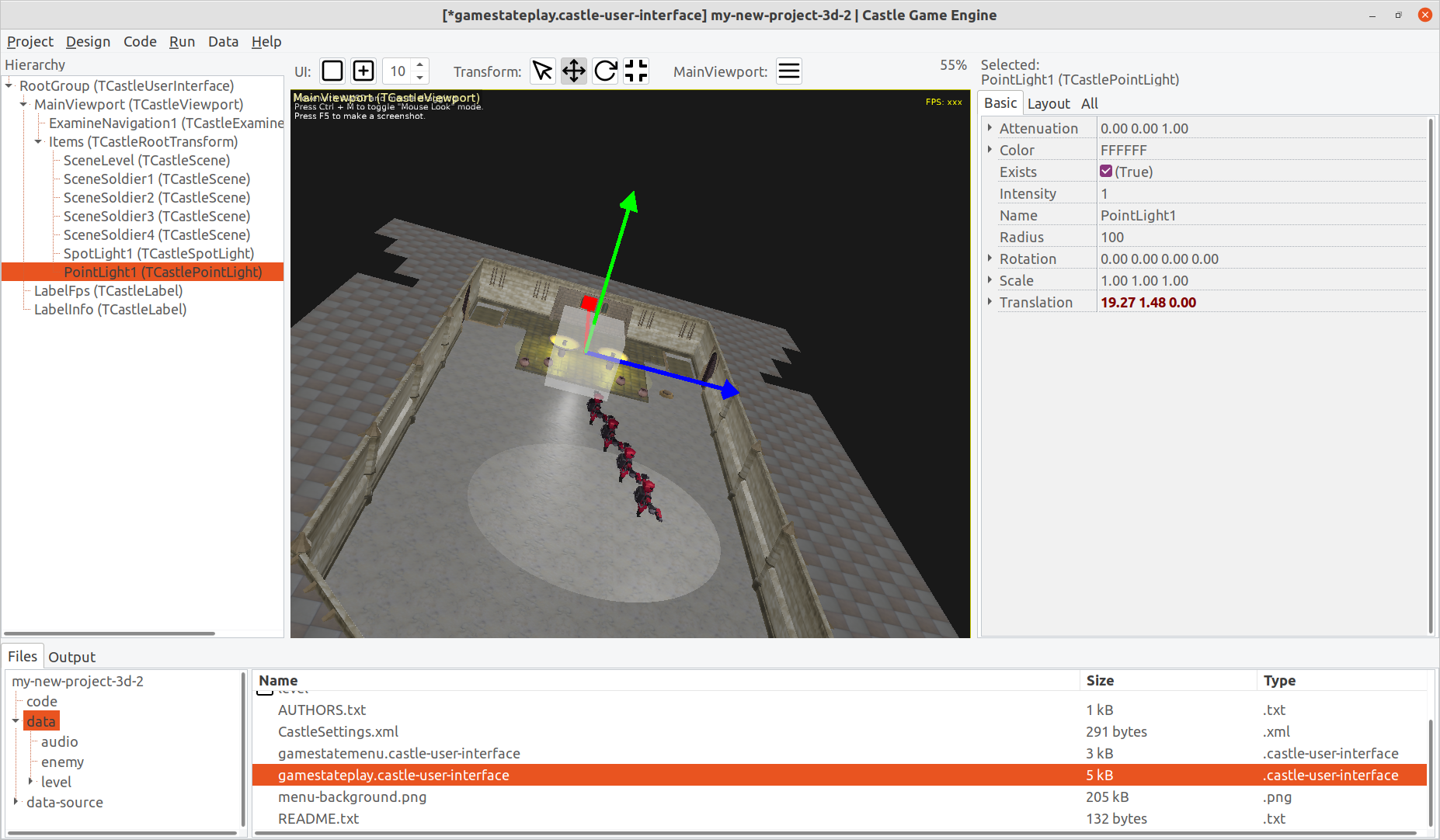
Working on editing lights in Castle Game Engine editor

Posted on

Spot Light in Castle Game Engine editor
Point Light in Castle Game Engine editor

Just a sneak peek of what I’m working on now 🙂

Comments on the forum ➤

Google Play Billing Library upgrade

Posted on

unholy_iap

To implement in-app purchases on Android, under the hood we use Google Play Billing Library. We have just upgraded the way we use it, to follow the latest API (no AIDL, and use built-in asynchronous methods).

This is important if you use in-app purchases on Android. Since November 2021 (in one month) Google will no longer allow uploading Android builds (APK, AAB) that use the old API.

There’s no change to the Castle Game Engine public API. Just use the Pascal unit CastleInAppPurchases, following the documentation how to implement in-app purchases on both Android and iOS. Both consumable and non-consumable in-app purchases are supported.

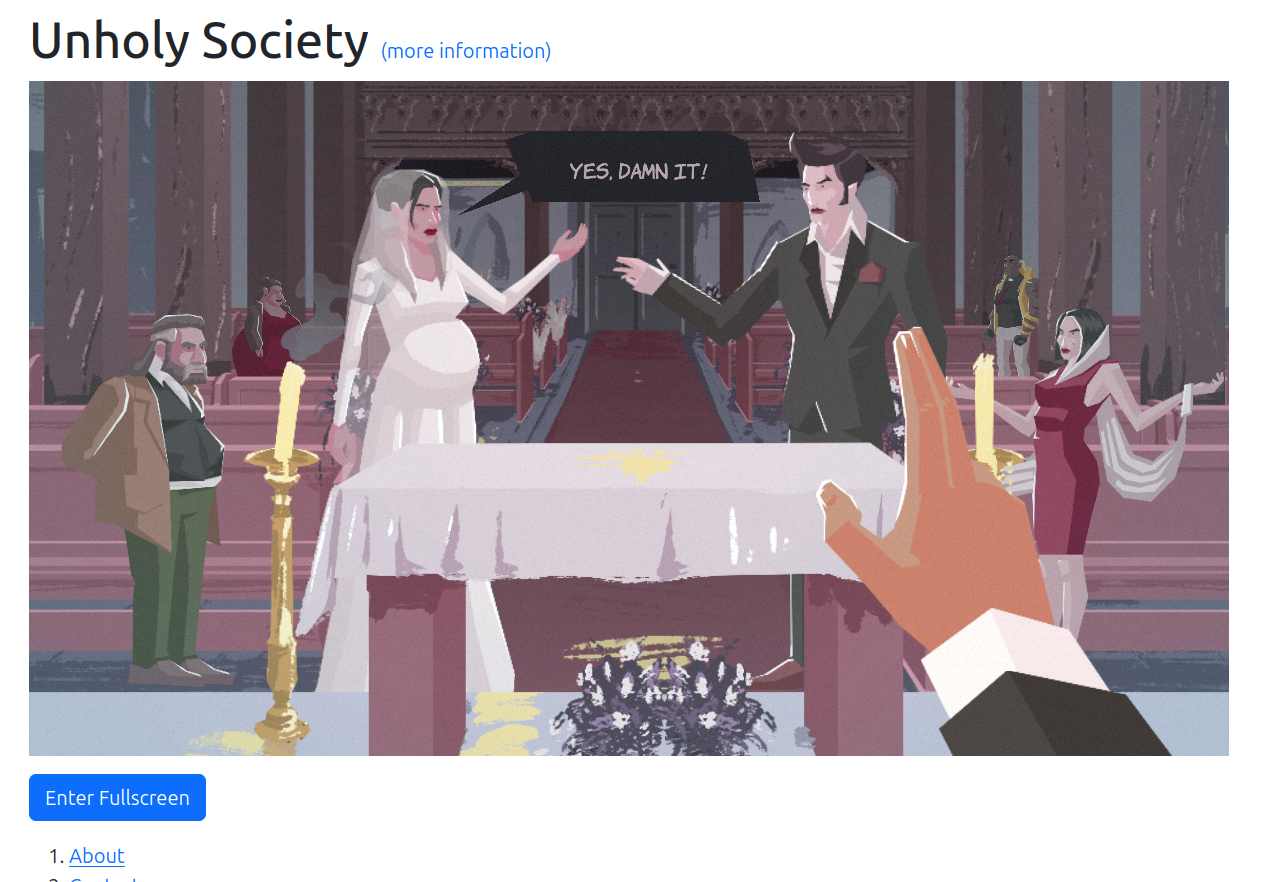
The Unholy Society is already using the new API for our only purchase in the game.

Comments on the forum ➤

Various asset improvements: Wavefront OBJ texture options and possible PBR, Spine free form deformation with curve animation, fixes for creaseAngle in X3D and OBJ

Posted on

Oak Wavefront OBJ model
Spine FFD animation test

Various improvements to various asset formats:

  • We now implement Wavefront OBJ texture options. They are all parsed correctly, and the scale, offset, clamp are actually handled.

    We can also generate PBR (physical) materials when reading Wavefront OBJ files. This feature is for now experimental, and you have to toggle global WavefrontPhongMaterial in X3DLoadInternalOBJ unit to false. In effect, we will create X3D PhysicalMaterial nodes from Wavefront materials, and we’ll use Pr for the PhysicalMaterial.MetallicRoughnessTexture. See the X3D specification of PhysicalMaterial for details what it implies.

  • We now support curve animation for Spine free form deformation. Thanks go to Kagamma (Trung Le) for implementing this!

    The testcase is in our demo-models, open spine/free_form_deformation/exported/skeleton.json and run head_curve animation.

  • Fixed important bug on all 3D models that could use automatic normals generation based on creaseAngle (like X3D and Wavefront OBJ by default).

Comments on the forum ➤