 |
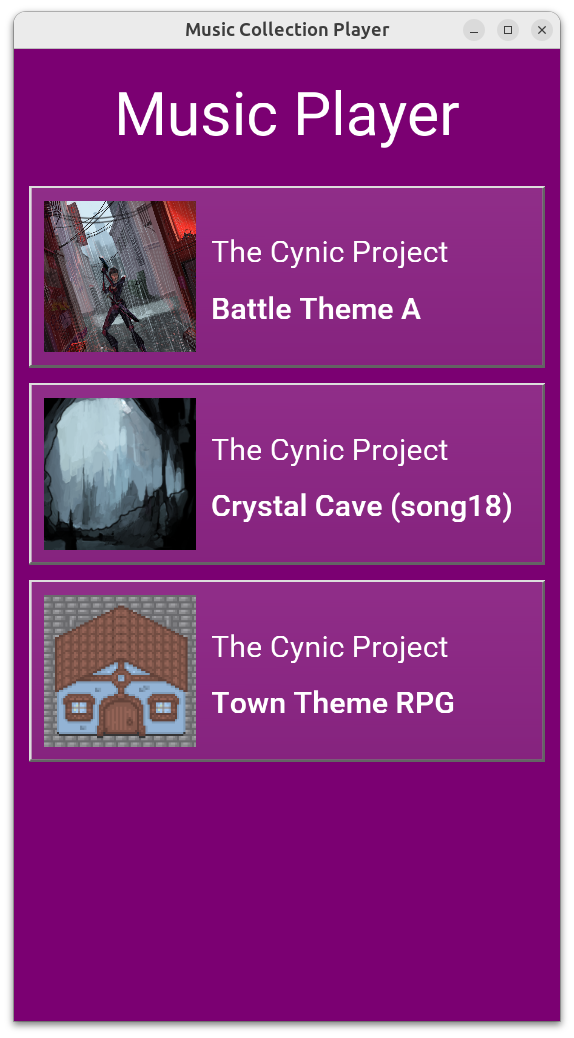 |
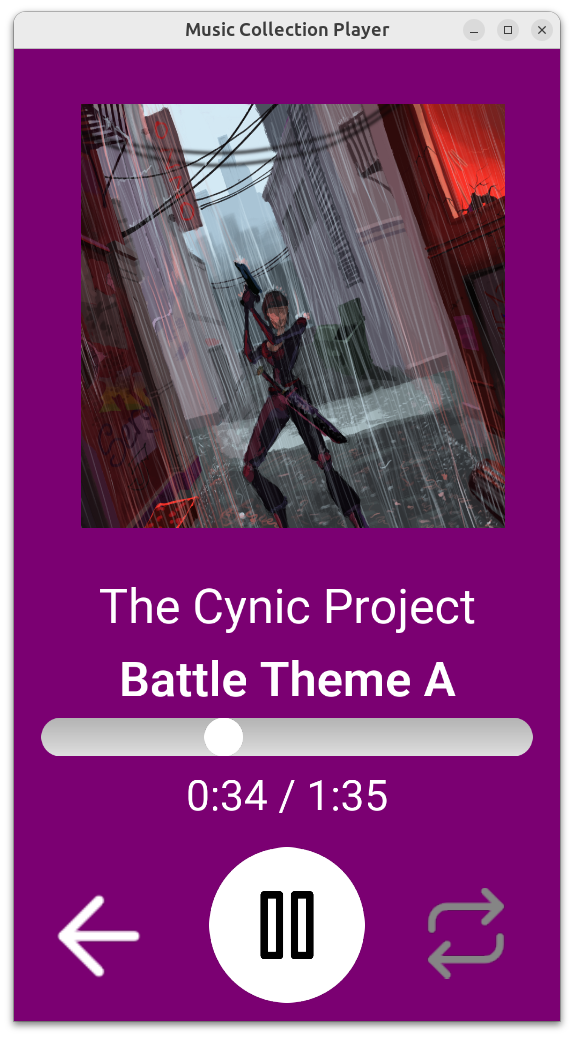
- We have a new example: Music Player, a simple application that allows to play a chosen audio track with UI similar to typical mobile music/audiobook players.
This example has a nice backstory: For Mother’s Day (which is 26th May in Poland) my daughter and I made a gift for The Wife: a private application (Android apk) with a few audio tracks just for her. There’s an audio track with my daughter signing, with our cat meowing and other gems:)
Don’t worry, the version I committed as our Castle Game Engine demo has more mainstream sounds :), using open-source audio tracks from OpenGameArt.org. Big thanks go to The Cynic Project (see also Pixelsphere project) for the cool public domain music tracks! See the credits for details about audio and art authors.
Have fun extending this into your own ideas and I hope this inspires you to have fun with our engine:)
Try out the example playing on the web right now! Though it looks best in portrait aspect, like on mobile.
In a bit related news, please sign and spread the word about the need to keep Android open. Sadly, Google plans to practically break this important aspect of Android, which will prohibit making such fun experiments like “family Android app” and endanger more important use-cases (like distributing VPN apps in countries with totalitarian regimes).
-
We have a few important audio fixes in the engine (thanks to experience with above example, but also a review done by Claude — more on this in a future news post):
TCastlePlayingSound.Offsetfor streaming sounds is now correctly read, and when trying to set it we make a clear warning that this is not supported. Please uncheckTCastleSound.Streamif you want to change audio track offset at runtime. (Before this fix, both getting and setting offset was broken, without any warning.) This applies only to the OpenAL sound backend, which is default on most platforms.-
Loading stereo (or other non-mono) WAV sounds on the web has been fixed.
-
Priority of sounds was mistakenly inverted when using FMOD (we marked “most important sounds” as “least important” by accident), fixed now.
-
We have fixed loading float textures on OpenGLES (Android, iOS). This makes our optimized skinned animation work in an optimal way on your phones.
-
We made important glTF skinned animation fix (affecting all platforms): multiple skins that affect the same skeleton are now supported (if equivalent) or at least cleanly tolerated (we make a clear warning, and render part of the model as static).
E.g. these Mini Characters from Kenney were broken, now they are fixed. See the forum thread for gory details what was broken and how it was fixed.
As always, we hope you have fun developing games and we appreciate your support on Patreon. Thank you!

Start the discussion at Castle Game Engine Forum