 |
 |
 |
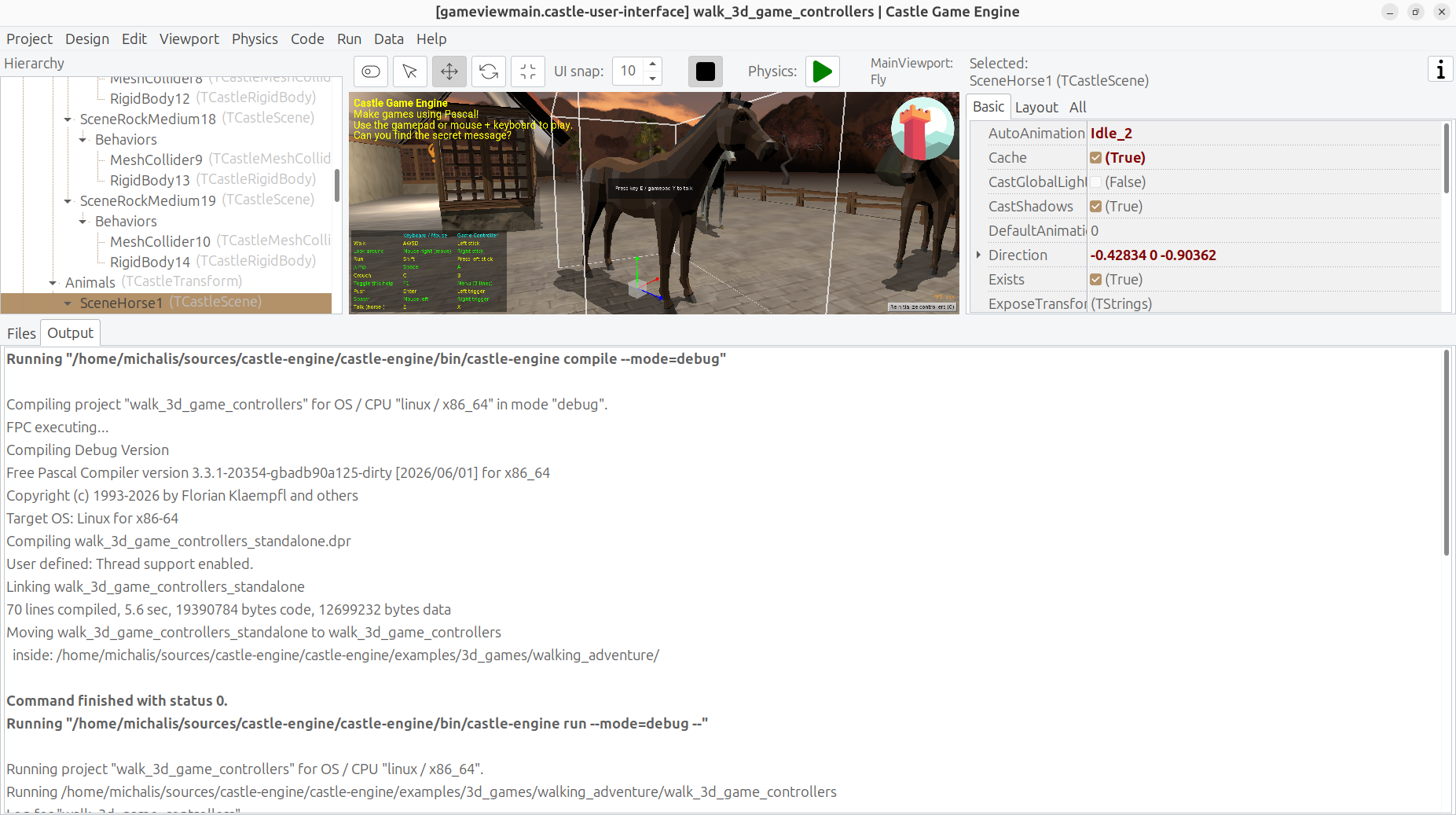
We refactored our process running code (when one application wants to run another). This is used throughout our tools (build tool, editor) but we also have uses for it in the engine itself. Refactoring this into a nice unit gives us more possibilities, for now and for the future:)
- The code is now in a nice unit
CastleInternalProcessavailable throughout the engine, withTCastleProcessclass and our routines likeExecuteCommand,ExecuteCommandCapture.- As the name suggests, we still consider this an internal unit, so if you decide to use it in your own applications -> you risk that we break API.
-
That said, there’s no hiding that the unit is useful right now, with FPC+Delphi capability to run processes. Let us know how do you use it, and maybe we’ll just rename it to
CastleProcessat some point. -
Since this is internal now, the API docs are not generated by PasDoc, but you can just read the source code for the docs in comments.
-
The code is simpler and better organized than previous code in build tool / editor. Some of the old internal code had “historical baggage” (e.g. how is environment overridden for the child process) which was cleaned up now.
-
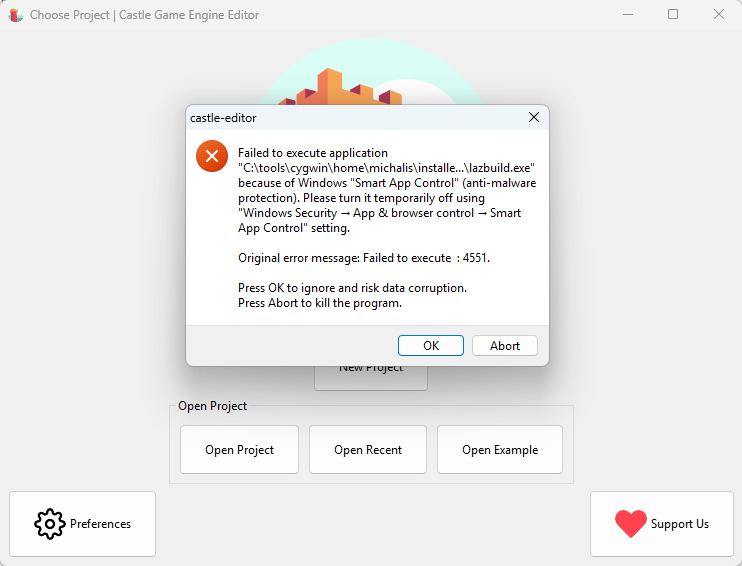
Since all usage now goes through
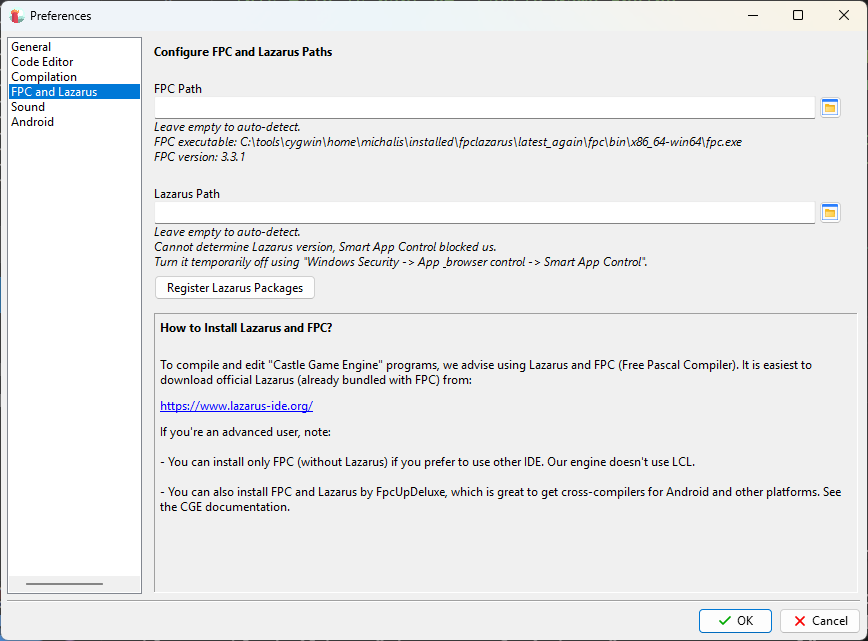
TCastleProcess, we can reliably make a better error message when execution on Windows is blocked by “Smart App Control”. FPC Process was showing cryptic “Failed to execute : 4551” message in this case. This is quite important — as this message is killing our usage on Windows now!- Note that this Reddit comment with cited Microsoft documentation tells the simple version of what happens: “Smart App Control” checks if the application is “known”, and if not -> checks does it have a valid signature. As that comment says: “it effectively just prevents you running any programs that don’t have a digital signature”.
-
Proper codesigning is coming ASAP too. I see that with “Smart App Control”, right now our experience on Windows is really bad. We have started our SignPath process, I need to finish it.
-
TCastleProcessand helpers are now implemented also for Delphi (for Windows, Linux, macOS/Intel, macOS/Aarch64).- This also opens the door to have e.g. our build tool compile-able with Delphi in the future. It’s not a high-priority goal (it is an engine tool, you should not need to recompile it yourself), but it aligns with our goal “support Delphi as good as FPC”. On more practical grounds, compiling code with Delphi is always a useful “extra check” of the code correctness.
- We feature helpers like:
-
ExecuteCommand– wait for the executed process to finish, don’t capture anything, return status. -
ExecuteCommandCheckStatus– wait for the executed process to finish, don’t capture anything, raise exception if non-zero status. -
ExecuteCommandCapture– wait for the executed process to finish, capture stdout/stderr to string. This one is for now still FPC-only.
-
-
OpenDocument,OpenUrlon Unix are simpler now — they just useTCastleProcessthrough a simpleExecuteCommandNoWait, with both compilers.

Start the discussion at Castle Game Engine Forum