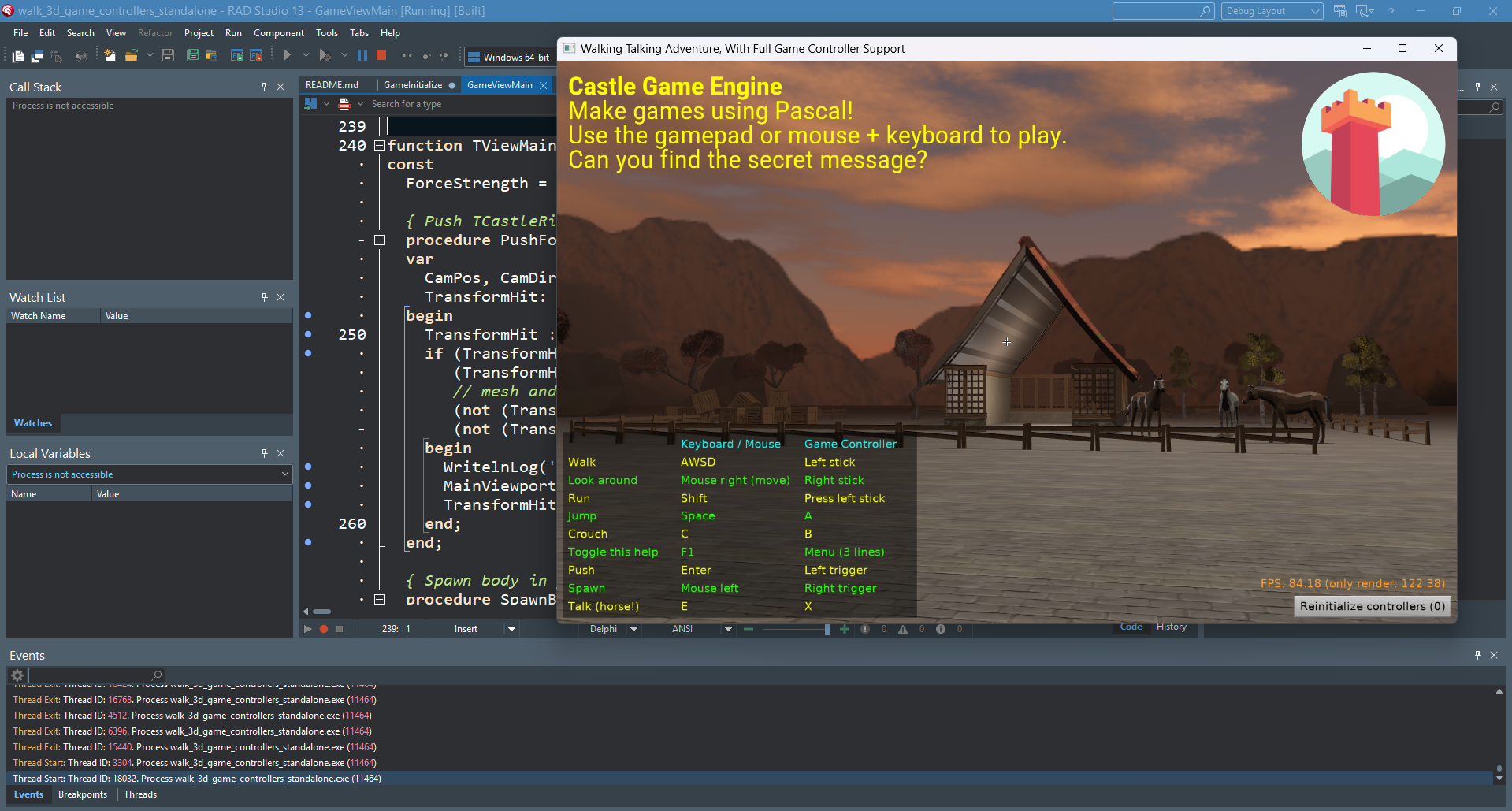
Delphi improvements: build tool uses msbuild, allows to pick Delphi version, better generated DPROJ, hints to fix PAServer on Linux and linking on macOS

Posted on

Delphi + Castle Game Engine

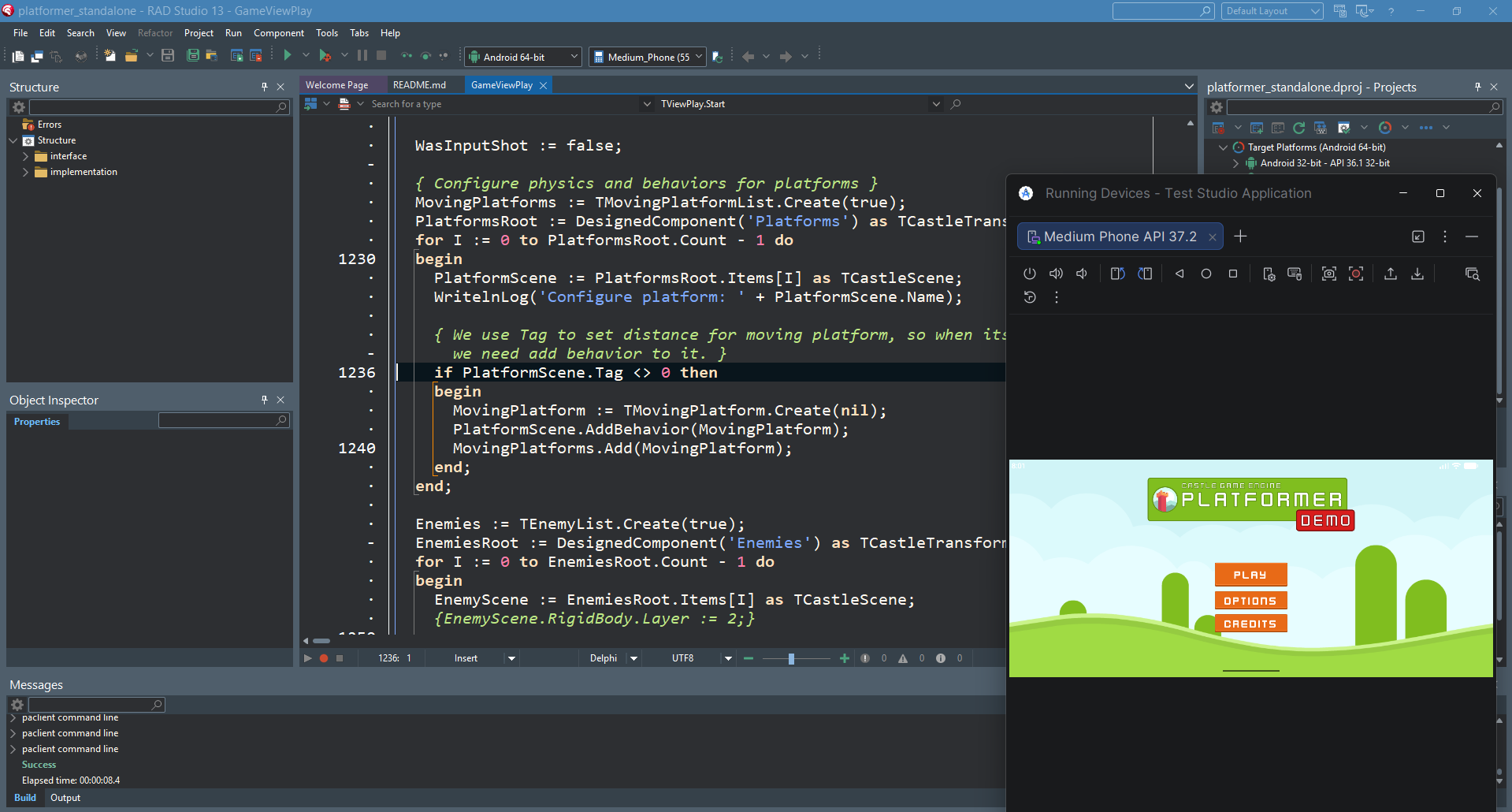
We improved how our engine tools (build tool and editor) call Delphi. These improvements take us closer to making our engine compatible with Delphi for Android, iOS and macOS and improve how you can build with Delphi from shell (e.g. from Continuous Integration workflows) for all platforms.

  1. First of all, our build tool, when using Delphi (pass --compiler=delphi), now calls msbuild when you build for non-Windows. We do not directly call dcc* compilers.

    This makes building non-Windows applications with Delphi, using command-line, much easier. Notably, the command castle-engine compile --compiler=delphi --os=linux just works. See using Delphi to build Linux applications.

    Note: pass --verbose to our build tool to see more details about what is executed. In effect, we pass options to msbuild to make it more verbose too. By default, msbuild output will be silent, unless Delphi will report some warnings/hints.

    See our dcc vs msbuild comparison for more explanation.

    We still fallback to using dcc*

    • if we cannot find DPROJ,
    • or if you pass --use-delphi-dcc option to the build tool,
    • or you build for Windows (because using dcc directly avoids the 32k command-line length problem, see dcc vs msbuild comparison).

    Note that this section of the post has been edited 1 day after publishing. We had to change our course. Initially, we tried to use msbuild also for Windows with Delphi > 10, but this was not good, we’ve been hit by the 32k command-line length problem also with Delphi 13.

  2. Build tool allows to request specific Delphi version (instead of always calling the latest) using --delphi-version parameter. For example, to compile using Delphi 13, call

  3. When generating DPROJ for your project, we no longer add absolute paths to engine units in DPROJ.

    We used to do this for a long time, knowing it’s not a good solution… time to remove this hack.

    • The hack made DPROJ files, generated in the past, specific to given user on a given machine, since your DPROJ contained something like C:\Users\Michalis\castle-engine\src\... in search paths. This was not nice to put in a version control system or otherwise share with other developers/machines.

    • It also made DPROJ specific to a given CGE version, as we change engine paths between versions.

    New approach: We rely on:

    • If you build from Delphi IDE: you must do “Configure Delphi to Use Engine”, following Installing Delphi Packages instructions.

    • If you build from our build tool or editor: we provide search paths to find the engine (in both dcc and msbuild approaches) automatically, on the command-line, in all cases. You don’t need to do anything.

  4. If you have issues with Delphi+Linux and PAServer due to “too new Python on Linux”, see here for solution.

    In short, you have to install older Python (<= 3.12). On Ubuntu it’s easiest to do using Python packages in PPA by “deadsnakes”. Then make sure you symlink PAServer libraries to use that older Python.

  5. Maybe you have problems building from Delphi 13 for macOS/Aarch64 (Silicon)? Then we have another tip:

    • you must install the patch from Embarcadero with the fix,

    • then hunt down the new PAServer version for macOS inside the folder like C:\Users\<username>\Documents\Embarcadero\Studio\37.0\CatalogRepository\13.1Patch-May\1.0\PAServer . It is not applied to your Delphi installation, C:\Program Files (x86)\Embarcadero\Studio\37.0\PAServer will still contain the broken version! It’s not obvious as the patch docs merely say “This is copied to the patch download folder.”.

    • Install the PAServer from C:\Users\<username>\Documents\Embarcadero\Studio\37.0\CatalogRepository\13.1Patch-May\1.0\ on your macOS machine, and reimport macOS libraries (“Options -> Deployment -> SDK Manager”).

Thanks for reading and stay tuned for more Delphi news — we are working on something exciting 🙂 As always, we appreciate your support on Patreon.

Comments on the forum ➤

TCastleProcess and ExecuteCommand available with both FPC and Delphi, no more cryptic “Failed to execute  : 4551” when Windows “Smart App Control” blocks us

Posted on

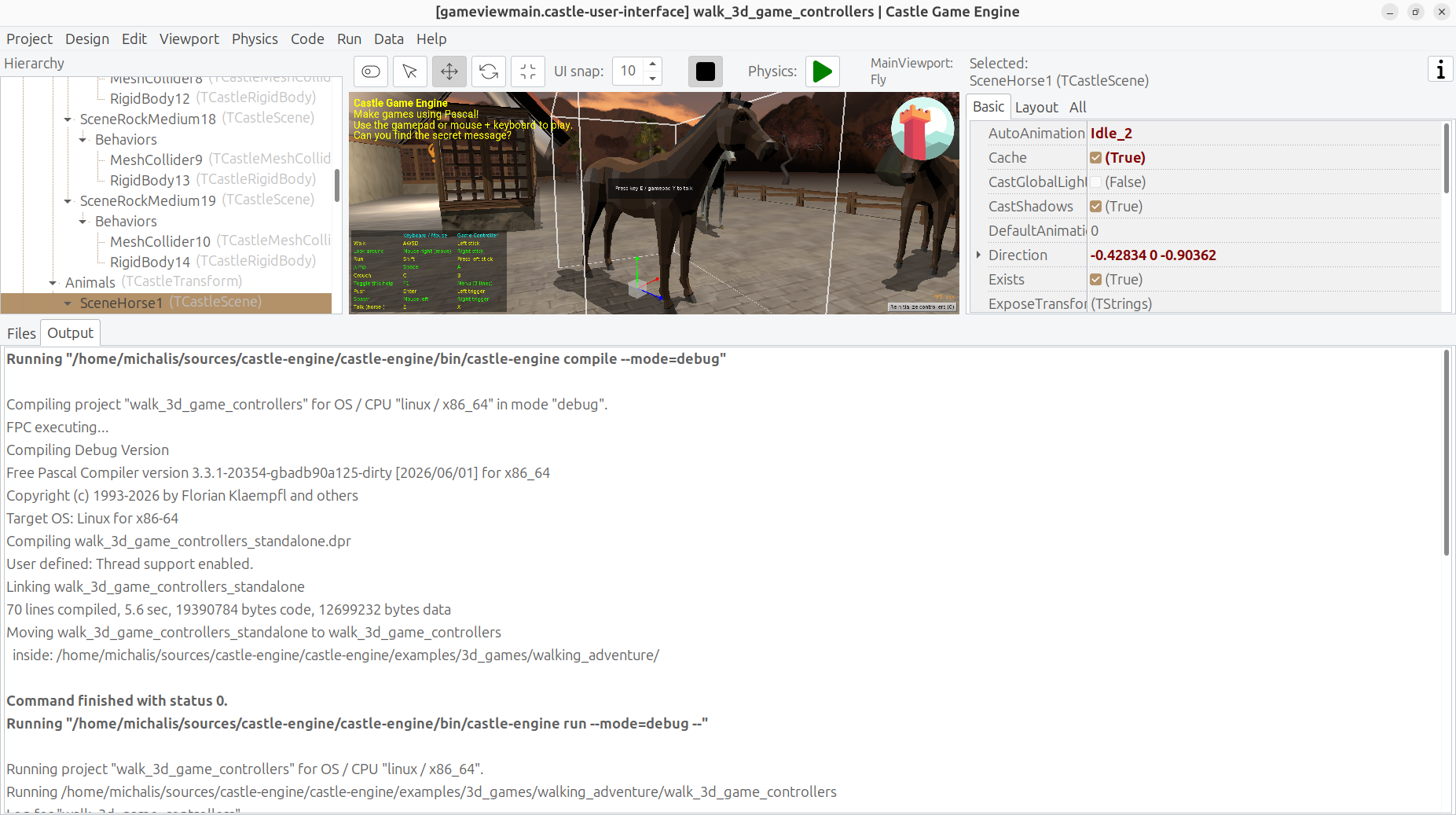
Editor executing compiler and game - this is one process calling another
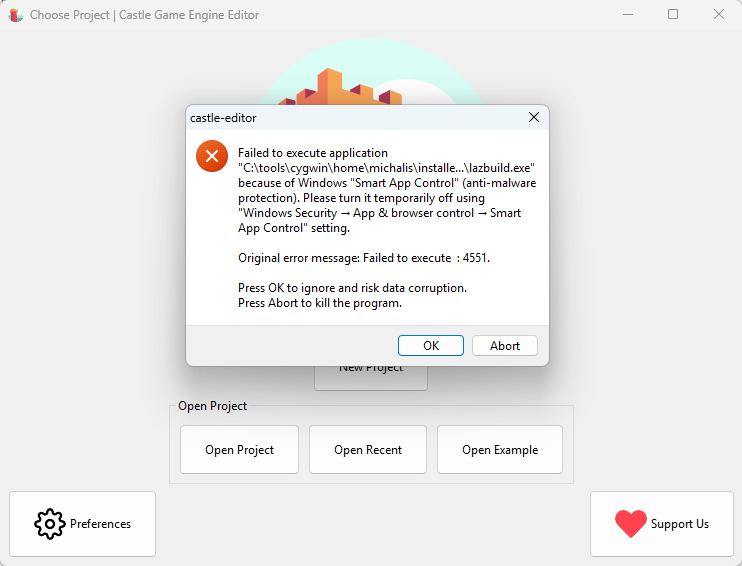
Effect when &quot;Smart App Control&quot; blocks us

We refactored our process running code (when one application wants to run another). This is used throughout our tools (build tool, editor) but we also have uses for it in the engine itself. Refactoring this into a nice unit gives us more possibilities, for now and for the future:)

  1. The code is now in a nice unit CastleInternalProcess available throughout the engine, with TCastleProcess class and our routines like ExecuteCommand, ExecuteCommandCapture.
    • As the name suggests, we still consider this an internal unit, so if you decide to use it in your own applications -> you risk that we break API.

    • That said, there’s no hiding that the unit is useful right now, with FPC+Delphi capability to run processes. Let us know how do you use it, and maybe we’ll just rename it to CastleProcess at some point.

    • Since this is internal now, the API docs are not generated by PasDoc, but you can just read the source code for the docs in comments.

  2. The code is simpler and better organized than previous code in build tool / editor. Some of the old internal code had “historical baggage” (e.g. how is environment overridden for the child process) which was cleaned up now.

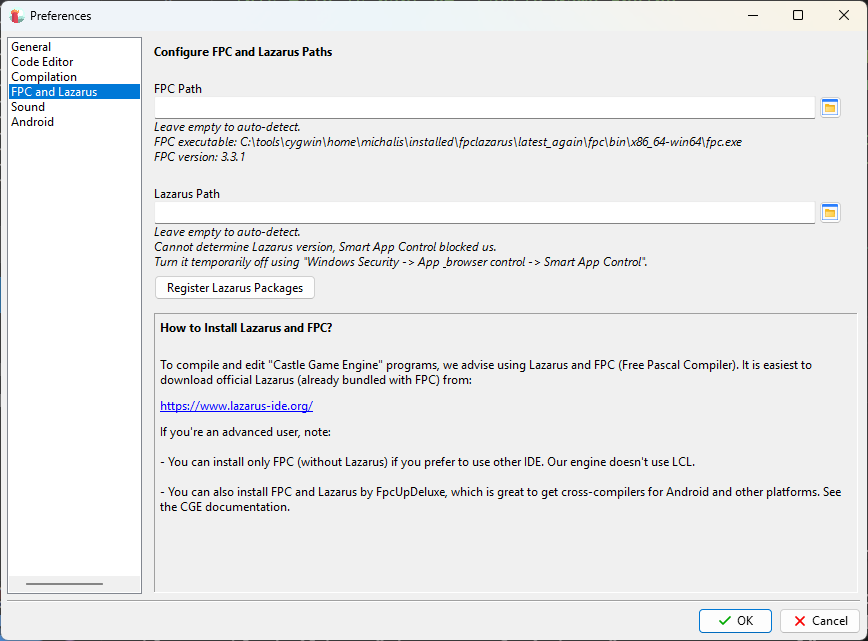
  3. Since all usage now goes through TCastleProcess, we can reliably make a better error message when execution on Windows is blocked by “Smart App Control”. FPC Process was showing cryptic “Failed to execute  : 4551” message in this case. This is quite important — as this message is killing our usage on Windows now!

    • Note that this Reddit comment with cited Microsoft documentation tells the simple version of what happens: “Smart App Control” checks if the application is “known”, and if not -> checks does it have a valid signature. As that comment says: “it effectively just prevents you running any programs that don’t have a digital signature”.

    • Proper codesigning is coming ASAP too. I see that with “Smart App Control”, right now our experience on Windows is really bad. We have started our SignPath process, I need to finish it.

  4. TCastleProcess and helpers are now implemented also for Delphi (for Windows, Linux, macOS/Intel, macOS/Aarch64).

    • This also opens the door to have e.g. our build tool compile-able with Delphi in the future. It’s not a high-priority goal (it is an engine tool, you should not need to recompile it yourself), but it aligns with our goal “support Delphi as good as FPC”. On more practical grounds, compiling code with Delphi is always a useful “extra check” of the code correctness.
  5. We feature helpers like:
    • ExecuteCommand – wait for the executed process to finish, don’t capture anything, return status.

    • ExecuteCommandCheckStatus – wait for the executed process to finish, don’t capture anything, raise exception if non-zero status.

    • ExecuteCommandCapture – wait for the executed process to finish, capture stdout/stderr to string. This one is for now still FPC-only.

  6. OpenDocument, OpenUrl on Unix are simpler now — they just use TCastleProcess through a simple ExecuteCommandNoWait, with both compilers.

Comments on the forum ➤

Big progress of web target and 10 new demos ready to play in your web browser

Posted on

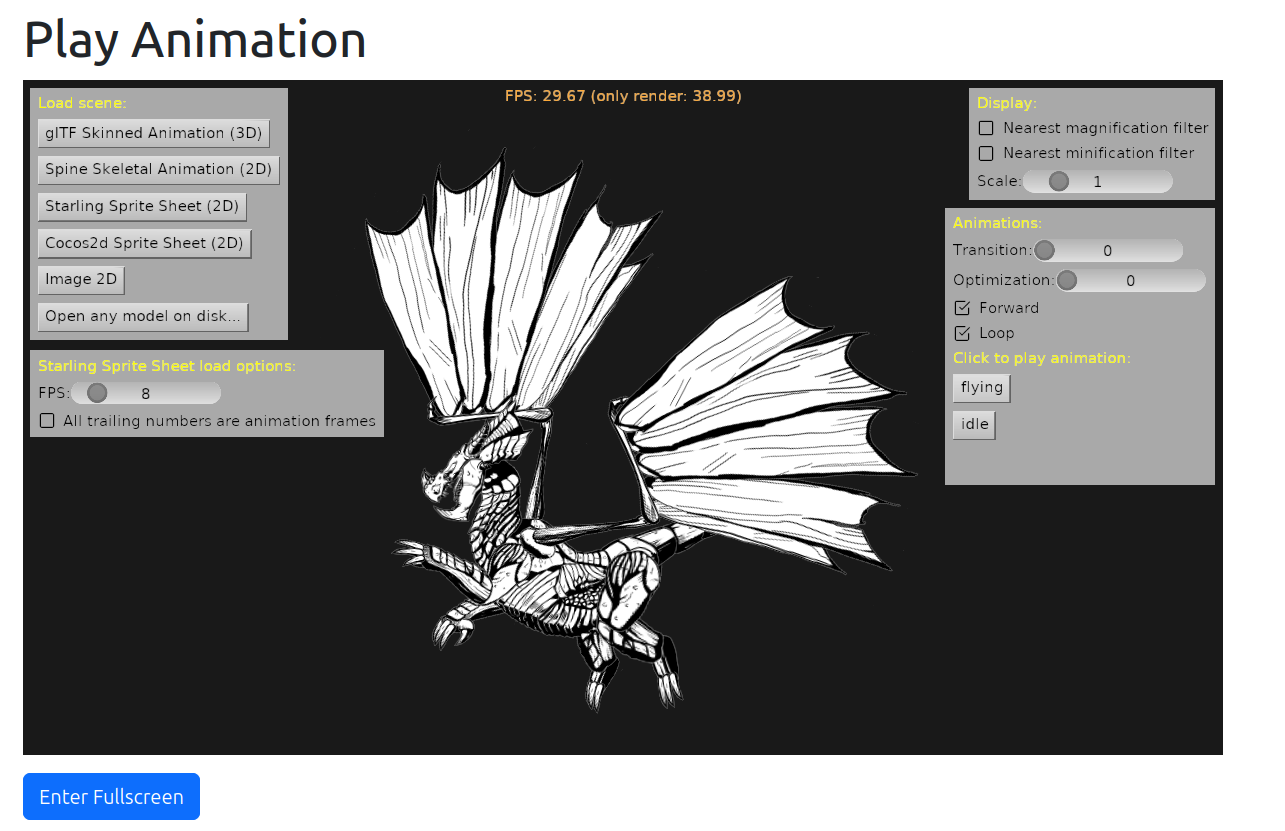
Web demo play_animation
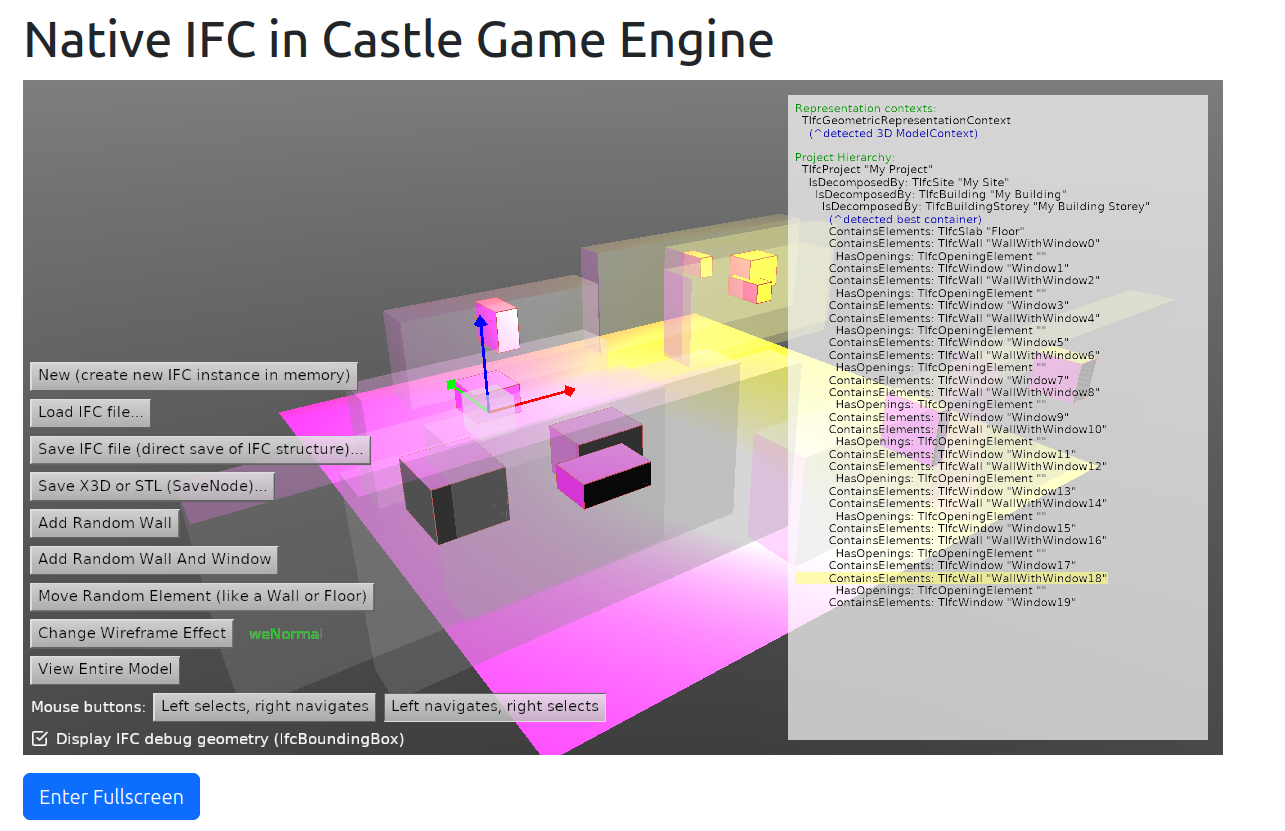
Web demo of IFC format support
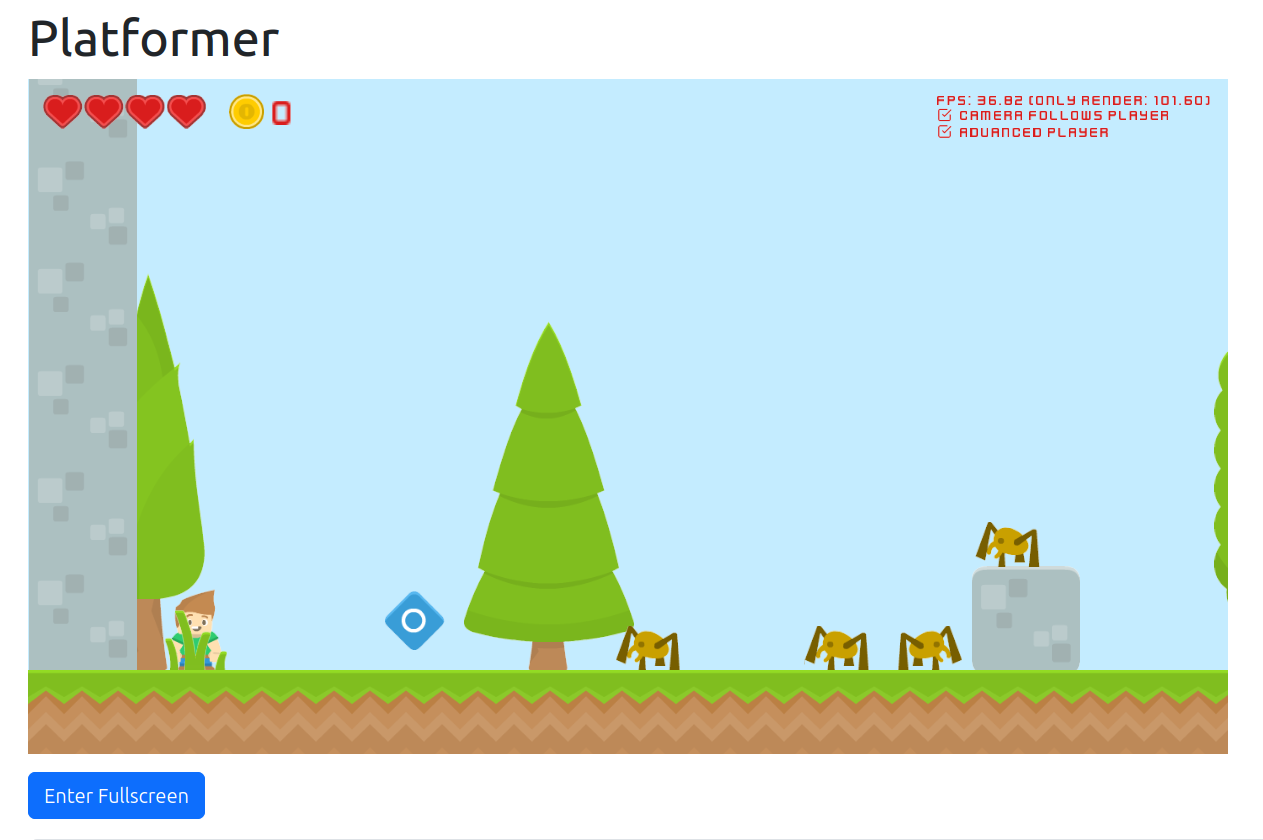
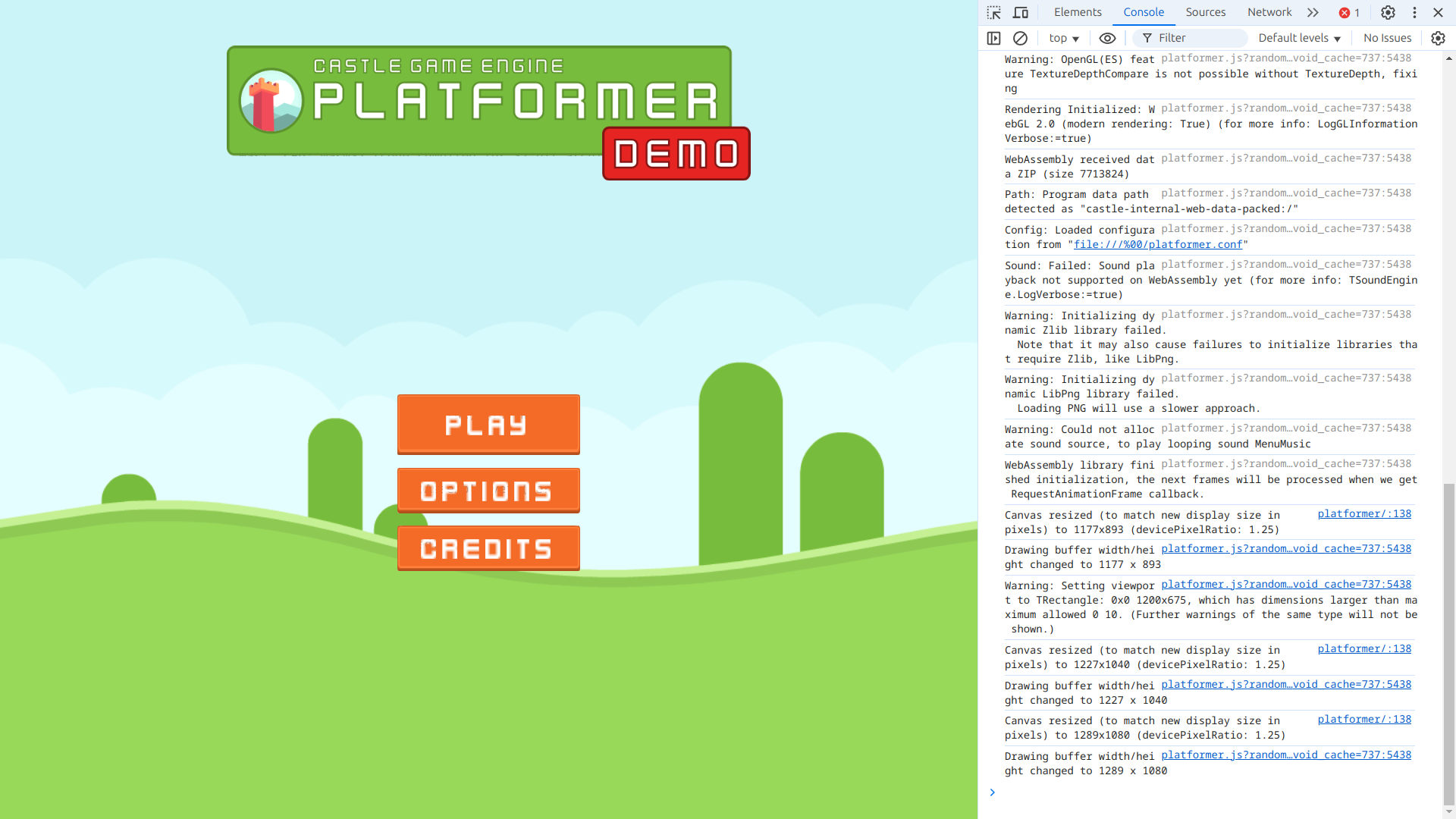
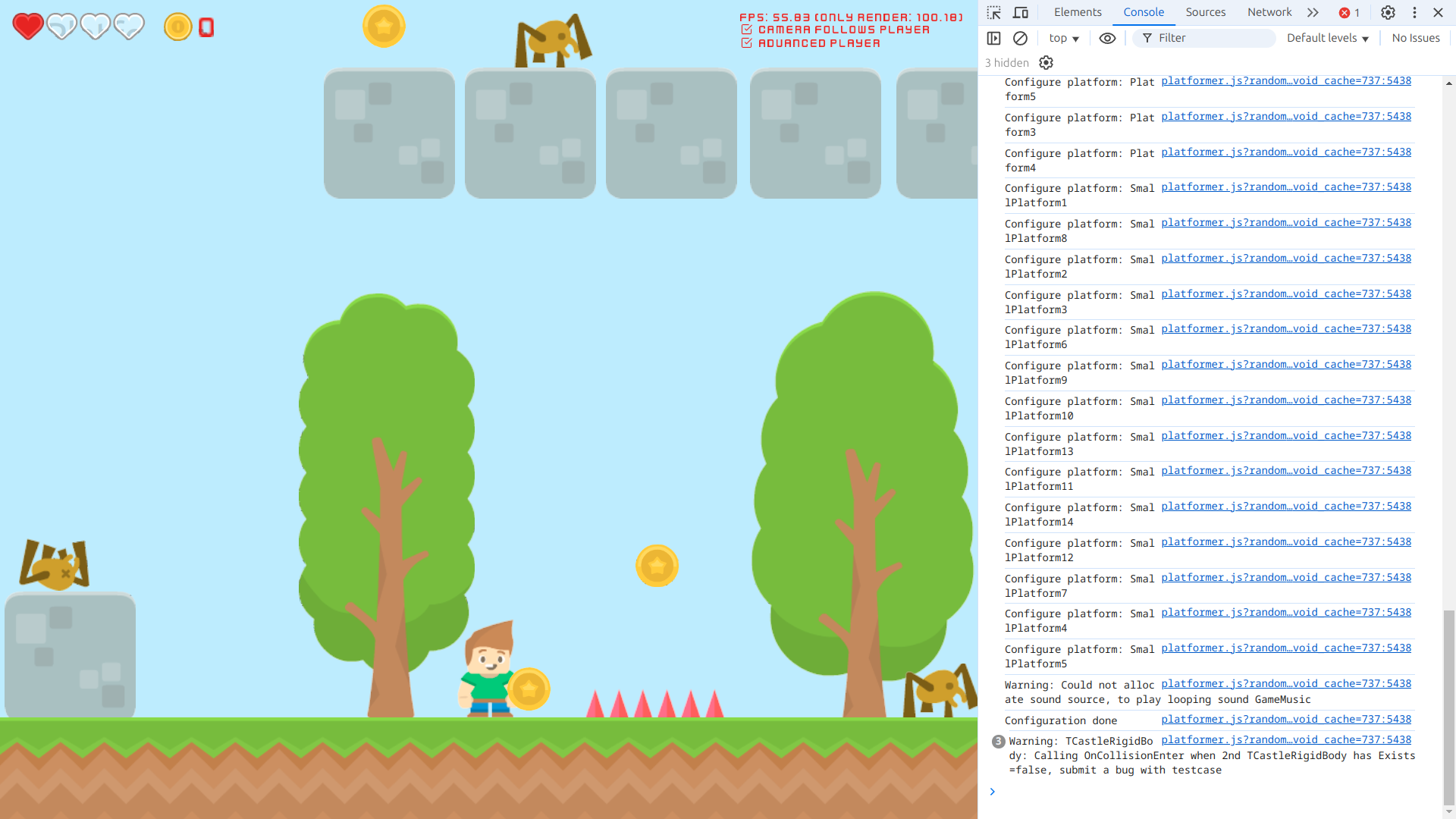
Web demo platformer
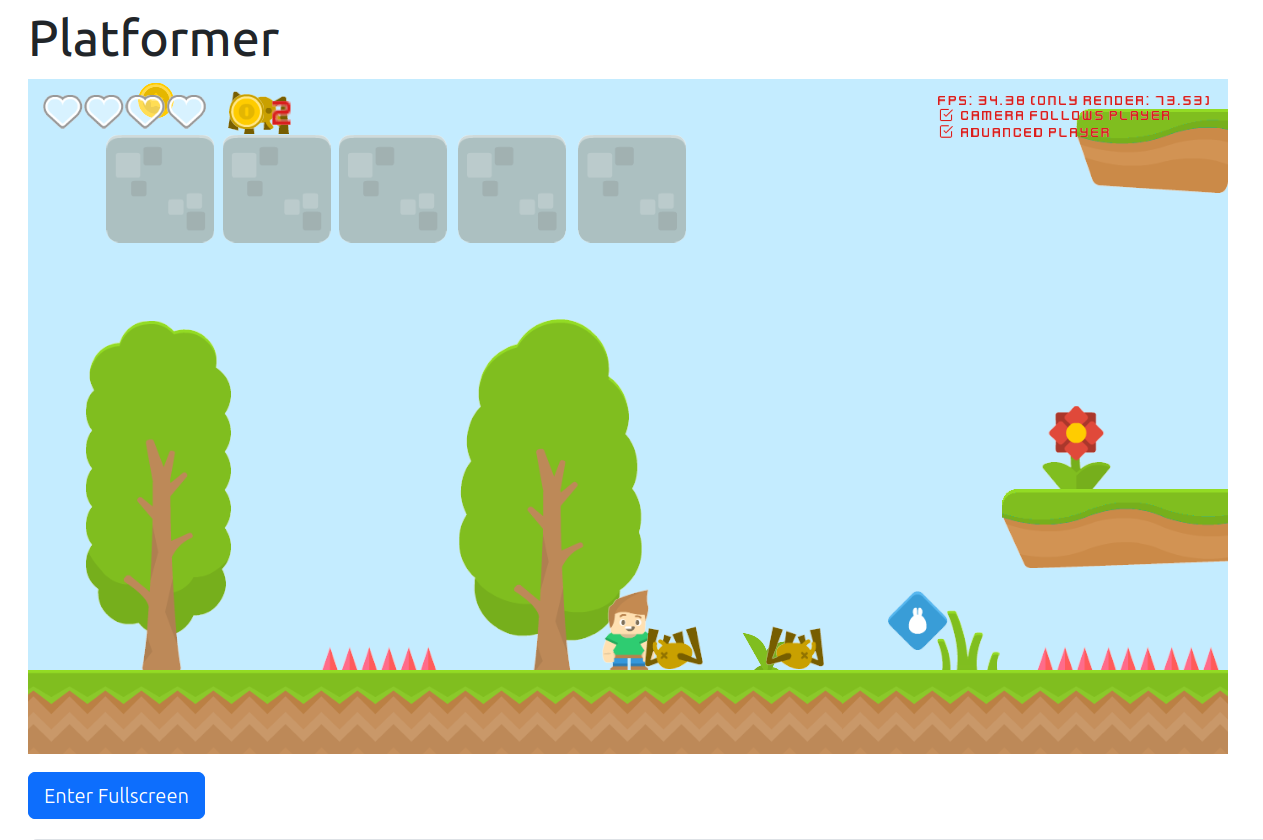
Web demo platformer
Web demo platformer, fullscreen, with Vivaldi (based on Chromium) console
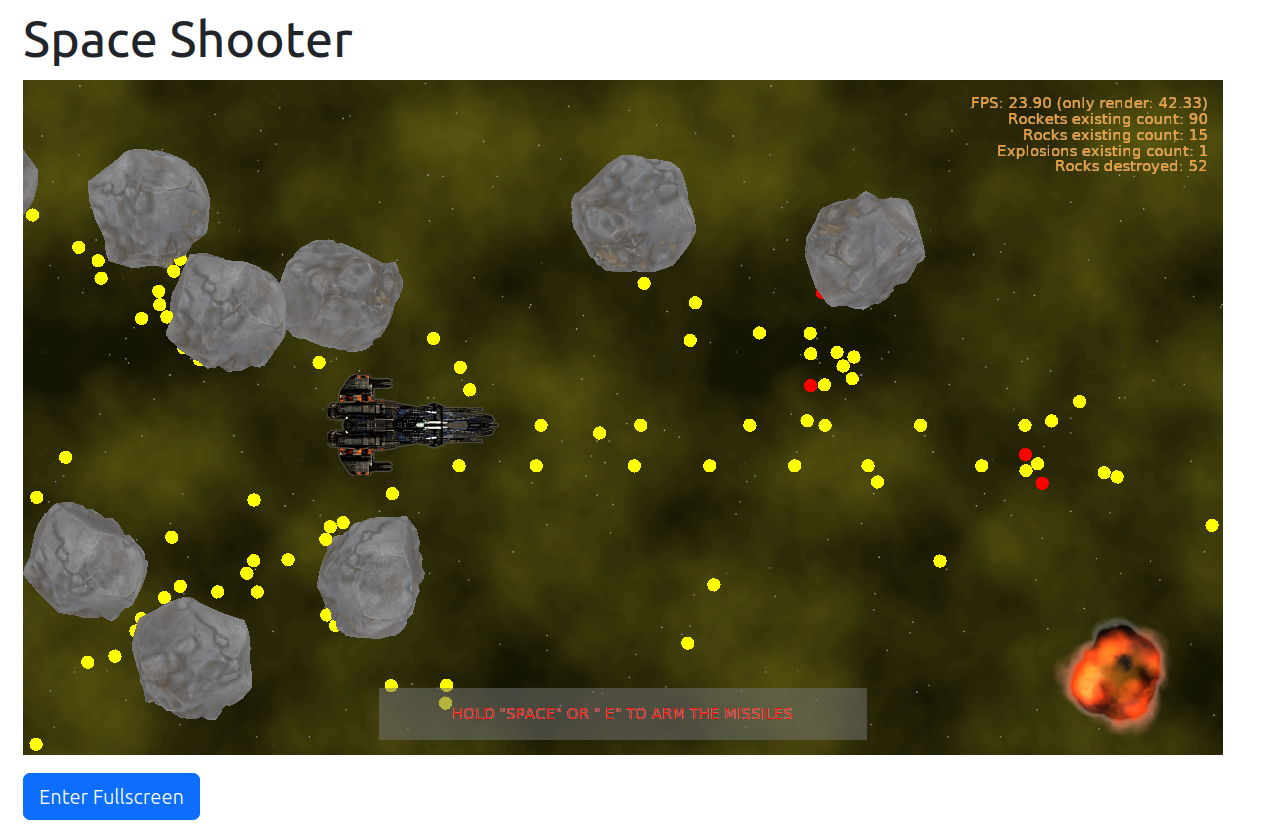
Web demo space_shooter
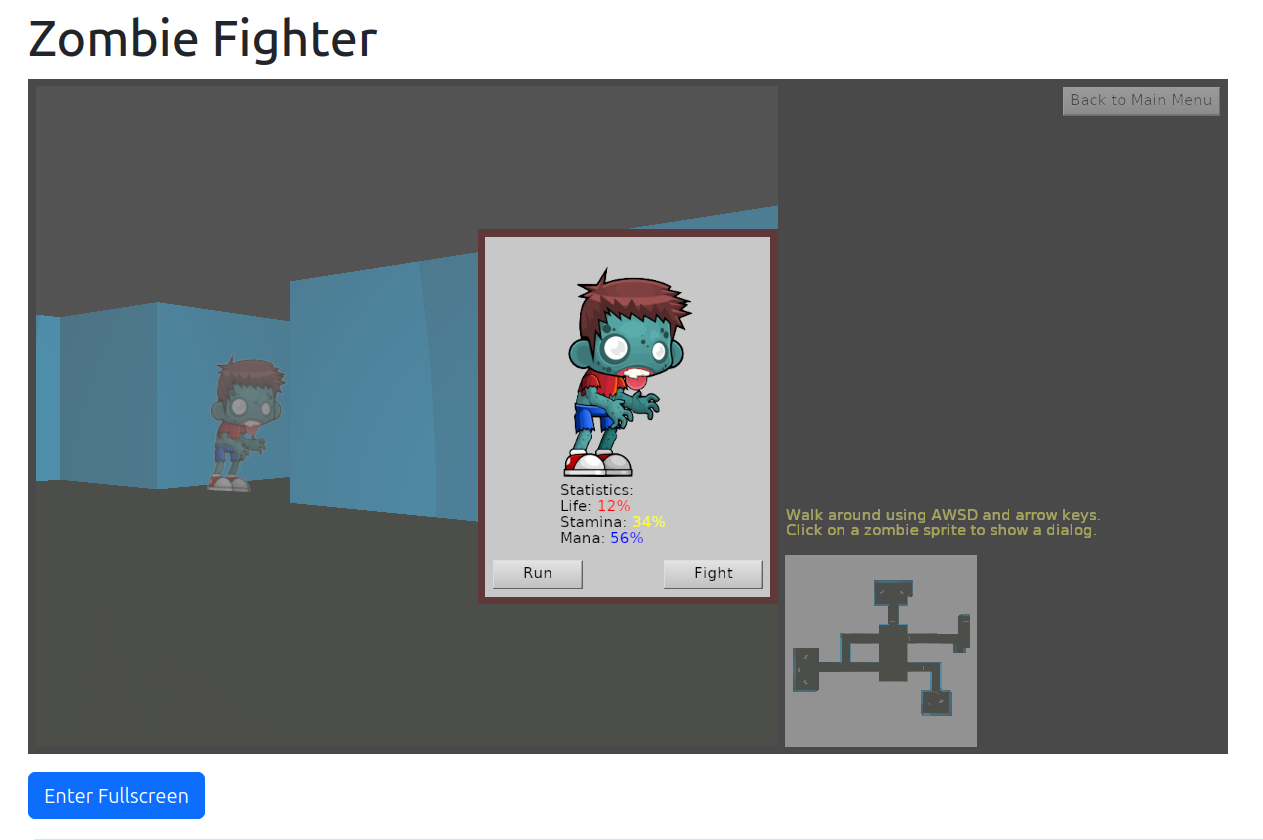
Web demo zombie_fighter
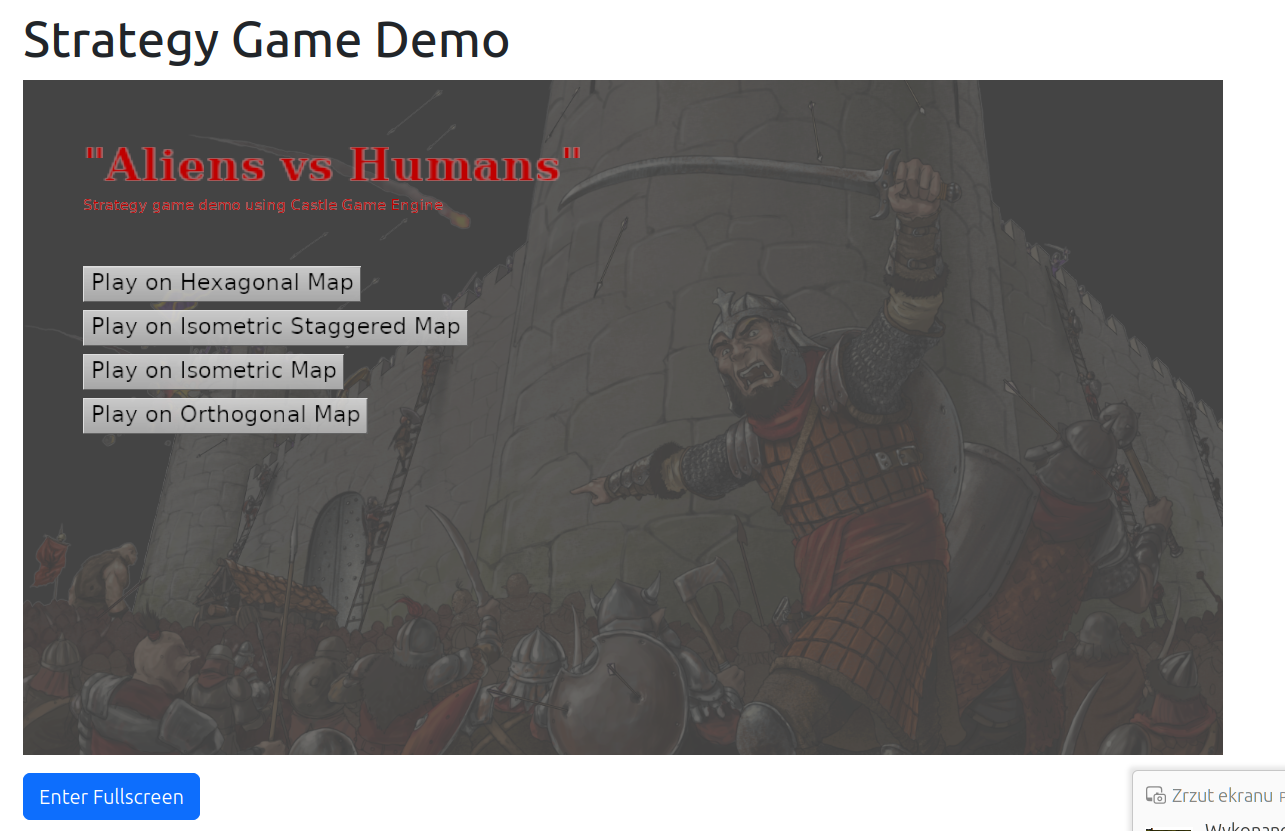
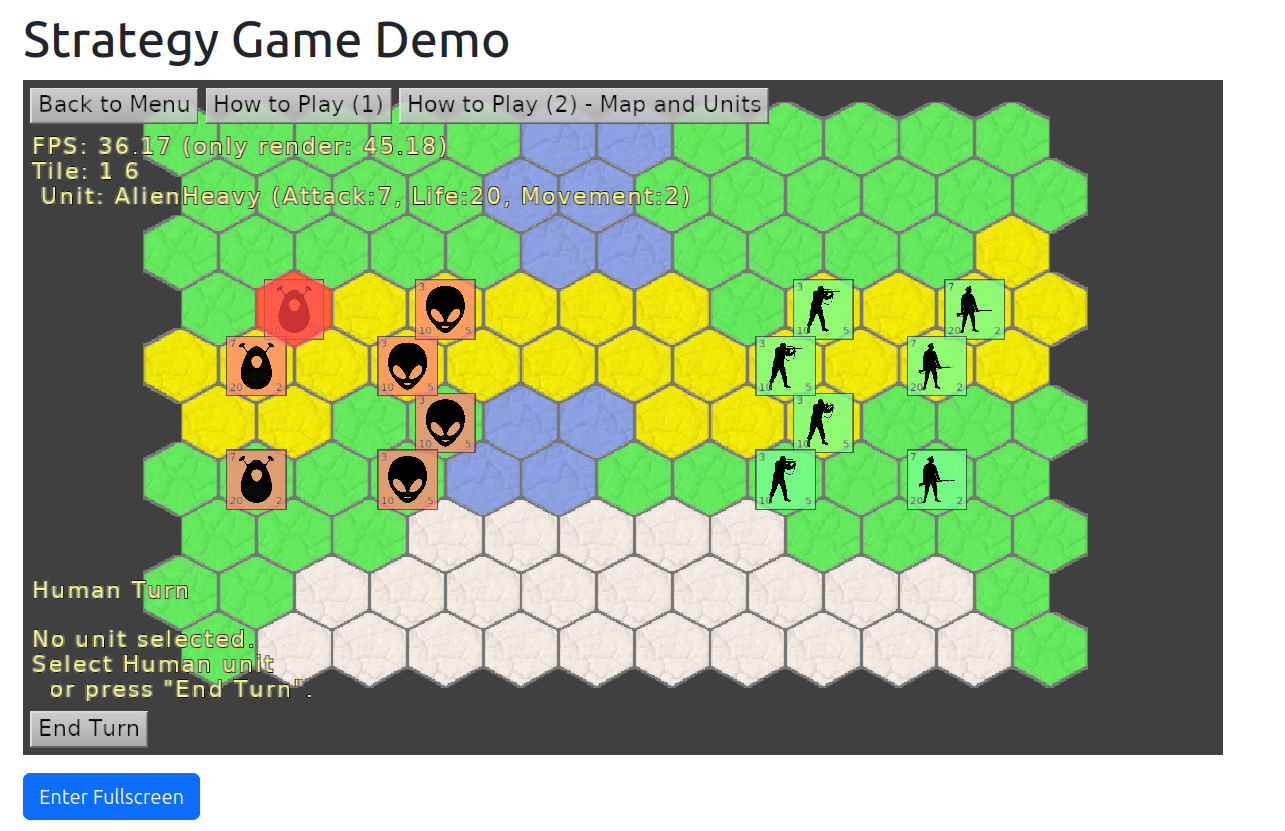
Web demo strategy game using Tiled
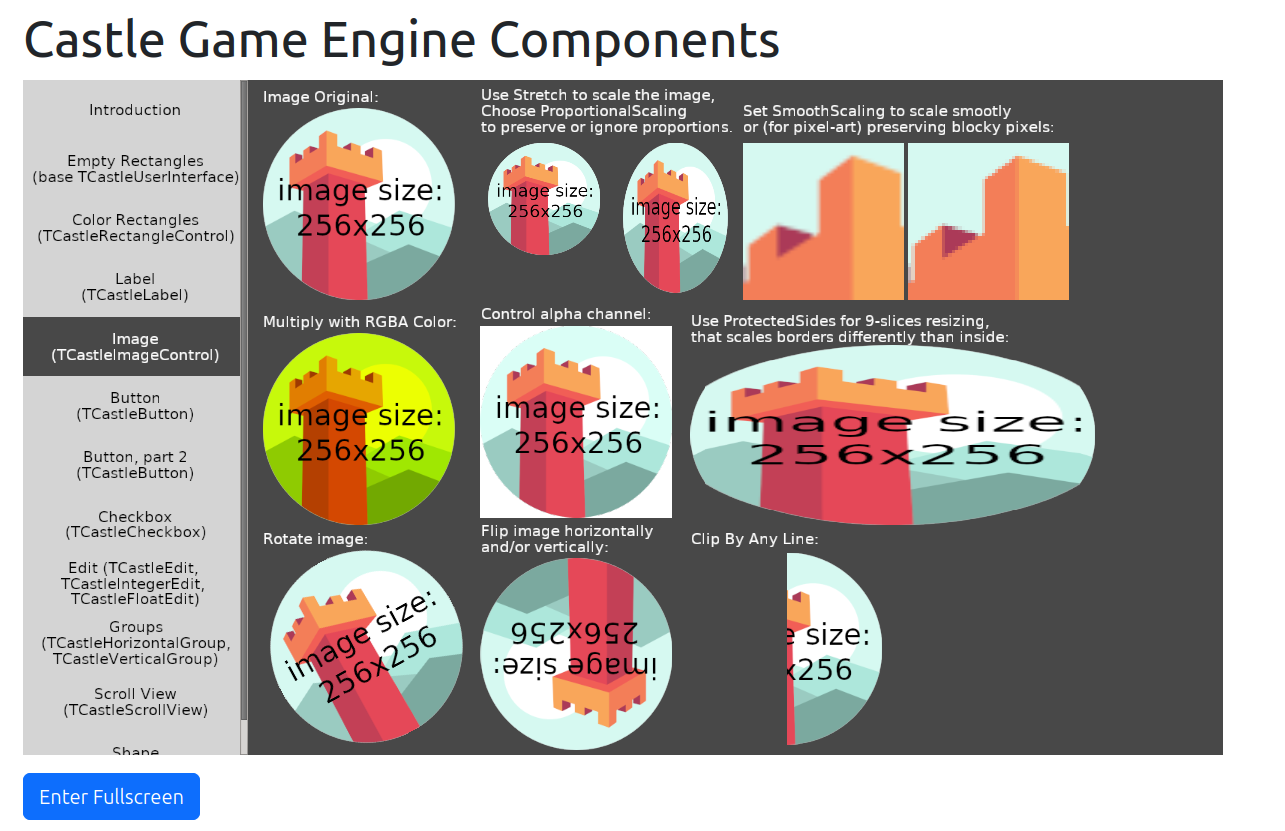
Web demo - components gallery
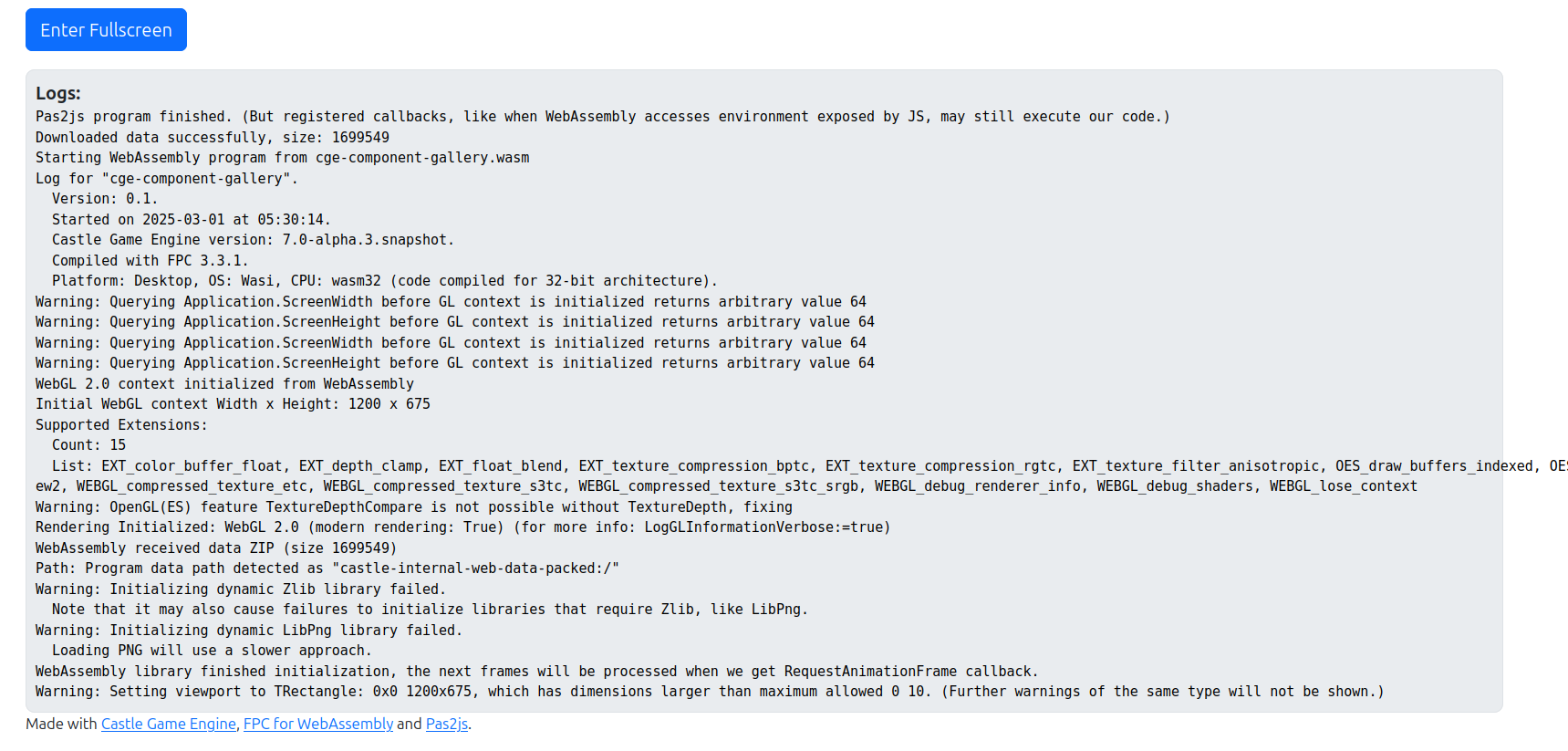
Web demo - console stuff

We proudly present next milestone of our web target! The goal is simple: recompile any application developed using Castle Game Engine and FPC to run in a web browser. Any modern web browser (FireFox or Chrome, desktop or mobile) is good.

Before we go into technical details, we have added 10 new demos to try out:

2D demos:

3D demos:

New features of the web target:

  • We fully support application data. You can provide designs, 3D models, images, and any other arbitary data to your games.

    Internally, we package the application data to zip, then download it in a pas2js application, then use it in the WebAssembly application.

    The details why ZIP is suitable for this are in How it works section of our web docs, that describes a lot of details for people interested what goes on “under the hood”.

    This feature is accompanied with new TCastleZip class in our engine. It is used internally by the web target and build tool, but it’s also exposed to you — for any custom purposes you have in your games. It can handle ZIP files (reading and writing) in a cross-platform way, with both compilers we support (FPC and Delphi), with support for URLs throughout the API (as it normal for our engine). It includes the ability to easily register ZIP as a “URL protocol handler for our engine”. The basic examples are in the TCastleZip API docs and a complete example is in new examples/network/custom_url_handler.

    We have more plans about this ZIP usage. It can be used to provide encryption in data. It can be used to simplify passing data through Delphi’s PA Server. Stay tuned for more development.

  • We optimized image loading on the web.

  • Adjusted default canvas size.

  • We can switch to Fullscreen mode on the web. Our index.html already features a button to do this on any example.

    Note that it’s also available in mobile platforms, switching to fullscreen on mobile allows to use all available phone/tablet screen space, and it adjusts to the portrait/landscape mode.

  • Fixed rendering to be “crisp” (fixes old issues with “fuzzy fonts”). This actually needed 2 fixes:

    • We need premultipliedAlpha=false. See comments.

    • We need to adjust canvas size to match display size in pixels. This was quite hard to do exactly right, fortunately others encountered and documented this too and we could follow in their footsteps. See docs and explanations about devicePixelRatio and resizing canvas: WebGL fundamentals, Khronos Wiki.

  • TCastleApplicationProperties.ShowUserInterfaceToQuit is false on web.

  • Improved our mechanism to “counter the cache” when running web applications.

  • Improvements to specific examples:

    • platformer: Allow shooting with Enter.
    • space_shooter: Added explosions. Allow “arming the missiles” by holding “e”.
    • ifc: Switch whether mouse left button does selection or navigation. (Right mouse button does the other action.) Usage of the right mouse button is not good for web — browsers use right mouse button for the context menu, so it conflicts, and you get unwanted context menu when trying to do something else. It seems we could disable context menu in some cases, and we’ll look into it, but for mobile sake (when the right mouse button is not available at all — whether it is native mobie app, or web app opened on phone) applications should just enable all functionality only with left mouse button.

Aaand that’s not everything we did in February. More news will come 🙂

If you like what we do, please remember we count on your support on Patreon and other forms of donations. Have fun making games!

Comments on the forum ➤

Web target – big progress, first 3 demos to try!

Posted on

Web demo - 3D viewport, lights, Examine camera, physics
Web demo - invaders
Web demo - first demo

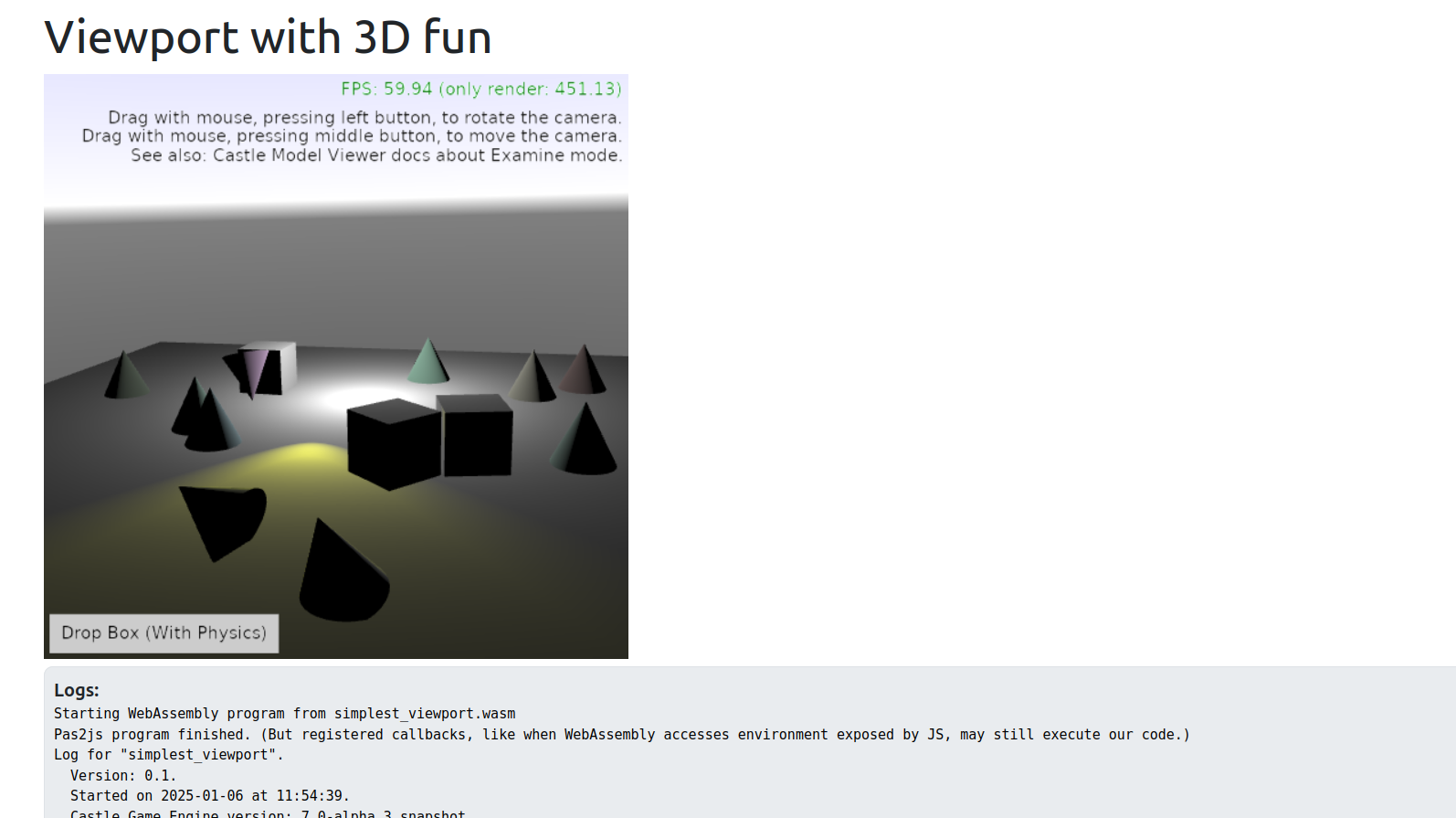
We are proud to present the first 3 working applications developed with Castle Game Engine for the web! Check them out — just open the links below, in any web browser (Firefox, Chrome…), on desktop or mobile!

  1. 3D viewport, with random cones, animated spot light, dropping boxes with physics, Examine camera navigation.

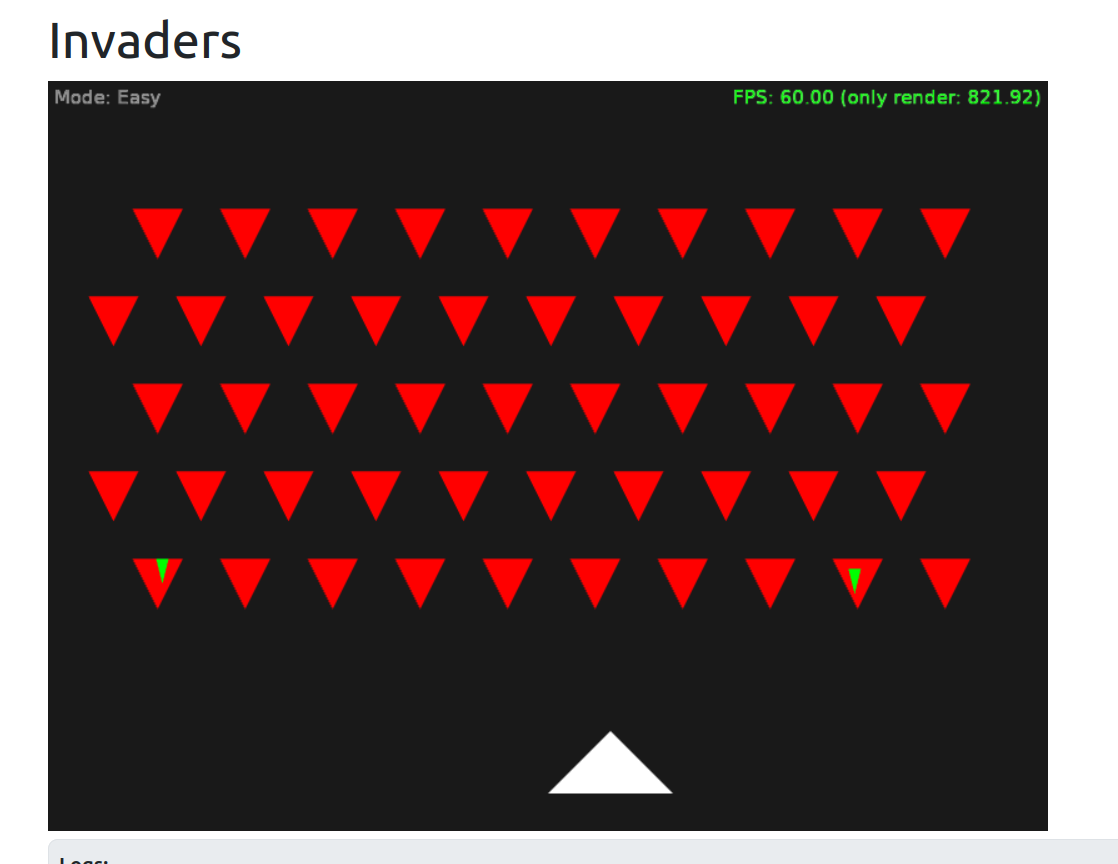
  2. 2D “Invaders” game – simple game, using keys, multiple views, 2 difficulty modes. Note: This example is not really useful on mobile, just because it relies on the keyboard input.

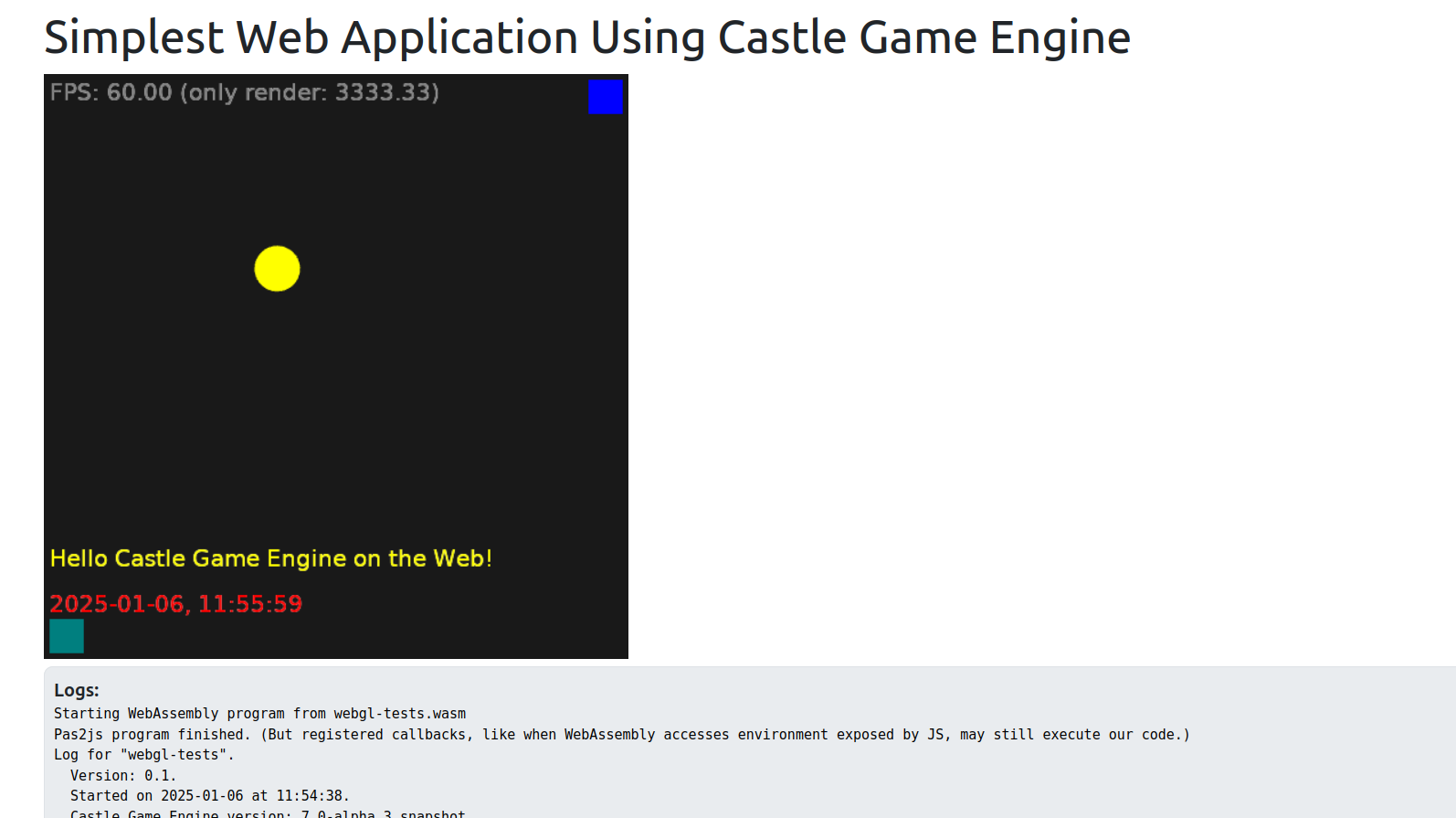
  3. The first, simplest example that we got running on the web!

Note: These are early demos, don’t judge the quality yet — we have some known TODOs (fuzzy text; and the demos will look more impressive once we will have data loading, for now everything you see was set up by code). Stay tuned for more 🙂

How is this possible?

  • We use the WebAssembly target available in FPC and we have a “glue” code generated using Pas2js. We render using WebGL (1.0, with 2.0 features useful but optional), using the Castle Game Engine code. The game code is cross-platform (the 3 examples above can be recompiled to desktop, mobile, console without any change). The TCastleWindow abstracts all platform differences providing rendering and handling input (key, mouse, touch).

  • This is not yet available in the CGE master branch, not yet available in the downloads! The development is on a branch webassm_platformer_test. It should be merged to master soon.

  • We have a ton of documentation what works already, how it works, how to test it, what is missing, and what do we plan on the web platform page. This page was quite intensively updated in the last 2 weeks, so check it out!

Do you like what we do? Spread the word to your friends and support us on Patreon! And have fun developing games with our open-source game engine 🙂
Comments on the forum ➤

New CastleTransformManipulate unit to move/rotate/scale 3D objects in your applications, wireframe “shading” toggle for IndexedFaceSet, Steam achievements fixed with Delphi, slides from my presentation in Bielsko-BiaÅ‚a

Posted on

Transform editing using CastleTransformManipulate

You love the super-long news titles, right? 🙂 Again I have a backlog of announcements to do, to communicate everything happening around the engine development. There will be more news in 2024 (stay tuned for traditional “summary of this year, plans for next”), for today a bag of improvements to announce:

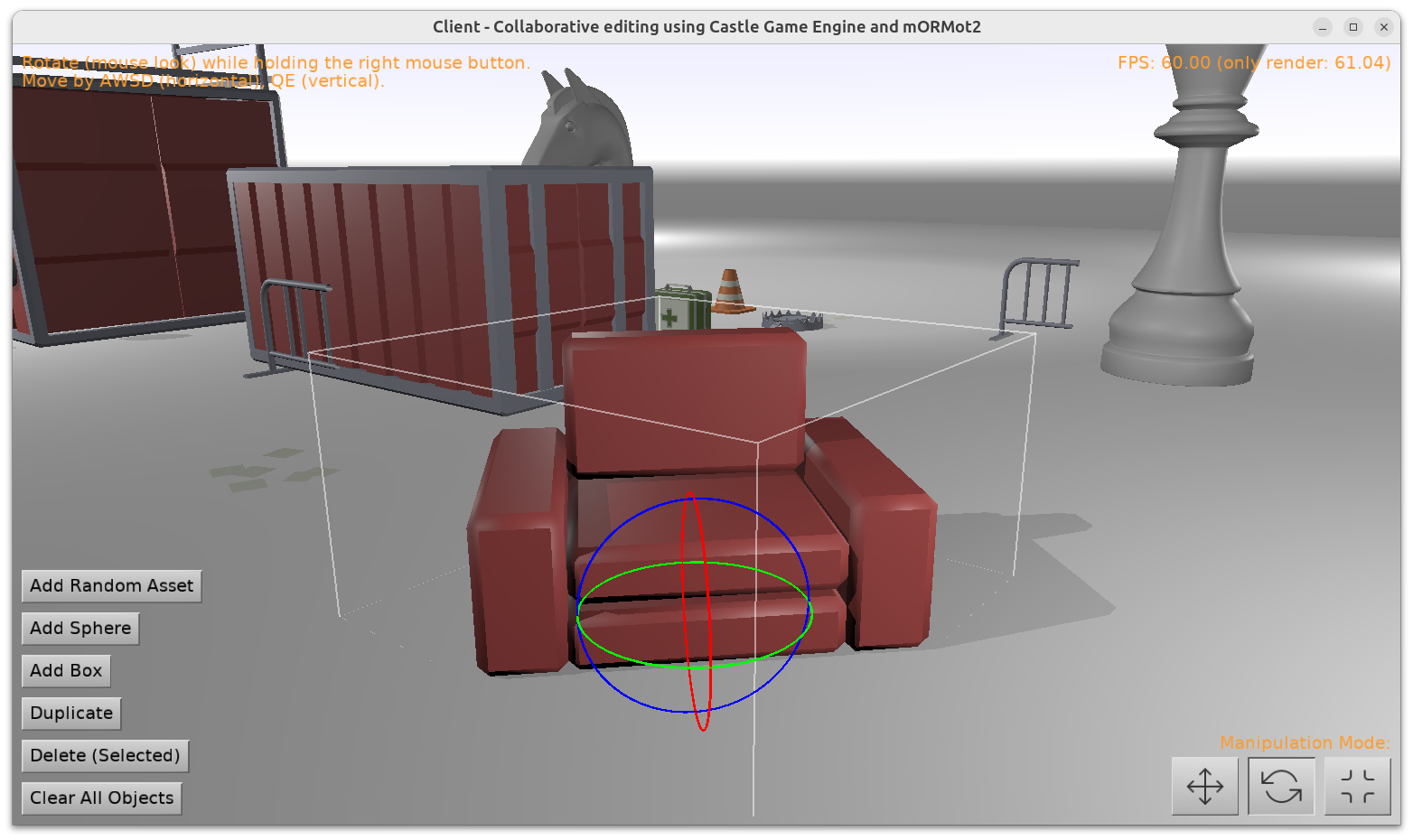
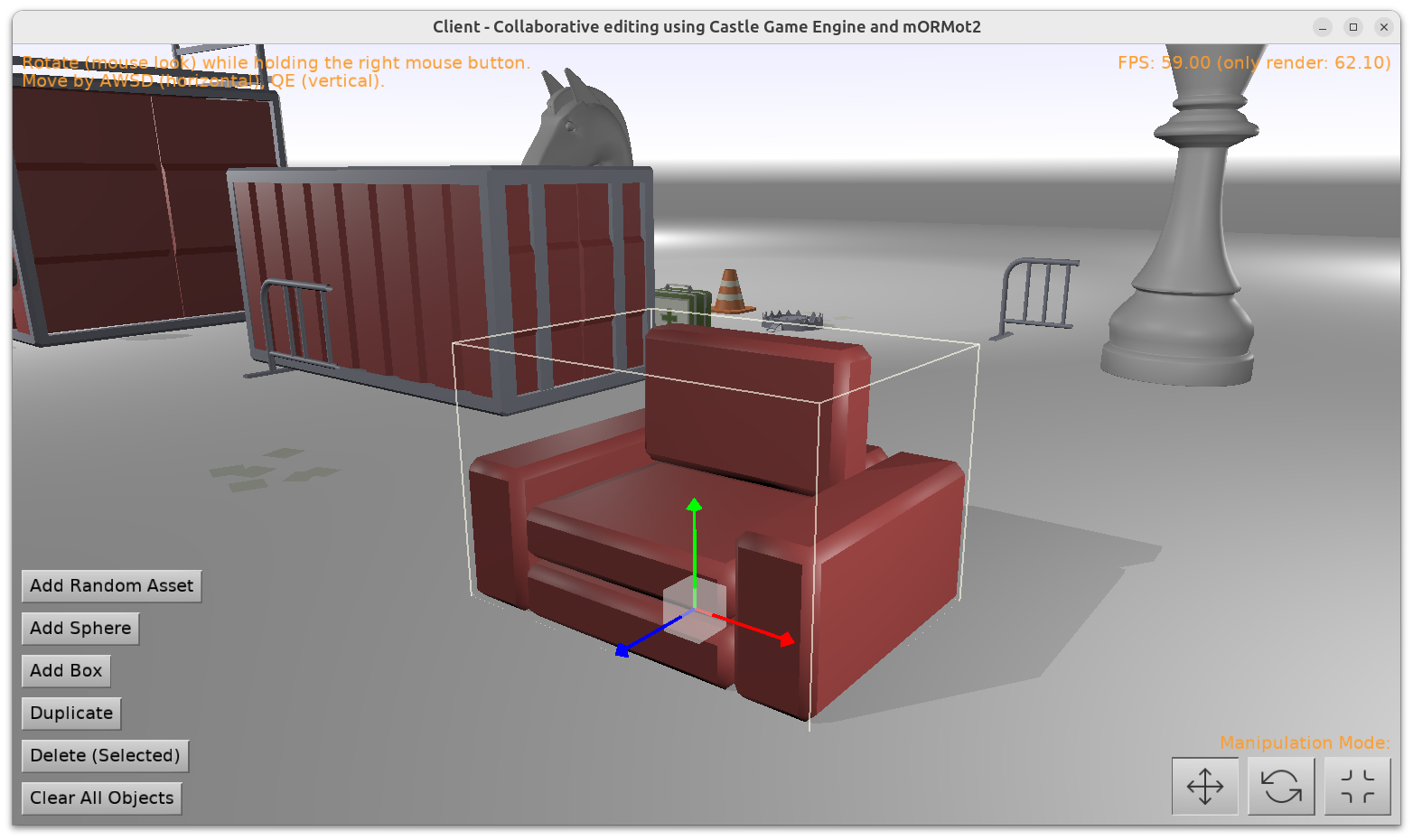
  1. We have a new unit CastleTransformManipulate with 2 new components: TCastleTransformHover (visualize the TCastleTransform we hover over) and TCastleTransformManipulate (visualize selection and move / rotate / scale TCastleTransform).

    Together, they allow you to implement selection / manipulation of 3D objects in your own applications just like the Castle Game Engine editor does.

    Their usage is rather simple:

    Practical examples of using them are in:

    Note: We still work on 2 examples above (we want to improve some things in IFC support, and we want to make mORMot example really support collaborative editing). But their usage of CastleTransformManipulate is now completely stable 🙂

  2. We support toggling any TIndexedFaceSetNode to display as wireframe.

    To do this, set TAbstractShapeNode.Shading to shWireframe using Pascal. If you’re unsure how to manipulate X3D nodes from Pascal, read Writing code to modify scenes and transformations manual, section 11. Building a mesh using code and X3D docs.

    Or, in X3D file, set shading="WIREFRAME" following our X3D Shape.shading docs. Test X3D file is shading_wireframe.x3dv.

    Wireframe display done this way is often useful for model debugging, inspection etc. While you can also construct lines explicitly (using TLineSetNode, TIndexedLineSetNode), it is sometimes more convenient to just define a regular mesh using TIndexedFaceSetNode and then toggle it (based on any condition) to wireframe.

    For some design decisions (e.g. why this is called “shading”) see Shape.shading docs.

  3. We have fixed Steam achievements usage (getting, setting) with Delphi.

  4. I made a presentation about our engine at the beginning of December at Meetup Delphi in Bielsko-Biała (Poland). This was a bigger presentation about engine features, physics, Blender, Sketchfab, Steam integration.

    Slides (in Polish) are here.

    ( If you don’t speak Polish, but you’re interested in the topics — slides from my previous presentation in Cologne are the closest equivalent in English. )

Comments on the forum (1) ➤