 |
 |
 |
 |
We’re proud to officially announce that Castle Game Engine now supports Android and iOS platforms when used with Delphi! Download the engine and try it out right now.
We wrote extensive documentation about our mobile support with Delphi. Here’s the short version:
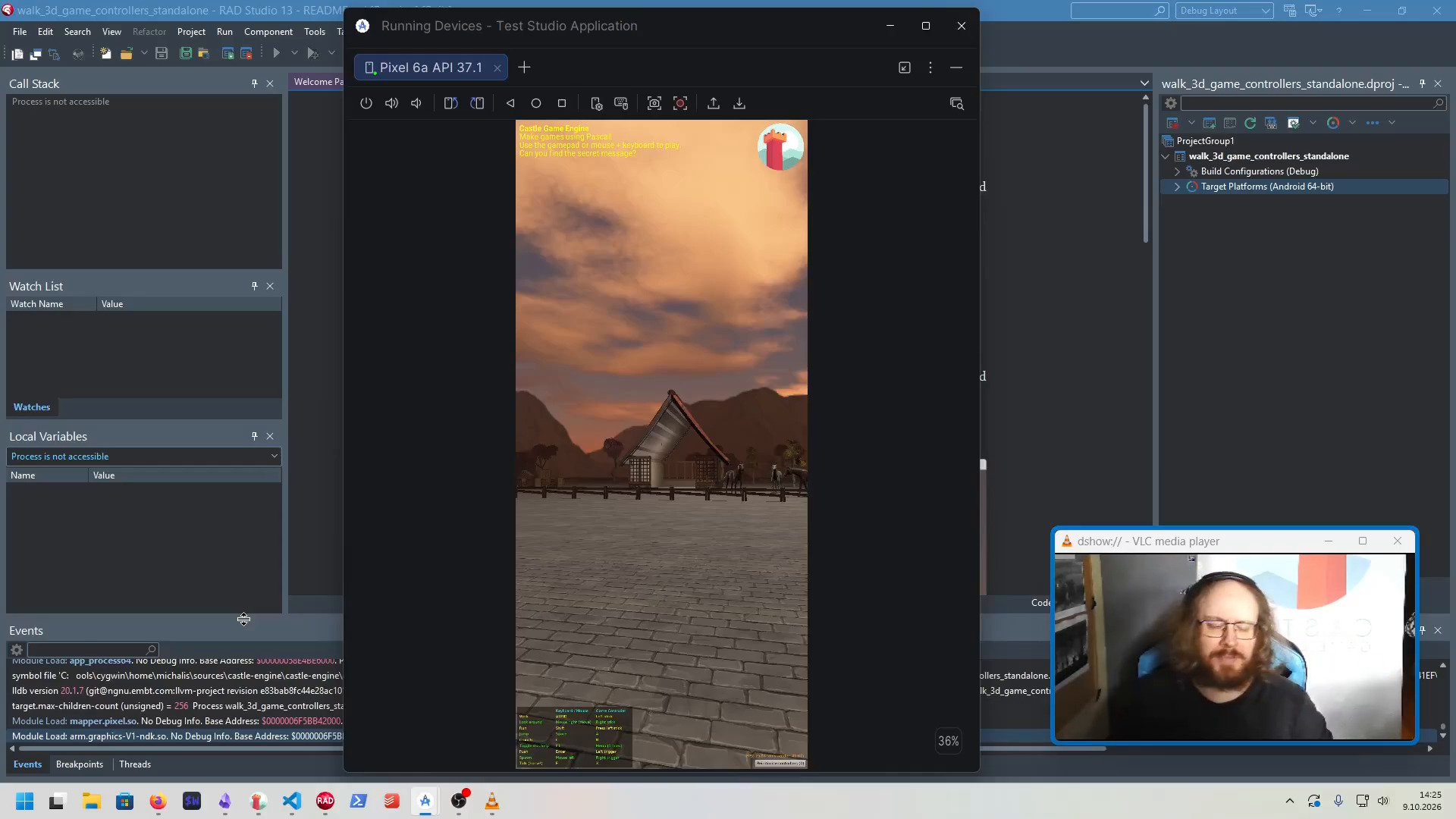
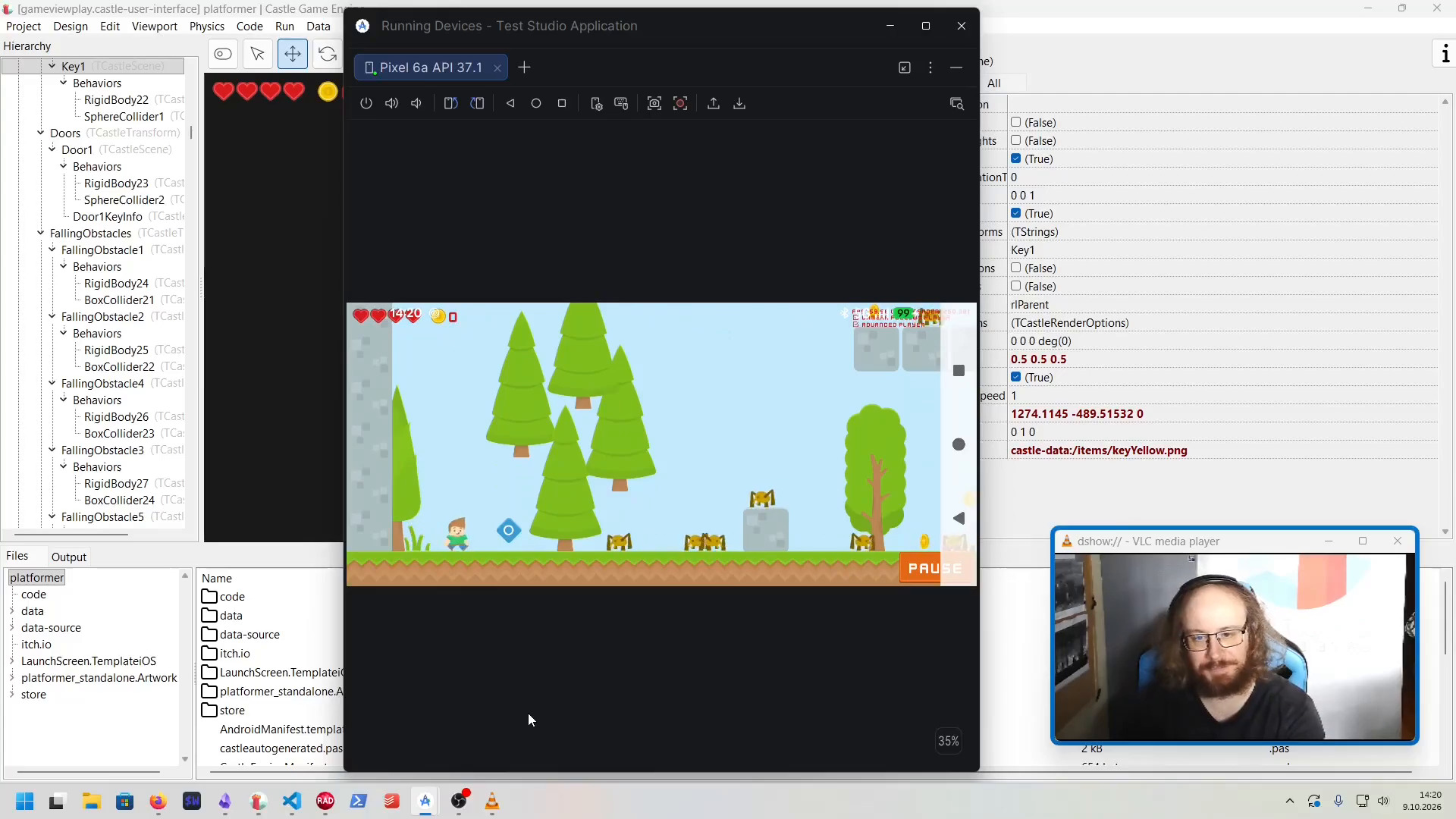
Things just work. Open any example/project made with the engine, add Android/iOS platform, and build+deploy it for your phone just as you would any other FireMonkey project.
The above documentation looks like a small book at this point, and that’s already after 2 phases of proofreading and shortening, so you will have to bear with it 🙂 Consult it when you run into problems or have questions.
We also made a video demonstrating it all: Using Castle Game Engine + Delphi to develop Android and iOS applications, accessing phone sensors.
A short overview of the above resources:
- Rendering: We share the OpenGL ES rendering context with FireMonkey. You can use either
TCastleWindow(if you want to render everything with our engine) orTCastleControl(if you want engine rendering to be a rectangle on a FireMonkey form you design). -
In both cases, for Delphi, your application is just a FireMonkey application. You configure SDKs and the connection to Android and iOS (through macOS) just like for any other FireMonkey application. We document it here.
-
Input with multi-touch works. (If you use
TCastleControl, be sure to callTCastleControl.MultiTouchOnForm.) -
Audio works. (Without 3D spatialization yet, but it is on our roadmap.)
-
Our URLs to access data and everything else work.
TCastleDownloadworks. -
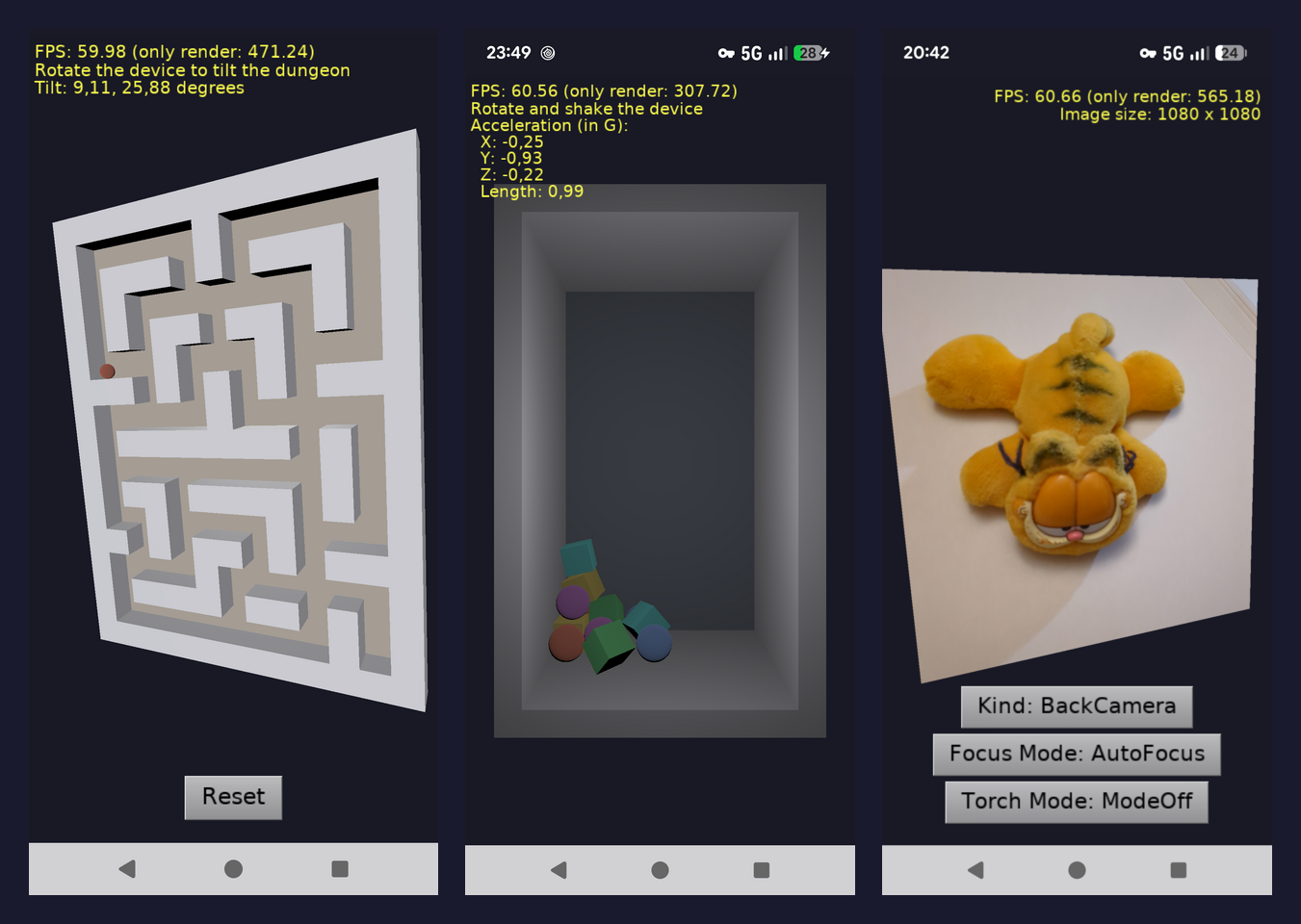
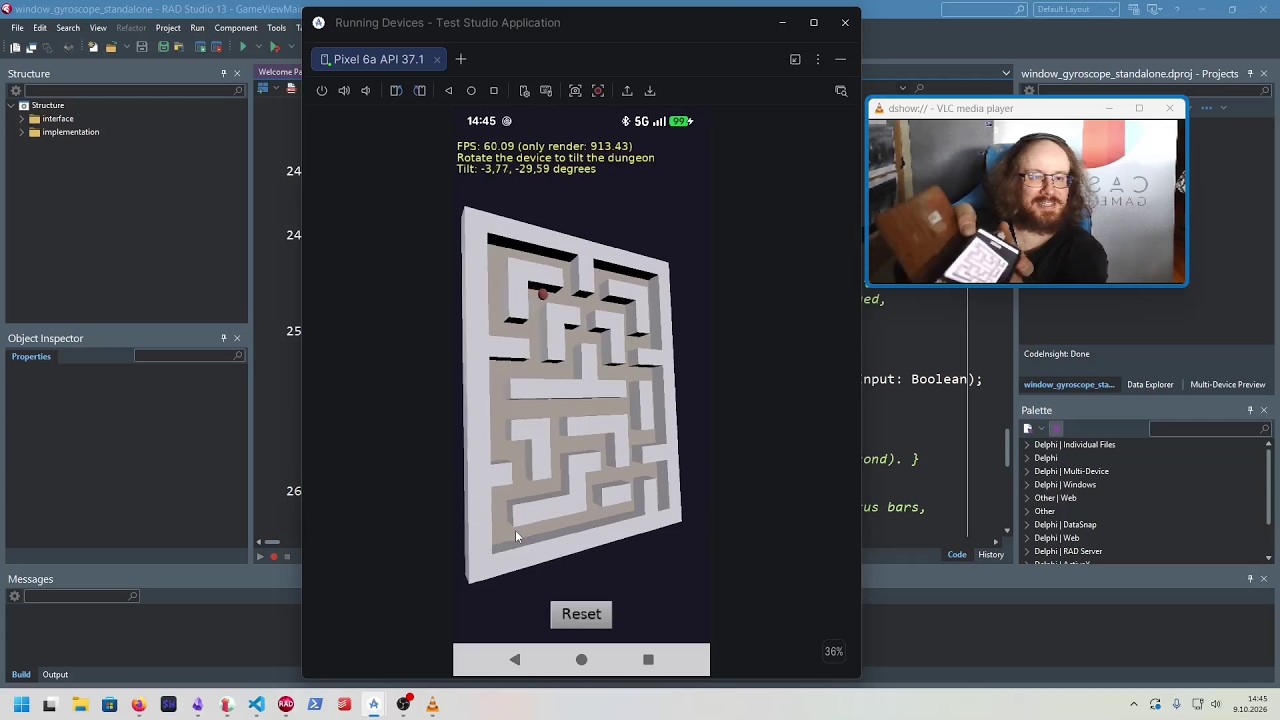
A nice plus of FireMonkey (FMX) integration is that you can use existing non-visual FireMonkey components for some cool things: camera, location service, accelerometer, gyroscope. These are all available for your games with Delphi. We have ready examples showing this, and our video shows them too.
-
We have tested and made sure it works even with older Delphi versions. Android is supported as far back as Delphi 10.4.0 with Patch 1 (but Delphi 10.4.2 is heavily recommended). See reasons and details behind Delphi version requirements.
-
While you can do everything from the Delphi IDE, you can also compile, package, run and more from our editor or command-line build tool. This has some advantages, e.g. you will see live logs from your running Android application. Command-line building is also of course useful with CI and our build tool lets you trivially switch between Delphi and FPC.
-
To be clear: We already support Android and iOS with FPC, this has been available for years, and nothing changes in this regard. We focus in this announcement on new Delphi possibilities, but the engine core is the same for FPC and Delphi.
- Note that with FPC, you have access to our Android services and iOS services. They now implement in-app purchases, ads, analytics, local notifications, Google Play Games / Apple Game Center and more integrations. They could and will implement more (including the camera, location etc.), so we can have feature parity with FireMonkey too.
-
With Delphi, our Android services and iOS services are not available. Instead, rely on FireMonkey functionality, e.g. FMX supports in-app purchases.
We hope you enjoy this new support!
If you enjoy using our engine, please support us on Patreon. Other ways to donate are also welcome. We need your support to dedicate time to develop cool new features like this one 🙂 Have fun making games!

Start the discussion at Castle Game Engine Forum