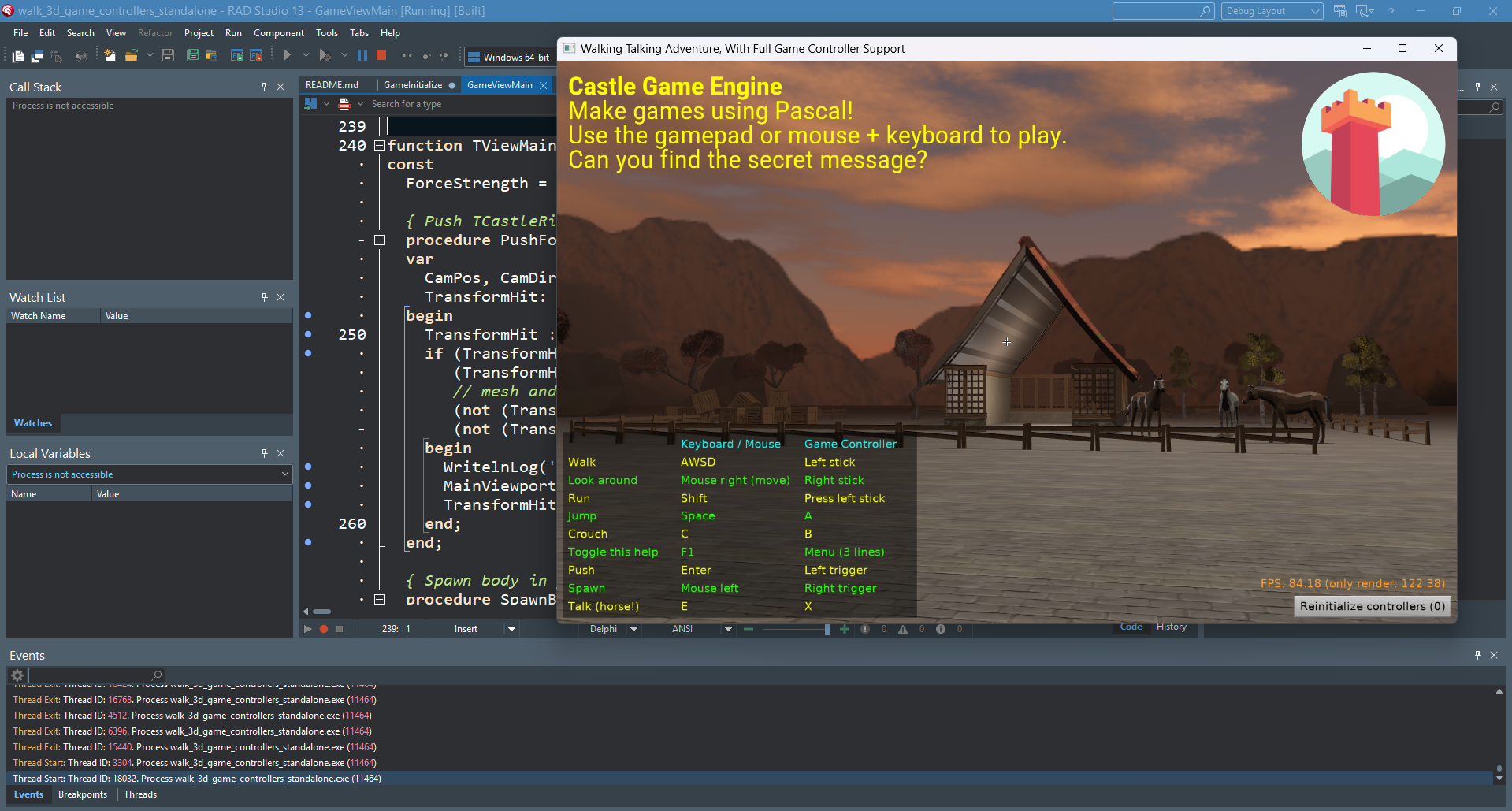
 |
We improved how our engine tools (build tool and editor) call Delphi. These improvements take us closer to making our engine compatible with Delphi for Android, iOS and macOS and improve how you can build with Delphi from shell (e.g. from Continuous Integration workflows) for all platforms.
- First of all, our build tool, when using Delphi (pass
--compiler=delphi), now calls msbuild when you build for non-Windows. We do not directly calldcc*compilers.This makes building non-Windows applications with Delphi, using command-line, much easier. Notably, the command
castle-engine compile --compiler=delphi --os=linuxjust works. See using Delphi to build Linux applications.Note: pass
--verboseto our build tool to see more details about what is executed. In effect, we pass options tomsbuildto make it more verbose too. By default,msbuildoutput will be silent, unless Delphi will report some warnings/hints.See our dcc vs msbuild comparison for more explanation.
We still fallback to using
dcc*- if we cannot find DPROJ,
- or if you pass
--use-delphi-dccoption to the build tool, - or you build for Windows (because using
dccdirectly avoids the 32k command-line length problem, see dcc vs msbuild comparison).
Note that this section of the post has been edited 1 day after publishing. We had to change our course. Initially, we tried to use
msbuildalso for Windows with Delphi > 10, but this was not good, we’ve been hit by the 32k command-line length problem also with Delphi 13. -
Build tool allows to request specific Delphi version (instead of always calling the latest) using
--delphi-versionparameter. For example, to compile using Delphi 13, call1castle-engine compile --delphi-version=37.0 --compiler=delphi - When generating DPROJ for your project, we no longer add absolute paths to engine units in DPROJ.
We used to do this for a long time, knowing it’s not a good solution… time to remove this hack.
- The hack made DPROJ files, generated in the past, specific to given user on a given machine, since your DPROJ contained something like
C:\Users\Michalis\castle-engine\src\...in search paths. This was not nice to put in a version control system or otherwise share with other developers/machines. -
It also made DPROJ specific to a given CGE version, as we change engine paths between versions.
New approach: We rely on:
- If you build from Delphi IDE: you must do “Configure Delphi to Use Engine”, following Installing Delphi Packages instructions.
-
If you build from our build tool or editor: we provide search paths to find the engine (in both
dccandmsbuildapproaches) automatically, on the command-line, in all cases. You don’t need to do anything.
- The hack made DPROJ files, generated in the past, specific to given user on a given machine, since your DPROJ contained something like
-
If you have issues with Delphi+Linux and PAServer due to “too new Python on Linux”, see here for solution.
In short, you have to install older Python (<= 3.12). On Ubuntu it’s easiest to do using Python packages in PPA by “deadsnakes”. Then make sure you symlink PAServer libraries to use that older Python.
-
Maybe you have problems building from Delphi 13 for macOS/Aarch64 (Silicon)? Then we have another tip:
- you must install the patch from Embarcadero with the fix,
-
then hunt down the new PAServer version for macOS inside the folder like
C:\Users\<username>\Documents\Embarcadero\Studio\37.0\CatalogRepository\13.1Patch-May\1.0\PAServer. It is not applied to your Delphi installation,C:\Program Files (x86)\Embarcadero\Studio\37.0\PAServerwill still contain the broken version! It’s not obvious as the patch docs merely say “This is copied to the patch download folder.”. -
Install the PAServer from
C:\Users\<username>\Documents\Embarcadero\Studio\37.0\CatalogRepository\13.1Patch-May\1.0\on your macOS machine, and reimport macOS libraries (“Options -> Deployment -> SDK Manager”).
Thanks for reading and stay tuned for more Delphi news — we are working on something exciting 🙂 As always, we appreciate your support on Patreon.

Start the discussion at Castle Game Engine Forum