 |
 |
 |
-
We have new TUIState.WaitForRenderAndCall utility, especially useful to implement loading inside TUIState descendant.
-
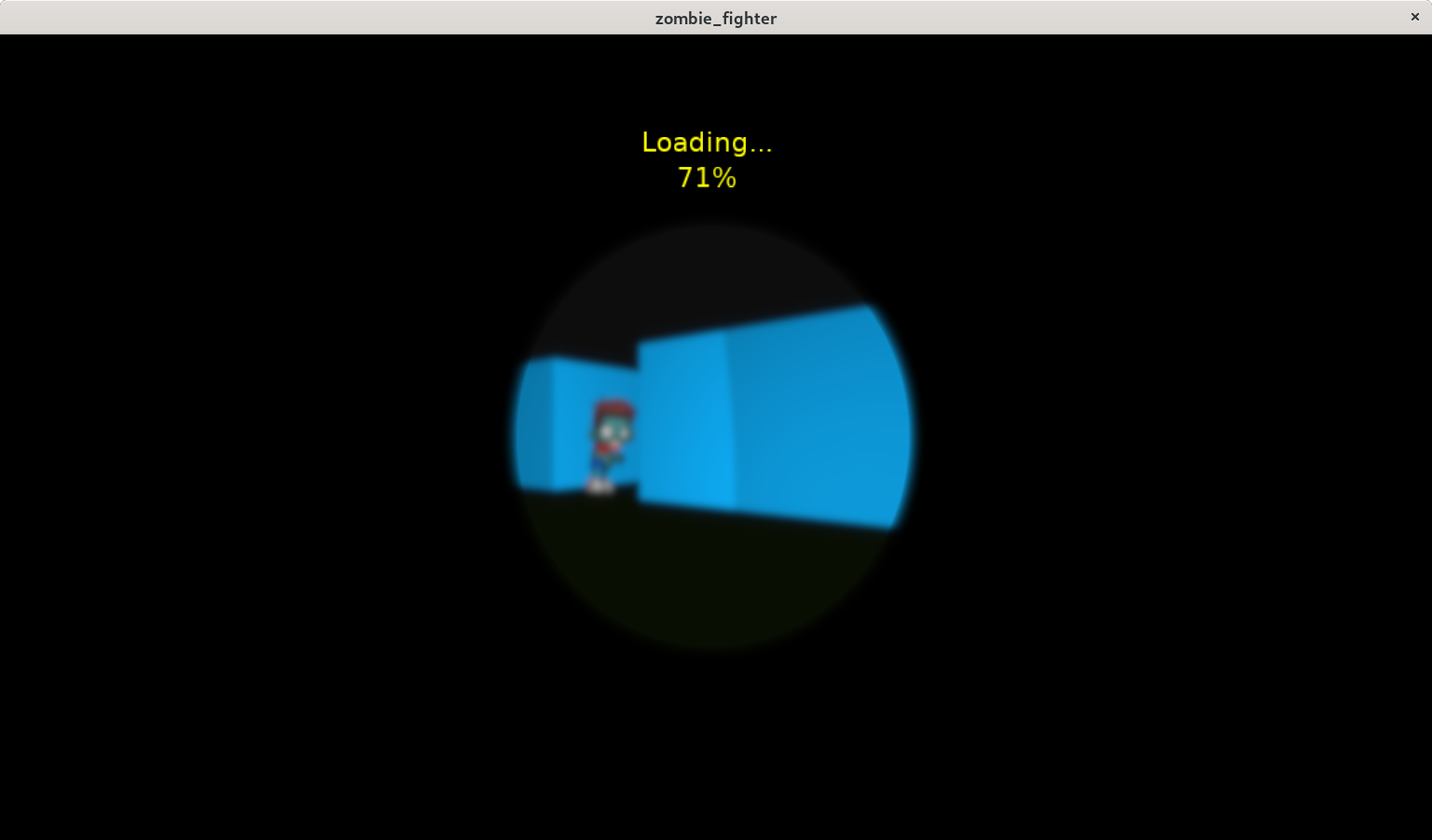
Our examples/user_interface/zombie_fighter features now a demo showing loading progress (as a descendant of TUIState, which is our advised approach for loading screens now).
-
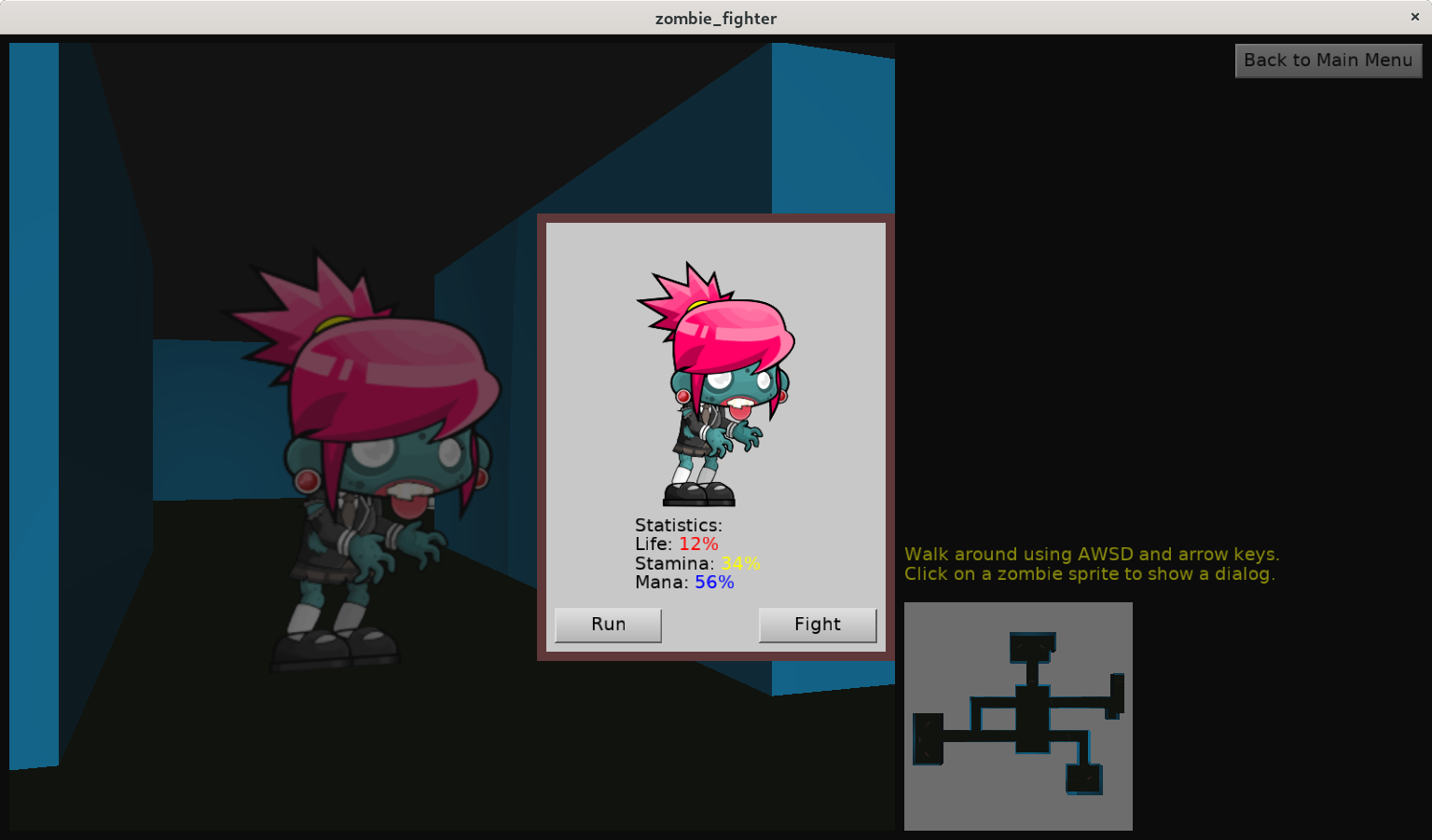
Whole examples/user_interface/zombie_fighter was remade to use editor.
-
We have a new UI control, available from code and in editor: TCastleTouchNavigation.
This shows controls that you can drag to navigate within a viewport. Thus it allows navigation in a TCastleViewport on touch devices. It is a “reboot” of previous TCastleWindowTouch use-case, now expressed as UI control that can have any size, can be attached to any viewport, and in general is consistent with the rest of CGE.
In a typical usage scenario, you just add it as a child of TCastleViewport, set FullSize=true, set Viewport to the parent. Then control the touch interface. It is easiest to call
MyTouchNavigation.AutoTouchInterface := trueto let it be automatically assigned. SetMyTouchNavigation.AutoTouchInterface := ApplicationProperties.TouchDeviceto let it be automatically assigned, but only on touch devices (that do not have regular keyboard / mouse).See TCastleTouchNavigation API docs for more info. An example is in examples/mobile/simple_3d_demo.


In the example, when we click on ‘New Game’, a view called ‘Loading’ appears, and after some time it closes and we go to the ‘Play’ view.
I don’t understand why this happens, since the heavy calculations or loading occur in the ‘Game’ view.
Good point. The reason is that it is an imperfect example As the comments in the GameViewLoading unit say:
The existing
TViewLoadingimplementation indeed doesn’t really do anything useful. It’s a demo that you can show a nice loading screen, with progress bar, if you already have a code doing multiple steps to prepare your game.Note: Also calling
Sleep(...), like the example does, should never be done in a real application, see comments in that file:Summary: In a real application,
SleepinGameViewLoadingTCastleScene.Load,TCastleViewport.PrepareResources) or doing anything game-specific (loading game-specific data files, connecting to some server on the network etc.),UpdateProgress(...)andWaitForRenderAndCallto reflect the steps you want to do.The It is a demo that, if you have already some code doing some useful preparation then you can organize it into a loading view with progress.
GameViewLoadingin that example indeed does not do anything sensibleOkay, I don’t use Sleep.
I explained the main problem here:
https://forum.castle-engine.io/t/updating-progress-label-during-long-calculation-in-start/2130/2