 |
 |
First of all, you can actually test our Android integration (and many upgrades described below) by trying out these test applications (APK) on your Android device.
We are also releasing these demo applications (and more!) on Google Play, to give everyone a really easy way to test CGE on Android. More about it when we’ll upload and publish everything 🙂
Now, the details about the Android changes done lately:
-
Google Play Games integration code was upgraded to use the latest (v1) API. Building of Android packages doesn’t make any “deprecation” warnings anymore.
Everything is supported and tested:
- Signing-in,
- achievements,
- leaderboards,
- savegames.
Actually a further upgrade to the sign-in logic is coming, through Google Play Games v2. They are almost equal (in code too) to v1, except the sign-in is even more automatic.
-
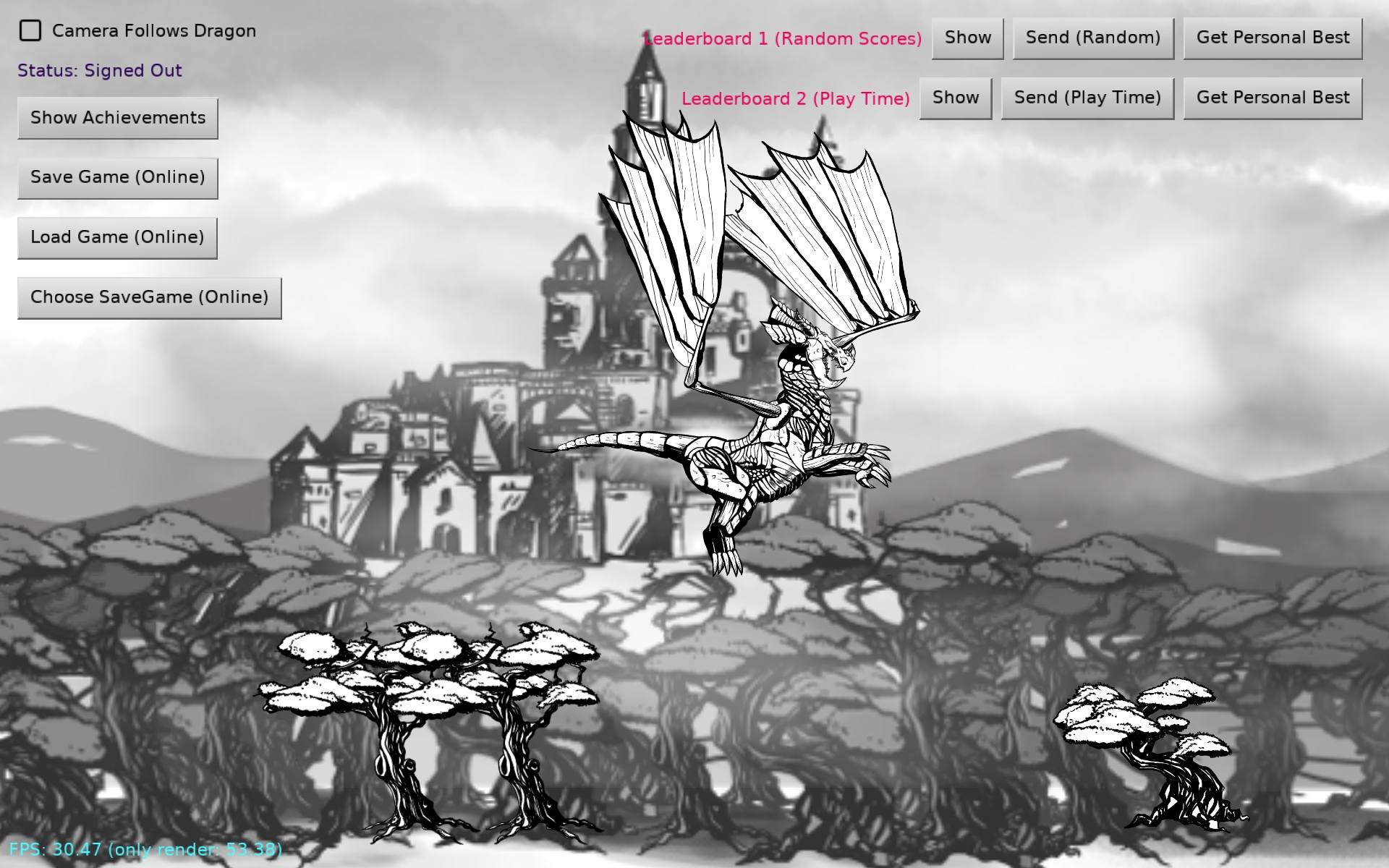
Example examples/mobile/game_services presents how to use Google Play Games. It show using automatic sign-in, achievements, leaderboards, savegames.
-
Updated OpenAL (sound playback) service on Android (thank you to Andrzej Kilijański!).
This fixes issue with stuttering sound playback on new Android devices.
Note that OpenAL is used automatically when you build your game for Android, and you use sound. Declaring dependency on sound or having any
*.wav,*.oggfile in data automatically adds this Android service.Changes related to new OpenAL:
-
We use latest OpenAL C++ code from OpenAL Soft (tag 1.23.1).
-
We use CMake compilation following Android guidelines.
The manual compilation process is described in details on Andrzej blog, but you don’t need to do it yourself. We added C++ code and CMake configuration to the Android project, and it will be “compiled correctly and automatically” when you build Android application using CGE. Just build Android application as always, using CGE build tool or editor, and it will just create APK or AAB for you.
Note: The C++ source code size is just 3.9 MB (previous precompiled libs were 1.3MB). So size isn’t any problem to distribute, it’s literally just 2.6 MB more.
-
A nice internal side-effect is also that updating to the latest OpenAL will be easier. We don’t host precompiled OpenAL libraries anymore, https://github.com/castle-engine/android-openal is now archived and useless. We will only need to update OpenAL sources in the CGE service, and Android compilation process (Gradle) will take care of building everything for all relevant platforms.
-
New OpenAL uses underneath Oboe.
-
Note: we use shared libraries following Google recommendation.
-
-
Updated Google AdMob on Android to use latest API – 22.1.0. (Thanks to Andrzej Kilijański!).
If you’re interested in using AdMob in CGE, see admob service docs. Note that Pascal API for mobile ads didn’t change, you don’t need to adjust anything, just upgrade to the latest CGE.
Older API was deprecated by Google.
-
Increased Android compilation SDK level to 33.
This will be needed soon for new Google Play uploads.
-
Increased also Android minimum SDK level to 21. This means CGE supports only Android >= 5.0.
AdMob requires Android API level 19.
Oboe 1.7.0 requires Android API level 21.
Realistically, testing also requires us to bump Android versions — we cannot test on very ancient Android devices, as we don’t have them anymore 🙂
-
Various pieces of the Android build process updated, to use latest Android Gradle plugin (8.1.0), Gradle (8.0), CMake, AndroidX approaches, and generally follow latest recommended practices.
-
Documentation updates:
-
The “base” Android project type was removed, as it was only a maintenance burden at this point.
For all practical purposes, you need to use “integrated”, that has a bit of Java code and enables integration with a number of services (many in Java, some in native code — like OpenAL). And “integrated” was a default since a long time.
Maintaining the “base” project wasn’t really useful anymore, since we didn’t recommend to ever use it.
-
Android services
heyzapandgoogle_analyticshave been removed. The ecosystem moves fast, and some things just aren’t available anymore.Heyzap has been acquired by Fyber (which was later acquired by Digital Turbine). Maybe Digital Turbine offers a similar SDK, it remains to be tested.
Google Analytics has been deprecated by Google and actually crashes on new Android devices. Google recommends migrating to their Firebase Analytics, we may add support for it in future CGE versions. Currently the best mobile analytics, integrated with CGE on both Android and iOS, are provided by game_analytics service.


Is Android development available using Delphi or FPC?
If it is available with Delphi, which versions support it? Does Delphi 12 support Android?
If it is available with FPC, how can it be configured and set up?
Thank you.
CGE has a dedicated webpage to guide you on how to set up the environment: Android | Manual | Castle Game Engine
It is only available for FPC for now.
Yes, I saw that link afterward and read it.
Unfortunately, I have never been able to get FPC working for anything other than Windows, and this has been a nightmare for me.
I have never worked with fpcupdeluxe before.
I downloaded it, and it seems that everything is being installed properly.
I understand stuff can be difficult – if you write more precisely “how it was nightmare” we can likely help:) I’ve done the setup for FPC + Android on numerous systems now, building for Android from both Windows and Linux over the years. We can help, if you describe in as much details as possible what you did – steps you did (following Android | Manual | Castle Game Engine ) , screenshots, any error/ warning messages you get. We will get there:)
I was not familiar with fpcupdeluxe before, and enabling Android support for FPC was quite difficult for me.
After reading the CGE documentation, I became familiar with fpcupdeluxe, and with just a few clicks I was able to enable the Android target easily.
The second part of my “nightmare” was actually due to a misunderstanding on my part.
I initially thought that a project designed for the Windows platform could be run on Android simply by changing the target, but I later realized that this is not possible. In fact, the UI part is not reusable for Android (although I still do not know how the UI should be created for Android, which is outside the scope of this discussion).
When I finally saw my first Android application built with FPC + CGE running on a mobile screen, I truly understood the amount of effort and work that has gone into CGE.