 |
 |
 |
 |
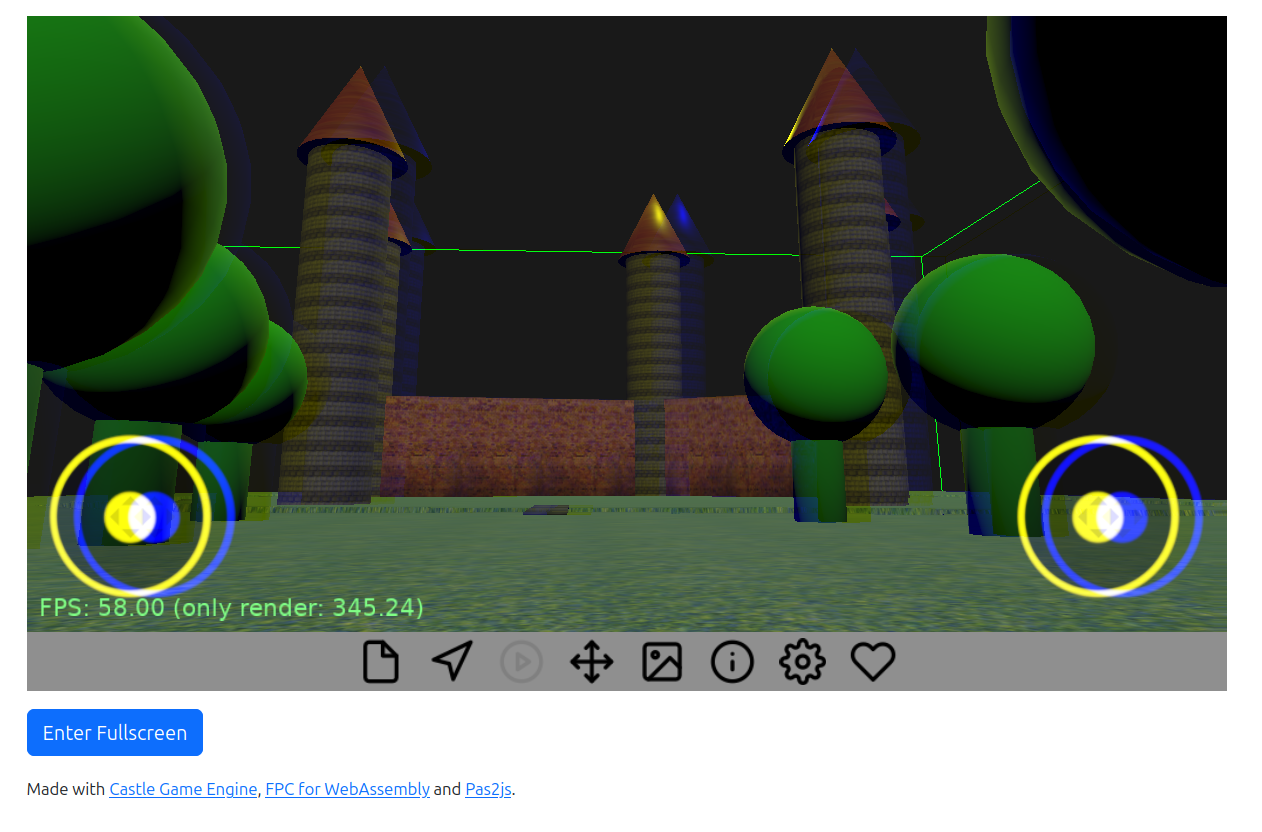 |
Rendering to texture (FBO, our TGLRenderToTexture) works now on the web.
This enables a few features on the web:
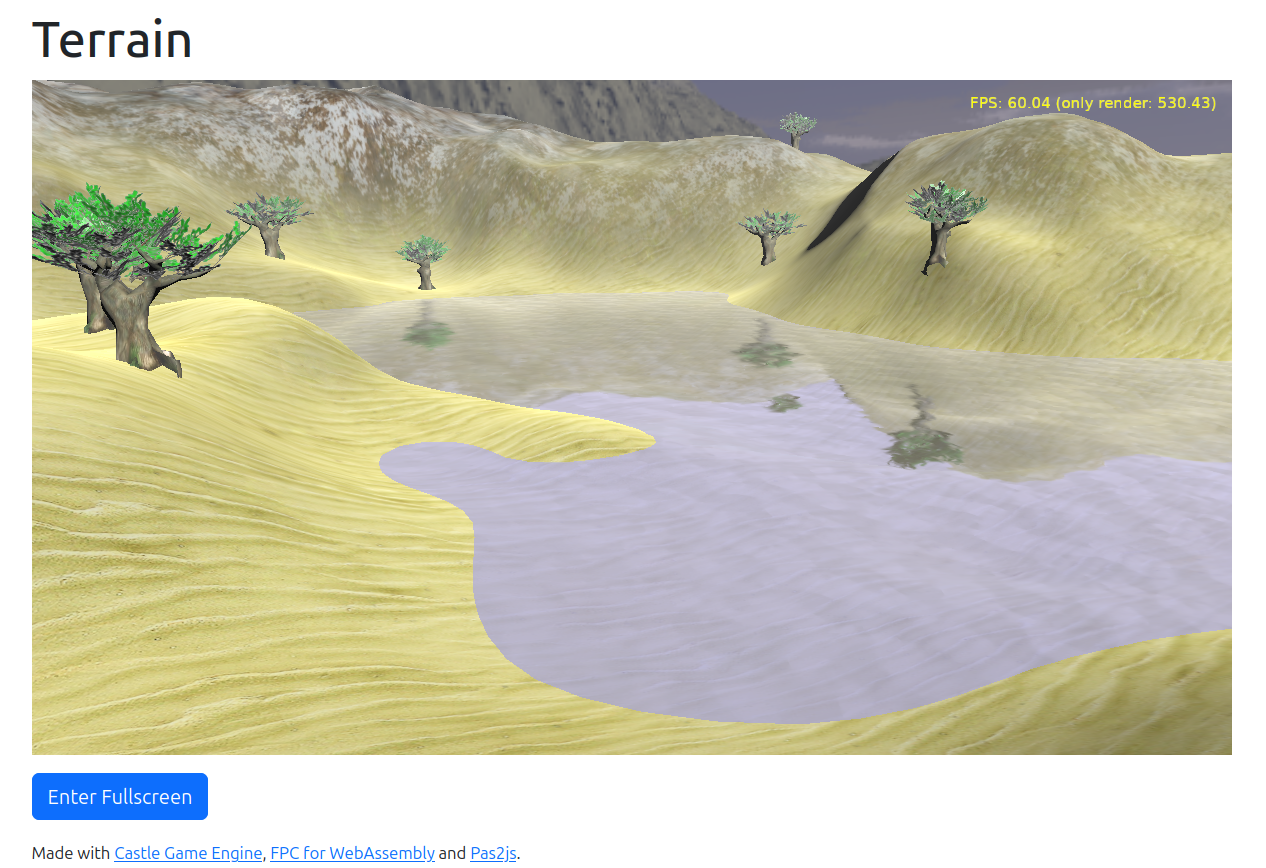
- Water, with reflections and waves, visible in the terrain demo (source code in examples/terrain/) is correct now on the web.
-
Screen (Post-Processing) Effects work on the web now.
- screen_effects_demo demo (source code in examples/screen_effects_demo/).
-
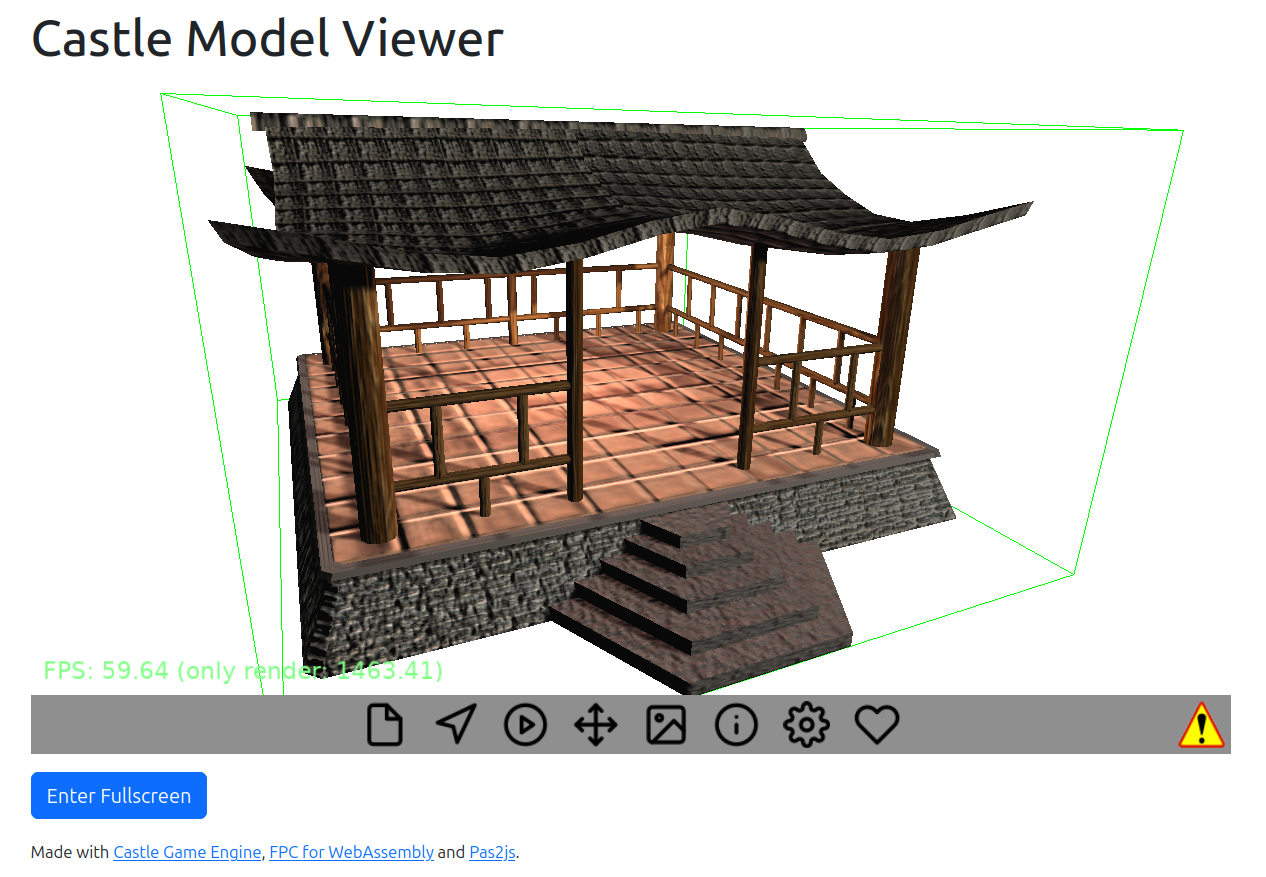
Model viewer includes demos of screen effects: switch to demos of Defocus, and Chromatic Aberration.
-
Shadow maps work now correctly on the web.
- Our model viewer includes 2 demos: switch to “Shinto Shrine” and “Simple Shadow Maps” models (scroll down in the “Open” panel to see them).
-
Another demo: test_rendering_opengl_capabilities demo (source code in examples/research_special_rendering_methods/test_rendering_opengl_capabilities/) (walk to the “Some text” geometry over which a moving sphere casts a shadow).
-
Note: We plan a big upgrade to shadow maps, making using them in the engine much more natural. So stay tuned for more/better demos of shadow maps:)
We also fixed alpha treatment on the web.
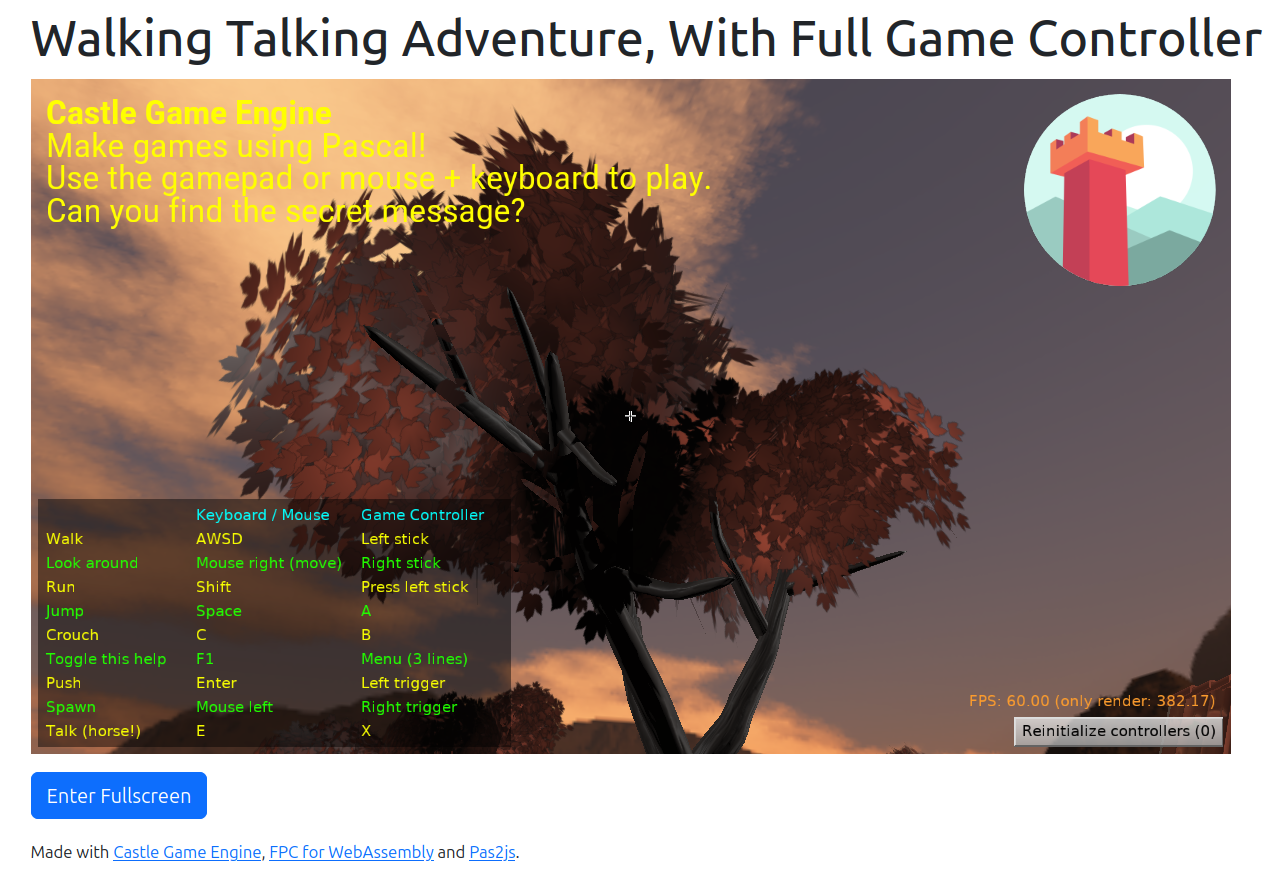
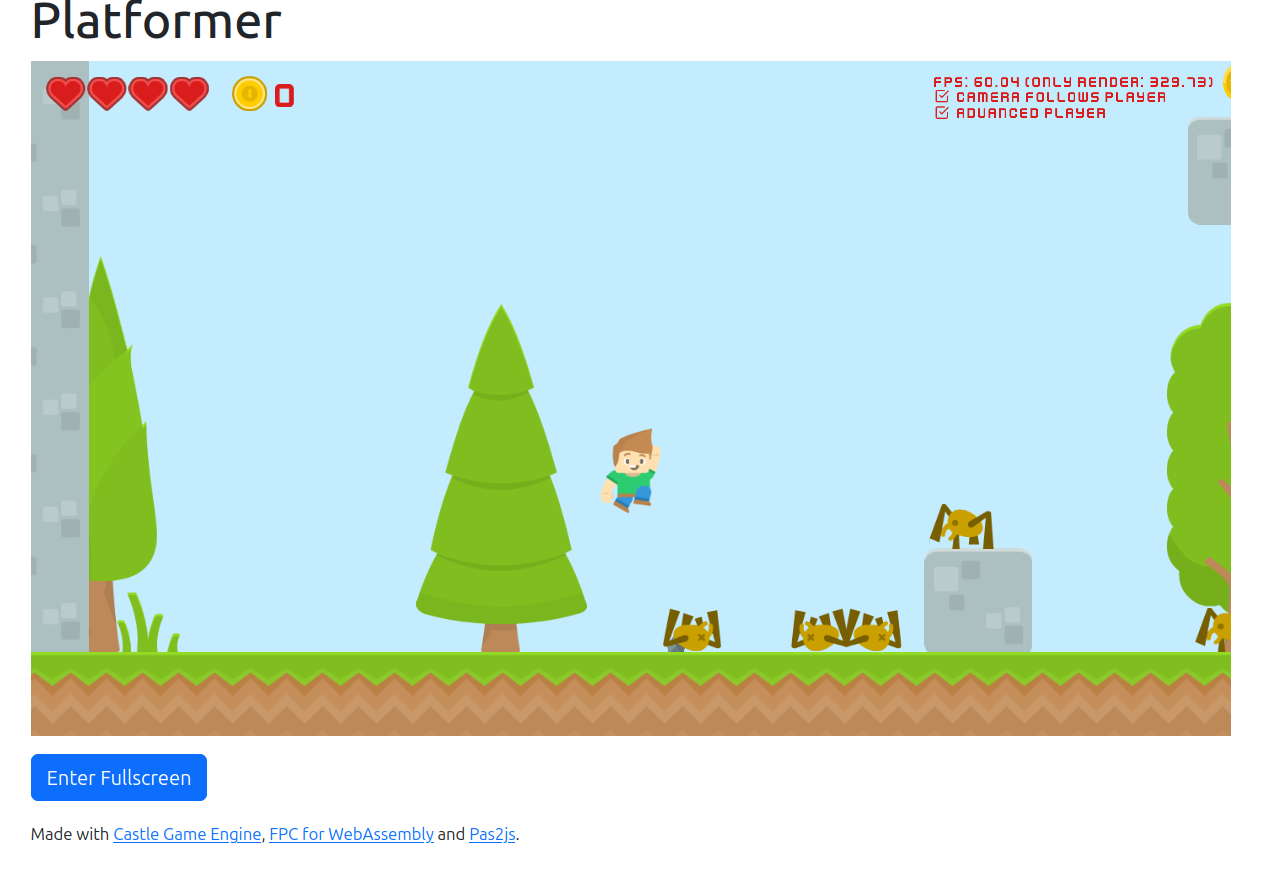
- This fixes a few subtle bugs, as in various edge-cases we wrote to the color buffer pixels with alpha < 1. This happened e.g. when displaying hearts in the platformer demo (source code in examples/2d_games/platformer/), cat hair in model viewer, tree leaves in the walking adventure demo (source code in examples/3d_games/walking_adventure/).
-
This was harmless on non-web platforms (where pixel alpha of the color buffer is used only for eventual blending with incoming colors; nothing cares what is the final calculated alpha left in the buffer). But on web, in the past, our canvas was using “blending with page background (typically white)”.
-
This is fixed now, making the web rendering work just like other platforms. See comment here for more information.
We now correctly “reset” keys pressed state after you switch a browser page or application:
- Previously, switching tabs or applications by key combo like Ctrl+Tab, Alt+Tab could leave the engine thinking that “Ctrl” or “Tab” are pressed.
-
This had some consequences, e.g.
TCastleWalkNavigationwill refuse movement by AWSD if it thinks that you hold down Ctrl/Alt modifier. (And it will do “run” if it thinks you hold down Shift!) -
This is fixed now, we react to blur event by switching all keys “up”.
We have also fixed both terrain and water shaders for Chromium-based browsers (like Vivaldi or Google Chrome). They needed highp in certain shaders to work reliably (water waves, terrain textures smooth), as they multiply bigger floats with small floats.
As always, we hope you have fun developing games with Castle Game Engine! And if you like what we do, we appreciate support on Patreon!

Start the discussion at Castle Game Engine Forum