Web target: getting URL parameters, downloading resources using TCastleDownload

Posted on

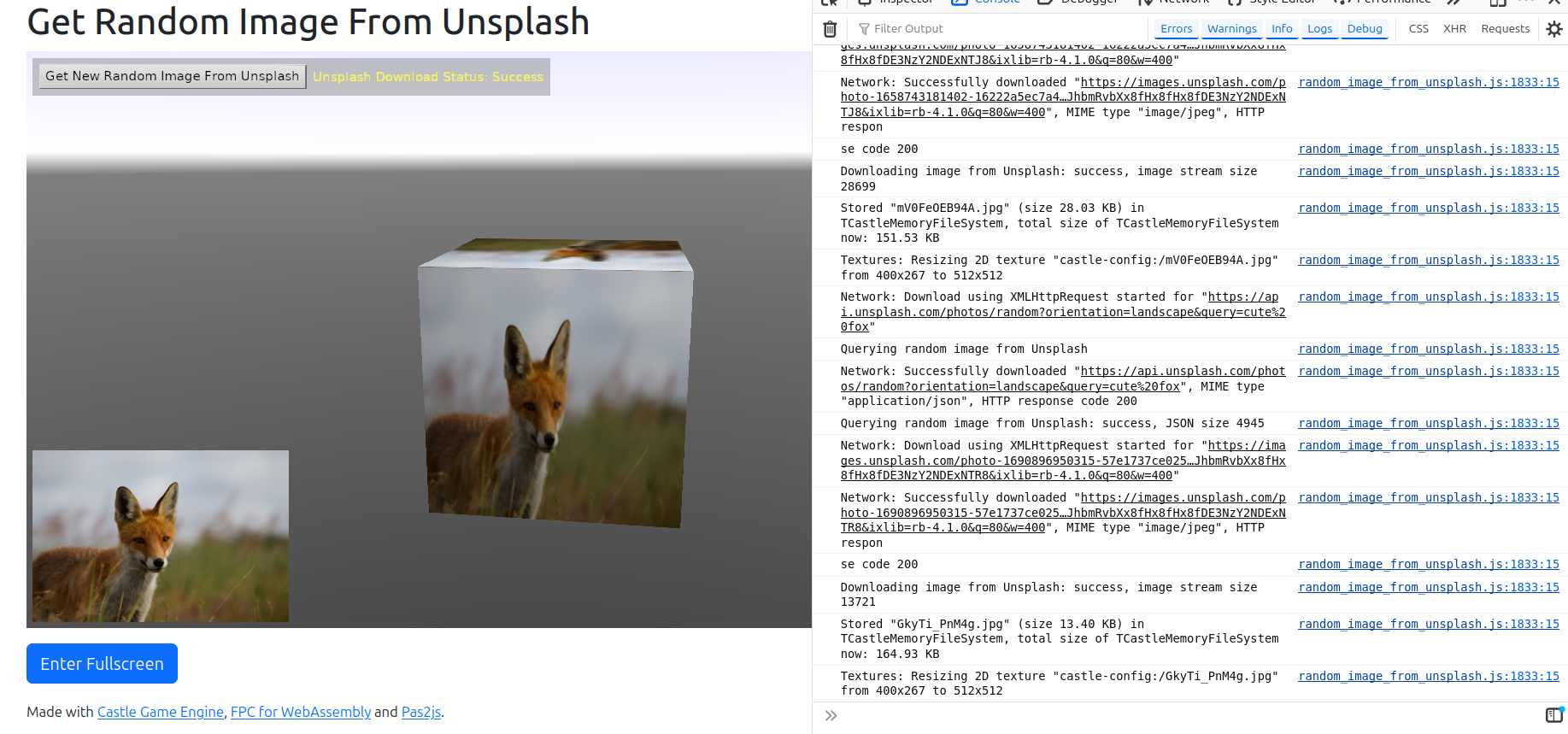
random_image_from_unsplash example on web
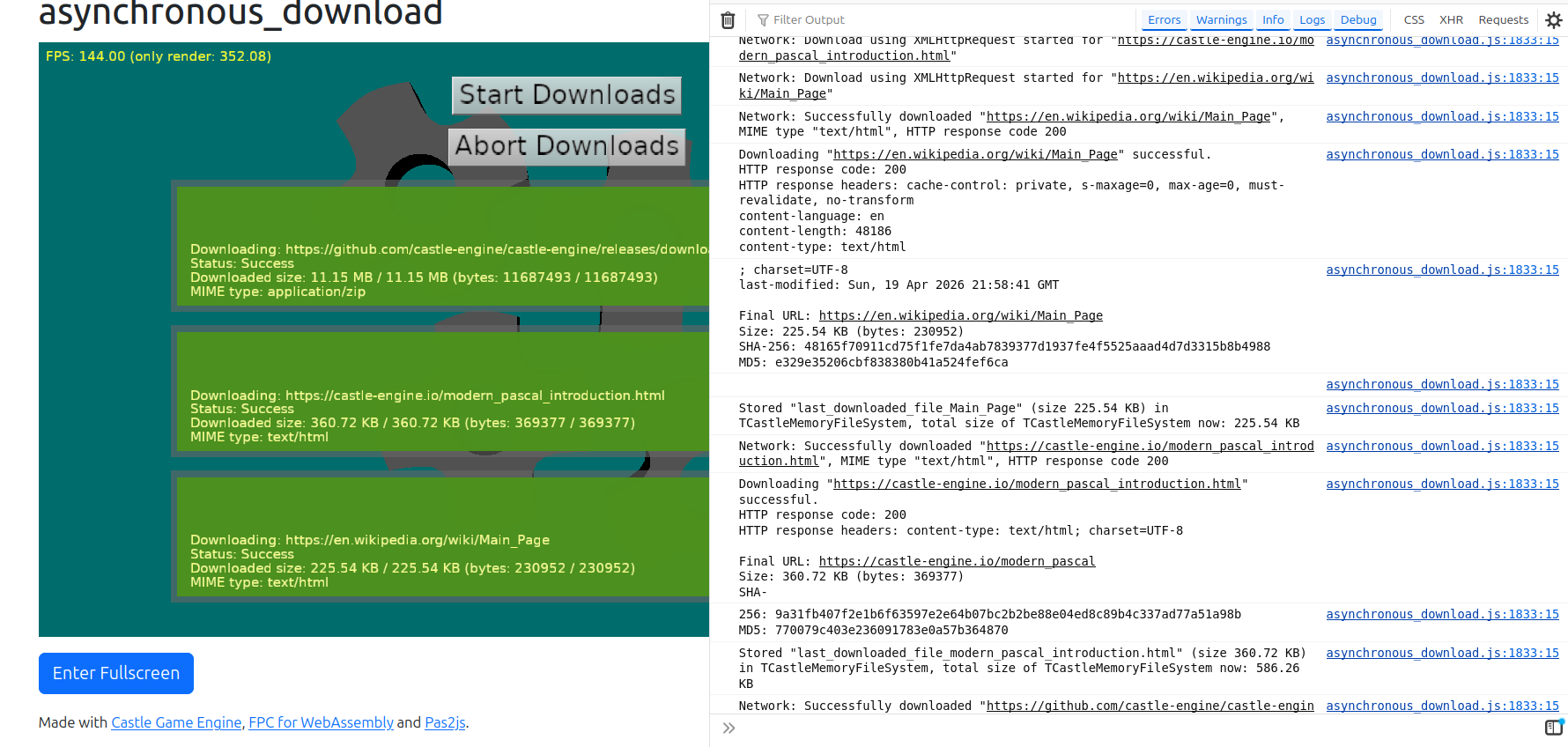
asynchronous_download example on web
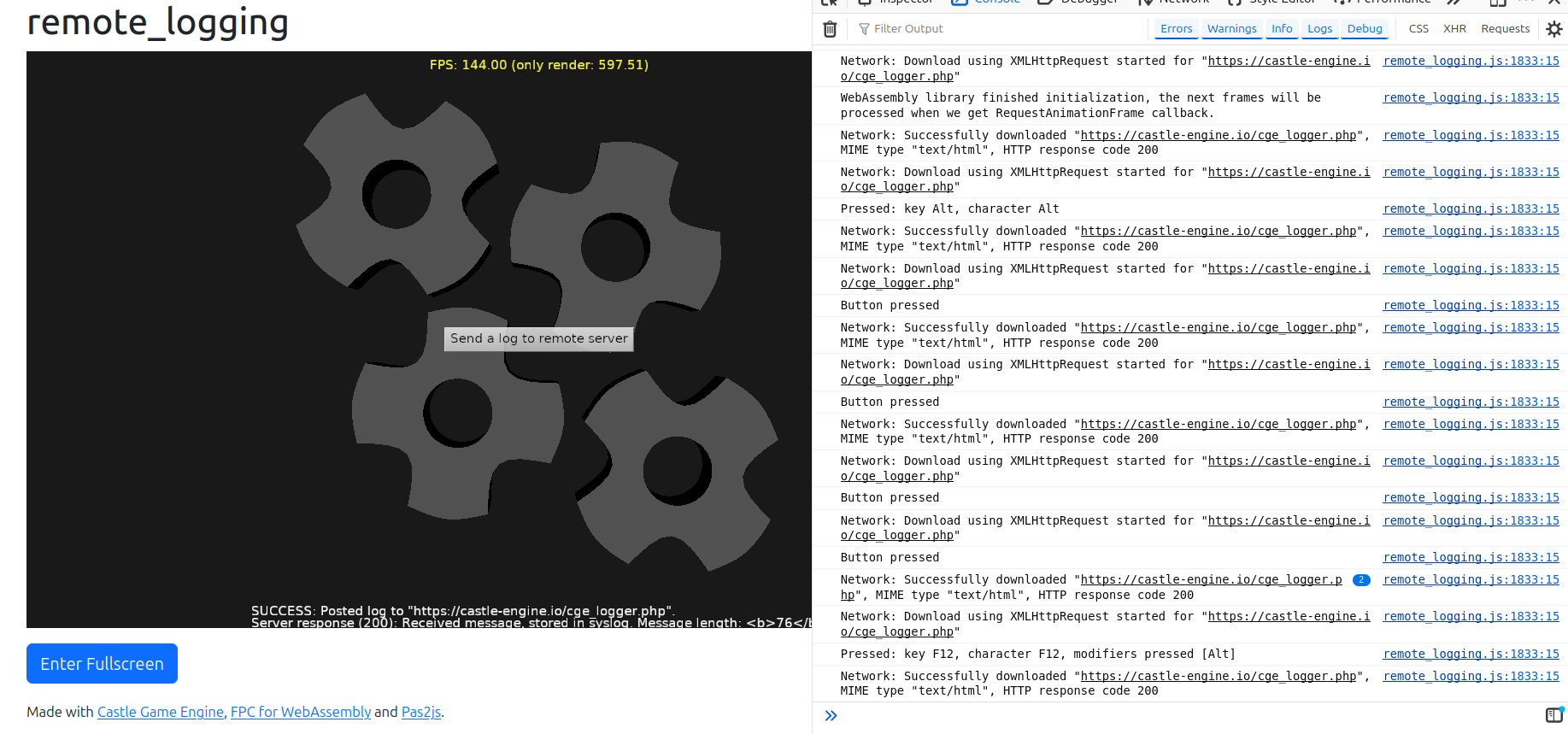
remote_logging example on web

We add 2 new features to our web target:

  1. New methods to read URL through which your page was accessed, and get query parameters of this URL. The use-case is creating webpages that react to URL parameters, e.g. expose a model viewer on URL like https://viewer.castle-engine.io/?url=http://example.org/model.gltf (working version of this coming soon!). Use these methods:

    This API exists on all platforms, just returns nothing on non-web platforms. So you don’t need to use any $ifdef WASI when accessing this.

  2. TCastleDownload class works on the web now. It allows to make HTTP requests, e.g. download files or communicate with REST APIs. See URLs, loading resources and Multi-player (network communication) for general usage description.

    Underneath, it uses XMLHttpRequest which is the standard way to make HTTP requests on the web. It supports all HTTP methods, custom headers, progress monitoring and generally all features of our TCastleDownload.

    Examples:

    Note that CORS (Cross-Origin Resource Sharing) security will prevent our application on the web from downloading things from other domains.

    This is a standard security feature of web browsers. It is unavoidable from our side (application living inside a web page). All web application (using JS or WebAssembly) have to deal with it.

    • For development, you can disable CORS in your browser. E.g. on Firefox with CORS Everywhere extension does the job. Chrome supports --disable-web-security command-line option. Search the web for details specific to your browser.

    • For real usage, the server has to be configured to allow downloading from it. It generally involves configuring the server to return appropriate header, like Access-Control-Allow-Origin: *. See CORS documentation at MDN and example configuration for Apache.

Comments on the forum ➤

Web target – big progress, first 3 demos to try!

Posted on

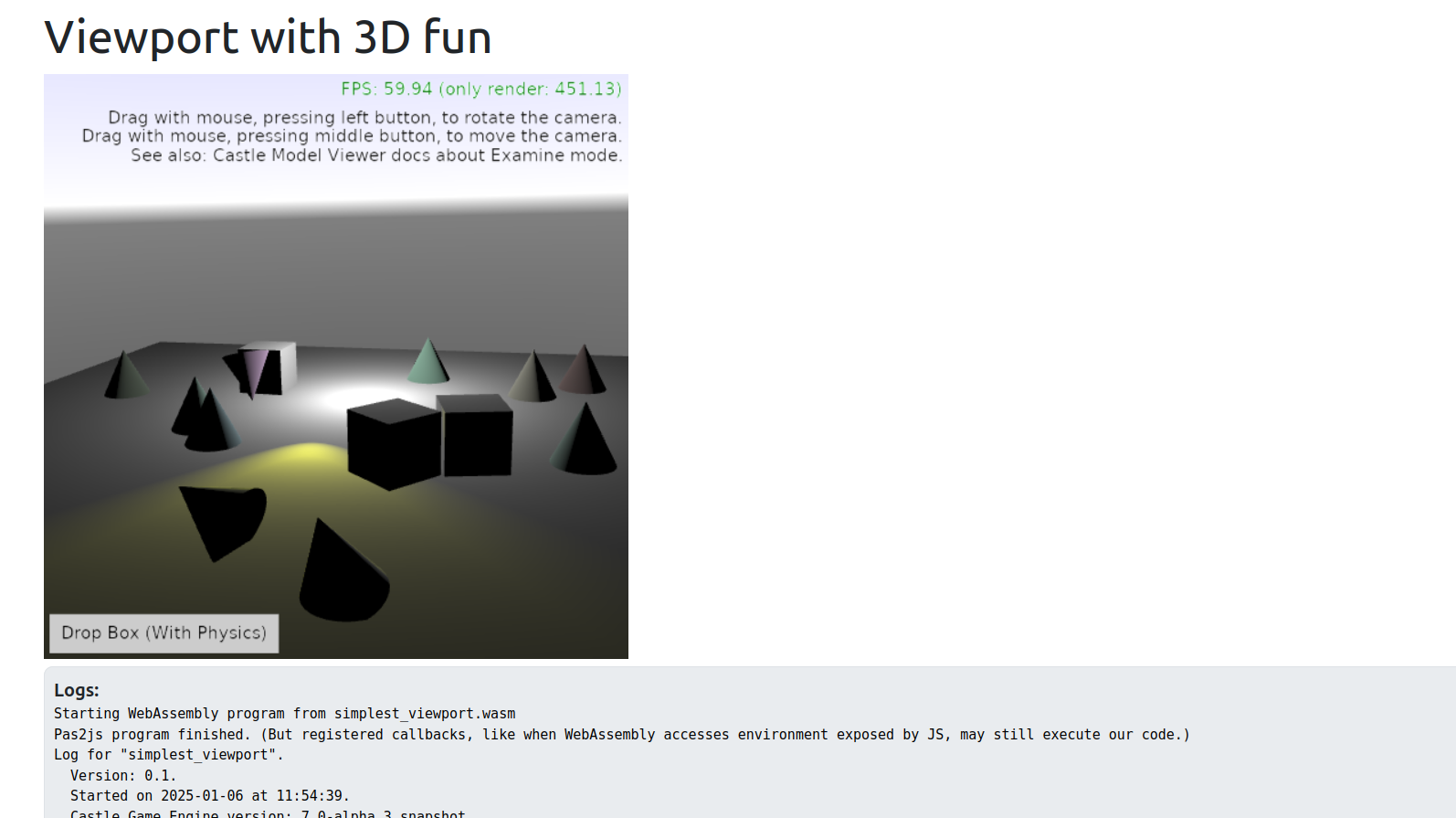
Web demo - 3D viewport, lights, Examine camera, physics
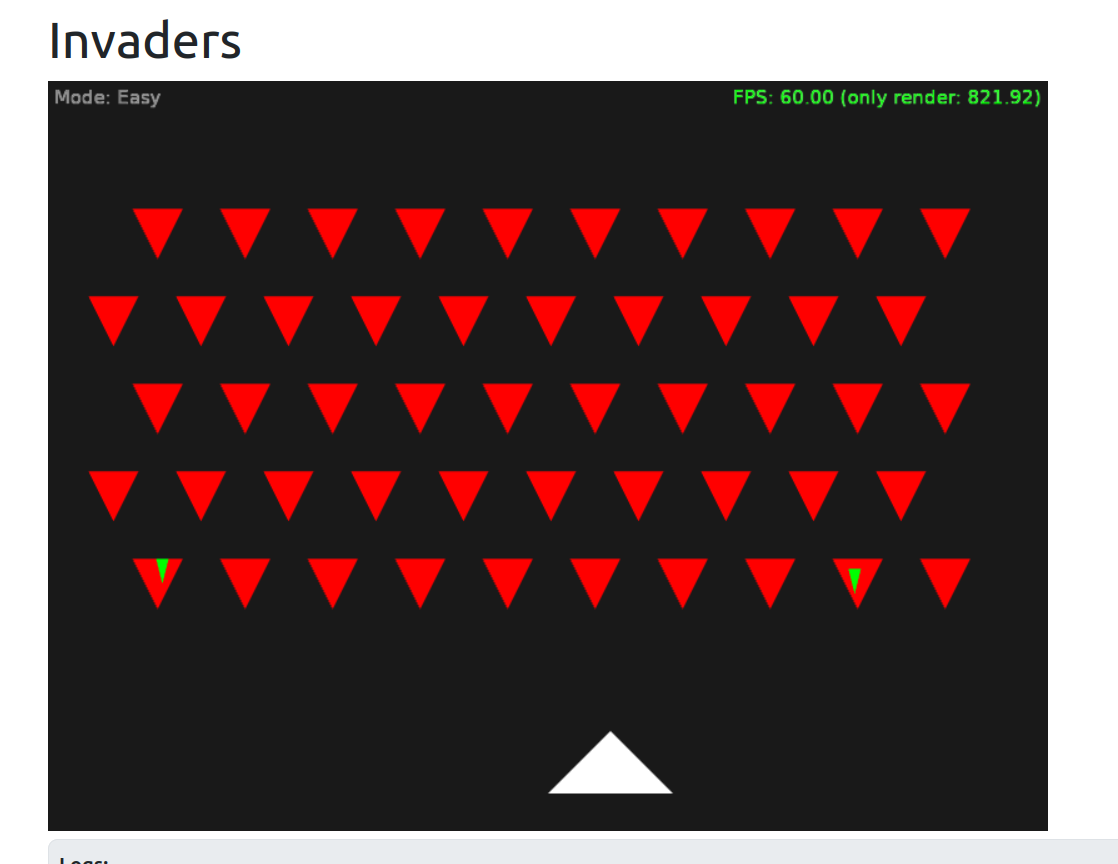
Web demo - invaders
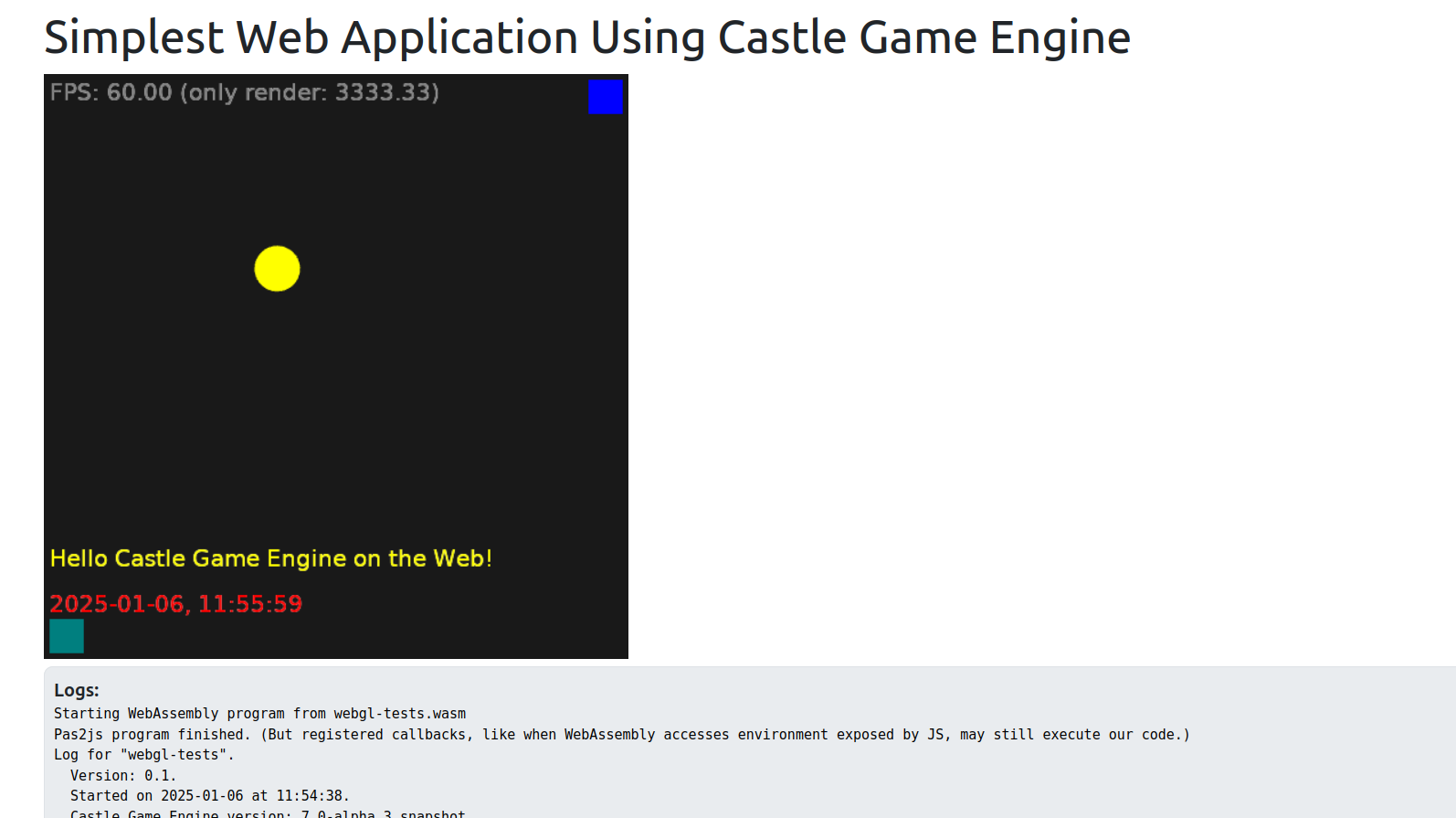
Web demo - first demo

We are proud to present the first 3 working applications developed with Castle Game Engine for the web! Check them out — just open the links below, in any web browser (Firefox, Chrome…), on desktop or mobile!

  1. 3D viewport, with random cones, animated spot light, dropping boxes with physics, Examine camera navigation.

  2. 2D “Invaders” game – simple game, using keys, multiple views, 2 difficulty modes. Note: This example is not really useful on mobile, just because it relies on the keyboard input.

  3. The first, simplest example that we got running on the web!

Note: These are early demos, don’t judge the quality yet — we have some known TODOs (fuzzy text; and the demos will look more impressive once we will have data loading, for now everything you see was set up by code). Stay tuned for more 🙂

How is this possible?

  • We use the WebAssembly target available in FPC and we have a “glue” code generated using Pas2js. We render using WebGL (1.0, with 2.0 features useful but optional), using the Castle Game Engine code. The game code is cross-platform (the 3 examples above can be recompiled to desktop, mobile, console without any change). The TCastleWindow abstracts all platform differences providing rendering and handling input (key, mouse, touch).

  • This is not yet available in the CGE master branch, not yet available in the downloads! The development is on a branch webassm_platformer_test. It should be merged to master soon.

  • We have a ton of documentation what works already, how it works, how to test it, what is missing, and what do we plan on the web platform page. This page was quite intensively updated in the last 2 weeks, so check it out!

Do you like what we do? Spread the word to your friends and support us on Patreon! And have fun developing games with our open-source game engine 🙂

Comments on the forum ➤

New CastleTransformManipulate unit to move/rotate/scale 3D objects in your applications, wireframe “shading” toggle for IndexedFaceSet, Steam achievements fixed with Delphi, slides from my presentation in Bielsko-Biała

Posted on

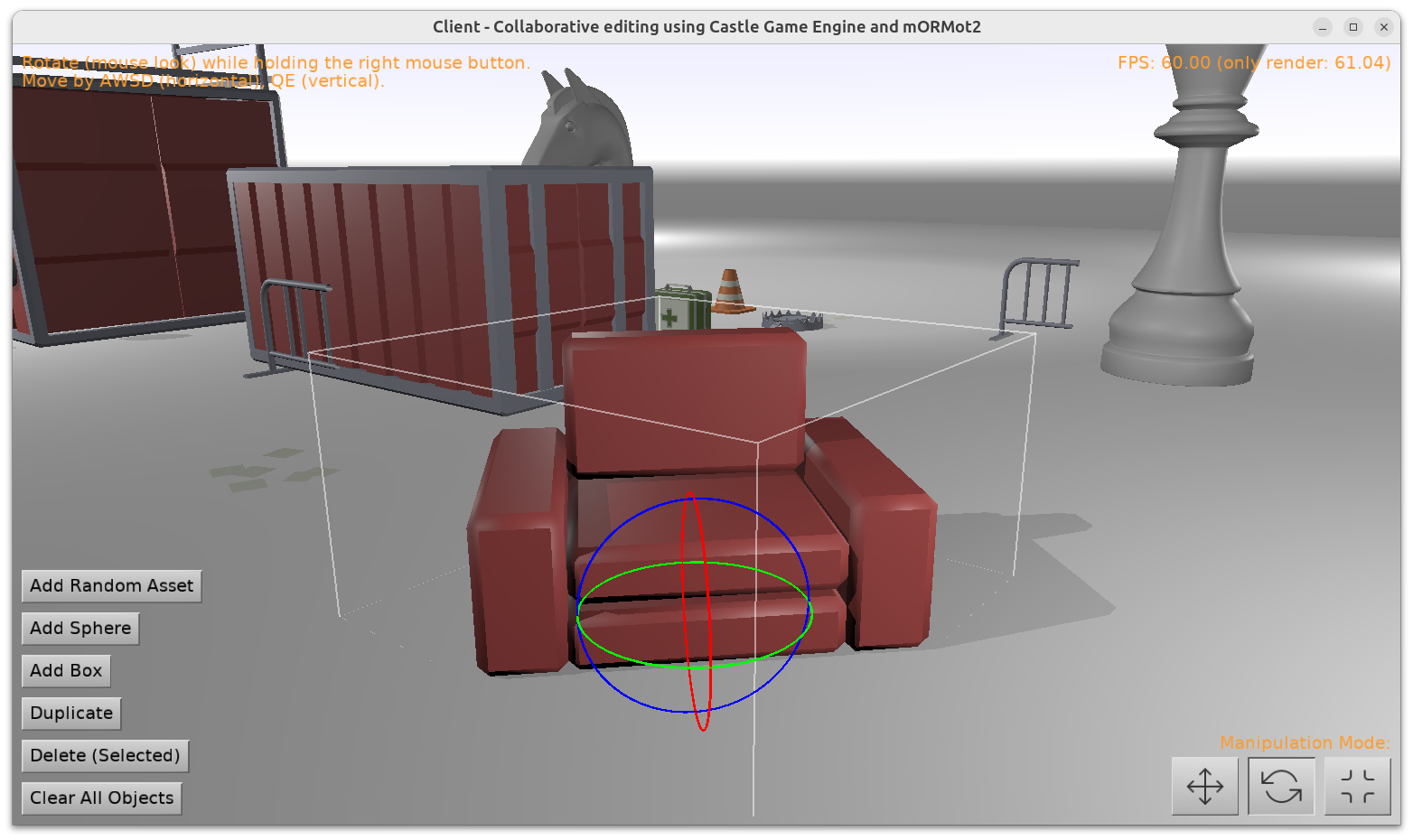
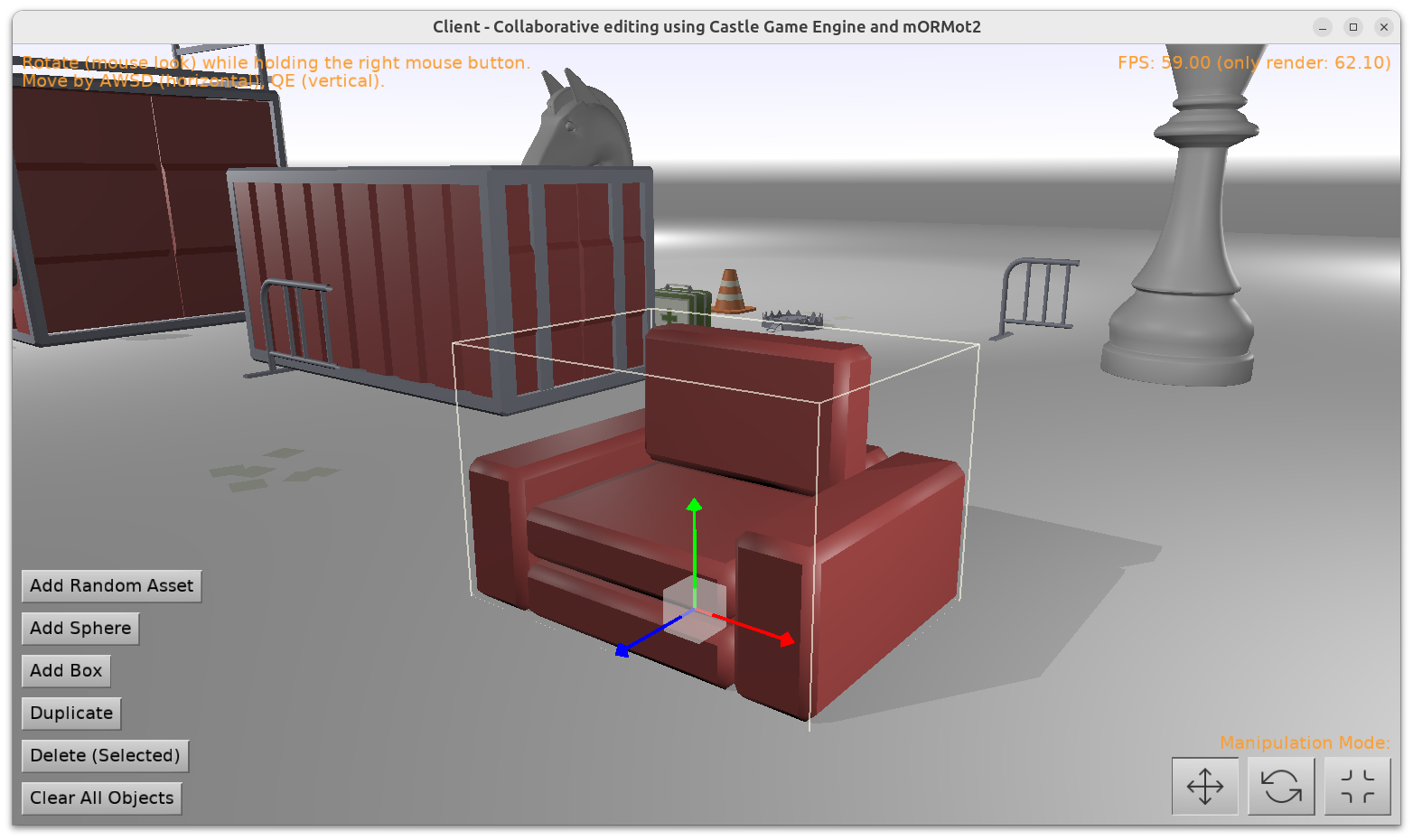
Transform editing using CastleTransformManipulate

You love the super-long news titles, right? 🙂 Again I have a backlog of announcements to do, to communicate everything happening around the engine development. There will be more news in 2024 (stay tuned for traditional “summary of this year, plans for next”), for today a bag of improvements to announce:

  1. We have a new unit CastleTransformManipulate with 2 new components: TCastleTransformHover (visualize the TCastleTransform we hover over) and TCastleTransformManipulate (visualize selection and move / rotate / scale TCastleTransform).

    Together, they allow you to implement selection / manipulation of 3D objects in your own applications just like the Castle Game Engine editor does.

    Their usage is rather simple:

    Practical examples of using them are in:

    Note: We still work on 2 examples above (we want to improve some things in IFC support, and we want to make mORMot example really support collaborative editing). But their usage of CastleTransformManipulate is now completely stable 🙂

  2. We support toggling any TIndexedFaceSetNode to display as wireframe.

    To do this, set TAbstractShapeNode.Shading to shWireframe using Pascal. If you’re unsure how to manipulate X3D nodes from Pascal, read Writing code to modify scenes and transformations manual, section 11. Building a mesh using code and X3D docs.

    Or, in X3D file, set shading="WIREFRAME" following our X3D Shape.shading docs. Test X3D file is shading_wireframe.x3dv.

    Wireframe display done this way is often useful for model debugging, inspection etc. While you can also construct lines explicitly (using TLineSetNode, TIndexedLineSetNode), it is sometimes more convenient to just define a regular mesh using TIndexedFaceSetNode and then toggle it (based on any condition) to wireframe.

    For some design decisions (e.g. why this is called “shading”) see Shape.shading docs.

  3. We have fixed Steam achievements usage (getting, setting) with Delphi.

  4. I made a presentation about our engine at the beginning of December at Meetup Delphi in Bielsko-Biała (Poland). This was a bigger presentation about engine features, physics, Blender, Sketchfab, Steam integration.

    Slides (in Polish) are here.

    ( If you don’t speak Polish, but you’re interested in the topics — slides from my previous presentation in Cologne are the closest equivalent in English. )

Comments on the forum (1) ➤