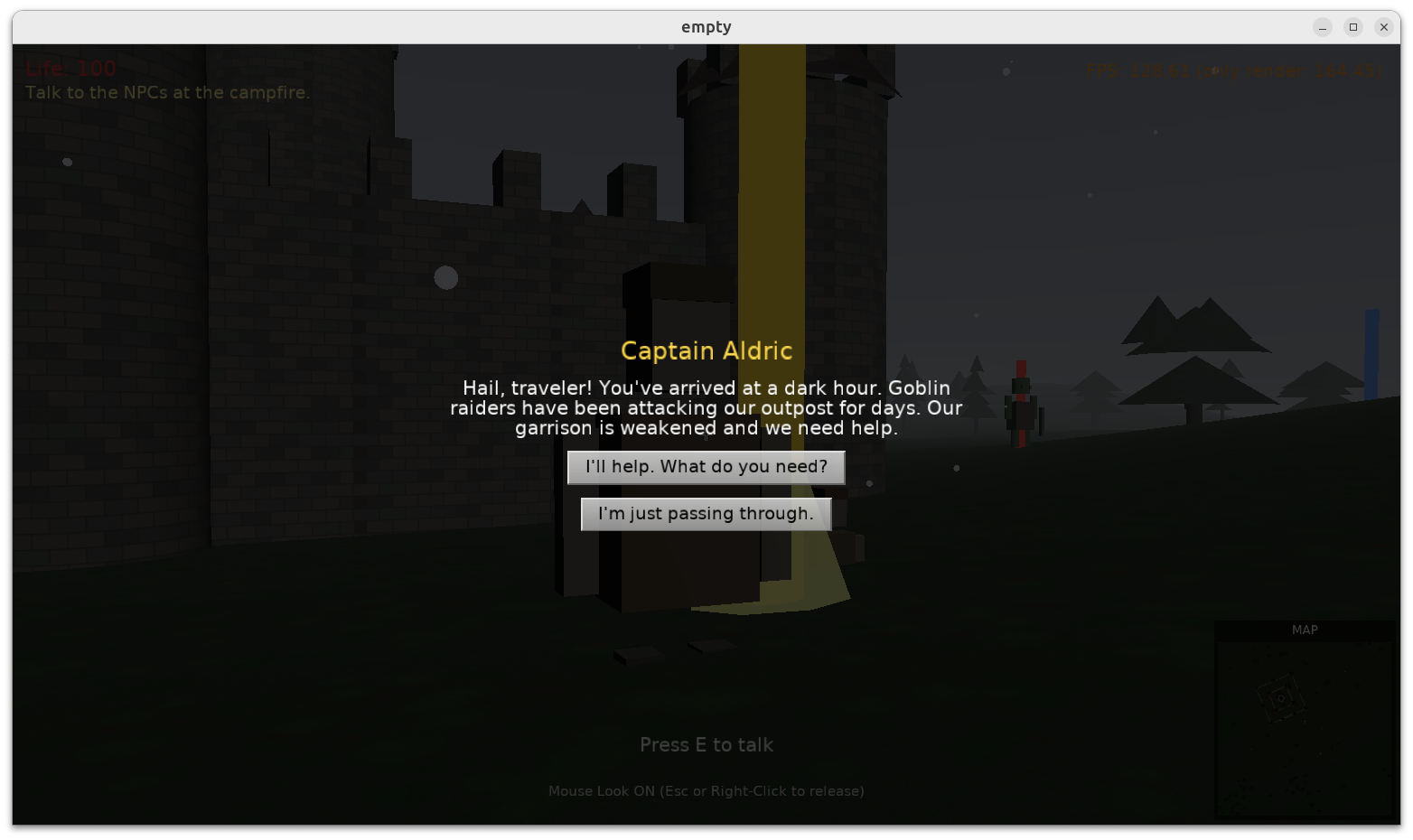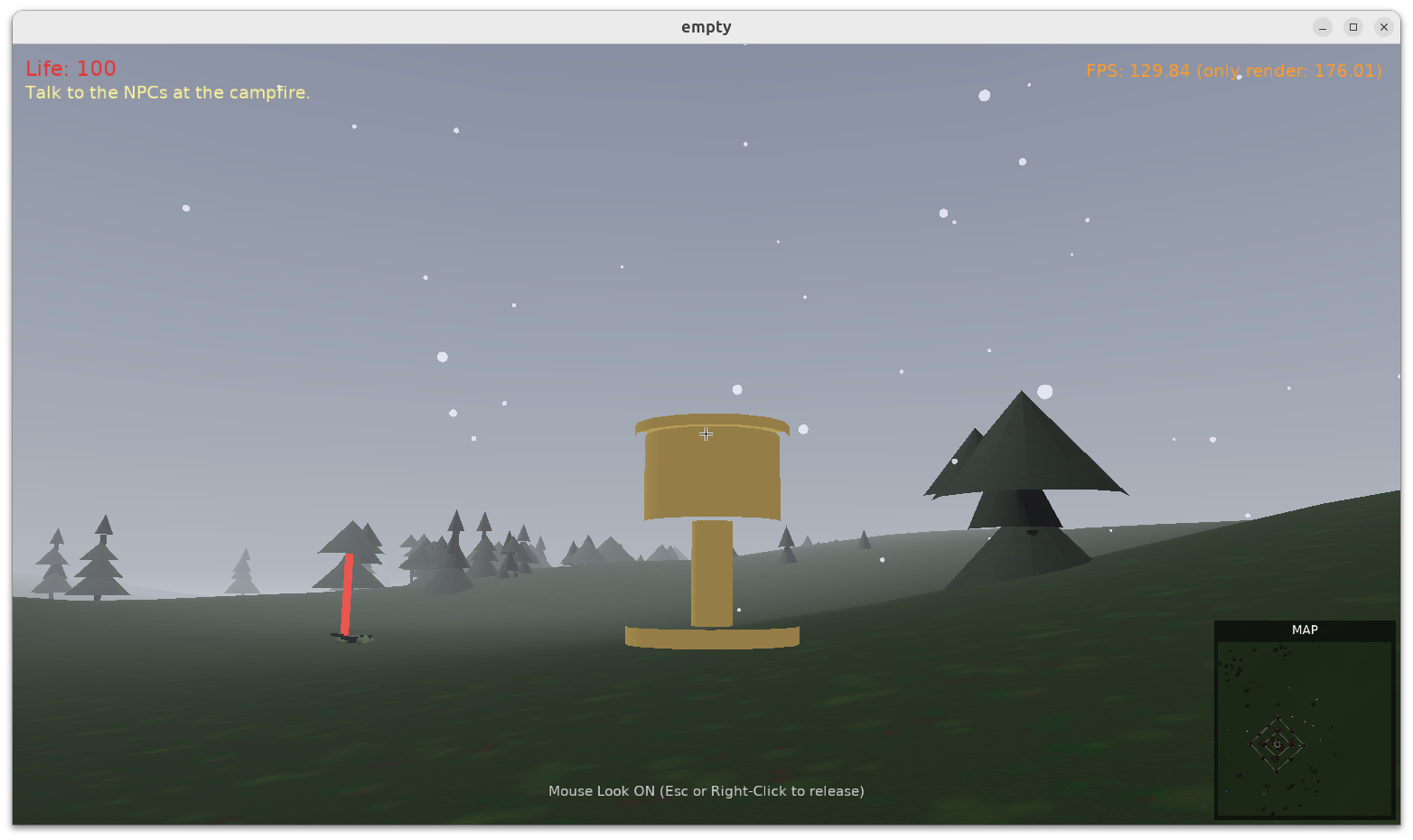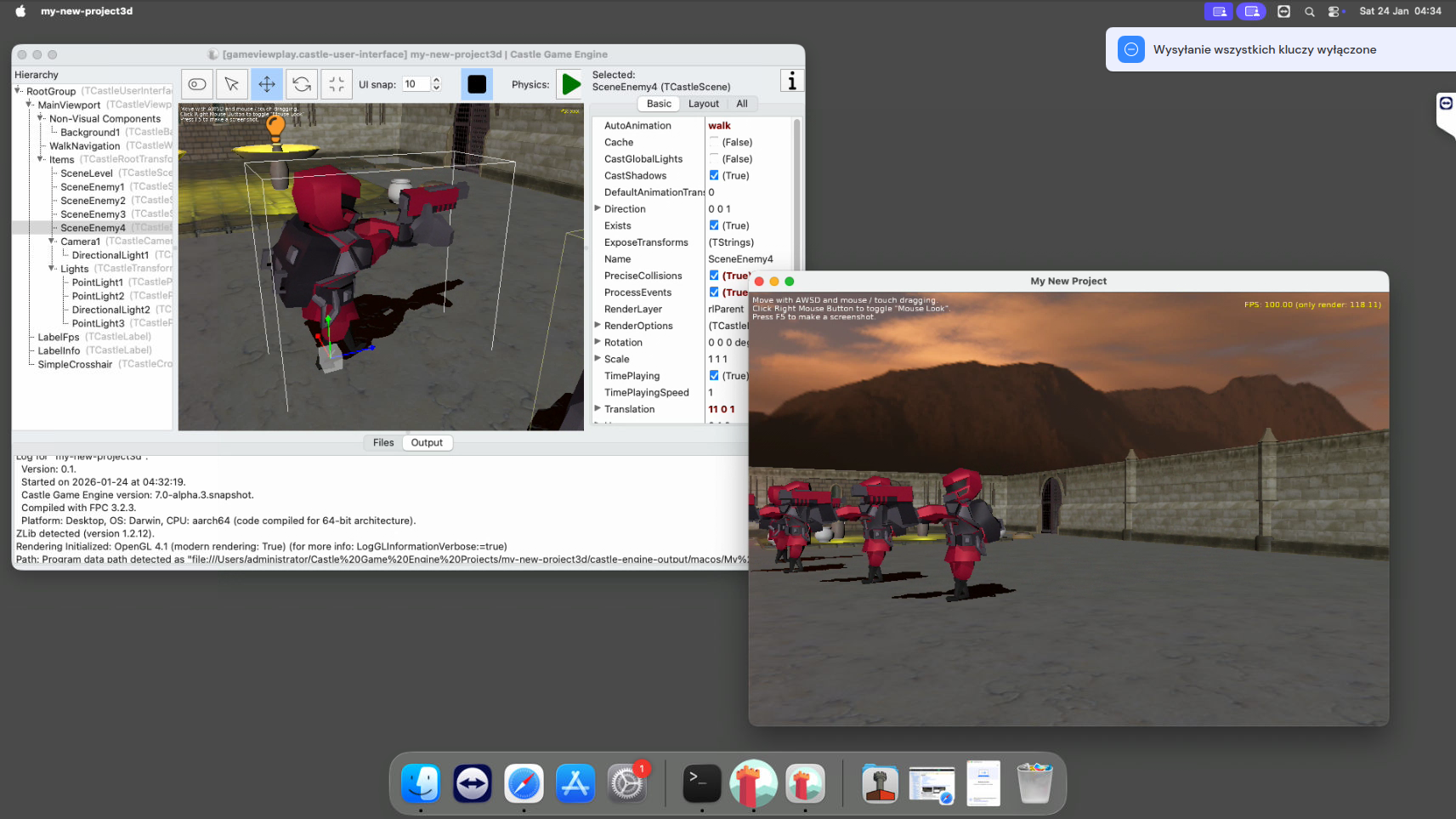
Upgrade to GTK 3

Posted on

window_gtk3

We are upgrading our engine usage on Linux and FreeBSD from GTK 2 to GTK 3.

  1. Our installation instructions and scripts include now information to add GTK 3 packages. This is as simple as installing libgtk-3-dev package on Debian-based systems (including Ubuntu and Raspberry Pi). See the compiling from source for instructions for other distros.

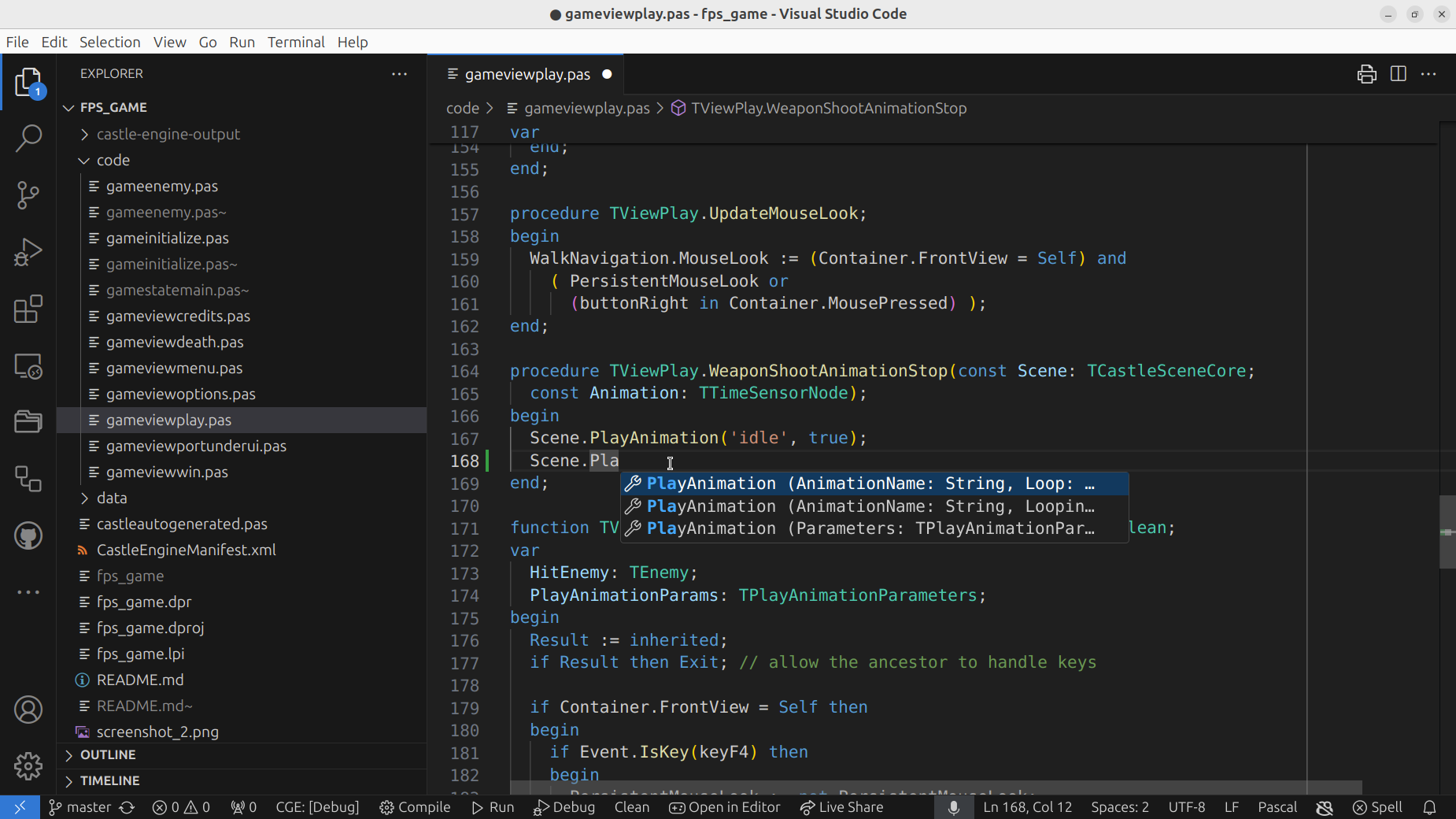
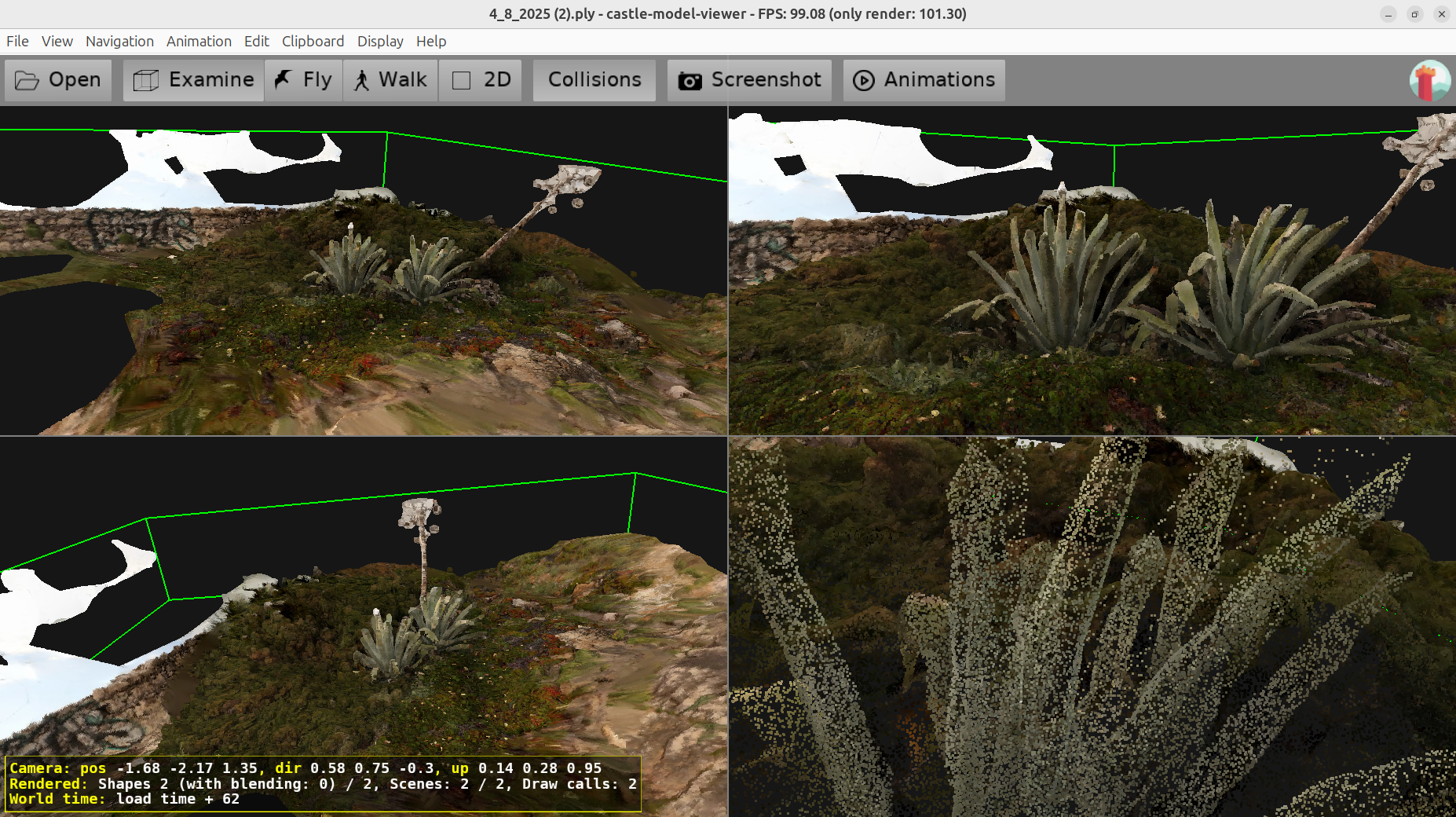
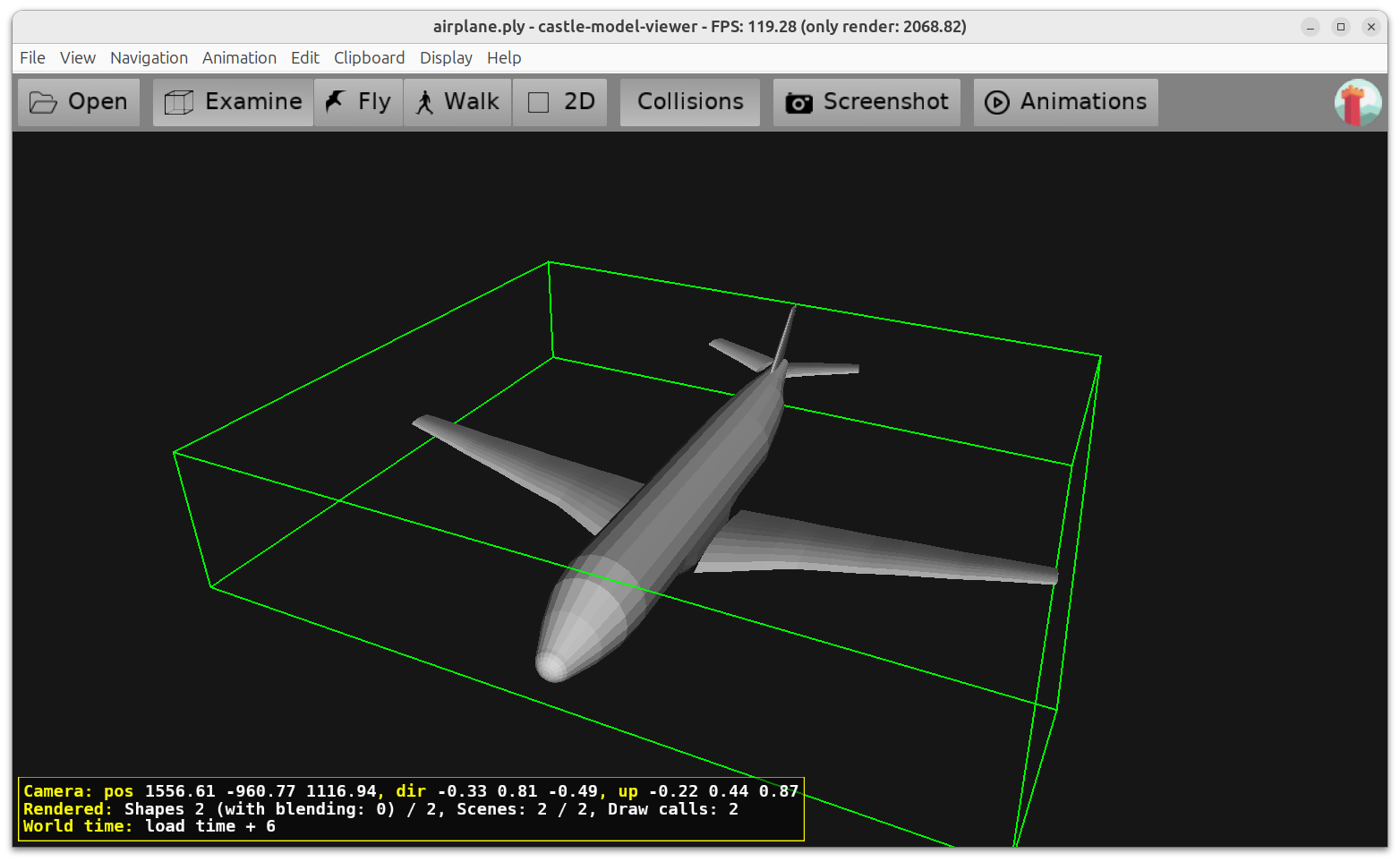
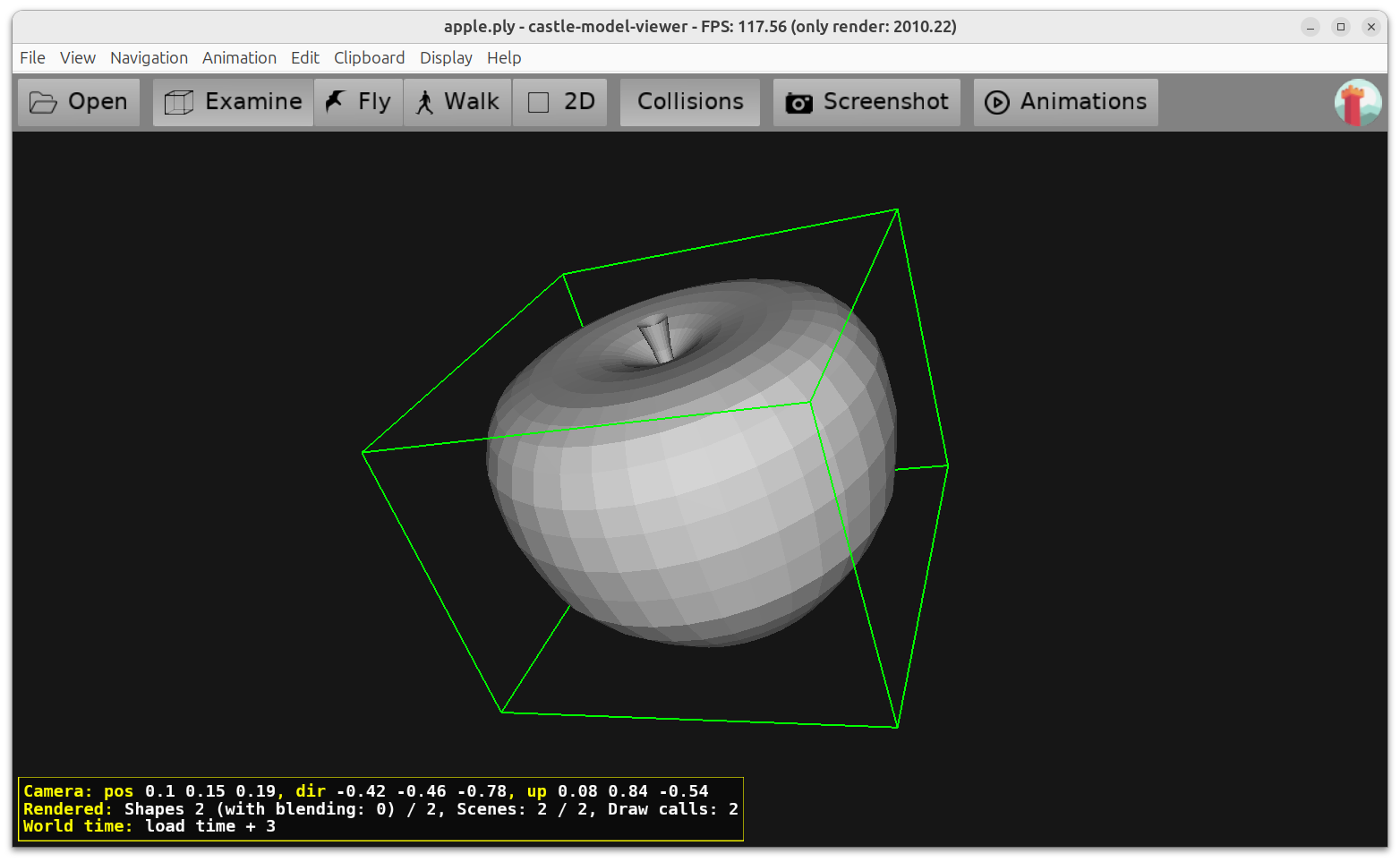
  2. Our TCastleWindow under the hood uses now GTK 3 instead of GTK 2 (on Linux and FreeBSD). We have tested various features, like

    Advantages of GTK 3:

    • We use new GTK library version, not under risk of deprecation/removal by distros.

    • It looks a bit more modern, e.g. message dialogs, since most of your other applications on GNOME probably already use GTK 3 (or 4) by now.

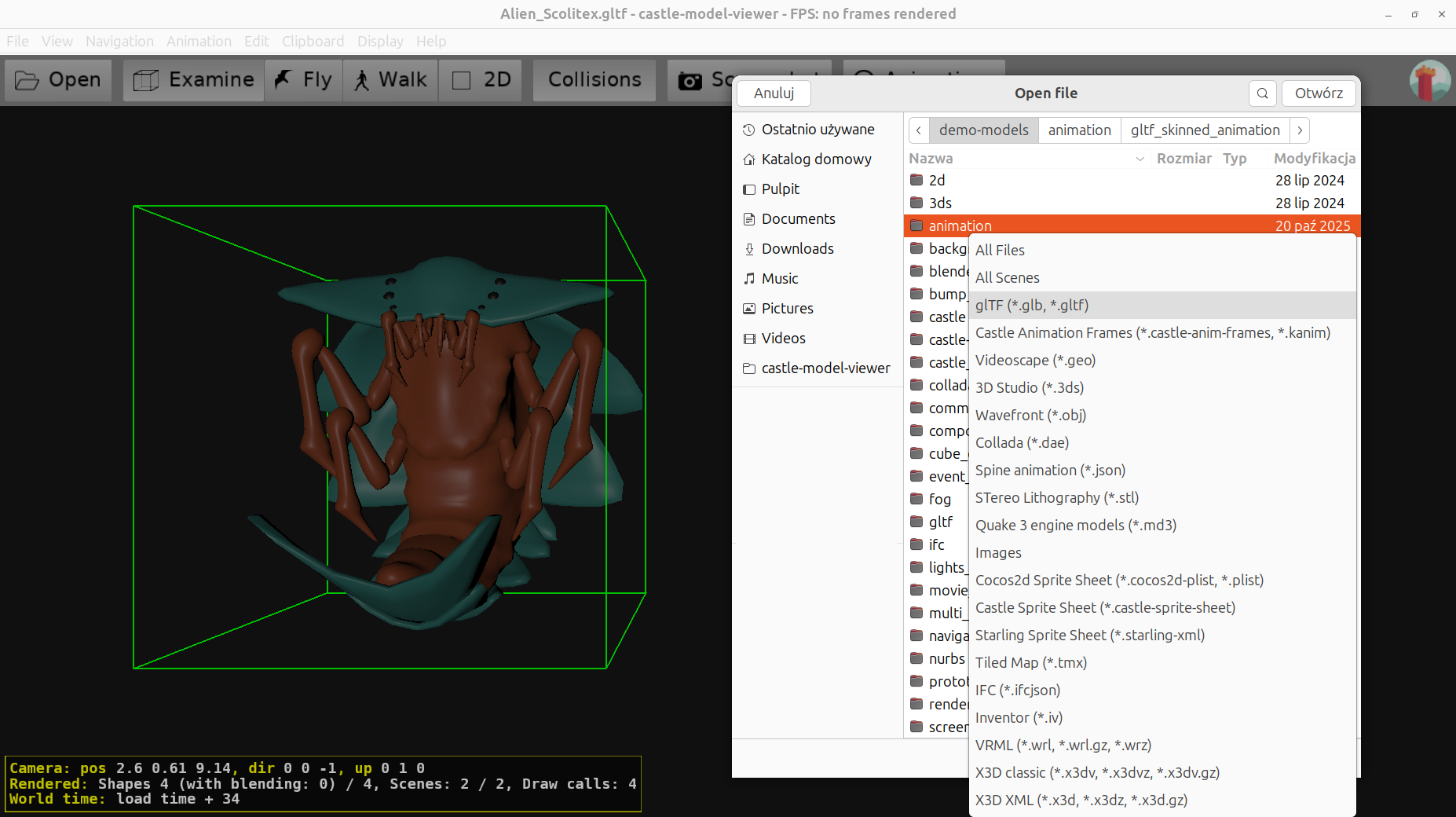
    • We use smooth scrolling, thanks to GTK 3 capabilities. This is nice when your device (like a touchpad) supports reporting very small (fractional) scrolling deltas, we can then use them for float operations (like zooming/moving). As a result you get really fine-grained ability to control the zoom/movement in e.g. our model viewer.

    More information about GTK3 backend of TCastleWindow here.

  3. You can switch back to GTK 2 by defining symbol CASTLE_WINDOW_GTK_2 when compiling your application. If you build from our build tool or editor, just add a section like this to the CastleEngineManifest.xml:

    We don’t recommend this, as in our tests, GTK 3 backend is universally better:) But if you experience any regression, you can use this to quickly go back to GTK 2. And be sure to report a bug about GTK 3. The ability to switch back to GTK 2 will be removed at some point in the future.

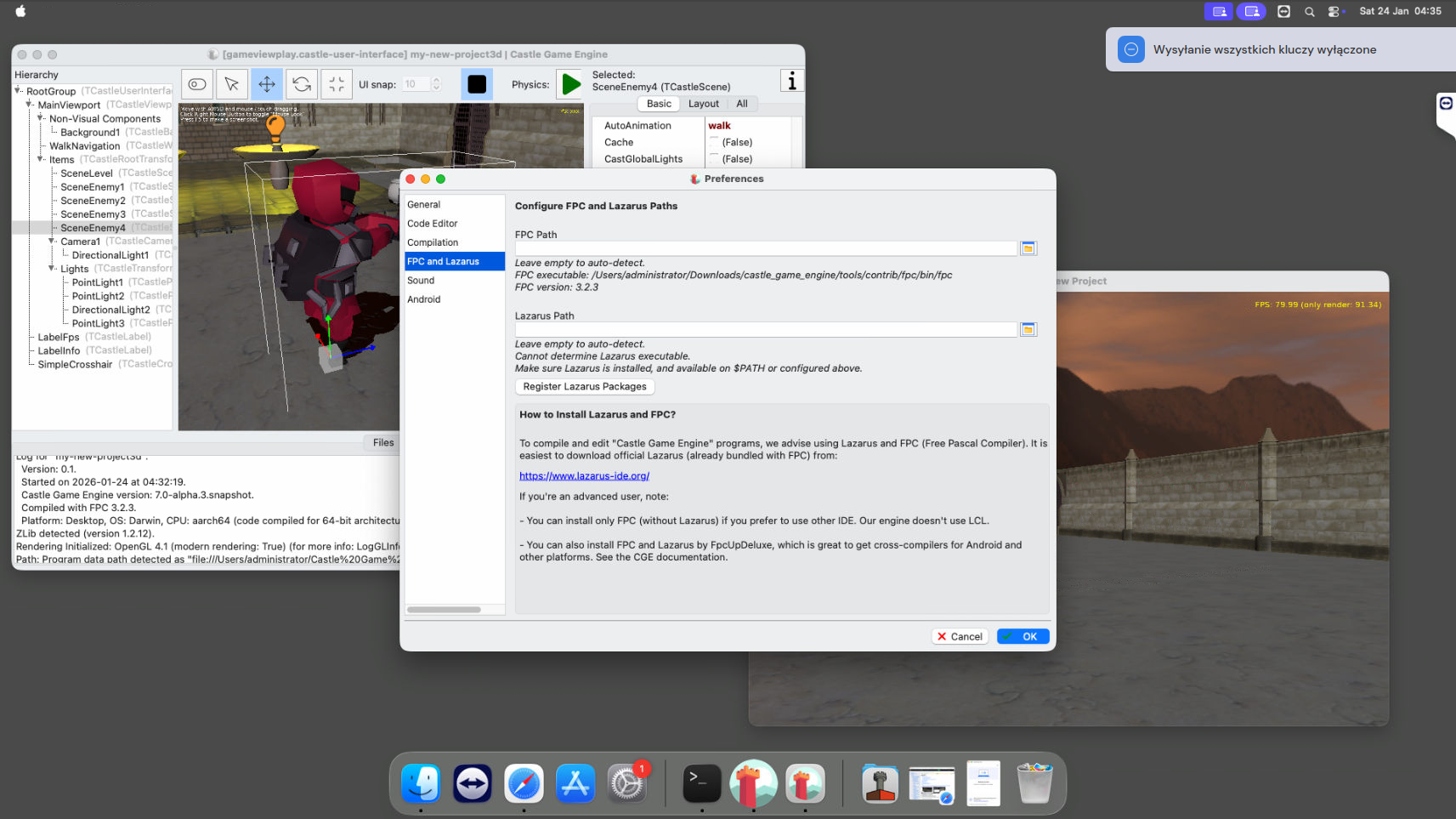
  4. Future goal: We want to ship our editor, an LCL application, using GTK 3 by switching the LCLWidgetSet to gtk3.

    But for now, this is not yet supported.

    We’ve made some progress on our side, adjusting to some LCL GTK3 oddities, like this or this. On the Lazarus side, there’s also a lot of progress, even in last month (January 2026) — results of our testing change quickly for the better 🙂

    Still some issues remain:

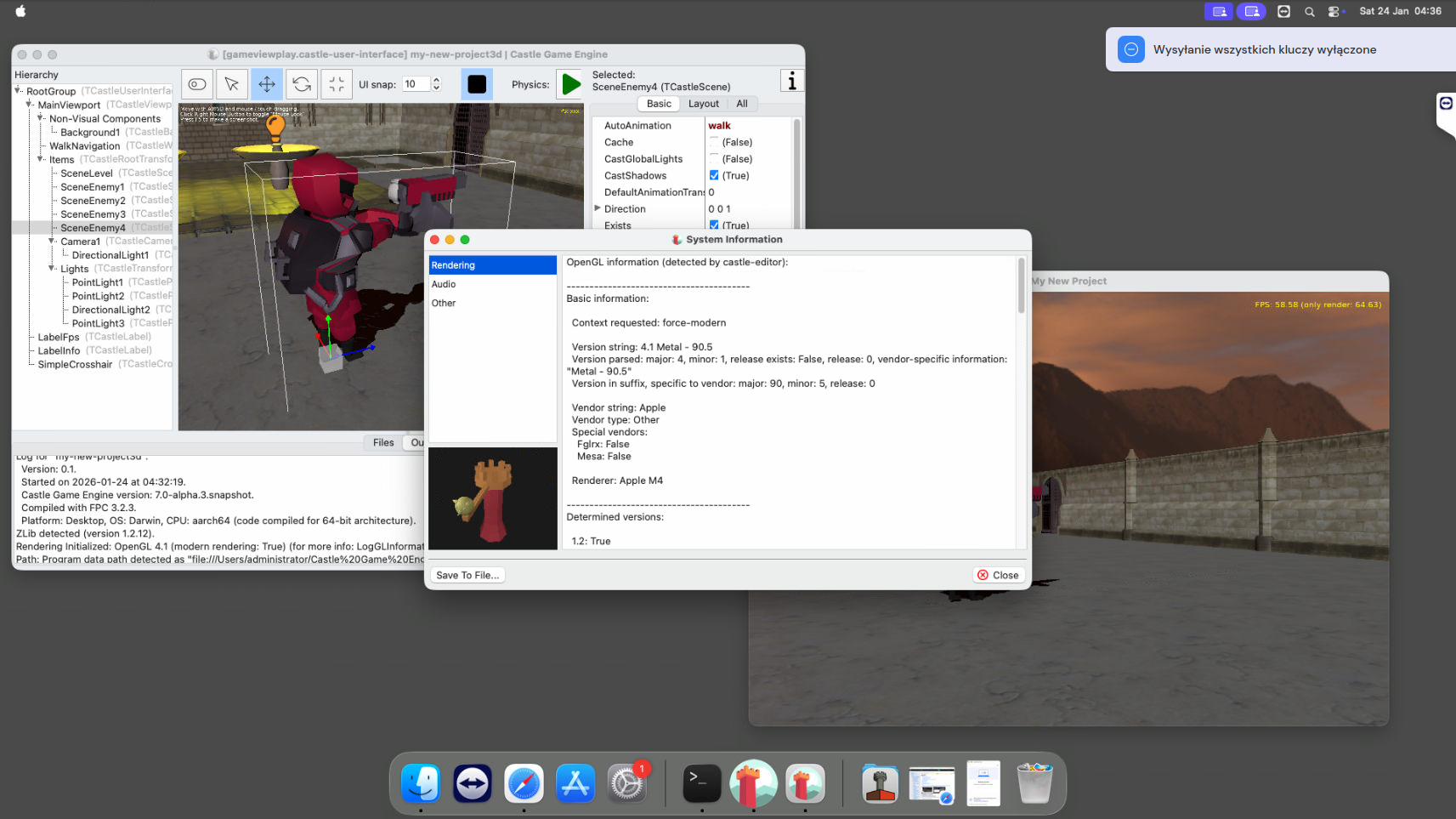
    • OpenGL context initialized by TOpenGLControl of GTK3 is weird, on my Linux resulting with older OpenGL version (than one we get with TCastleWindow, or with TOpenGLControl of GTK2). I need to investigate why.

    • There are occasional crashes at exit, which we yet have to investigate.

    • Dialog Execute seems to return true even on cancelling.

    Note that above applies to testing main GitLab branch (where GTK3 is no longer marked “alpha”). With latest Lazarus from the fixes_4 branch (where gtk3 widgetset is marked “alpha”) we have a few older issues visible, evidently fixed since then.

    So, we need more testing + fixing of the Lazarus LCL GTK 3 widgetset. Help is of course welcome.

    In the meantime, if you have to move away from GTK 2, you can build our editor using the Qt5 widgetset. It works great now. We don’t want to do this for our downloads mainly because users then need to have libqt5pas in a compatible version — incompatible libqt5pas will crash. We don’t want to introduce this risk for our binaries.

Comments on the forum ➤

macOS improvements: work flawlessly on Apple Silicon (Aarch64), bundled with FPC, signed and notarized; Cocoa mouse positioning; fixes to OnDropFiles; universal binary support

Posted on

Castle Game Engine on macOS/Silicon (Aarch64)

We are proud to announce numerous improvements to how our engine works on macOS:

  1. As hinted in previous news, our macOS builds are now provided with “bundled FPC” which means that building your games works out-of-the-box with our engine.

  2. Castle Game Engine downloads now feature a native macOS/Silicon (Aarch64) build. With everything working natively on Apple Silicon, including our engine, tools, and bundled FPC.

  3. Our castle-build-ci scripts allow to build macOS/Aarch64 applications as easily as for any other platform.

  4. Our macOS applications are properly signed and notarized now.

    • The castle-build-ci repository contains scripts to sign and notarize macOS applications. We use them for our tools, you can use them too for your applications. See the castle-build-ci/apple documentation.

    • Our Castle Model Viewer snapshots are properly signed and notarized now and available for both macOS/Intel and macOS/Aarch64.

    • Ditto for Castle Image Viewer.

    • The bundles inside engine downloads, with our GUI tools and editor, are signed and notarized too. And the command-line tools, like our build tool, and FPC compiler, are codesigned too (they cannot be “notarized” as that is possible only for bundles).

  5. We have extended our macOS installation instructions to show how to use xattr -cr to remove the quarantine bit from our applications. This makes it possible to run our editor and tools properly.

    • Explanation: While our applications are signed and notarized, a few tools are outside of app bundles. They are still codesigned, but cannot be notarized. As such, macOS will show errors that tools like fpc and castle-engine cannot be executed by our editor.

    • To avoid this, perform the xattr ... command described in the macOS documentation.

    • TODO: Next step, to make this really working out-of-the-box, is to package Castle Game Engine as one application bundle, with compiler and other tools inside. This will make both signing (including bundled FPC binaries) and UX (running engine editor by users) most “streamlined”. The current work takes us further in this direction, but not yet all the way, so you still need to do this xattr ....

  6. This news post is also a good opportunity to announce our ability to create macOS “universal binaries”, which are application binaries that support both Intel and Silicon architecture in one exe. This has been implemented by Jan Adamec quite some time ago — thank you! To build or run a universal binary:

    • You must have FPC installed that can produce both Darwin/Aarch64 and Darwin/x86_64 binaries. Use e.g. fpcupdeluxe to get this.

    • Then switch target in the Castle Game Engine editor to “Run -> Platform -> macOS Universal Binary (x86_64 + aarch64)”.

    • You can also build and run from the command-line, using --target=macos, like this:

      castle-engne compile --target=macos
      castle-engne run --target=macos
      castle-engne package --target=macos

  7. We have macOS/Silicon remote machine for testing, thanks to MacStadium and their open source program.

    • This also enabled us to test everything announced here (latest engine and model viewer) on the very latest macOS Tahoe.
  8. Fixed: Linking on macOS/Aarch64 works now: Replaced LSOpenCFURLRef with NSWorkspace.openURL usage. Our commit follows similar change in LCL, see LCL commit.

  9. Fixed: We no longer instruct Lazarus to use Dwarf 3 debug format at compilation, as it crashes macOS building (on both x86_64 and Aarch64).

  10. Fixed: “Warnings” list display of multi-line warnings. We must make them 1-line for LCLCocoa.

  11. Fixed: OnDropFiles on macOS when you invoke an application with a file given as command-line argument. macOS sends then “drop files” message, and it’s quite early in the initialization code — was causing crashes before, now it’s handled properly.

  12. Fixed: Setting mouse position in Cocoa backend, e.g. using Window.MousePosition := ....

  13. Our build tool command castle-engine output ... was enhanced with some options to ease CI scripts making. This was useful for the signing and notarization scripts. New possibilities are:

    • castle-engine output caption
    • castle-engine output author
    • castle-engine output qualified-name
    • castle-engine output package-name

    We have also documented castle-engine output ... and castle-engine output-environment ... in our build tool docs.

  14. Fixed: Display of menu item shortcuts in Cocoa that are function keys, page up/down etc. is now correct. We also react to them correctly — previous code was sometimes running the menu OnClick event twice by accident.

That’s it, for now! As mentioned above, we have more plans. Putting entire engine in a bundle, to avoid the need for any xattr ... trickery, is the logical next priority on macOS for us.

If you like what we do, please consider supporting us on Patreon. This supports our work, and also allows us to “pay the bills”, like Apple Membership that allows to codesign and notarize our macOS releases.

Comments on the forum ➤

Engine downloads with “bundled FPC” for all platforms, castle-build-ci to easily use CI with our engine, Woodpecker (Codeberg) CI examples and impressions

Posted on

Open source, integrations with Jenkins, Docker, GitHub Actions, GitLab CI, Codeberg CI / Woodpecker CI

We have a number of news related to using CI (continuous integration) / CD (continuous delivery) with our engine. The idea of CI / CD is that you let some automatic process to be performed on your code, usually each time you make a commit / push to the repository. There are a number of useful things you can do this way (e.g. compile, auto-test, generate docs, release for many platforms) and a number of ways to go about it. If you don’t use CI yet, we really encourage it!

We have a few pages documenting how to use various CI with our engine and in this post, we present some latest additions to our capabilities:

  1. We have extended our castle-fpc repository releases. They provide FPC, for all platforms, in a recommended version to be used together with our engine. They are built using a nice cross-platform script. They are used by other scripts (castle-build-ci, engine building), so this is the basis for other improvements mentioned below.

  2. As a direct gain from the previous point, our downloads now include FPC “bundled” with the Castle Game Engine for absolutely all platforms, including Raspberry Pi and Pine64 (Linux / Arm and Linux / Aarch64) and macs. The goal is to allow installing and building your first application work as out-of-the-box as possible, on all systems, and even for people new to Pascal.

  3. Stay tuned: This is also a first step toward making building for web easier. Our castle-fpc repository includes alternative “unstable” FPC and we want to add there downloadable cross-compilers for the web. We want to allow downloading such “FPC unstable + web tools” from the engine editor GUI easily in the future. The end goal: allow you to build for web while skipping the complicated “4.1. Installing Prerequisites” section from the web docs.

  4. Stay tuned: This is also a first step toward a few macOS improvements… which we actually already did but are now in the “testing” phase 🙂 Stay tuned for a future post about mac improvements, probably next weekend.

  5. You can use new castle-build-ci scripts in your CI (or just your regular system!) to setup FPC, Lazarus and CGE easily. This is an alternative to getting FPC and CGE some other way, e.g. by our Docker image. We use it in our own CI runs, the repo https://github.com/castle-engine/castle-build-ci contains docs (README.md) and example usage. We have tested them with GitHub Actions and GitLab CI.

  6. castle-lazarus (previously cge-lazarus) repository has been extended as well: we provide now Lazarus useful on all our platforms, making our builds easier (e.g. to have good Lazarus on macs and Raspberry Pi).

  7. Lazarus used to build our engine (in the downloads) has been upgraded to the latest Lazarus 4.4.

  8. Last but not least, we got access to Codeberg CI, using Woodpecker CI underneath.

  9. New and updated documentation:

  10. If you’re a devoted fan, you may notice some new icons in the Open source and friendly to continuous integration section on the main page and in features 🙂

Thank you for reading and stay tuned for more posts with practical gains from these “infrastructure” upgrades.

Comments on the forum ➤

December news (unlimited skin joints on shaders, PointProperties), and plans for 2026 (next release, SignPath, better macOS Silicon, shadow maps…)

Posted on

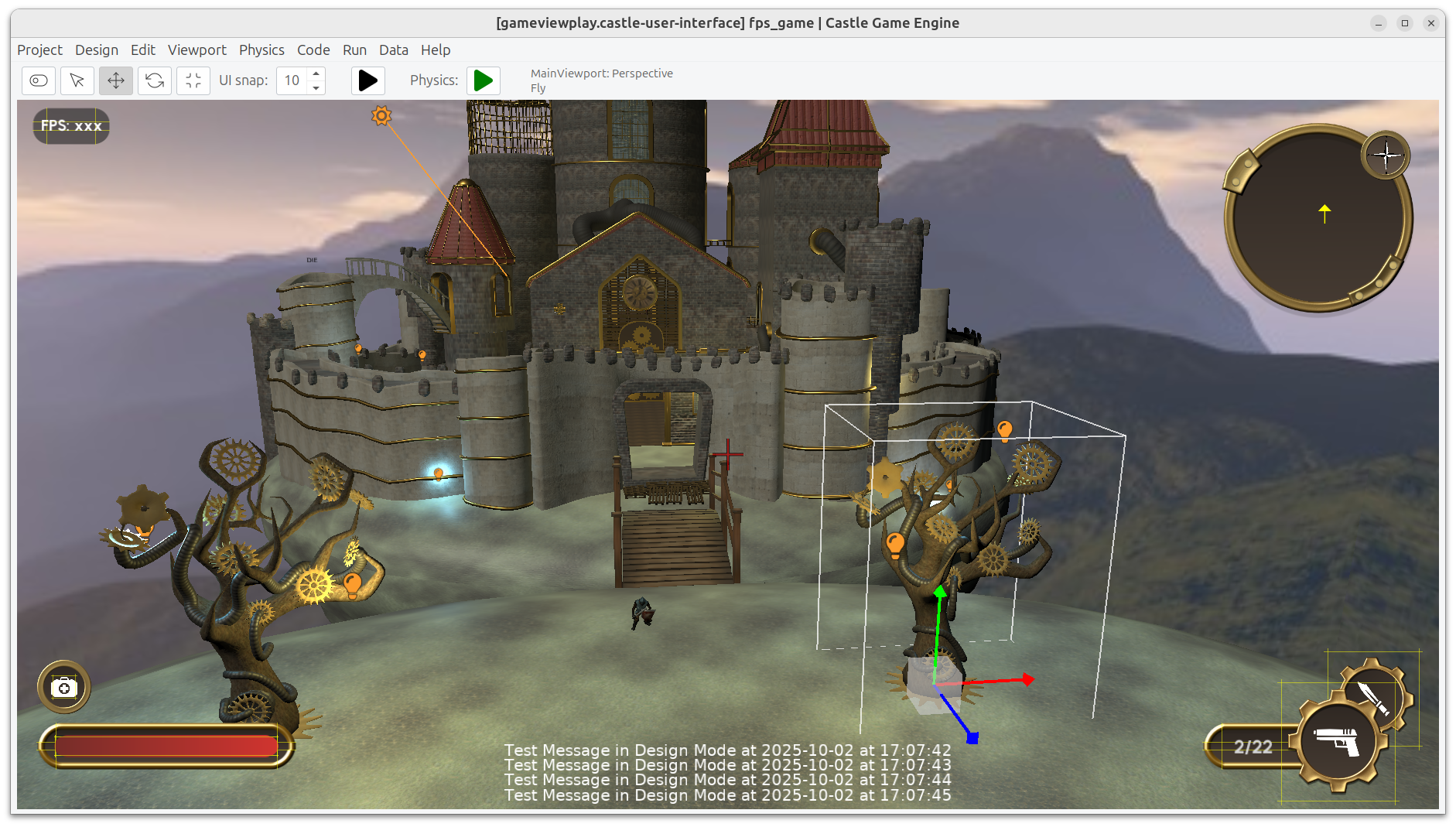
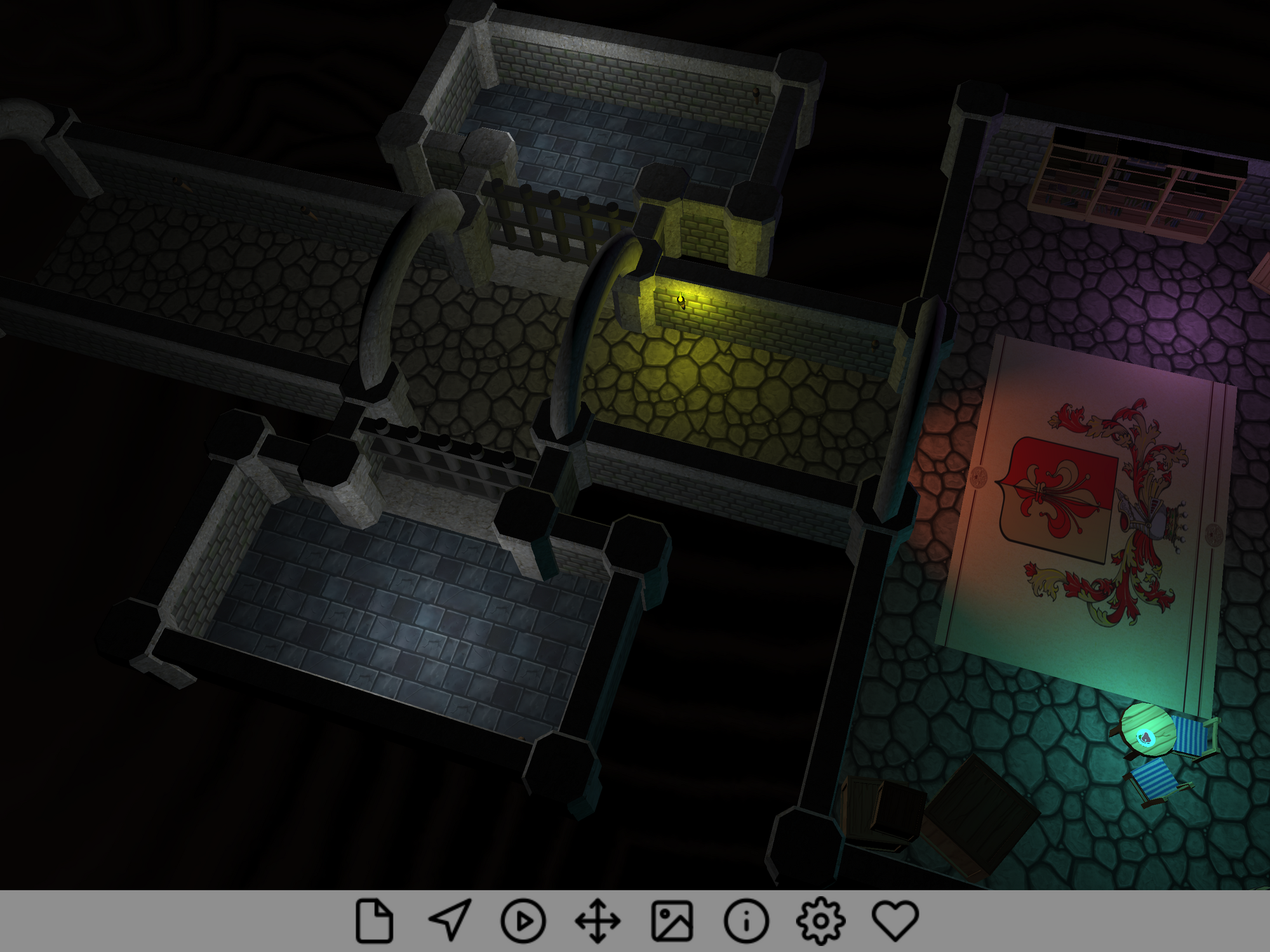
Impressive castle demo, in "Maximize Preview" ("zen mode")
Castle Model Viewer on iOS

Hello everyone! I hope you have a peaceful time at the end of December and spend it doing what you love — whether it means developing games, or playing games, or just resting (and thinking about games) 🙂 I wanted to share some of the recent engine developments and plans for the nearest future.

  1. First of all, I have to admit I failed. I had a secret plan to release a new engine version Castle Game Engine 7.0-alpha.4 before Christmas. This didn’t happen — due to a number of tasks (and one food poisoning…) that consumed my time in December.

    On the upside, I already made arrangements to have more time for engine development since January 2026, and I shall have much more time since April 2026. I’m looking forward to a productive 2026.

  2. And this feels like a natural way to mention that going forward we very much count on your support. If you enjoy using the engine please support us on Patreon. More ways to donate are available as well. Thank you in advance!

  3. If you are interested in business 2 business cooperation, note that we have an official company dedicated to the Castle Game Engine development. We’re a regular Polish (EU) company and are happy to provide e.g. support work to help your company use the engine best.

  4. Recent engine developments:

    1. We’ve made 2 skinned animation improvements:
      • We fixed how it interacts with shadow maps. The shadows (cast by skinned animated mesh) in shadow maps are now correct.
      • We improved our shader implementation, to be capable of handling practically any number of joints (no more 128 limit), by passing joint information through a float texture. We tested that it doesn’t cause any slowdown even in extreme cases.
    2. We support the PointProperties X3D node.
    3. We have updated our Nintendo Switch integration to support the latest engine version. This may or may not have been related to the fact that I was playing a bit Zelda: Breath of the Wild over Christmas 🙂

  5. Our nearest plans:

    1. Release 7.0-alpha.4, naturally. With new skinned animation done, we have finalized our most important feature, and we have collected a lot of other good progress since last release (which was August 2024, quite some time ago).

    2. I want to use SignPath to sign our Windows releases. They have already accepted us in their open source program, thanks to this we can have Windows binaries signed for free.

    3. I want to switch our macOS releases to just be using macOS Silicon (i.e. Aarch64) for everything. And bundle with FPC for macOS+Aarch64, ship with binaries (build tool, editor) for macOS+Aarch64. 

      • Rationale: Our current macOS releases are still for macOS Intel (i.e. x86_64), and we rely on users to setup cross-compiler to macOS+Aarch64. But this is troublesome and buggy in some setups. It is also unnecessary additional work — since the macOS world has largely migrated to Aarch64, and Apple is explicit that Intel goes away (last macOS that supports Intel has been already released). So we should just offer macOS+Aarch64 experience, with everything working out-of-the-box on macOS+Aarch64, as 1st priority. We will still offer macOS+Intel builds too, relying on your support to test them.
    4. I’m also going to work more on our Codeberg mirror. It is already auto-synched with GitHub and you’re happy to download our code from there (or submit PRs there!). I want to test their Codeberg CI.
    5. Thinking more about actual game engine features instead of infrastructure stuff (a lot of it above), our plans are clear for some time:

That last point, our roadmap, leads to our conclusion: I think we have a good plan for the engine. And I love what I’m doing 🙂 From your good words, I think that you enjoy it too. We just need more resources (time) and we’ll be golden. If you can, please support us. Small donations sum up into actual money that allows me to simply spend time developing the engine, thus fueling all this development. Thank you!

And thank you for being part of this dream of having a 100% open-source game engine with features like a clean language, modern graphics, support for 3D standards, being cross-platform and enjoying a visual editor. Have fun developing games and have a great 2026!

Comments on the forum ➤

November improvements: huge animation upgrade, guidelines about AI usage, Codeberg mirror, various fixes

Posted on

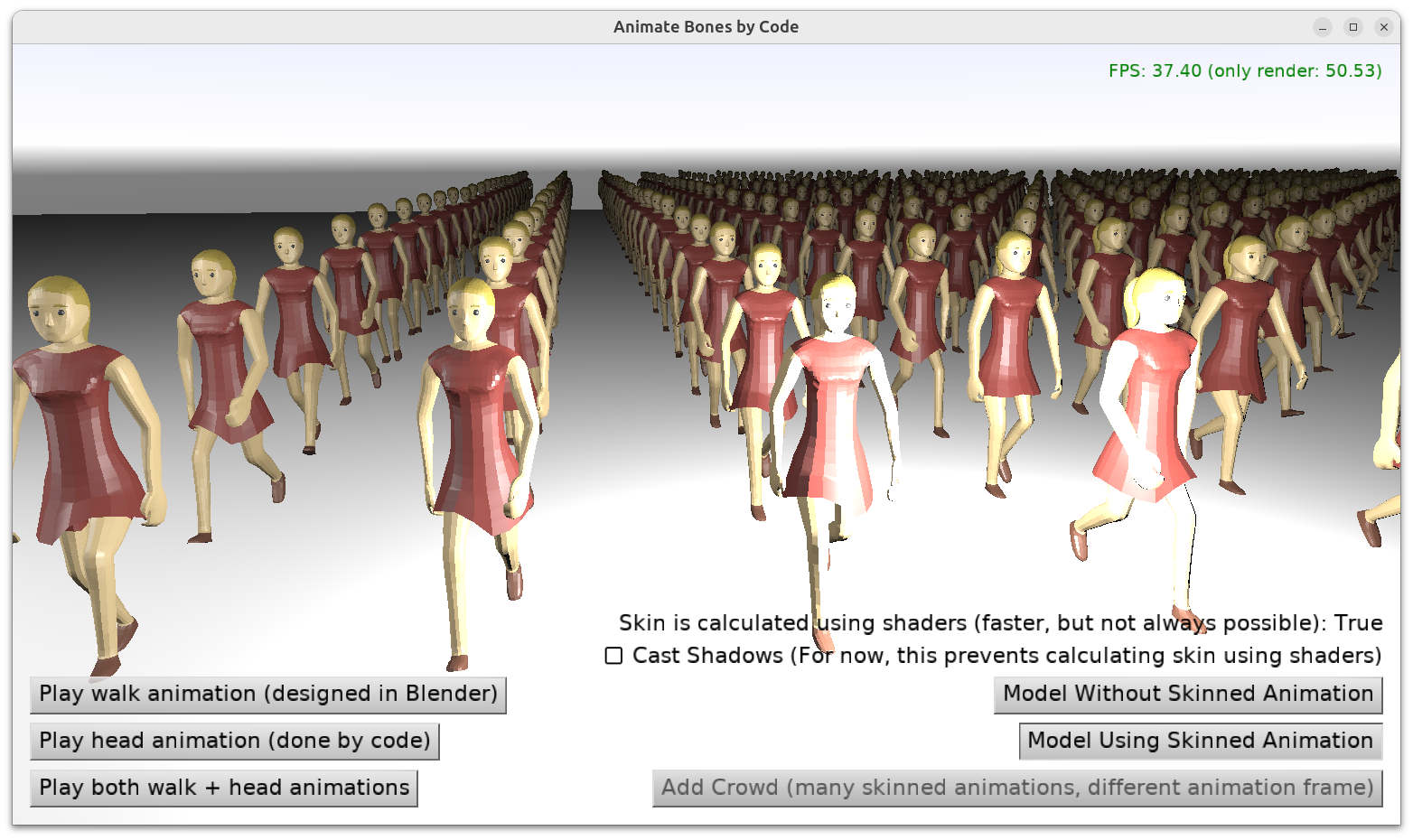
Displaying a crowd of characters animated using skinning in glTF
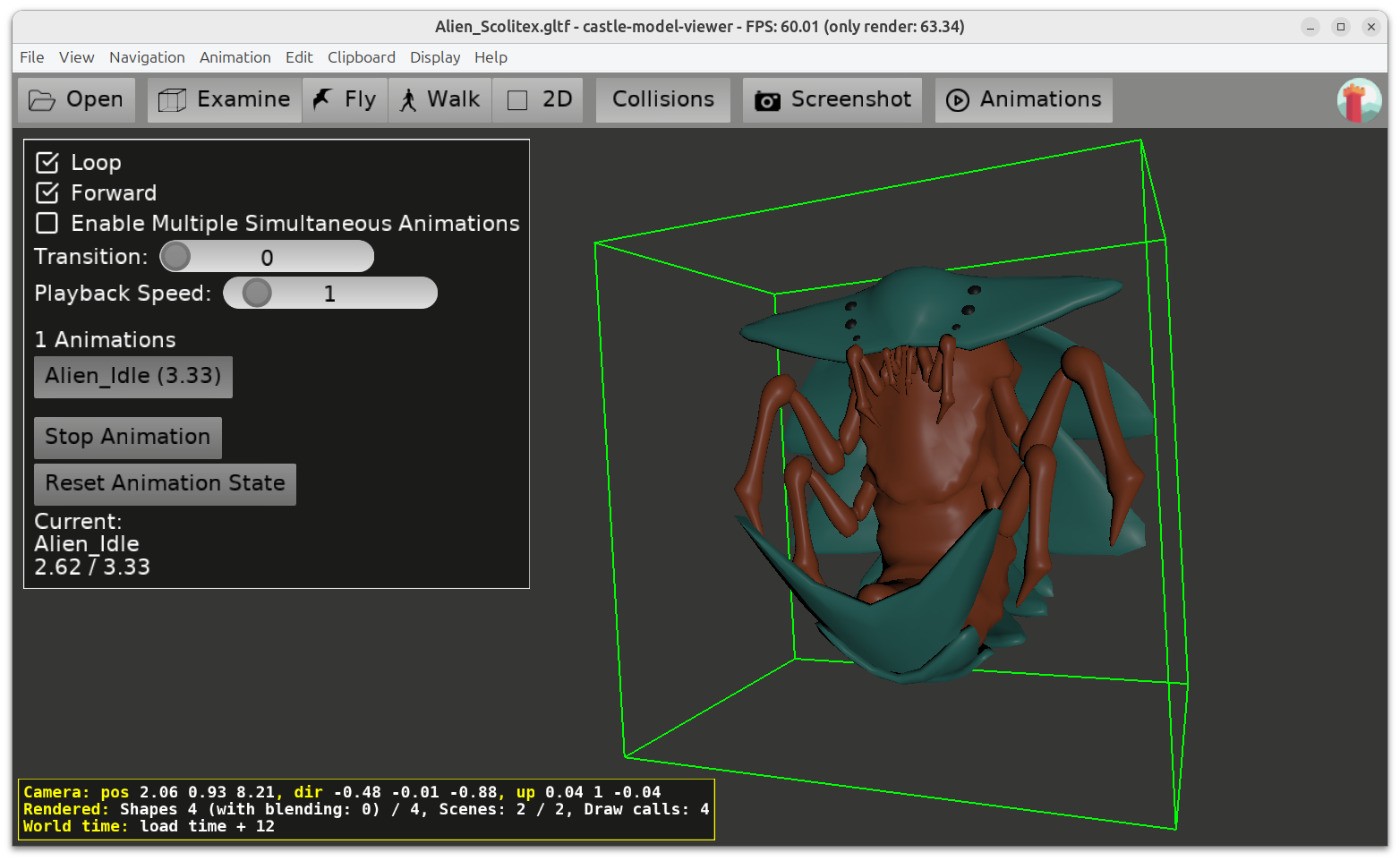
Skinned animation of an alien
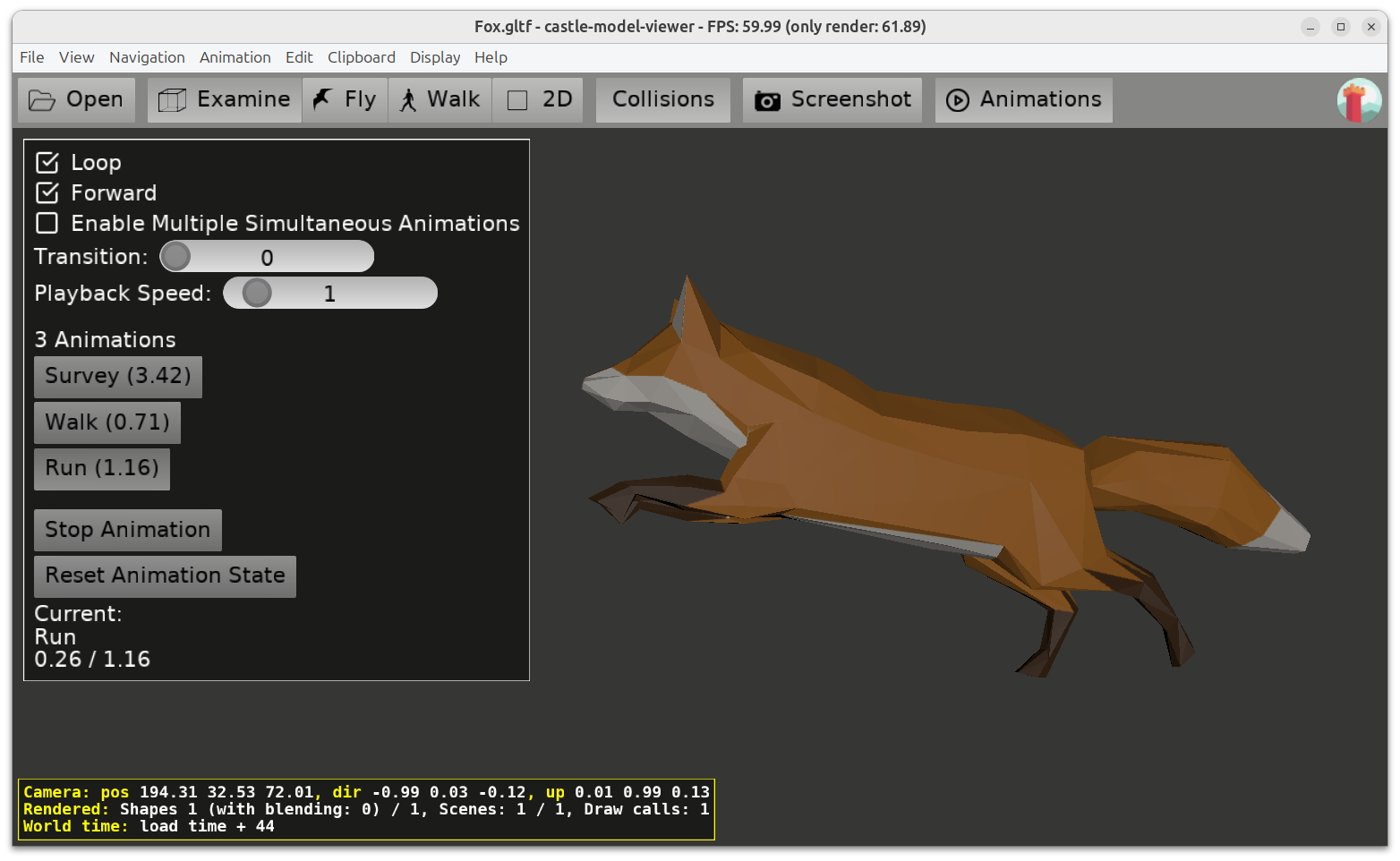
Skinned animation of a fox

We have a few things to report from November. Enjoy 🙂

  1. We have merged a big branch with numerous improvements to our animation handling (skinned animation and other). The important new functionality is documented here. This merge features:
    • Skinned animation loaded from glTF is now performed on GPU (mesh is deformed using shaders). This allows such animations to be loaded much faster, take much less memory, and be more efficient at the same time. You can animate a big crowd of characters using this technique.

    • The same efficient skinned animation can be defined in X3D using new Skin node.

    • animate_bones_by_code example was updated to showcase this, including skinned animation and huge crowd test.

    • We have fixed loading/saving of matrix values from X3D.

      Testcases:

    • The OptimizeExtensiveTransformations flag is deprecated and does nothing now, because the related optimization is now done always, unconditionally, and for all animations (including Skin, H-Anim, and regular animation of transformations without the skin). The optimization has been reworked to be “always a gain”, by updating a set of sub-trees.

    • The InternalFastTransformUpdate flag does not exist anymore. This optimization is also now done always, unconditionally, for all animations, and it benefits all animations of transformations (with or without skinned animation).

    • I have a longer version of this news… but I also want to extend this work even more, in particular to pass joints information using a texture. Current implementation limits number of joints that can be handled by a shader: when the joints count is > 128 it falls back to CPU animation. We can make it better and handle almost ~any number of joints by passing their information in a different way.

  2. We have published guidelines for AI usage in Castle Game Engine.

    They are primarily for people who contribute to the engine, but the guidelines should also serve you well if you use AI in your own projects. To give a summary of my view: AI can be useful, but don’t trust it as it can also be wrong (and confuse you much). Don’t use AI to generate big unreviewed pieces of code or documentation, as they will likely have numerous problems. Start by using AI to generate smaller pieces that you understand + review + improve before committing, like for “code completion”.

    Go ahead and read the article, I go there into more details 🙂

  3. We maintain now a mirror of our repositories at Codeberg. GitHub is not your only choice 🙂 We intend to explore it more, including their CI/CD as alternative to GitHub Actions.

  4. Improved reading “extra” glTF data into X3D metadata, to put JSON contents into X3D metadata when we don’t have a better option.

  5. glTF reading is also a bit faster, as we use bounding box from glTF “accessor” (no need to calculate it on our side in some cases).

  6. Fixed and improved “Edit -> Visualize H-Anim Joints”, “Edit -> Visualize Skin Joints” in Castle Model Viewer.

  7. Workarounded Delphi 13 crashing when building our engine in release mode.

  8. Important fix for processing textures from data URI (caching was way too agreessive resulting in wrong textures used).

Comments on the forum (2) ➤

Various October Improvements – VS Code and VS Codium, Google Play 16k requirement, Nintendo Switch update

Posted on

VS Code code completion
  1. We released a new version (1.6) of our extension to integrate with VS Code:
  2. Google Play requires all new Android releases to support 16 KB page sizes. We have adjusted to this requirement last weekend.

    In short, we take care of everything for you, and you don’t need to know all the details below 🙂 Just rebuild your application with the latest version of the engine.

    Details:

    • Our precompiled libraries have been recompiled to satisfy the 16 KB alignment:
    • How we compile C++ code with OpenAL for Android has been upgraded to support the requirement.
      • This also needs to get OBOA from the latest version.
      • And needs to link to libc++_shared latest version.
      • For this we needed to upgrade NDK.
    • Finally, Pascal code (engine and your game code) is compiled with proper options passed to FPC.

    • We also needed to upgrade Gradle and Android Gradle Plugin.

    • Script check_elf_alignment.sh from Google, as well as Google PLay when uploading new APK / AAB, confirm everything is now OK.

  3. We released version 2.12 of Castle Model Viewer Mobile:

    • With fixed synchronous downloading, used when “Enable Blocking Downloads” is selected. Can be tested on needs_download_network_resources X3D file.

    • When determining which scene we open from ZIP, we always choose the 1st file alphabetically.

  4. Nintendo Switch game controllers handling improved. (Details for people who are Nintendo developers and have access to our Nintendo engine version.)

If you like what we do, we appreciate your support on Patreon.

Comments on the forum ➤

KTX support improvements, ability to load images faster

Posted on

Demo from Delphi Summit 2025, with shadows

Our support for the KTX image format was greatly improved, to make it the best format for images (in some cases — when you don’t care about image size on disk, but care about loading time).

Note that the post below discusses various details, but you don’t really to do anything special to benefit from these improvements. Just use KTX, as any other image, for your textures / images. The snapshot Castle Image Viewer can be also used to view KTX files.

Improvements:

  1. KTX loading has been optimized for (very often) cases when the entire image contents can be loaded from disk to memory in one Stream.ReadBuffer call. This makes reading KTX lighting-fast in many cases.
    • To get some logs about it, you can use CastleInternalCompositeImage and set global LogVerboseKtx to true. We will then send to log additional messages when the optimal loading / saving path was used. As the name implies, this is internal functionality, if you use it: be prepared we may break it in the future (but then, this is just additional logging).
  2. The support for 16-bit KTX images, which previously resulted in 8-bit data (we lost precision) and only worked for grayscale data, has been extended: they now result in float-based (32-bit) data, and support all channel variants (G, GA, RGB, RGBA).
    • Note that I didn’t have testcases for all possibilities. You’re welcome to test the code on your KTX files, and report a bug if it fails!

    • Note that we also support KTX images with 32-bit float data, which load/save fast to our float-based image classes like TGrayscaleFloatImage. This didn’t change. We just changed 16-bit support now to also result in TGrayscaleFloatImage, not in TGrayscaleImage.

  3. We can now save KTX files (without any extra libraries necessary, just pure Pascal code).

    • This also means we can auto-generate trivial/downscaled KTX files from your files, which is great to speedup loading time (at the cost of extra disk space), see description here.

Having fun with KTX? Please support us on Patreon.

Comments on the forum ➤

Demo how to distribute web application with encrypted data

Posted on

Web application with encrypted data

We present a demo showing how you can keep your web application data encrypted (with decryption key embedded in your application code).

By default, when you build a web application, the data is packed into a ZIP file, and a person that wants to access your data can download this ZIP and unpack the data on their own system (and e.g. extract your 3D models or textures).

The demo on demo_encrypt_decrypt_data shows how to prevent this. The data gets encrypted using BlowFish with your password, and then it is decrypted as you access it from your WebAssembly application. Read the README.md instructions in the demo for

  • how to build it,
  • how it works,
  • how to adopt it to your own applications,
  • and, to be clear and explicit, what are the limitations of this approach. It’s not a fool-proof solution to keep your data secret from a dedicated attacker, and there’s no such solution (in any game engine).

The README in the demo_encrypt_decrypt_data project already explains all the details, so if this sounds interesting, please read it 🙂

Big thank you go to UND DREAM Lab for sponsoring this demo through Patreon! Your donations to Castle Game Engine make our engine sustainable.

Comments on the forum ➤

IFC support in Castle Game Engine

Posted on

IFC house model
Web demo of IFC format support

We’ve been extending in recent months our IFC support.

I talked about it at conference in Germany and I will talk about it at conference in Poland next week 🙂

General overview of what IFC is about:

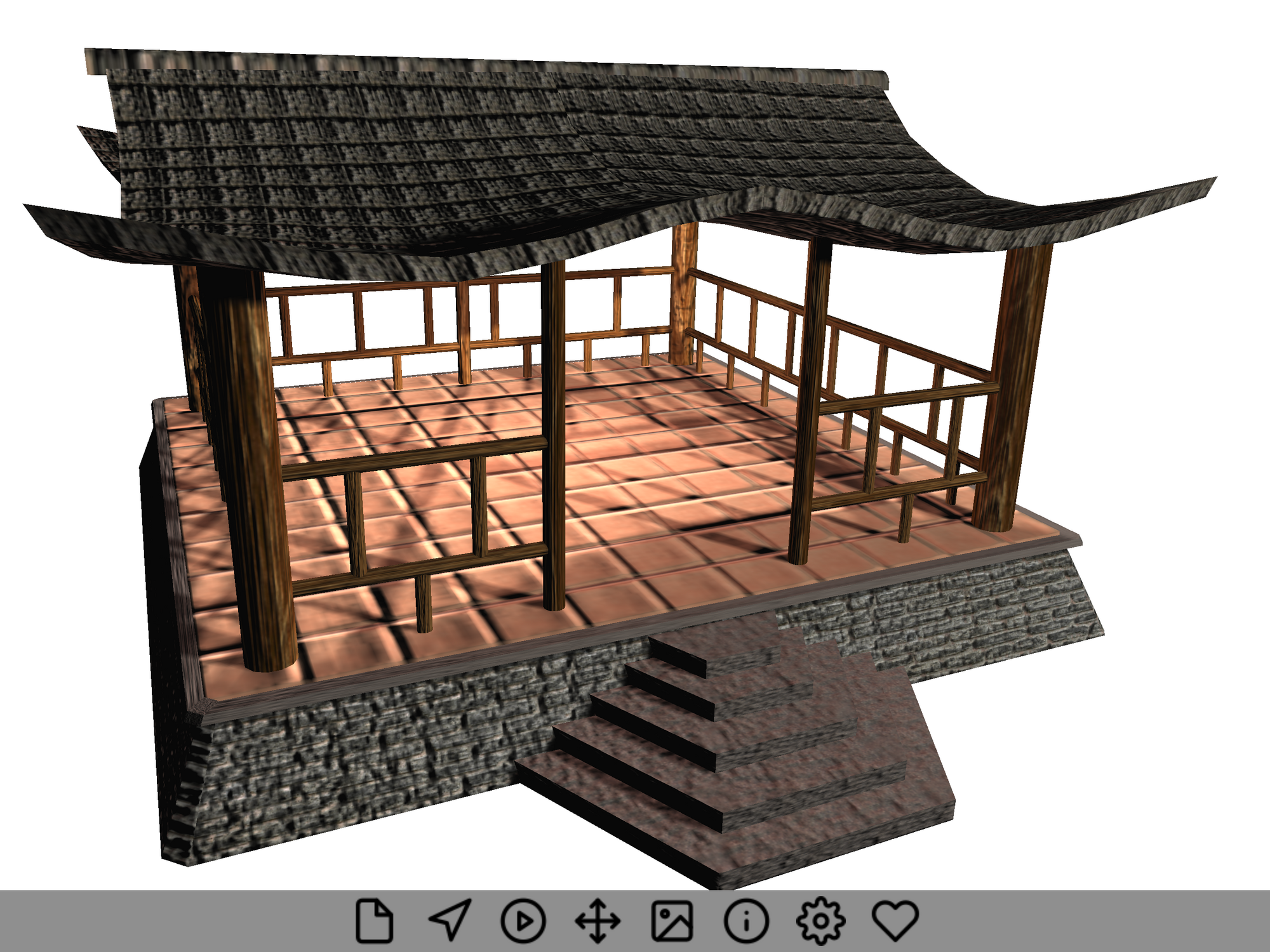
  • You can open, save and manipulate 3D models in the IFC format. This is the standard 3D format used by the BIM (Building Information Modeling) industry and supported by tools like Revit, ArchiCAD, FreeCAD, BonsaiBIM (in Blender). It describes how real-world 3D objects are constructed, from cities and buildings to the individual furniture and appliances.

  • Using our engine you can open IFC files, manipulate their contents using “native IFC classes” (which means that your software works using the same concepts as the IFC specification), and save them back to IFC files.

  • You can develop browsers and editing tools for IFC files, and deploy them on all the platforms supported by our engine.

  • All the details, along with sample code, are documented on our IFC page.

New things we’ve done in recent months:

  1. Our IFC test files are published in demo-models.

  2. Our online converter supports IFC.

  3. Our command-line converter supports IFC, so you can do things like castle-model-converter simple_house.ifcjson output.stl

  4. We have basic knowledge of all IFC classes (thanks to reading their information from XSD) and for many of them (178 now) we have knowledge of all properties.

  5. IfcGridAxis, IfcGrid are handled and displayed now.

  6. New engine utility method:TCastleIfcMapping.ProductToNodes, used by ProductBoundingBox method in example.

  7. New algorithm for extrusions in IFC, simpler, more efficient, more correct in some cases.

    • Just use quads for sides + concave top/bottom caps, do not use X3D that tries to be “too smart” and e.g. rotates the spine.

    • Also optimized convex/concave extrusion top/bottom caps.

    • Also adjust circle slices based on radius, to make it more efficient.

  8. New efficient wireframe generation (e.g. for IfcBoundingBox, but also every other shape in CGE).

  9. IFC transformation handling fix.

  10. Much more optimized changing of IFC Translation by TIfcProduct.Translation.

  11. Better saving to X3D:

    • Fixed rotation defaults.

    • Reuse Coordinate node for IFC extrusions (across 2 X3D geometry nodes).

  12. Improvements to examples/ifc:

    • Button to view entire model.

    • Checkbox to toggle debug IfcBoundingBox display.

Have fun with IFC and 3D standards, and support our work on Patreon!

Comments on the forum (2) ➤

September engine progress: IFC, web, CastleHttps, VS Code debugging, zen mode, X3D 4.0 4.1, downloads mirror

Posted on

Impressive castle demo, in "Maximize Preview" ("zen mode")
Impressive castle demo, in default editor UI
Walking adventure on web
IFC house model

This was a busy month, with lots of engine work and also a great conference in Germany organized by Sorpetaler. Let me then announce a bag of engine improvements and news all across the board from last month (and more):

  1. We’ve been working a lot in recent months on our IFC support.
    • More details about the IFC improvements will be announced later this week. Otherwise they would “dominate” this news post 🙂

    • For now, let me just say I talked about our IFC support at the conference in Germany and I will talk about it again at the conference in Poland next week. Catch me if you can!

  2. Web target improvements:

  3. We have a new unit CastleHttps to easily activate HTTPS support in TCastleDownload.

    • Easy to use, no need for any $ifdefs on your side.

    • Fixes HTTPS + FPC 3.2.x + Linux with newest SSL (because our CastleHttps pulls a fork of SSL for FPC 32x in this case).

    • Fixes CGE editor SketchFab auto-download functionality.

    • See URLs and networking docs for various pointers and examples using TCastleDownload.

  4. Our VS Code extension brings a major upgrade with version 1.4.

    • Your VS Code should update it to version 1.4 already.

    • New version has improved debugging support. See the Debugging section in the README for ways to activate it.

    • New version has been upgraded from plain JavaScript to TypeScript, which makes the code much easier to read and maintain.

  5. New “Maximize Preview” feature (“zen mode”) is available in our editor.

    • Use menu item “Edit -> Maximize Preview” or key shortcut Shift + Space.

    • It toggles the visibility of most things except the main preview of your application. So it hides / shows the hierarchy (left sidebar), object inspector (right sidebar), files / console (bottom panel). It allows to focus on the main thing: the preview of your game.

    • The key shortcut, Shift + Space, is somewhat consistent with similar Unity and Blender‘s features that maximize the panel under mouse. In our case, it always maximizes the preview window. In Blender, the shortcut is actually Ctrl + Space, but we didn’t want to take that, as Ctrl + Space is commonly used for completion in text editors, so (even though the CGE editor is not a text editor) we don’t want to conflict with that meaning.

    • We unofficially call it “zen mode”, as the spirit is similar to “zen mode” found in VS Code and recent Delphi versions: no distractions, maximize the one most important view.

    • This is based on similar idea by Andrzej KilijaÅ„ski he implemented for the terrain PR.

  6. “Open Engine Location in File Manager” button is now available in the editor “Preferences” dialog. It’s sometimes useful to explore engine easily, esp. since on Windows engine is installed to AppData which is by default hidden.

  7. Various X3D 4.0 and 4.1 support improvements:

    • Viewpoint nearDistance / farDistance support.

    • Validation of audio and volume rendering X3D 4.1 nodes.

    • With thanks to Don Brutzman and John Carlson for submitting lots of feedback in these areas, causing us to improve!

  8. We maintain a mirror of our releases at SourceForge (files of castle-engine project). You can download from there the same files as from GitHub releases.

    • Why? We found cases of networks where downloads from GitHub releases don’t work reliably (are often interrupted in the middle) while downloads from SourceForge behave reliably. Your mileage may vary — you have an option.

If you like what we’re doing, please support us on Patreon. Have fun making games!

Comments on the forum (3) ➤