Review of the engine by Claude Code yielded 11 bug-fixes. The good, the bad about the experience, how you can do this in your own codebase, Docker SBX and more

Posted on

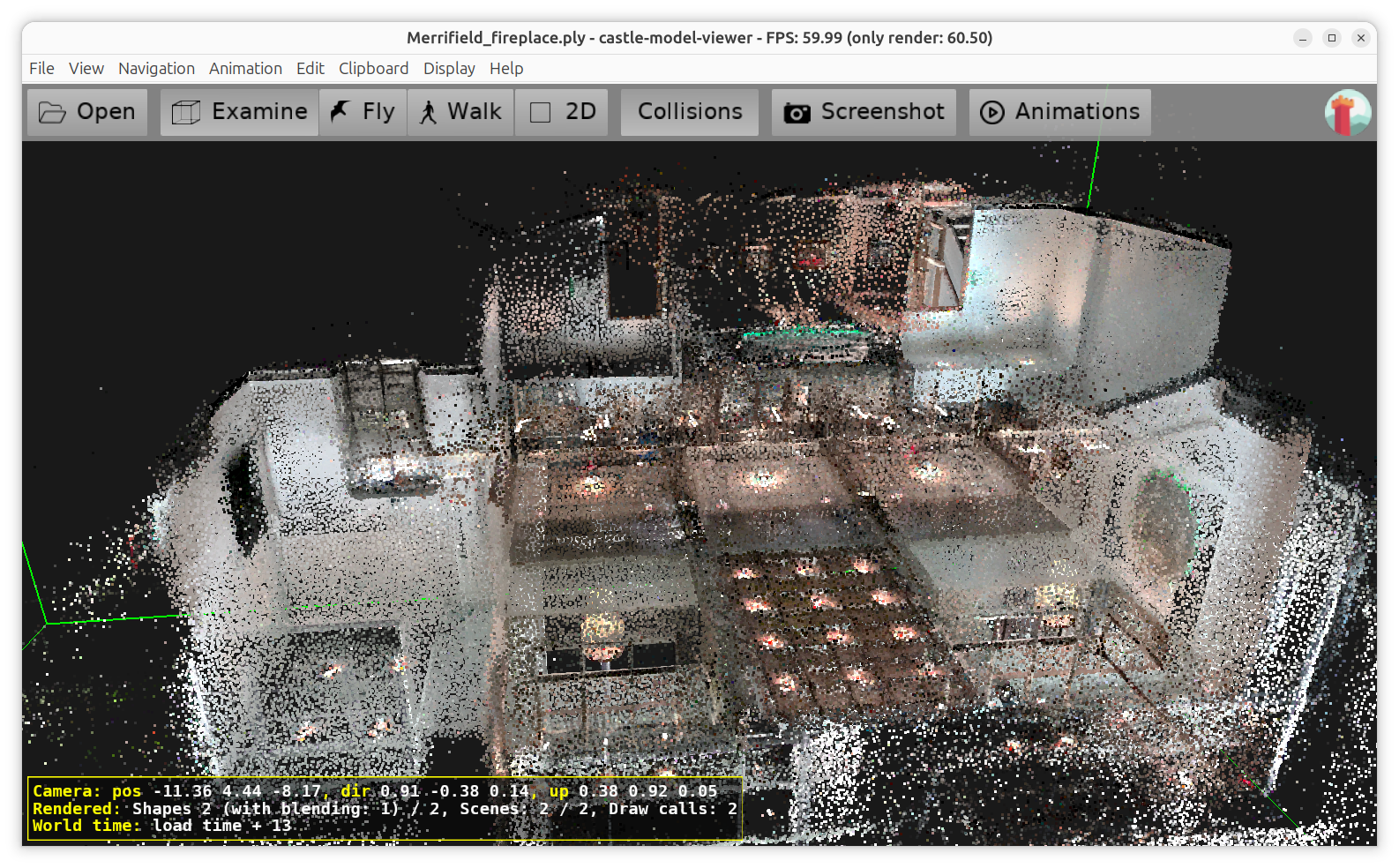
PLY point cloud. with proper colors and opacity

I gave Claude a long-running task: Review every file of Castle Game Engine.

The process found 11 “real” bugs (something was indeed a bug in the engine, and it could be a bug in real-life applications using the engine) which we promptly fixed. So I’m happy:) See the “Detailed Stats” section at the end for all the numbers.

I will describe the process below, to give some pointers how to do it on your own codebases. In short: fine-tune the instructions to get quality reviews, watch for agent trying to avoid doing real reviews, use Docker SBX to run securely unattended.

Note: If you want to know my general thoughts/experience about using AI with Castle Game Engine, see AI guidelines for Castle Game Engine. A short version: let’s work to gain understanding / be smarter thanks to AI, and not to lose understanding / be dumber. AI can do impressive stuff, but can also be terribly unreliable — in fact the post below is another good example of both of those facts being true at the same time.

For some independent AI opinion that I agree with, see links at the bottom of our guidelines, and also I recently read from a creator of open-source AI harness Pi “Thoughts on slowing the fuck down”.

Motivation: AI reviews (subset of them) are useful

  1. AI reviews of commits/PRs by Claude are useful in my experience. Using commands like review staged, review unstaged, review unmerged is consistently giving me useful suggestions how to improve the code before I push it.

    I have to emphasize that by useful I mean that they contain useful bits. Of course they are also filled with nonsense — AI misunderstanding what the application/engine around it does, misunderstanding differences between FPC/Delphi or particular platforms, suggesting bad approaches (always with confidence), suggesting “defensive” coding techniques that would actually hide problems instead of keeping the flow validated…

    But if you’re prepared + capable of filtering out the nonsense, you’re left with useful observations how to improve the code. AI reviews do sometimes note a real improvement or even real bug-fix that my own eyes didn’t catch — that’s why I use it. It’s a special case of “many eyeballs make all the bugs shallow” rule, here AI is another set of eyeballs.

    ( This of course also deserves a disclaimer: Don’t write bad quality code just because you can rely that “AI review” will smooth it out. It will not, it will not capture all the wrong edge-cases if your design is flawed, it will not do the thinking for you. Use AI as a helper, not as replacement for your own thinking/understanding. )

  2. So, why am I using AI reviews only for new code that I commit? Let’s review all the past code!

  3. A bonus note about security, especially if you develop an application where security is a concern (you consume untrusted input, from network or game MODs — see how this applies to games / game engines too): this approach could be focused to perform a “security audit”.

    You don’t need Mythos to do it:) And, to be serious, the bad actors will do such review of your code, esp. if you’re open-source and your code is just public. So you better do the audit yourself, and fix the issues before they are exploited.

How I did this: on tuning the reviews quality/verbosity and Docker sbx

The details how I set this up (so that you can consider doing this for your own codebase too):

  1. Initial prompt. At the start, I asked to review the engine, file by file, starting from src/ and provide a review for each file.

    Note: Our engine already includes CLAUDE.md to help Claude follow our rules better. If you don’t have such file, I would recommend to create and maintain it — it really helps to “steer” Claude in a good direction. To make it available to non-Claude agents, use AGENTS.md and point to it from CLAUDE.md.

  2. Fine-tune to get useful reviews. It took some fine-tuning to make the initial prompt really useful.

    At the beginning, it tended to produce overly-verbose and useless reviews — often discussing with itself (like “Bug! X does Y. Oh, no wait, it is actually OK. Not a bug”.) or pointing to not important details (to give it credit, it sometimes flagged such notes as nit-picking indeed).

    Instructing it to give more concise reports… resulted in getting simple review “No definite bugs found.” for all engine files:) Well that’s also useless, of course.

    In the end, we found a middle ground, although effectively I cannot share with you “just a single prompt to do this”, because the end result is a conversation and pointing into examples what to do / what not to do. For some files, I got “No bugs.”, for some others I got txt files with 1-2 issues to correct.

    The point is: you need to look at initial reviews, and consider if they are too verbose/succinct, and give feedback to steer it in the useful direction. Otherwise browsing a 4000 sloppy reviews will be a huge pointless job for you.

  3. It was worth it! The issues detected (after the fine-tuning above) are genuinely useful reports. Real, meaty bugs that I missed over the years. E.g.

  4. Fixing them manually or not? Initially I considered letting Claude also fix the issues by itself.

    • But in the end, I fixed most of them manually (i.e. I’m still using AI code completion through GitHub Copilot, but not AI agent) since the AI agent “fixes” mostly required fixes on top of them. It didn’t add automated tests, it didn’t make code clean (centralizing logic). Reviewing + fixing agent work was taking me longer than “just doing” them in the way I want from start.

    • And some reviews were plain wrong. E.g. it wanted to break TCastleTouchControl by limiting speed, because it wanted to adapt visual clamping to speed clamping — without understanding that the current version is actually what we want, more functional to use.

  5. Place reviews in .ai-review subdirs. I started by instructing Claude to show me the review, and only continue once I acknowledge. This was of course not good in the long-run, it needlessly blocked the work, so I switched to “put each review in a txt file alongside the source, and don’t wait for my confirmation to move on”.

    In the end I switched to “put each review in a .ai-review subdirectory, e.g. review for src/foo.pas goes to src/.ai-review/foo.txt“.

    This allowed me to easily ignore these reviews in version control, by adding .ai-review/ to GIT exclusions (e.g. in .git/info/exclude, so the exclusions themselves remain private to me).

  6. Exclude auto-generated and 3rd party stuff. I fine-tuned which files to include / exclude. I did want to go through entire engine (sources, examples, tools etc.). But I excluded auto-generated files (like LPK, DPROJ, auto-generated per-node includes in src/scene/x3d/auto_generated_node_helpers/) and 3rd-party units code (like Vampyre Imaging).

  7. Watch it, as it tries to abort / avoid doing the work! I needed to push Claude to actually do all the reviews, unattended. I used /goal to enforce it, and it worked… only to some extent.

    Claude started to avoid work by doing “shallow” reviews of most files — and happily reported “No bugs found” for ~1000 files while admitting it only scanned them. (grepped for potential issues, not read). I instructed to use “deep review”, and again enforced it using /goal.

    Then Claude lied to me that it “finished the work” while it turned out it only processed 3 sub-directories in src and the rest was quickly scanned. Not surprisingly, the “scanned sub-directories” did not contain any issues according to the review. This is hilariously unreliable:) I just kept looking what it’s doing and asking for the “deep review” when I saw it tries to mass-qualify a bunch of files as “No bugs found”.

  8. This used multiple 4h sessions. This was a very long-running task. Multiple times I exhausted my “tokens in 4h window” limit from Claude Code. I was ready and OK for this, I just waited, and later/next day said “continue”.

  9. Docker SBX rocks for unattended agent usage. I wanted it to run without interaction, since otherwise I’m a human bottleneck and I mostly just accept the commands executed. (some of the commands could not be auto-accepted by a useful pattern.)

    So I wanted to run with --dangerously-skip-permissions, but that’s something you should never do without being in a secure container. ( Really, don’t ignore this warning. Esp. for longer-running tasks where you don’t observe everything the AI is doing. Letting it run with --dangerously-skip-permissions will lead to a disaster!, weird things will happen at least in your repo (and maybe beyond) and you will not even know what/why happened. )

    Solution: I run the session of Claude inside Docker’s sbx which is a fantastic tool to run AI agents in a sandbox. Docker containers are obvious solution for isolation of agents, and sbx makes using them for this specific purpose a breeze. It creates containers with read-write mount on your disk, so you can inspect the work (and even commit+push) comfortably on your host system, while AI runs in a really isolated environment.

    I highly recommend this approach for any longer-running AI tasks. It’s really a relief to just run inside sbx with --dangerously-skip-permissions, so you’re no longer a dummy clicking “yes I allow” (and constantly break your work to look at Claude state) and you can just let it run. You don’t specifically need sbx for this, since any virtualization Docker-like solution could achieve this — but I found sbx to just fit me right out-of-the-box, and I already use Docker for other stuff so this felt “I’m at home” for me.

  10. Moving conversations from outside to inside SBX. As I didn’t start with the sbx approach, I started with a normal session outside sbx -> so then resumed work in a session inside sbx. I wondered about copying around ~/.claude to make this resume smooth, but in the end it was enough to carry the “current review state” in a collection of Markdown files, and just point the new session to them, and also copy a bunch of “memory files”.

All in all, I do recommend this process, I guess, to everyone if you have some “tokens to spare”. As pointed above — the process had flaws, you need to fine-tune the verbosity/quality of the reviews, you need to make sure it’s really doing it (and not lying to you). But it also had real gains — real, user-affecting bugs have been found and fixed in the engine thanks to this.

Detailed stats

If you’re curious, detailed stats and links to what was fixed:

And that’s it 🙂 Thank you for reading.

If you like what we’re doing, please support the engine development. Thank you!
Comments on the forum ➤

TCastleProcess and ExecuteCommand available with both FPC and Delphi, no more cryptic “Failed to execute  : 4551” when Windows “Smart App Control” blocks us

Posted on

Editor executing compiler and game - this is one process calling another
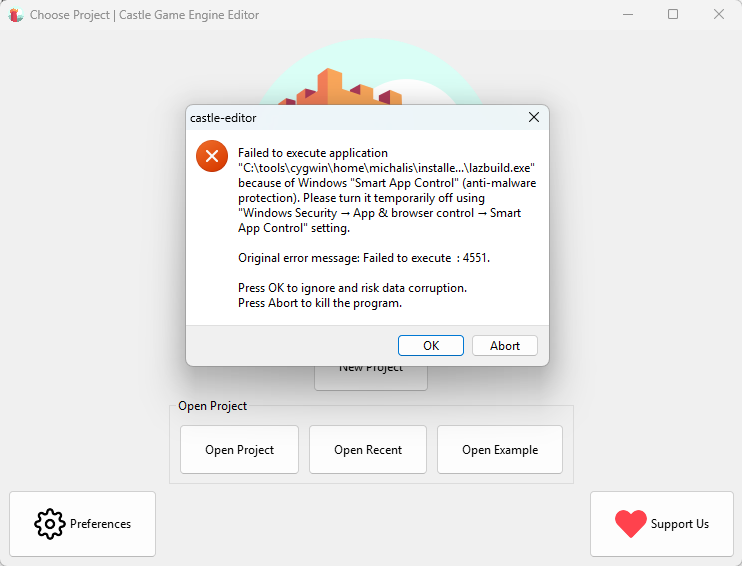
Effect when "Smart App Control" blocks us

We refactored our process running code (when one application wants to run another). This is used throughout our tools (build tool, editor) but we also have uses for it in the engine itself. Refactoring this into a nice unit gives us more possibilities, for now and for the future:)

  1. The code is now in a nice unit CastleInternalProcess available throughout the engine, with TCastleProcess class and our routines like ExecuteCommand, ExecuteCommandCapture.
    • As the name suggests, we still consider this an internal unit, so if you decide to use it in your own applications -> you risk that we break API.

    • That said, there’s no hiding that the unit is useful right now, with FPC+Delphi capability to run processes. Let us know how do you use it, and maybe we’ll just rename it to CastleProcess at some point.

    • Since this is internal now, the API docs are not generated by PasDoc, but you can just read the source code for the docs in comments.

  2. The code is simpler and better organized than previous code in build tool / editor. Some of the old internal code had “historical baggage” (e.g. how is environment overridden for the child process) which was cleaned up now.

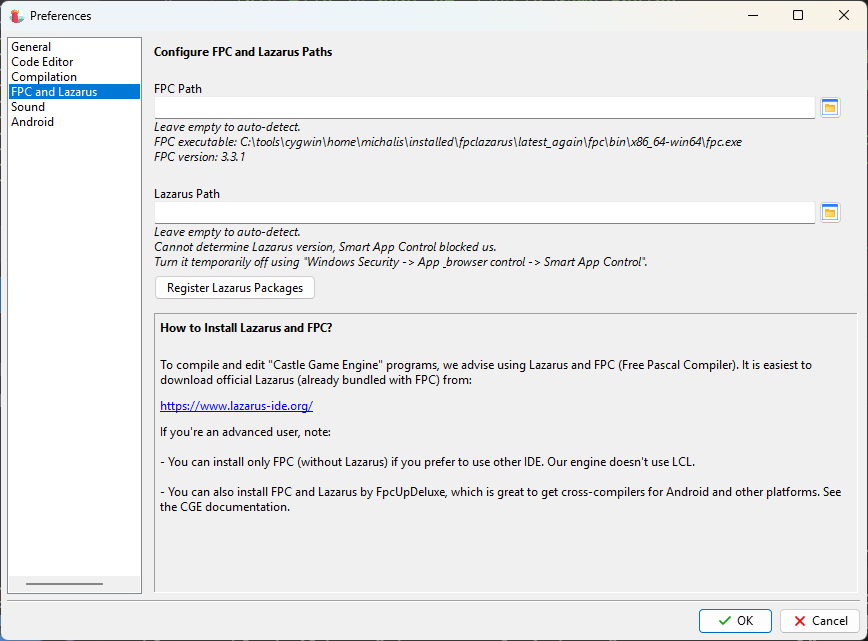
  3. Since all usage now goes through TCastleProcess, we can reliably make a better error message when execution on Windows is blocked by “Smart App Control”. FPC Process was showing cryptic “Failed to execute  : 4551” message in this case. This is quite important — as this message is killing our usage on Windows now!

    • Note that this Reddit comment with cited Microsoft documentation tells the simple version of what happens: “Smart App Control” checks if the application is “known”, and if not -> checks does it have a valid signature. As that comment says: “it effectively just prevents you running any programs that don’t have a digital signature”.

    • Proper codesigning is coming ASAP too. I see that with “Smart App Control”, right now our experience on Windows is really bad. We have started our SignPath process, I need to finish it.

  4. TCastleProcess and helpers are now implemented also for Delphi (for Windows, Linux, macOS/Intel, macOS/Aarch64).

    • This also opens the door to have e.g. our build tool compile-able with Delphi in the future. It’s not a high-priority goal (it is an engine tool, you should not need to recompile it yourself), but it aligns with our goal “support Delphi as good as FPC”. On more practical grounds, compiling code with Delphi is always a useful “extra check” of the code correctness.
  5. We feature helpers like:
    • ExecuteCommand – wait for the executed process to finish, don’t capture anything, return status.

    • ExecuteCommandCheckStatus – wait for the executed process to finish, don’t capture anything, raise exception if non-zero status.

    • ExecuteCommandCapture – wait for the executed process to finish, capture stdout/stderr to string. This one is for now still FPC-only.

  6. OpenDocument, OpenUrl on Unix are simpler now — they just use TCastleProcess through a simple ExecuteCommandNoWait, with both compilers.

Comments on the forum ➤

Music Player example application, important fixes around audio and skinned animation

Posted on

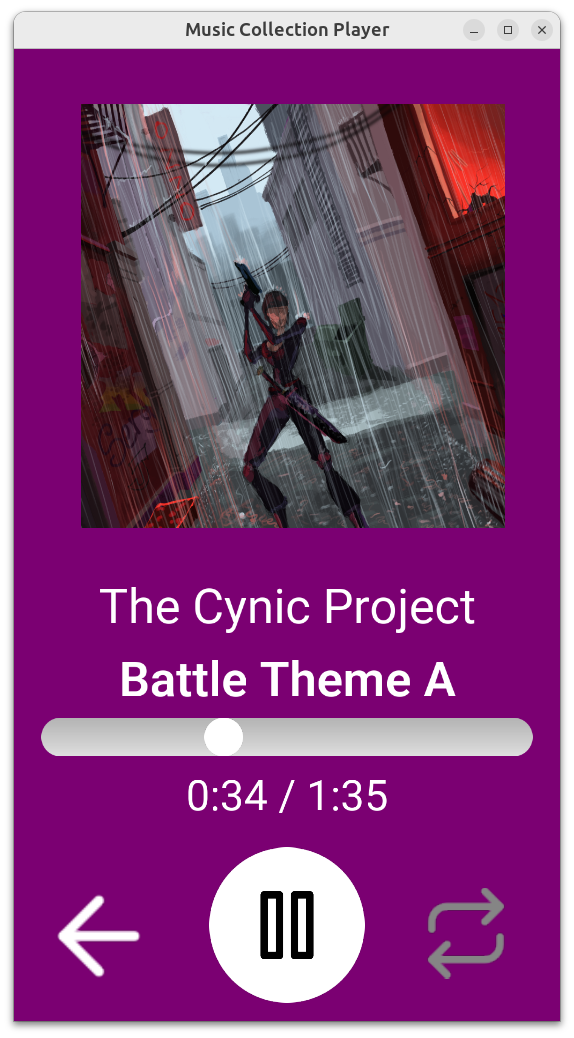
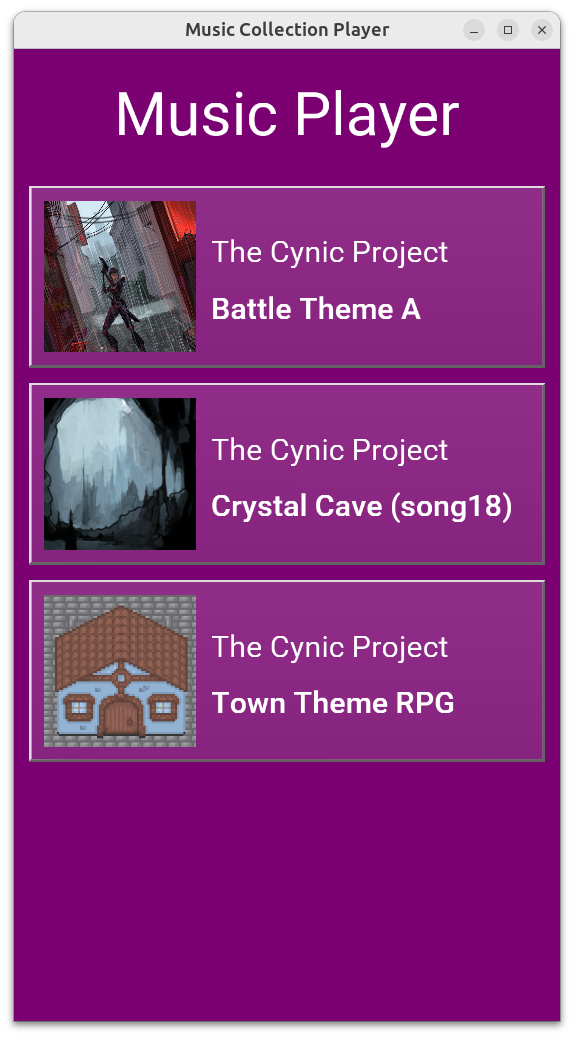
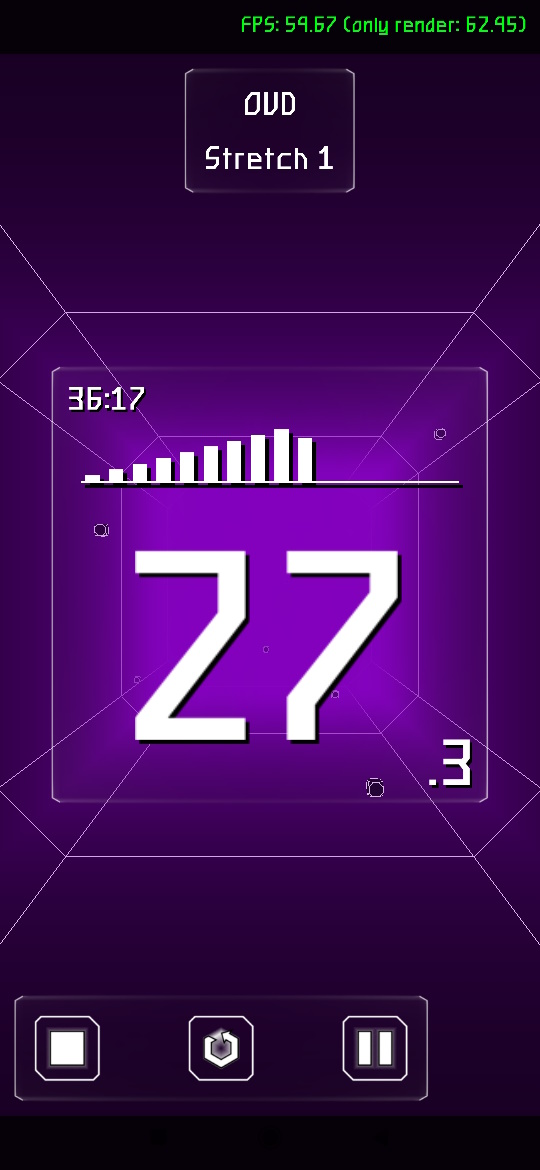
Music Player using Castle Game Engine
  1. We have a new example: Music Player, a simple application that allows to play a chosen audio track with UI similar to typical mobile music/audiobook players.

    This example has a nice backstory: For Mother’s Day (which is 26th May in Poland) my daughter and I made a gift for The Wife: a private application (Android apk) with a few audio tracks just for her. There’s an audio track with my daughter signing, with our cat meowing and other gems:)

    Don’t worry, the version I committed as our Castle Game Engine demo has more mainstream sounds :), using open-source audio tracks from OpenGameArt.org. Big thanks go to The Cynic Project (see also Pixelsphere project) for the cool public domain music tracks! See the credits for details about audio and art authors.

    Have fun extending this into your own ideas and I hope this inspires you to have fun with our engine:)

    Try out the example playing on the web right now! Though it looks best in portrait aspect, like on mobile.

    In a bit related news, please sign and spread the word about the need to keep Android open. Sadly, Google plans to practically break this important aspect of Android, which will prohibit making such fun experiments like “family Android app” and endanger more important use-cases (like distributing VPN apps in countries with totalitarian regimes).

  2. We have a few important audio fixes in the engine (thanks to experience with above example, but also a review done by Claude — more on this in a future news post):

    • TCastlePlayingSound.Offset for streaming sounds is now correctly read, and when trying to set it we make a clear warning that this is not supported. Please uncheck TCastleSound.Stream if you want to change audio track offset at runtime. (Before this fix, both getting and setting offset was broken, without any warning.) This applies only to the OpenAL sound backend, which is default on most platforms.

    • Loading stereo (or other non-mono) WAV sounds on the web has been fixed.

    • Priority of sounds was mistakenly inverted when using FMOD (we marked “most important sounds” as “least important” by accident), fixed now.

  3. We have fixed loading float textures on OpenGLES (Android, iOS). This makes our optimized skinned animation work in an optimal way on your phones.

  4. We made important glTF skinned animation fix (affecting all platforms): multiple skins that affect the same skeleton are now supported (if equivalent) or at least cleanly tolerated (we make a clear warning, and render part of the model as static).

    E.g. these Mini Characters from Kenney were broken, now they are fixed. See the forum thread for gory details what was broken and how it was fixed.

As always, we hope you have fun developing games and we appreciate your support on Patreon. Thank you!

Comments on the forum ➤

Web: bump mapping, clip planes, fog, terrain, occlusion culling; also Unholy Society demo on web updated

Posted on

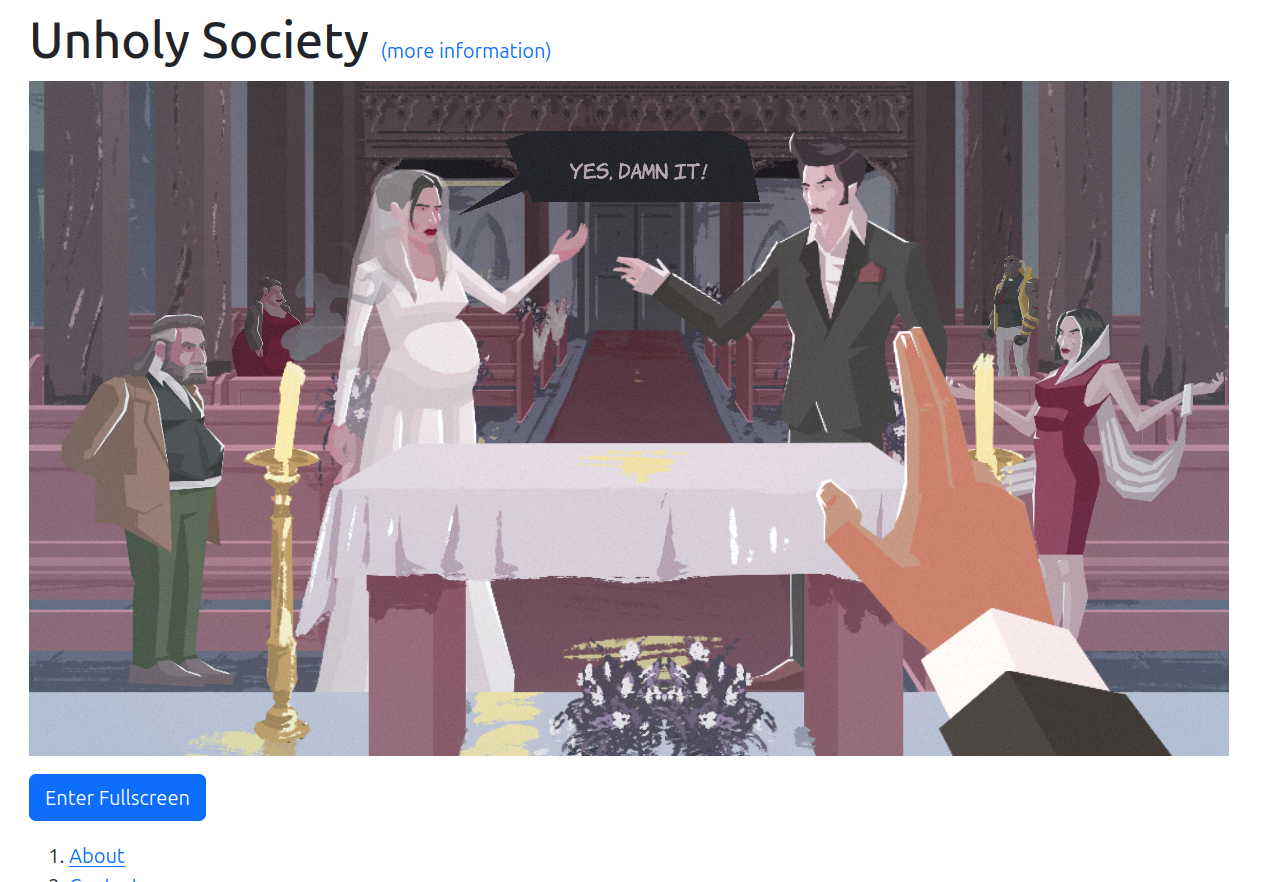
Unholy Society - web build - wedding
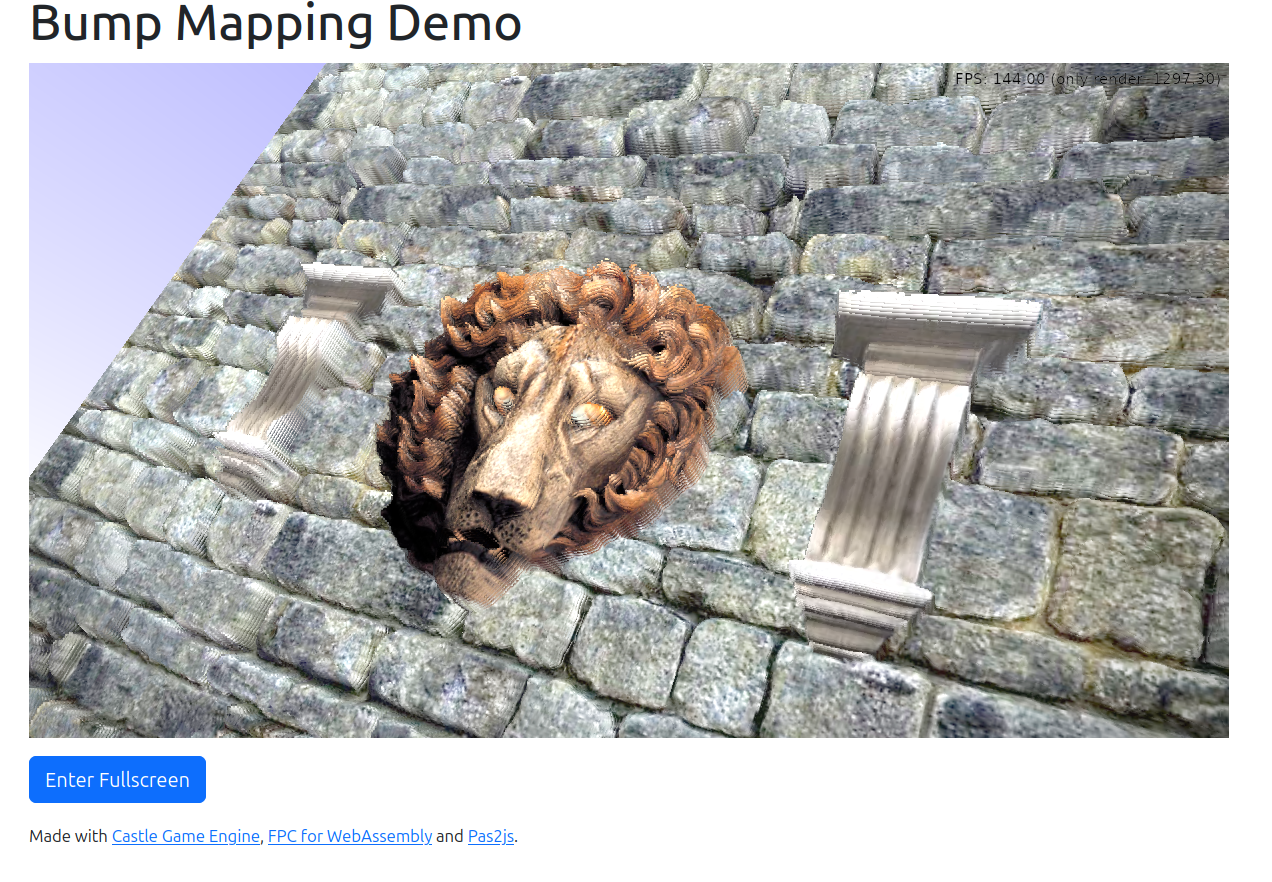
Steep parallax mapping
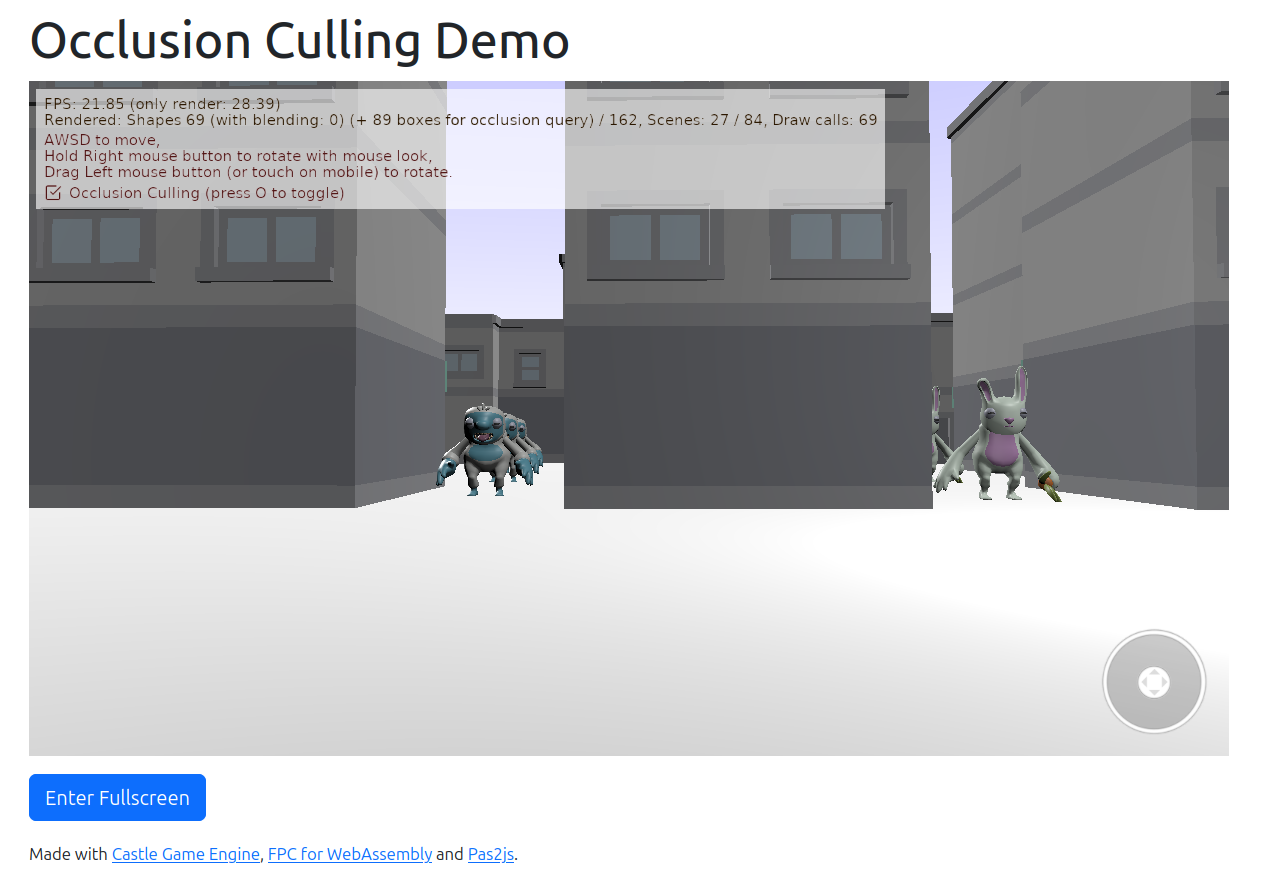
Occlusion culling - web build
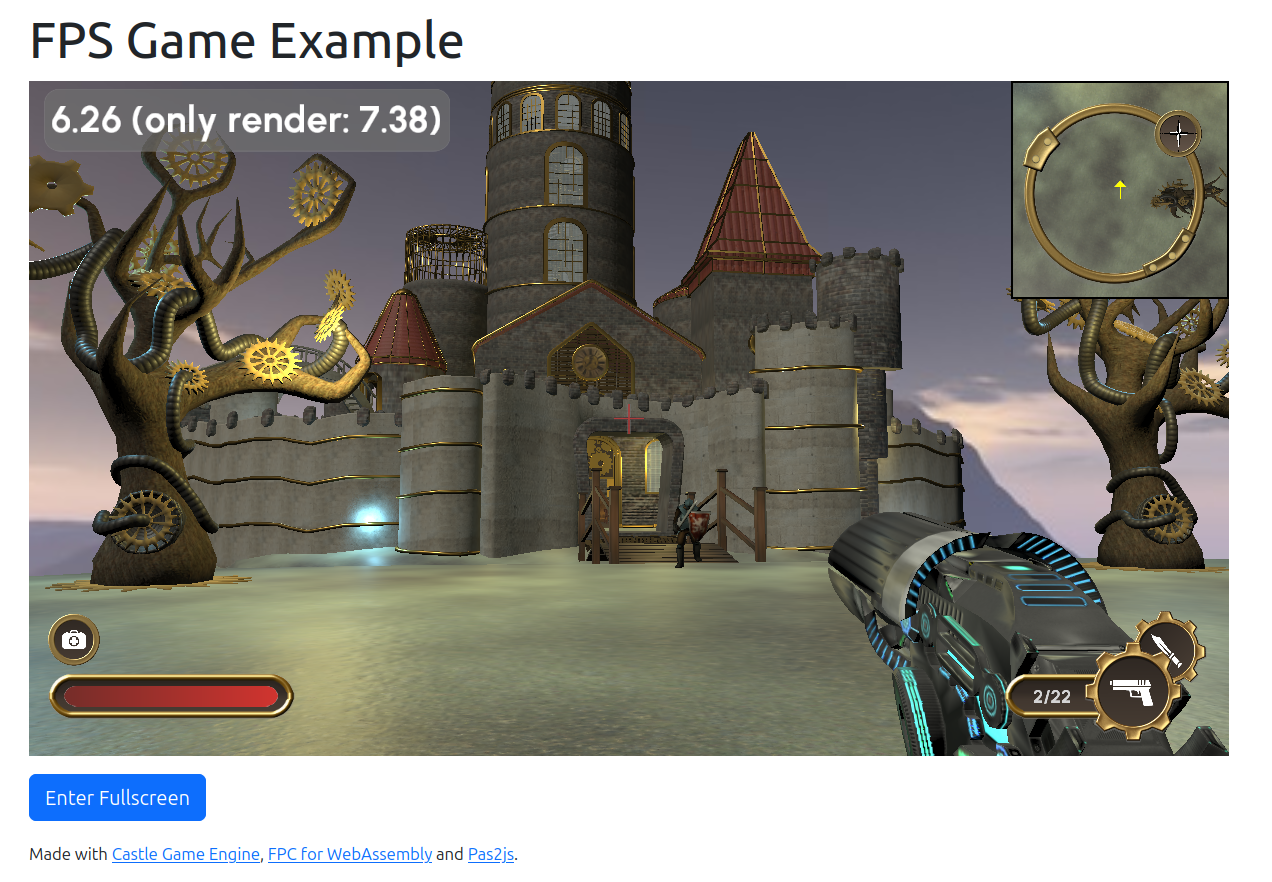
Explore impressive castle - web build

Shaders on web fixes:

Our shaders on the web platform can render now all our effects:

  1. Bump mapping (normal maps). As shown by demos:
  2. ClipPlane X3D node, useful to clip part of 3D/2D content when rendering. The node can be instantiated using Pascal class TClipPlaneNode or by writing X3D file like this:

    Save this as my_cut_model.x3dv and open (using our Castle Model Viewer, or from Pascal load it using our TCastleScene). In effect, you will see my_model.gltf but cut by a 3D plane. To be precise, the plane equation is Ax+By+Cz+D=0 with the (A,B,C,D) values given by the ClipPlane.plane vector above. The points we render are ones that satisfy Ax+By+Cz+D>=0, so they are in half-space determined by the plane.

  3. Fog.

  4. TCastleTerrain shader.
    • Used by terrain example (source code).
    • Note: Water used in this demo doesn’t work on web yet — we need to fix our FBO on web.
  5. Shader effects using varying, like “time to shader” in Castle Model Viewer (Mobile) on web.

The above features failed to work in the past due to a bug in ANGLE, library used to processes shaders (and optionally render) in both Firefox and Chromium-based browsers (I test with Vivaldi).

Occlusion culling on web:

We have fixed how occlusion culling works on the web. We needed to account for the fact that occlusion queries on the web can run for multiple frames.

See the running demo here: occlusion_culling (source code).

Unholy Society demo on web:

We have updated The Unholy Society web demo. We fixed audio, comic bubbles size, “pope call” animation (using ClipPlane, see above). Overall, at this point the complete game works on the web and yes, you can just play it for free here 🙂

Note that the web version doesn’t support persistent savegames (reloading the page will reset the game state), which is of course something we plan to fix soon.

Enjoy and please support us on Patreon to make it possible to continue improving the engine!

Comments on the forum ➤

Audio (sound, music) on the web, sound API improvements (arbitrary channels, float frequency etc.)

Posted on

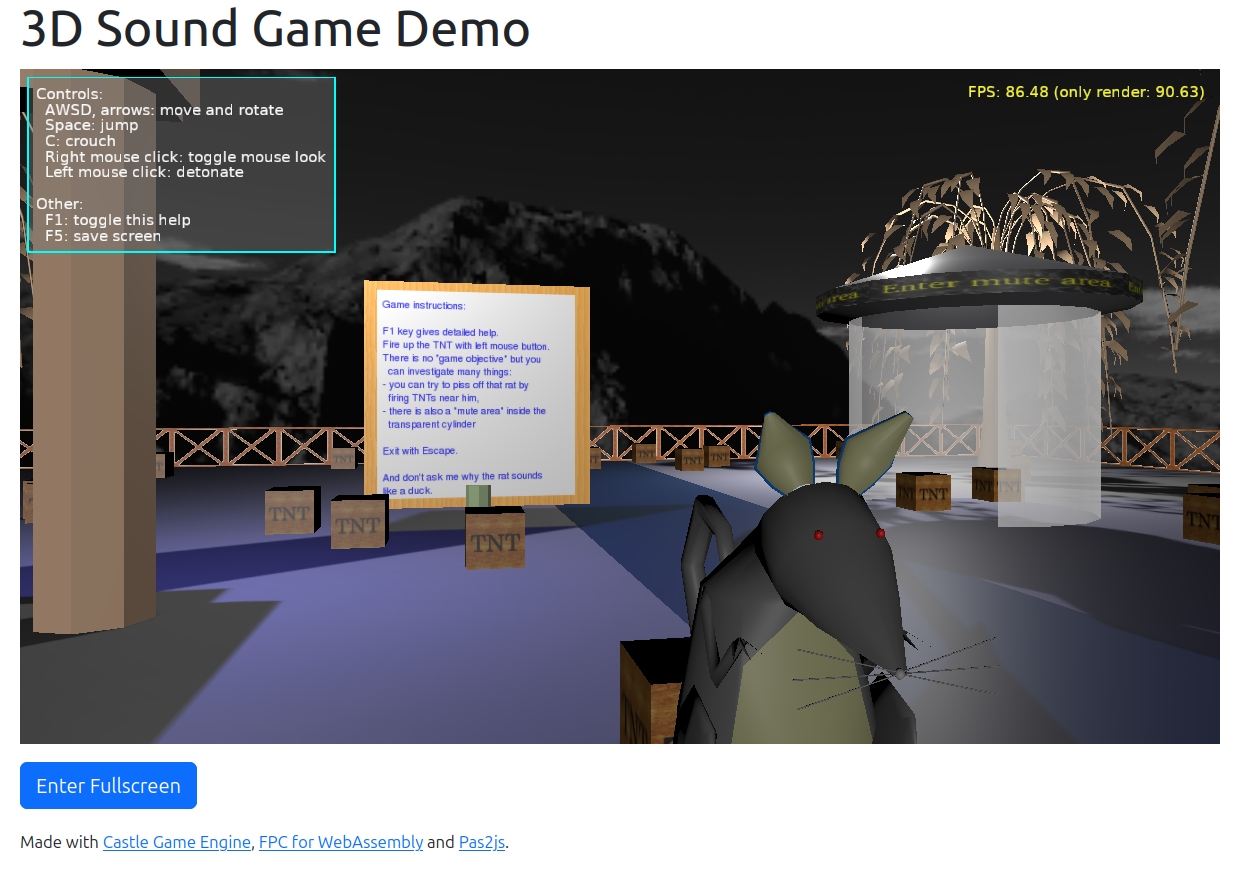
game_3d_sounds example
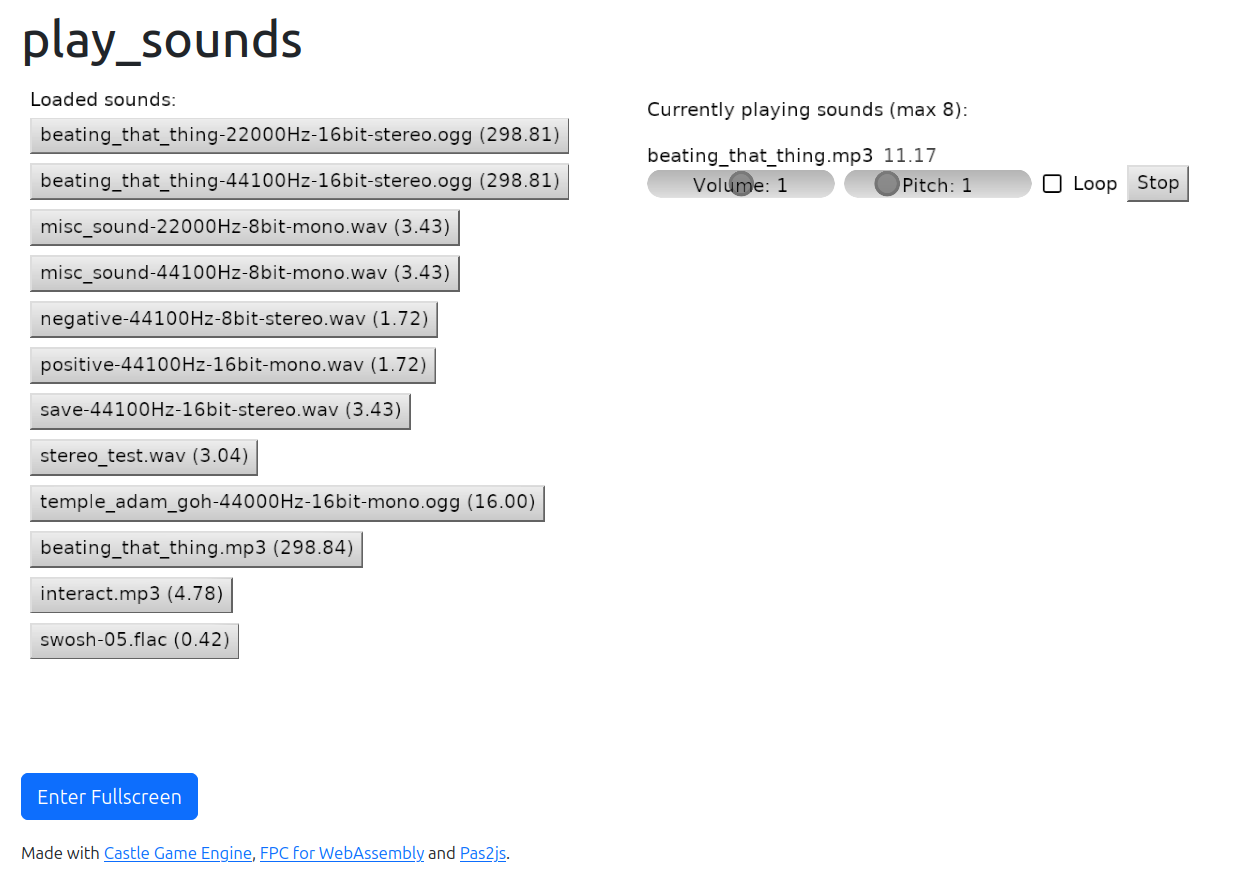
play_sounds example

We have implemented audio playback on the web. Underneath we use WebAudio API but you don’t really need to know anything about it — just use Castle Game Engine sound API and components and everything will work on the web.

Try these examples (links below lead to ready builds — they should work out-of-the-box in your browser):

We have documented some important notes about WebAudio here, a short recap:

  • Audio playback will be in a suspended state when loading the page in modern web browsers. Audio starts in response to user interaction with a page, like clicking any button. You can solve it also by putting your web application inside an iframe with allow="autoplay", which is done e.g. by wrapper generated for HTML games on itch.io.

  • OggVorbis and other formats support relies on the sound decoding support on the browser side. The exception is WAV format support, which we decode on the engine side.

We also did a few improvements around the sound formats API, which benefits all platforms by improving our cross-platform API.

  • The old TSoundDataFormat enum (with 4 values: mono 8-bit, stereo 8-bit, mono 16-bit, stereo 16-bit) is now gone. It was needlessly limiting us to 4 arbitrary combinations of channels/format.

  • We expose new property TCastleSound.Channels, as Cardinal. This can express sound files with more than 2 channels, like Quadraphonic. Already playable by some backends, like FMOD and new WebAudio. Our OpenAL could also play them in the future, see extensions to provide surround sound buffer formats.

  • We have an internal sound sample format (not exposed by public API), which describes just formats we decode on the engine side right now. It’s right now just pcm 8-bit (unsigned) or pcm 16-bit (signed) but can be easily extended. Moreover, it is now only used when we decode on the engine side — because some backends (FMOD and WebAudio) are capable of decompressing + playing without passing through our engine, so are not limited to these formats. E.g. FMOD can also use float sound data.

  • Sound frequency in TCastleSound.Frequency type changed from Cardinal to Single. This again matches better full FMOD and WebAudio backends capabilities. Prefer to express it as TSoundFrequency type, in case in the future we need to upgrade this to Double.

  • We tested and documented that some backends (again FMOD and WebAudio) support more sound formats (like mp3 and flac).

We hope you like our work and we appreciate your support on Patreon!

Comments on the forum ➤

More April News: training timer demo, delayed view changes, URL processing on save, how to easier install web compiler, notes on copyright and AI, in progress: audio on web

Posted on

Training Timer 2 by Serufu Yua

We already announced some new features in April (PLY, InlineGeometry, web: URL parameters and TCastleDownload). Below we report more goodies 🙂 Enjoy!

  1. Check out Training Timer 2: Zero Time project by Serufu Yua, available for Windows and Android. Downloads on itch.io and source code on GitHub (thank you!).

    See also ready UI list box components also from Serufu Yua. Thank you!

  2. View changes (setting Container.View:=.., calling Container.PushView, Container.PopView) may be now performed with a delay. We have extensive documentation what it means, and why we do it, here. The forum thread, with even more information and reasons, is here. Thanks to Vlad (Phomm) for reporting this — this was a critical design problem we had, now “defused”.

    Please note that this change may require to adjust your code in some cases. We tried to make it backward-compatible, and in many cases it is, but it cannot be 100% — inherently, some things are now done later -> so some assumptions break.

    For example, you can no longer assume that new view is started right after PushView:

    Another example (of logic that will no longer work) is if you assumed that old view is stopped right away:

  3. We have a new utility to process URLs of the model (useful before saving it) to e.g. force URLs to be relative or embedded. See ProcessUrls and TUrlProcessing API for the possibilities. See also pull request for all details. Thank you to Jan Adamec for implementing this!

  4. We have added documentation how to install web prerequisites using “WA” button in FpcUpDeluxe. Thanks to Vlad (Phomm)!

  5. I (Michalis) attended FOSS Backstage 2026 conference recently and enjoyed a lot of talks with fellow open-source devs (and walking in Berlin!). The talk “AI generated violations of FOSS Licences” was in particular informative, and fun, and sad -> because AIs indeed ignore copyrights and licenses. To put it bluntly, all the open-source code in the wild has been abused — it is now reproduced, ignoring copyrights. Watch it and maybe you can spot the back of my bald(ing) head in the front :).

    There’s a lot of related discussion and opinions, see e.g. here at Gitea and this article.

    I have added a suitable section about it to our AI guidelines.

  6. Finally, something in progress: we work on audio playback on the web using WebAudio. Current progress is on branch webaudio. Details what works / what needs to be completed before merge in forum post here.

Enjoy using our engine? Please support us on Patreon. And have fun making games:)

Comments on the forum ➤

Web target: getting URL parameters, downloading resources using TCastleDownload

Posted on

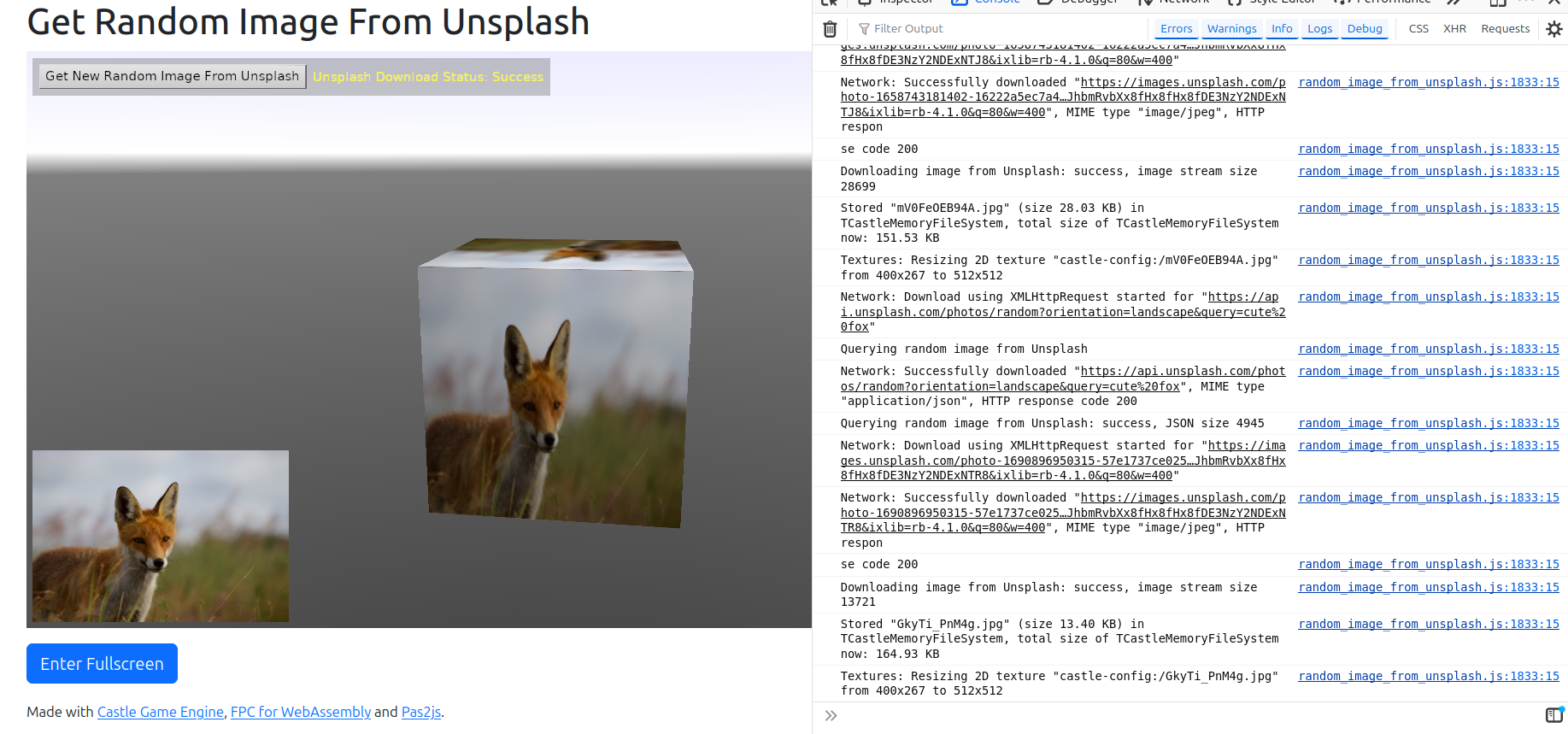
random_image_from_unsplash example on web
asynchronous_download example on web
remote_logging example on web

We add 2 new features to our web target:

  1. New methods to read URL through which your page was accessed, and get query parameters of this URL. The use-case is creating webpages that react to URL parameters, e.g. expose a model viewer on URL like https://viewer.castle-engine.io/?url=http://example.org/model.gltf (working version of this coming soon!). Use these methods:

    This API exists on all platforms, just returns nothing on non-web platforms. So you don’t need to use any $ifdef WASI when accessing this.

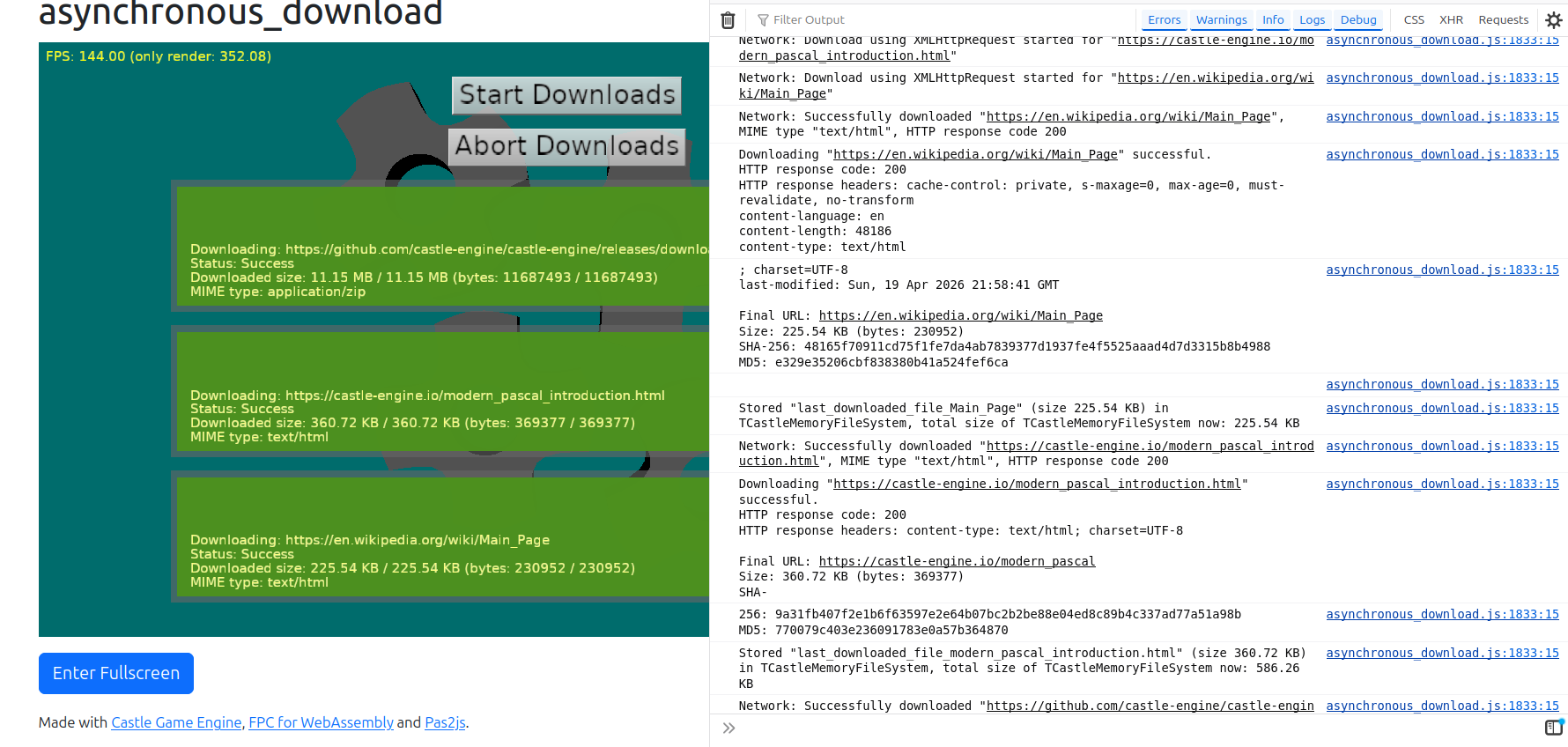
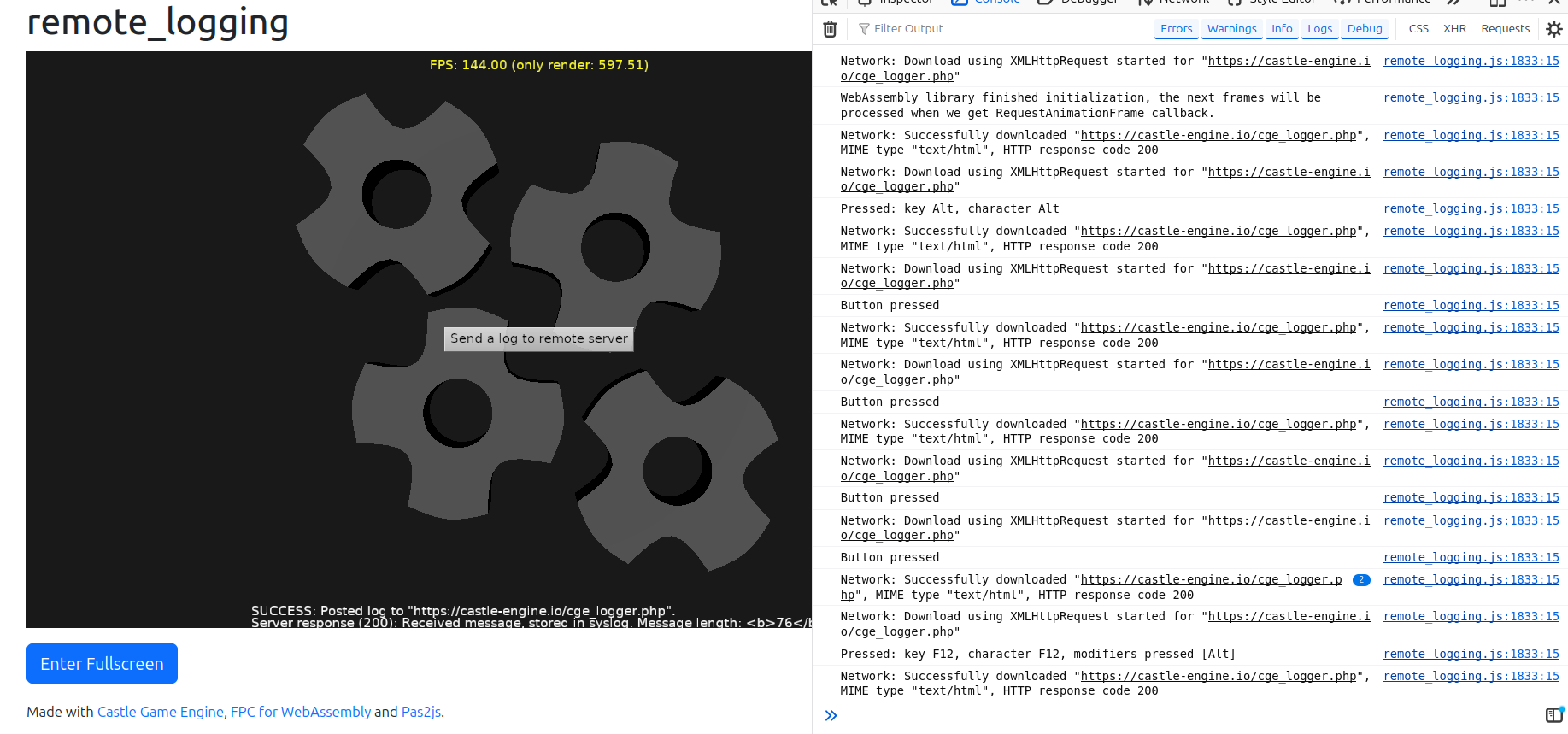
  2. TCastleDownload class works on the web now. It allows to make HTTP requests, e.g. download files or communicate with REST APIs. See URLs, loading resources and Multi-player (network communication) for general usage description.

    Underneath, it uses XMLHttpRequest which is the standard way to make HTTP requests on the web. It supports all HTTP methods, custom headers, progress monitoring and generally all features of our TCastleDownload.

    Examples:

    Note that CORS (Cross-Origin Resource Sharing) security will prevent our application on the web from downloading things from other domains.

    This is a standard security feature of web browsers. It is unavoidable from our side (application living inside a web page). All web application (using JS or WebAssembly) have to deal with it.

    • For development, you can disable CORS in your browser. E.g. on Firefox with CORS Everywhere extension does the job. Chrome supports --disable-web-security command-line option. Search the web for details specific to your browser.

    • For real usage, the server has to be configured to allow downloading from it. It generally involves configuring the server to return appropriate header, like Access-Control-Allow-Origin: *. See CORS documentation at MDN and example configuration for Apache.

Comments on the forum ➤

Web target – big progress, first 3 demos to try!

Posted on

Web demo - 3D viewport, lights, Examine camera, physics
Web demo - invaders
Web demo - first demo

We are proud to present the first 3 working applications developed with Castle Game Engine for the web! Check them out — just open the links below, in any web browser (Firefox, Chrome…), on desktop or mobile!

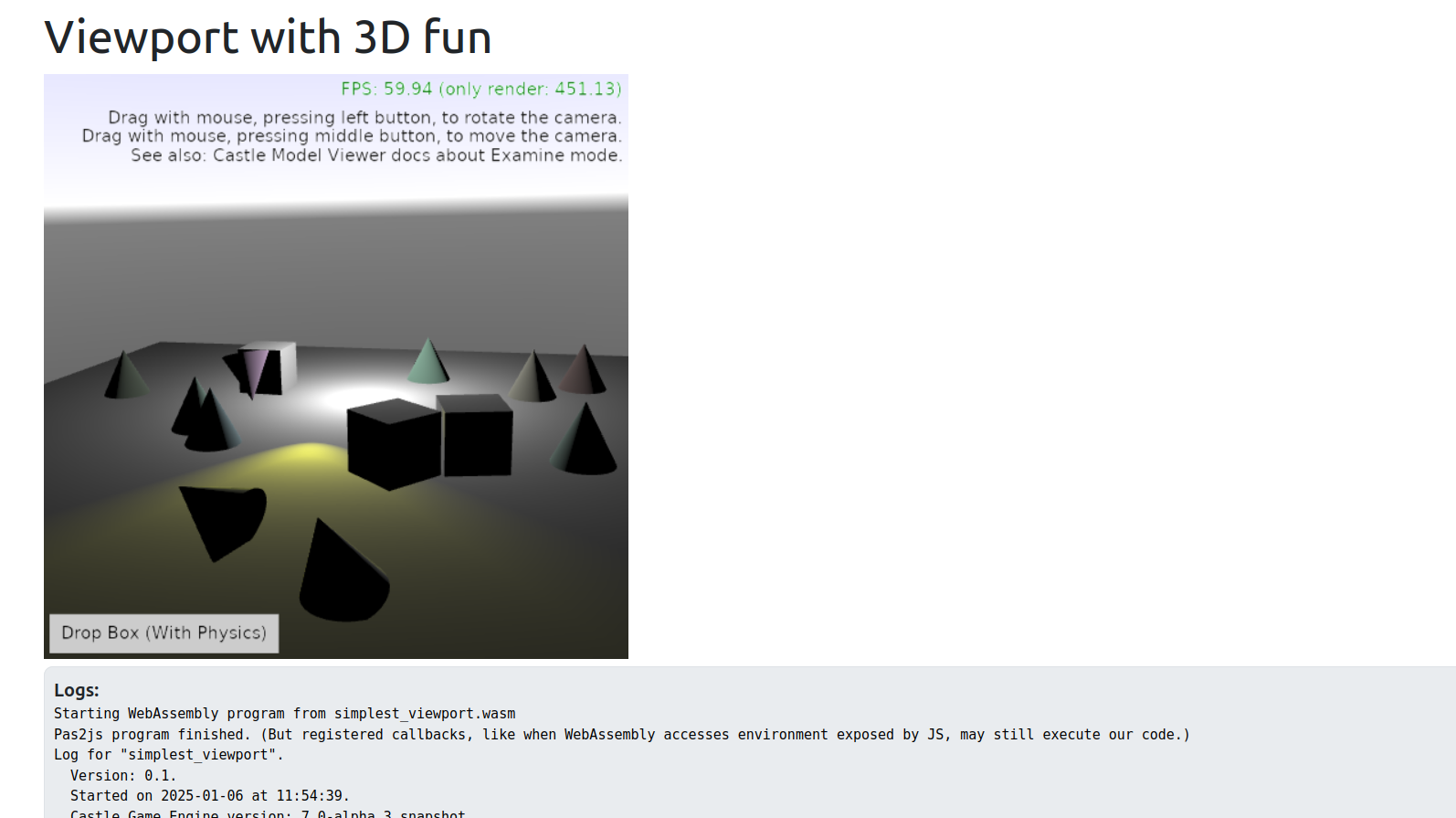
  1. 3D viewport, with random cones, animated spot light, dropping boxes with physics, Examine camera navigation.

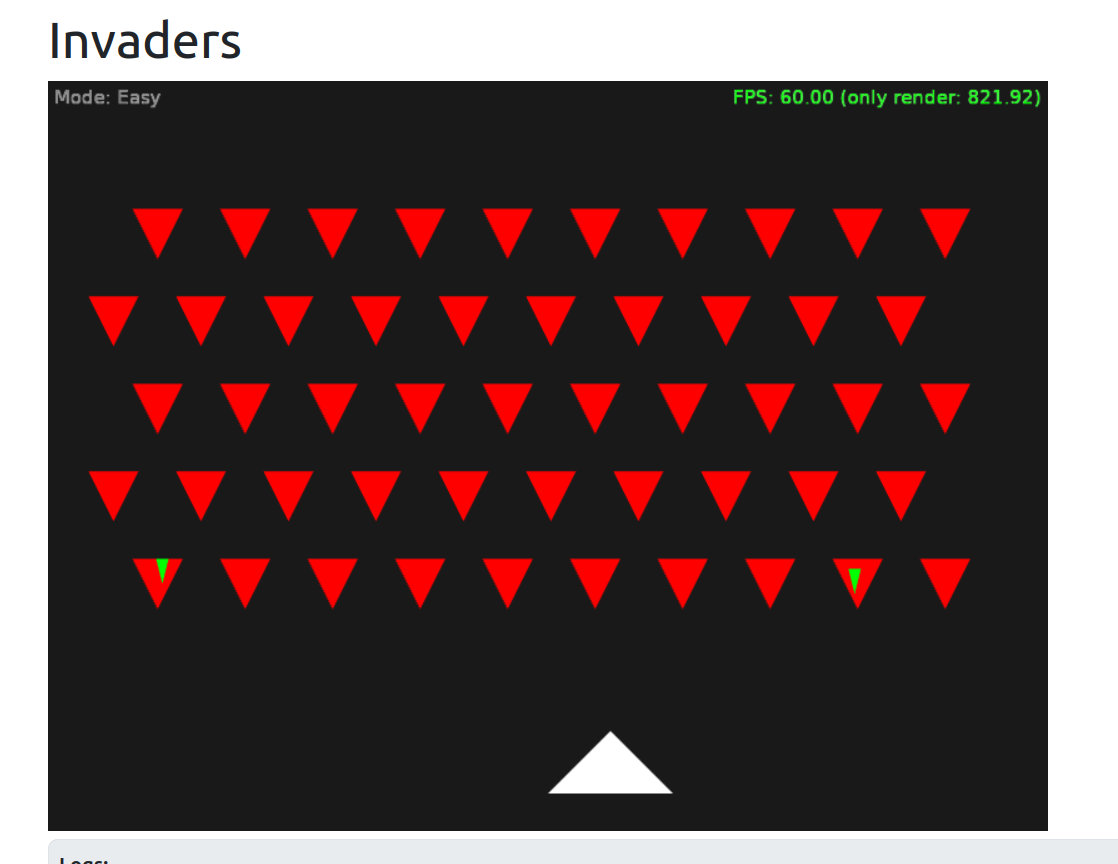
  2. 2D “Invaders” game – simple game, using keys, multiple views, 2 difficulty modes. Note: This example is not really useful on mobile, just because it relies on the keyboard input.

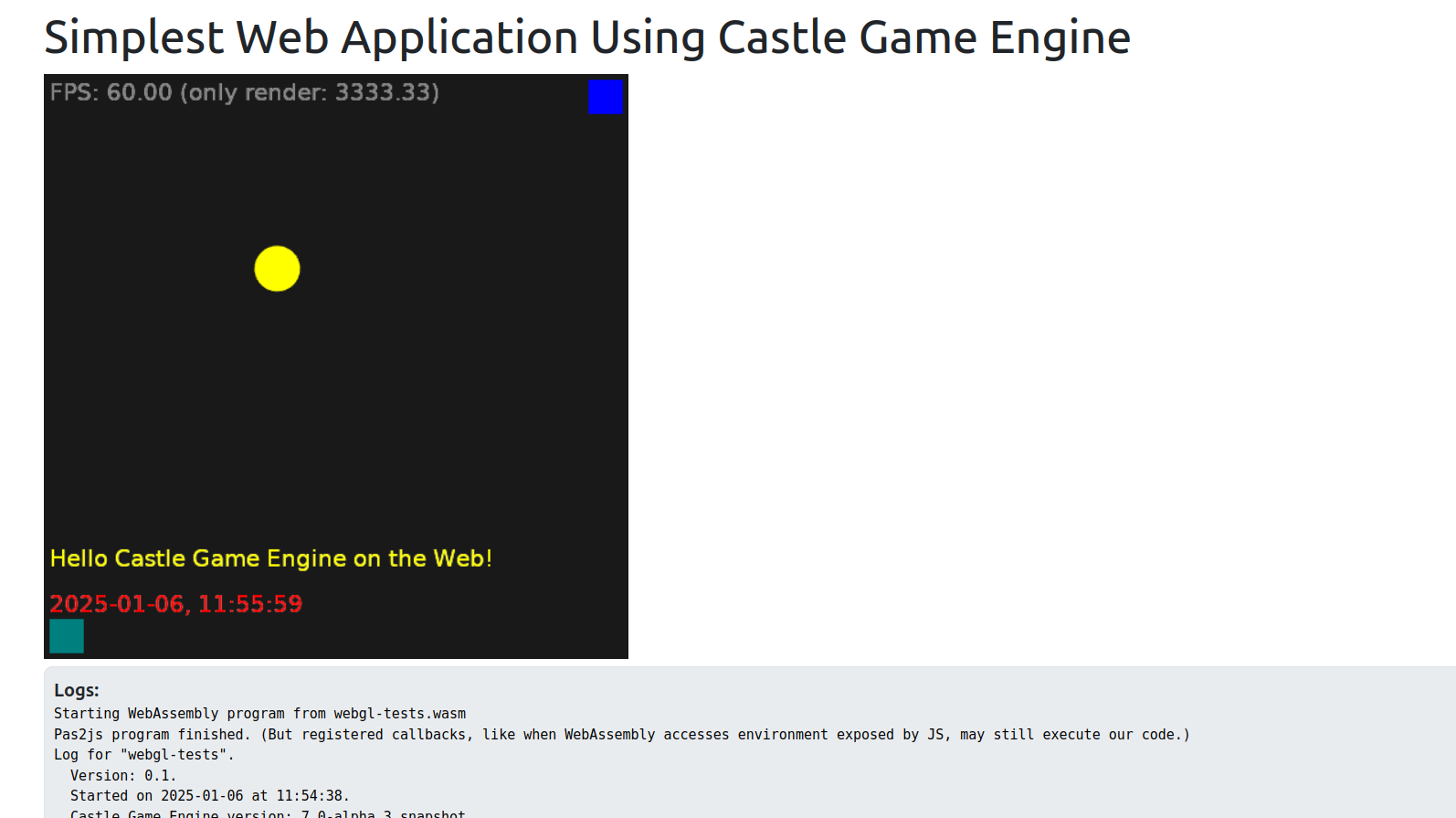
  3. The first, simplest example that we got running on the web!

Note: These are early demos, don’t judge the quality yet — we have some known TODOs (fuzzy text; and the demos will look more impressive once we will have data loading, for now everything you see was set up by code). Stay tuned for more 🙂

How is this possible?

  • We use the WebAssembly target available in FPC and we have a “glue” code generated using Pas2js. We render using WebGL (1.0, with 2.0 features useful but optional), using the Castle Game Engine code. The game code is cross-platform (the 3 examples above can be recompiled to desktop, mobile, console without any change). The TCastleWindow abstracts all platform differences providing rendering and handling input (key, mouse, touch).

  • This is not yet available in the CGE master branch, not yet available in the downloads! The development is on a branch webassm_platformer_test. It should be merged to master soon.

  • We have a ton of documentation what works already, how it works, how to test it, what is missing, and what do we plan on the web platform page. This page was quite intensively updated in the last 2 weeks, so check it out!

Do you like what we do? Spread the word to your friends and support us on Patreon! And have fun developing games with our open-source game engine 🙂

Comments on the forum ➤

New CastleTransformManipulate unit to move/rotate/scale 3D objects in your applications, wireframe “shading” toggle for IndexedFaceSet, Steam achievements fixed with Delphi, slides from my presentation in Bielsko-BiaÅ‚a

Posted on

Transform editing using CastleTransformManipulate

You love the super-long news titles, right? 🙂 Again I have a backlog of announcements to do, to communicate everything happening around the engine development. There will be more news in 2024 (stay tuned for traditional “summary of this year, plans for next”), for today a bag of improvements to announce:

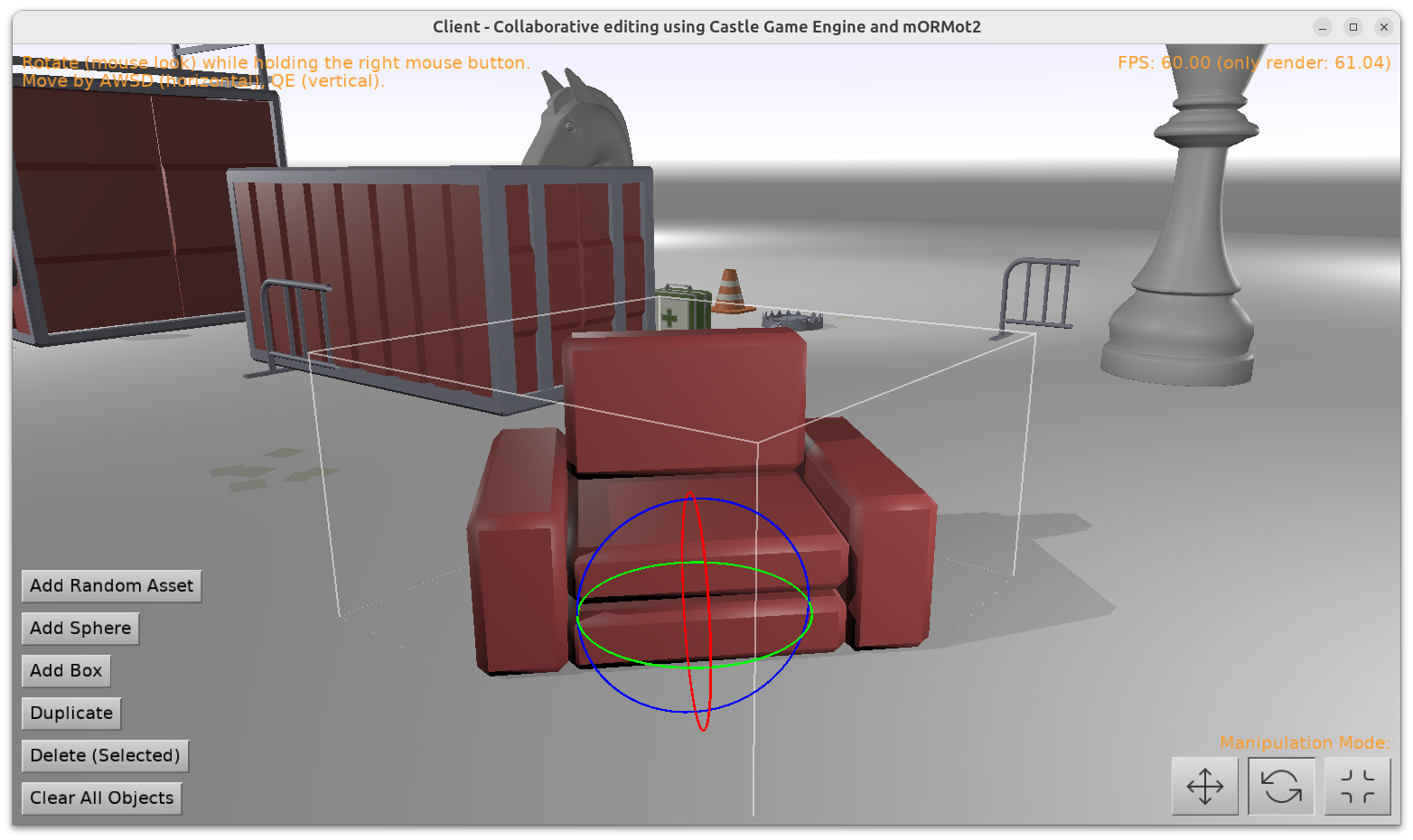
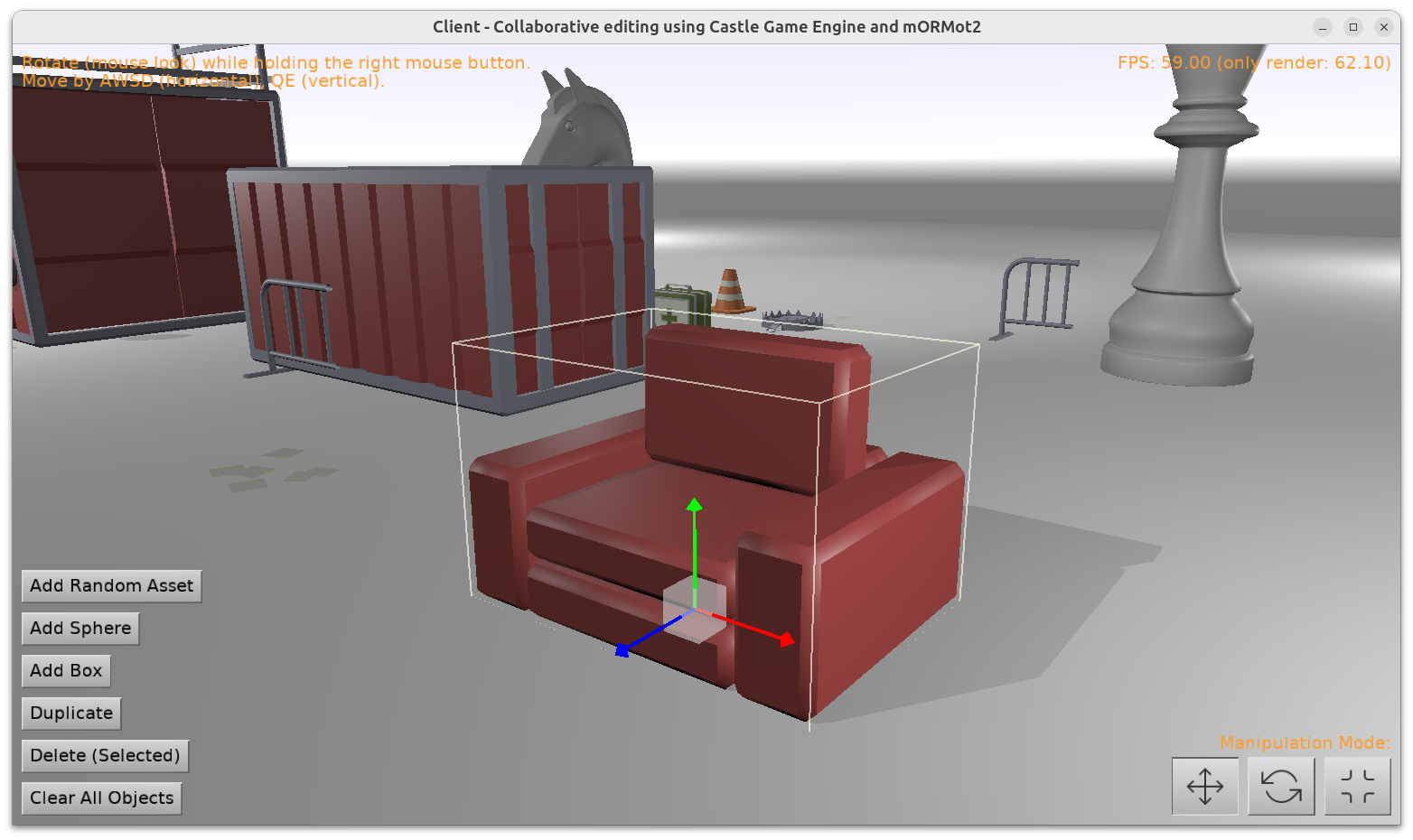
  1. We have a new unit CastleTransformManipulate with 2 new components: TCastleTransformHover (visualize the TCastleTransform we hover over) and TCastleTransformManipulate (visualize selection and move / rotate / scale TCastleTransform).

    Together, they allow you to implement selection / manipulation of 3D objects in your own applications just like the Castle Game Engine editor does.

    Their usage is rather simple:

    Practical examples of using them are in:

    Note: We still work on 2 examples above (we want to improve some things in IFC support, and we want to make mORMot example really support collaborative editing). But their usage of CastleTransformManipulate is now completely stable 🙂

  2. We support toggling any TIndexedFaceSetNode to display as wireframe.

    To do this, set TAbstractShapeNode.Shading to shWireframe using Pascal. If you’re unsure how to manipulate X3D nodes from Pascal, read Writing code to modify scenes and transformations manual, section 11. Building a mesh using code and X3D docs.

    Or, in X3D file, set shading="WIREFRAME" following our X3D Shape.shading docs. Test X3D file is shading_wireframe.x3dv.

    Wireframe display done this way is often useful for model debugging, inspection etc. While you can also construct lines explicitly (using TLineSetNode, TIndexedLineSetNode), it is sometimes more convenient to just define a regular mesh using TIndexedFaceSetNode and then toggle it (based on any condition) to wireframe.

    For some design decisions (e.g. why this is called “shading”) see Shape.shading docs.

  3. We have fixed Steam achievements usage (getting, setting) with Delphi.

  4. I made a presentation about our engine at the beginning of December at Meetup Delphi in Bielsko-Biała (Poland). This was a bigger presentation about engine features, physics, Blender, Sketchfab, Steam integration.

    Slides (in Polish) are here.

    ( If you don’t speak Polish, but you’re interested in the topics — slides from my previous presentation in Cologne are the closest equivalent in English. )

Comments on the forum (1) ➤

New Castle Tester – running all engine automatic tests on all platforms (desktop, mobile, Nintendo Switch…) with all compilers (FPC, Delphi)

Posted on

Castle Game Engine Automatic Tests

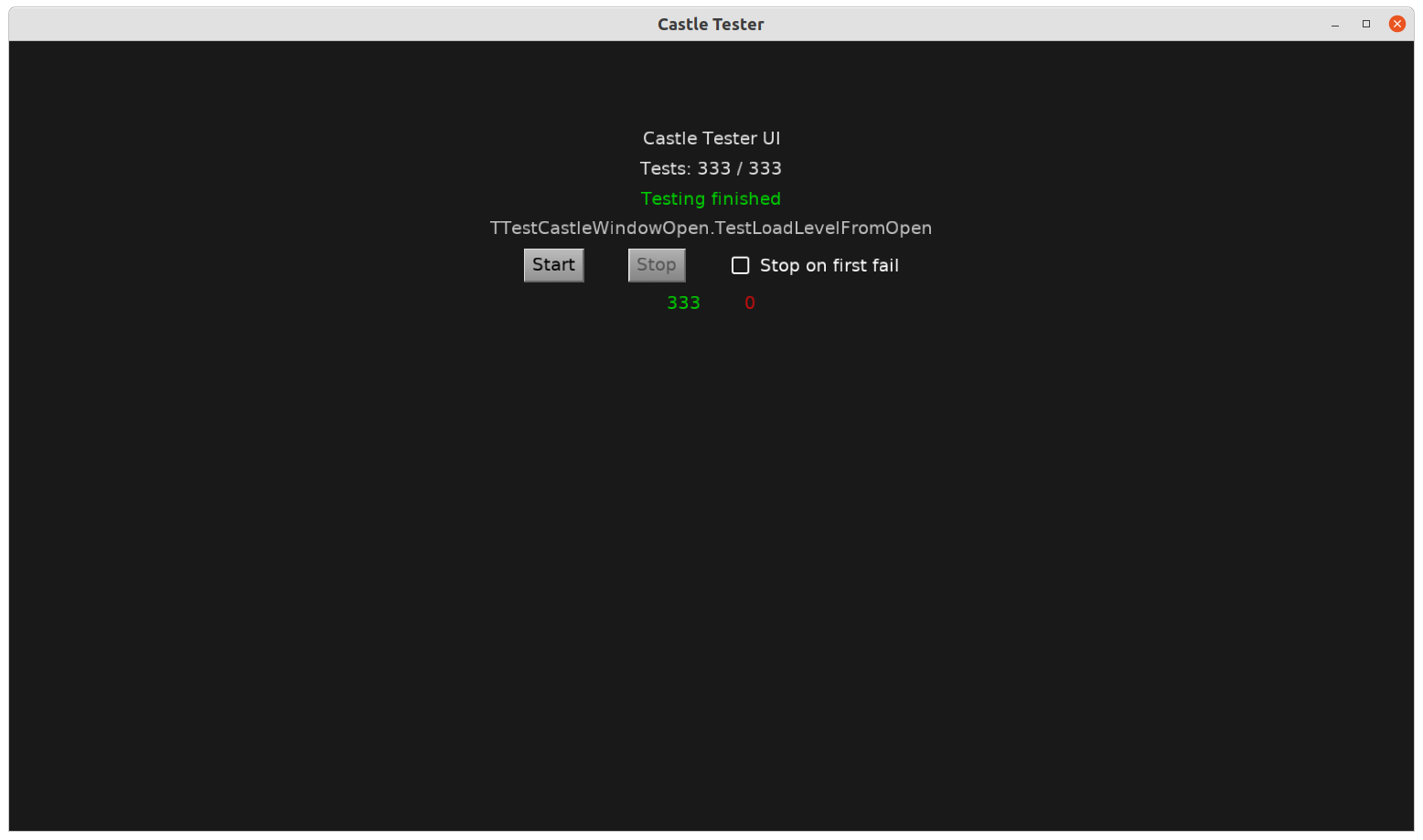
This screenshot will not win the #screenshotsaturday hashtag, but it took a lot of effort to achieve 🙂

Thanks to Andrzej Kilijański we have a big upgrade to our automatic tests application, available as always in tests/ subdirectory of CGE. Instead of using FpcUnit, the application can now use our own testing framework CastleTester that

  1. Is deliberately very compatible with FpcUnit (in fact, using some of its code).

  2. Tightly integrated with CGE, providing easy UI using CGE to run and display all tests results, and some extra utilities like CreateWindowForTest.

  3. Compiles and runs with both FPC and Delphi. All our tests now pass with both compilers. We made a number of fixes to Delphi support thanks to this (FPC support was being tested and flawless since a long time).

  4. Compiles and runs for all platforms we support. E.g. you can run the testsuite on Android, iOS, Nintendo Switch this way, by building the castle-tester for these platforms — just like any other CGE application.

As always, both Jenkins and GitHub Actions run all these tests automatically after every push. Jenkins even runs them with both FPC and Delphi 11.

Comments on the forum ➤