{ Game initialization and logic. }
unit GameInitialize;

interface

implementation

uses SysUtils,
  CastleWindow, CastleLog,
  GameViewMain;

var
  Window: TCastleWindow;

{ One-time initialization of resources. }
procedure ApplicationInitialize;
begin
  { Adjust container settings for a scalable UI (adjusts to any window size in a smart way). }
  Window.Container.LoadSettings('castle-data:/CastleSettings.xml');

  { Create TViewMain that will handle "main" view of the game.
    Larger games may use multiple views,
    e.g. TViewMainMenu ("main menu view"),
    TViewPlay ("playing the game view"),
    TViewCredits ("showing the credits view") etc. }
  ViewMain := TViewMain.Create(Application);
  Window.Container.View := ViewMain;
end;

initialization
  { Initialize Application.OnInitialize. }
  Application.OnInitialize := @ApplicationInitialize;

  { Create and assign Application.MainWindow. }
  Window := TCastleWindow.Create(Application);
  Window.ParseParameters; // allows to control window size / fullscreen on the command-line
  Application.MainWindow := Window;

  { You should not need to do *anything* more in the unit "initialization" section.
    Most of your game initialization should happen inside ApplicationInitialize.
    In particular, it is not allowed to read files before ApplicationInitialize
    is called (in case of non-desktop platforms, some necessary things
    may not be prepared yet). }
end.Cross-platform (desktop, mobile, consoles...) projects
Table of Contents
1. Introduction
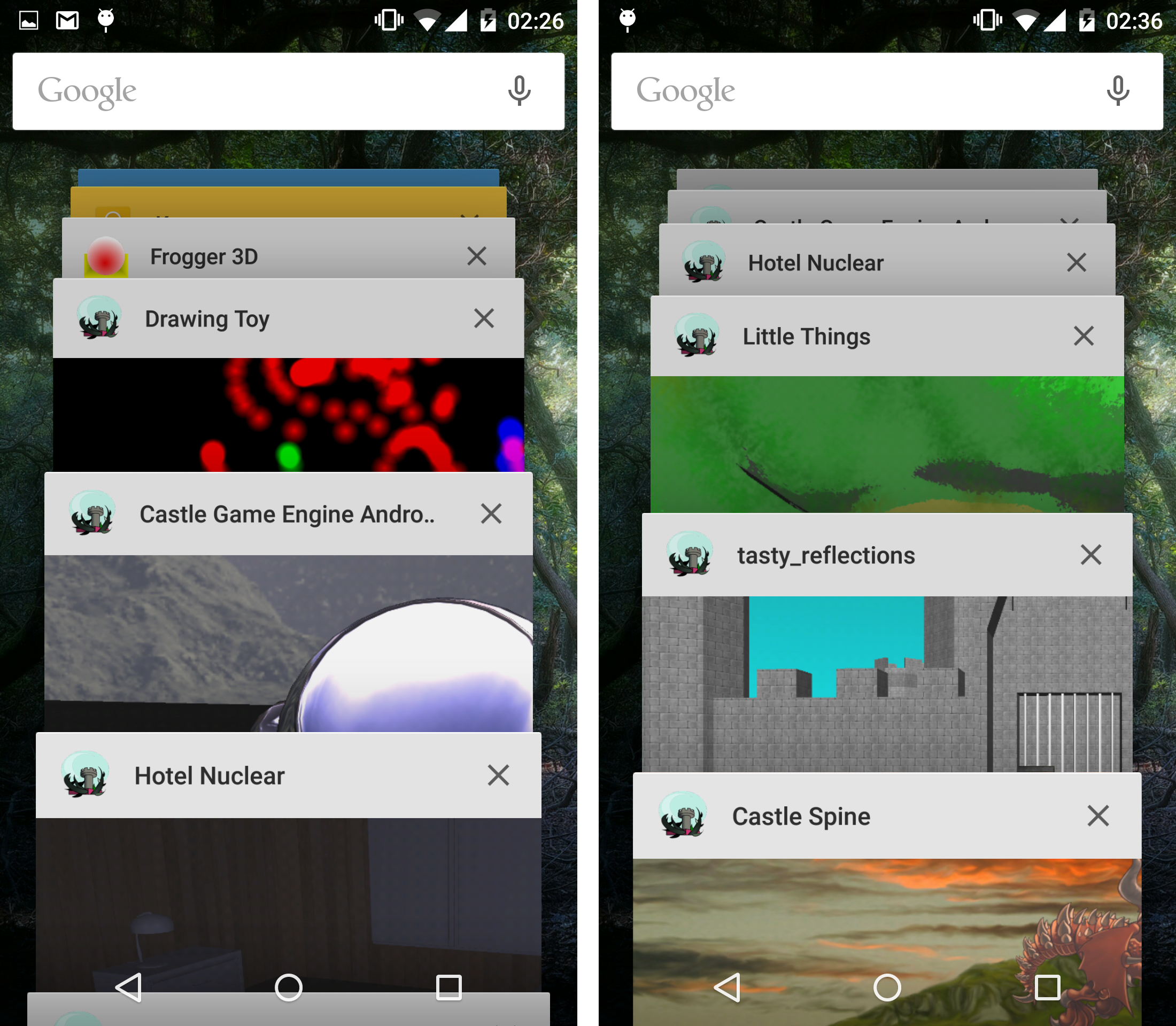
Castle Game Engine allows to build applications for many platforms:
-
desktop (Windows, Linux, macOS, FreeBSD, Raspberry Pi…),
The engine hides as much as possible differences between these platforms, exposing a nice cross-platform API.
2. Building for various platforms
By default, the engine compiles and runs the project for the current platform. This is the easiest approach to just build and test your application on a desktop system, like Windows, Linux, FreeBSD and Raspberry Pi. The engine (including our editor and build tool) just runs there.
To build for a different platform:
-
Choose the target platform in the CGE editor using the submenu "Run → Platform (To Build And Run) → …".
-
Then build the project using "Run → Compile", package to a redistributable format using "Run → Package" and so on.
Make sure that your compiler installation supports the necessary targets. For FPC, it is easy to install cross-compilers using e.g. fpcupdeluxe.
|
Note
|
For Delphi, right now we support only Windows (32 and 64) and Linux targets. And more Delphi platforms are coming. |
For some platforms, we have a dedicated manual page with instructions about what you need to install and how to use it. See:
-
You will have to install Android SDK and FPC cross-compiler for Android.
Then you can build and run for Android.
You can create a package in standard Android APK or AAB formats.
You can run the application, and observe logs, on Android device connected through USB.
-
Developing for iOS (iPhone, iPad).
Note that you need a macOS system to do this. And FPC cross-compiler for iOS.
Doing "Run → Package" for iOS by default just creates an Xcode project. You should open it in Xcode to run on a connected device, or in simulator, or release on the AppStore. We can also build IPA file for iOS.
-
For this, first you need to be a registered and confirmed Nintendo developer. Then we will provide you with a version of CGE that works on Nintendo Switch.
3. Differences in input handling between mobile (touch) and desktop (mouse) platforms
To create portable games you have to think about different types of inputs available on some platforms:
-
On desktop most users will have a keyboard and a mouse. Supporting gamepad (joystick) is also possible.
-
On mobile platforms most users will use the touch screen (even if it’s possible to plug external keyboard or mouse at least to Android).
See touch device input for details.
4. Things to avoid in cross-platform games
-
Do not call
Window.OpenorWindow.CloseorApplication.Runinside the cross-platform unit likegameinitialize.pas.These methods should never be explicitly called on non-desktop platforms. Even on the desktop platforms, they should only be called from the main program file (
xxx_standalone.dpr), which may be auto-generated by the build tool. -
Do not call
Application.Terminateon platforms where users don’t expect it. UseApplicationProperties.ShowUserInterfaceToQuitto show or hide the appropriate user interface, like a "Quit Game" button. Mobile applications generally don’t have a button to quit — instead, mobile users just switch to a different application (or desktop) using the standard buttons.Also, the
Application.Terminatemay not be implemented on some platforms whereShowUserInterfaceToQuitisfalse. -
Do not create more than one
TCastleWindowinstance. If you want your game to be truly portable to any device — you have to limit yourself to using only one window. For normal games that’s probably natural anyway.Note that the engine still supports, and will always support, multiple-window programs. See e.g.
castle_game_engine/examples/window/multi_window.dprexample. However, it only works on normal desktop systems. It is not possible to do portably (to seamlessly work on mobile and console systems) since other platforms don’t have a concept of "window" that works like on desktops.
5. Explaining the standard new project setup
5.1. Standard GameInitialize unit
New projects created using the CGE editor are automatically cross-platform. All the "New Project" templates (including "Empty", the simplest) follow the same approach.
The starting point of every cross-platform project is a unit that initializes Application.MainWindow.
By default, this unit is called GameInitialize and it is present in your project
in code/gameinitialize.pas.
This unit looks like this:
The initialization section at the bottom of the GameInitialize
unit should only assign a callback to Application.OnInitialize,
and create and assign Application.MainWindow.
Most of the actual initialization (loading images, resources, setting up player
and such) should happen in the callback you assigned to Application.OnInitialize.
At that point you know that your program is ready to load and prepare resources.
This GameInitialize unit can be included by the main program / library file.
But usually you should not maintain yourself this main program / library file.
The build tool
will automatically generate the main program / library using the GameInitialize unit,
as necessary for compilation on a particular platform.
5.2. Optional standalone program file
Optionally, to be able to run and debug the project from Lazarus or Delphi,
we need a program file like xxx_standalone.dpr.
You should not create or maintain such file manually. Instead, it should be automatically generated for new projects. You can also always regenerate it using editor menu "Code → Regenerate Project (overwrites LPI, DPR, DPROJ, CastleAutoGenerated)" or using command-line:
castle-engine generate-program
You should not customize the generated xxx_standalone.dpr
file. While such customizations would work in the short term,
they would prevent from regenerating this file. It’s better to leave it auto-generated,
and place your necessary initialization (even things like command-like parsing)
in your units, like gameinitialize.pas.
To make our build tool use your customized program file (instead of the auto-generated
one), be sure to set standalone_source in the CastleEngineManifest.xml.
It is already set OK in new projects created using our editor.
To improve this documentation just edit this page and create a pull request to cge-www repository.
